
導入
This manual provides detailed instructions for the setup, operation, maintenance, and troubleshooting of your Devia Lingo Series Foldable Bluetooth Mini Keyboard with Touchpad. Please read this manual thoroughly before using the device to ensure optimal performance and longevity.
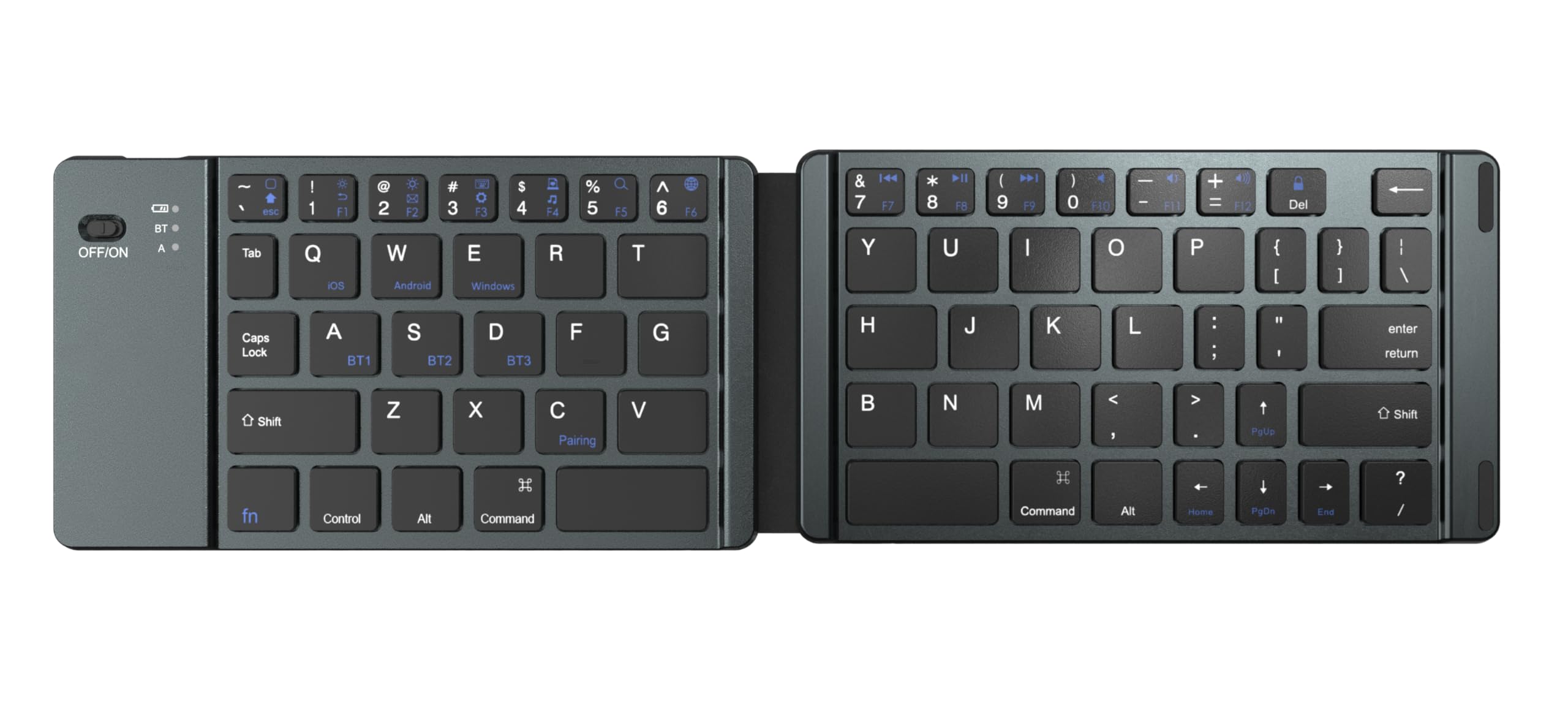
Image: The Devia Lingo Series Foldable Bluetooth Mini Keyboard in its open, ready-to-use state, showcasinコンパクトなデザインと統合されたタッチパッドを備えています。
設定
1. キーボードを展開する
Gently unfold the keyboard until it lies flat. The magnetic hinges will secure it in the open position. Unfolding the keyboard automatically powers it on.

Image: The Devia Lingo Series keyboard in its compact, folded state, highlighting its portability.

画像: クローズアップ view illustrating the 180-degree folding mechanism of the keyboard, emphasizing its compact storage and anti-slip pads.
2.電源のオン/オフ
The keyboard powers on automatically when unfolded. To power off, fold the keyboard. Alternatively, locate the physical ON/OFF switch on the side of the keyboard for manual control.

画像: 詳細な view of the keyboard's side, showing the ON/OFF switch and the Bluetooth indicator light.
3.Bluetoothペアリング
The Devia Lingo Series keyboard supports Bluetooth 3.0 and can connect to up to 3 devices simultaneously. Follow these steps to pair your device:
- Unfold the keyboard to power it on. The Bluetooth indicator light will begin to flash, indicating it is in pairing mode.
- On your device (smartphone, tablet, PC, Smart TV), enable Bluetooth and search for available devices.
- Select "Lingo Series Keyboard" or a similar name from the list of found devices.
- プロンプトが表示されたら、画面に表示されているペアリングコードをキーボードで入力し、 入力.
- Once paired, the Bluetooth indicator light will stop flashing and remain solid for a few seconds before turning off.
To switch between paired devices, press the Fn key along with the corresponding Bluetooth channel key (e.g., Fn + 1, Fn + 2, Fn + 3).

Image: The Devia Lingo Series keyboard connected to multiple devices, including a laptop, desktop, and tablet, demonstrating its multi-channel Bluetooth capability.

Image: The Devia Lingo Series keyboard positioned in front of a laptop, desktop monitor, and tablet, illustrating its broad compatibility with different operating systems.
操作手順
キーボードの使用法
The keyboard features 64 keys, providing a full range of typing functions. Standard keyboard shortcuts and key combinations (e.g., Ctrl+C, Ctrl+V) are supported based on your connected device's operating system.
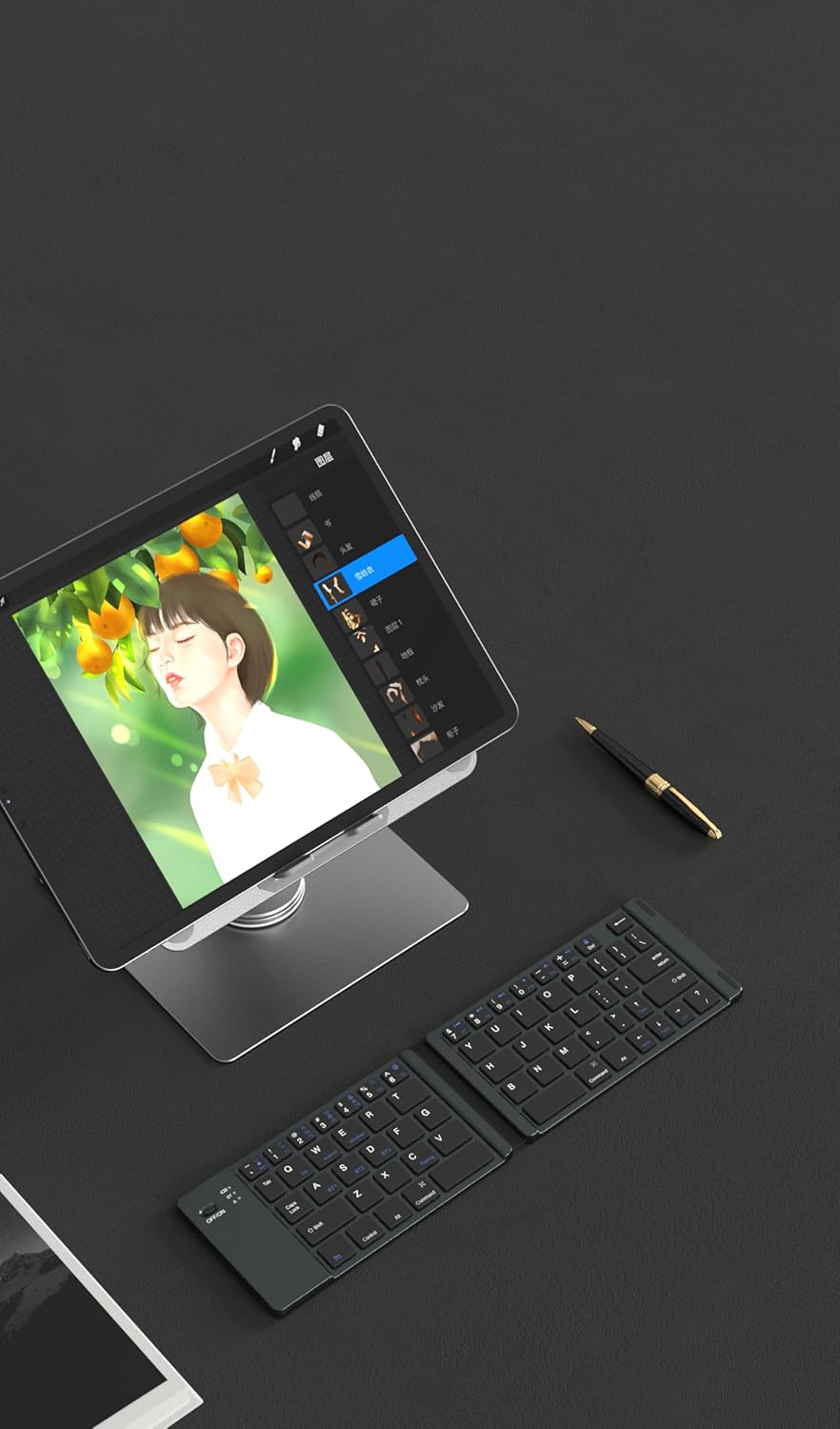
Image: The Devia Lingo Series keyboard open and in use alongside a tablet, demonstrating its functionality for mobile productivity.
タッチパッドの使用法
The integrated multi-touch touchpad allows for precise cursor control and gesture-based navigation, similar to a laptop touchpad. Common gestures include:
- 一本指タップ: 左クリックします。
- 2本指タップ: 右クリック。
- 2本指スクロール: 上/下または左/右にスクロールします。
- ピンチしてズーム: Zoom in/out (supported on compatible devices).
重要な注意:
The touchpad function is not compatible with iOS devices running a version under 13.4. Ensure your iOS device is updated to version 13.4 or higher for touchpad functionality.
メンテナンス
バッテリーの充電
The keyboard is equipped with a rechargeable lithium battery. When the battery is low, the indicator light will flash. To charge:
- 付属のType-C充電ケーブルをキーボードの充電ポートに接続します。
- ケーブルのもう一方の端を USB 電源 (コンピューターの USB ポート、USB 壁アダプターなど) に接続します。
- 充電中は充電インジケータライトが点灯し、完全に充電されると消灯します。
The Type-C charging port ensures convenient and fast charging without damaging the battery, thanks to its built-in charging protection function.

Image: A close-up of the keyboard's Type-C charging port with a charging cable connected, illustrating the charging process.
クリーニングとお手入れ
The keyboard features a waterproof and dustproof conductive film, offering protection against spills and dust. To clean the keyboard:
- Ensure the keyboard is powered off and disconnected from any charging source.
- d 柔らかい布で表面を拭きますamp 布。 刺激の強い化学物質や研磨材の使用は避けてください。
- Allow the keyboard to dry completely before use.
This design helps prevent short circuit dangers from accidental liquid splashes.
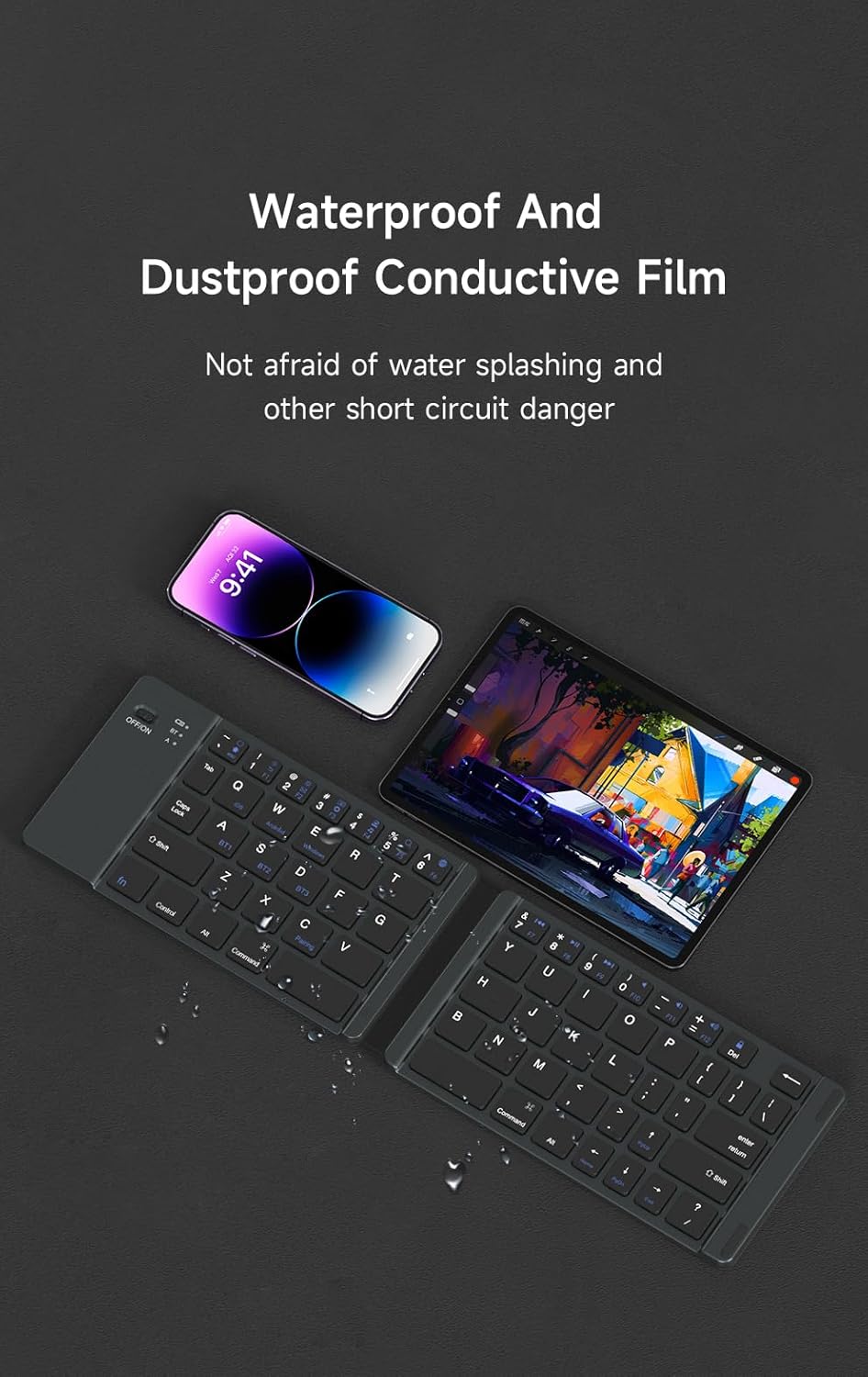
Image: The Devia Lingo Series keyboard shown with a smartphone, highlighting its waterproof and dustproof conductive film feature.
トラブルシューティング
キーボードがBluetooth経由で接続されない
- 電力を確認します: Ensure the keyboard is unfolded and powered on. The ON/OFF switch should be in the 'ON' position if manually controlled.
- バッテリー残量: Charge the keyboard fully. A low battery can prevent successful pairing.
- Bluetooth on Device: Verify that Bluetooth is enabled on your host device (PC, tablet, phone).
- 修理: デバイスの Bluetooth リストからキーボードを削除し、再度ペアリングを試行します。
- 距離: Ensure the keyboard is within the 10-meter operating distance of your device.
- 干渉: 干渉を引き起こす可能性のある他のワイヤレス デバイスから離れて移動してください。
タッチパッドが反応しない
- iOS 互換性: If using an iOS device, confirm that its operating system is version 13.4 or higher. The touchpad function is not supported on earlier iOS versions.
- 再接続: Bluetooth接続を切断して再接続します。
- 再起動: キーボード(折りたたんでから広げる)と接続されているデバイスの両方を再起動します。
キーが反応しない
- 繋がり: キーボードが Bluetooth 経由で正しく接続されていることを確認します。
- バッテリー: バッテリー残量を確認し、必要に応じて充電してください。
- 再起動: Power cycle the keyboard and the connected device.
仕様
| 特徴 | 詳細 |
|---|---|
| モデル番号 | 387364 |
| 接続方法 | Bluetooth connection (3 channels) |
| 折りたたみ時の寸法(長さ x 幅 x 高さ) | 約97mm×95mm×16mm |
| 展開時の寸法(長さ x 幅 x 高さ) | 304.5 mm x 97.95 mm x 8 mm (Approx. 11.99 x 3.86 x 0.31 inches) |
| アイテム重量 | 8.8オンス |
| タッチパッドのサイズ | 54.8mm×44.8mm |
| キーの数 | 64キー |
| 動作距離 | 最大10メートル(33フィート) |
| 電池のタイプ | Rechargeable Lithium Polymer battery |
| ウェイクアップ方法 | Key wake-up |
| キーライフ | 5万プレス |
| 対応デバイス | Laptop, PC, Smart TV, Android, Windows, iOS (Touchpad requires iOS 13.4+) |
保証情報
Specific warranty details for the Devia Lingo Series Foldable Bluetooth Mini Keyboard with Touchpad may vary by region and retailer. Please retain your proof of purchase. For comprehensive warranty terms and conditions, please refer to the official Devia webサイトをご覧いただくか、ご購入店にお問い合わせください。
カスタマーサポート
If you encounter any issues not covered in this manual or require further assistance, please visit the official Devia webサポートリソース、FAQ、連絡先情報については、こちらのサイトをご覧ください。製品をご購入いただいた販売店にお問い合わせいただくこともできます。