
1. 安全情報
Please read this manual carefully before using the Magicshine EVO 1300 Bike Light. Improper use may result in injury or damage to the product.
- Do not look directly into the light beam when the light is on, as this may cause temporary vision impairment or permanent eye damage.
- Ensure the light is securely mounted before riding.
- お子様の手の届かないところに保管してください。
- Do not disassemble or modify the light. This will void the warranty and may cause damage or injury.
- 付属のUSB-C充電ケーブルのみを使用してください。
- The light may become hot during prolonged use. Exercise caution when handling.
2. パッケージ内容
パッケージにすべてのアイテムが含まれていることを確認します。
- EVO 1300 Bike Front Light x 1
- Handlebar Out-Front Mount Kit x 1
- MJ-6508 Remote Control (incl. strap) x 1
- USB-C充電ケーブルx1
- Wahoo Mount x 1
- ネジx 2
- 2mm六角レンチ×1
- 3mm六角レンチ×1
- ユーザーマニュアル x 1

Image: Contents of the Magicshine EVO 1300 package, including the light, mount, remote, cables, and tools.
3.製品オーバーview
The Magicshine EVO 1300 is a high-performance bicycle headlight designed for night riding, offering a maximum output of 1300 lumens. It features a durable aluminum housing and an IPX6 waterproof rating, ensuring reliability in various weather conditions. The light is equipped with a fast-charging USB-C port and a 3200mAh battery for extended runtime.

Image: The Magicshine EVO 1300 bike light, showcasinコンパクトなデザインとフロントレンズが特徴です。
Key features include a unique beam combination with a glare-free low beam for urban commutes and a powerful high beam for off-road exploration. Users can customize lighting settings via the Magicshine App for a personalized experience. The light also comes with a wireless remote control for convenient mode switching.
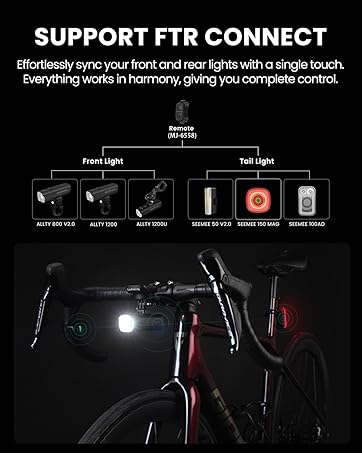
Image: The Magicshine EVO 1300 mounted underneath a bike computer, demonstrating the space-saving design.
4. セットアップ
4.1 ライトの取り付け
The EVO 1300 utilizes an out-front mount with a GoPro quick-release design, allowing the light to be positioned beneath the handlebars. This design frees up handlebar space for other accessories like a bike computer.
- Attach the handlebar out-front mount to your bicycle's handlebars using the provided hex keys and screws. Ensure it is securely fastened.
- Slide the EVO 1300 light onto the GoPro quick-release mechanism on the mount until it clicks into place.
- Adjust the angle of the light to ensure optimal illumination of your path without blinding oncoming traffic.
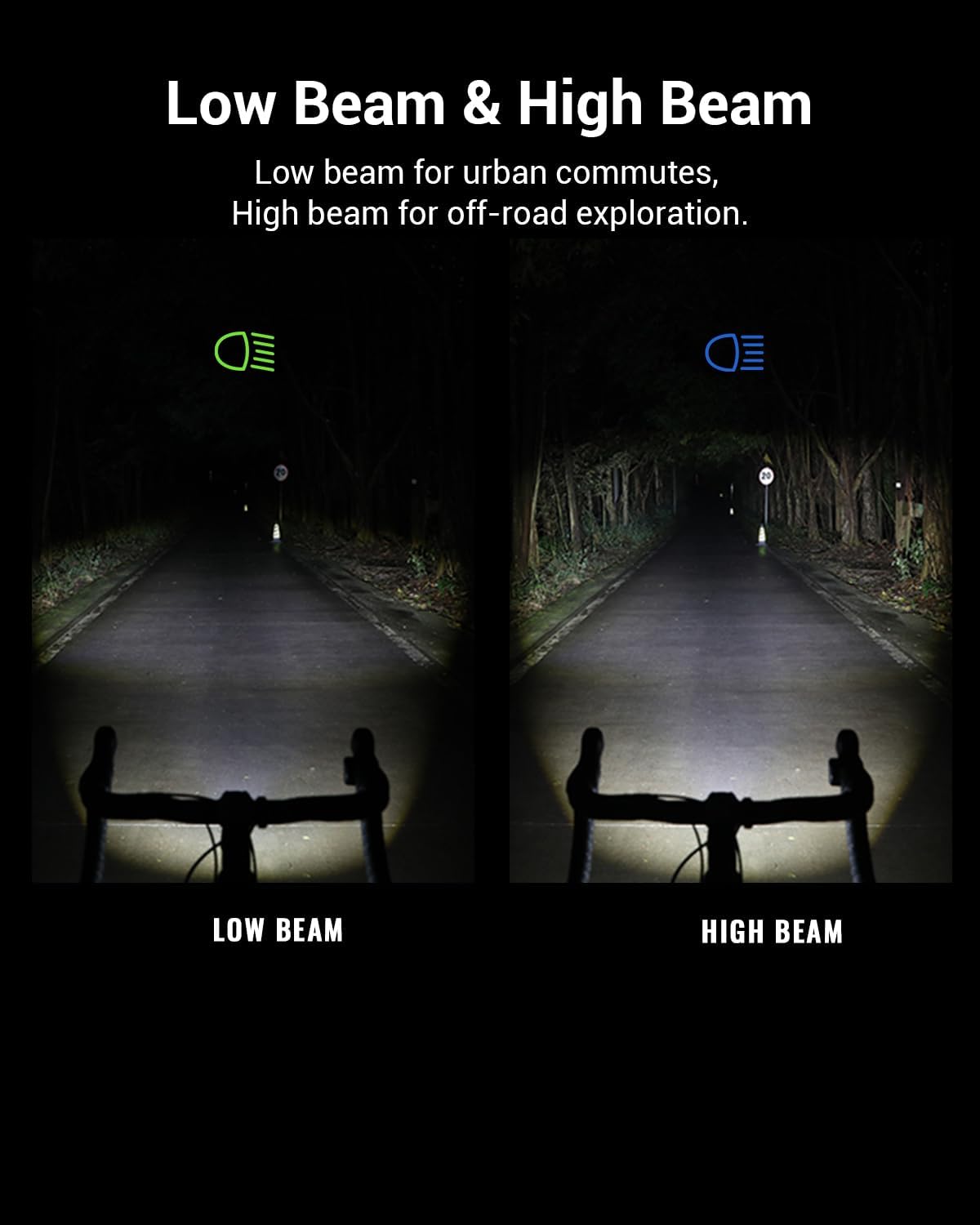
Image: The Magicshine EVO 1300 light securely mounted beneath bicycle handlebars, with a bike computer mount above it.
4.2 リモコンの取り付け
The MJ-6508 remote control can be attached to your handlebars for easy access to light functions.
- Position the remote control on your handlebar in a location that is easily accessible with your thumb or finger while riding.
- Use the provided strap to secure the remote control firmly to the handlebar.
Image: The wireless remote control for the EVO 1300 mounted on a bicycle handlebar, showing its ergonomic placement near the brake lever.
4.3 ライトの充電
The EVO 1300 features a USB-C charging port for convenient and fast charging.
- Locate the USB-C charging port on the light, typically covered by a rubber flap for waterproofing.
- Open the rubber flap and insert the provided USB-C charging cable.
- ケーブルのもう一方の端を USB 電源 (例: 壁のアダプタ、コンピュータの USB ポート) に接続します。
- The battery indicator will show charging status. Ensure the flap is securely closed after charging to maintain waterproofing.

Image: A hand plugging a USB-C cable into the charging port of the Magicshine EVO 1300 bike light.
5. 操作
5.1 電源のオン/オフ
To power on the light, press and hold the main power button located on the light unit. Press and hold again to power off.
5.2 モードの変更
The EVO 1300 offers various lighting modes for different riding conditions:
- ロービーム: Designed for urban environments, providing a glare-free beam to avoid dazzling oncoming road users.
- ハイビーム: For off-road or unlit areas, offering maximum illumination.
- フラッシュモード: For increased visibility during daytime or in low-light conditions.
Double-click the main power button on the light or the corresponding button on the remote control to switch between low beam and high beam. Single-click to cycle through different intensity levels within each beam type or flash modes.
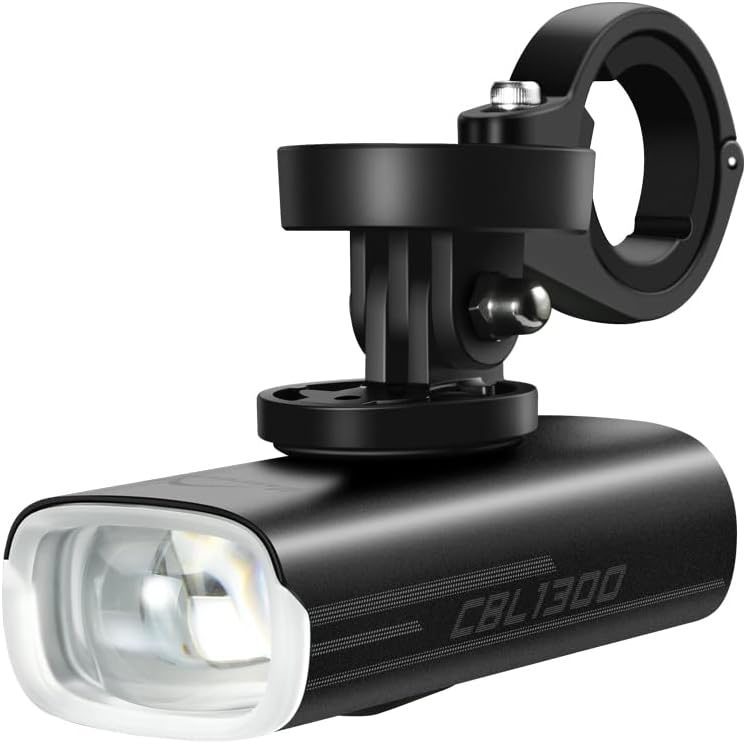
Image: Comparison of the Magicshine EVO 1300's low beam (cut-off) and high beam patterns on a dark road.
5.3 リモートコントロールの使用
The MJ-6508 wireless remote control allows for convenient adjustment of light modes without removing your hands from the handlebars.
- Press the designated button on the remote to cycle through brightness levels.
- Use another button to switch between low beam and high beam.
5.4 アプリのカスタマイズ
Download the Magicshine App to customize your lighting settings for various riding scenarios. The app allows for fine-tuning of brightness levels and mode configurations.
ビデオ: オーバーview of the Magicshine EVO 1300 bike light, demonstrating its features including the underneath mounting, dual-lens system, IPX6 waterproof rating, Garmin quick-release mount, and wireless remote control. The video also shows the cut-off low beam and high beam in action.
6. メンテナンス
6.1 クリーニング
柔らかい布で光を拭き取りますamp cloth to remove dirt and debris. Do not use harsh chemicals or abrasive materials, as these may damage the housing or lens.
6.2 充電のベストプラクティス
To prolong battery life, charge the light regularly and avoid completely draining the battery. Store the light in a cool, dry place when not in use.
6.3 防水
The EVO 1300 has an IPX6 waterproof rating, meaning it is protected against high-pressure water jets from any direction. Ensure the USB-C charging port cover is securely closed to maintain its waterproof integrity.
7。 トラブルシューティング
- ライトが点灯しない: Check battery level. If low, charge the light using the provided USB-C cable.
- 光のちらつきや暗さ: 電池残量が少なくなっている可能性があります。ライトを充電してください。
- リモコンが機能しない: Ensure the remote control is properly paired with the light. Check the remote's battery.
- ライトが充電されない: Verify that the USB-C cable is correctly inserted and the power source is functional. Try a different cable or power adapter.
- マウントが安全ではありません: Re-tighten the mount screws with the provided hex keys.
8. 仕様
| 特徴 | 詳細 |
|---|---|
| ブランド | マジックシャイン |
| モデル | エボ1300 |
| 輝度 | 1300ルーメン(最大) |
| 電源 | 電池駆動 |
| バッテリー容量 | 3200mAh(内部) |
| 充電ポート | USB-C |
| 耐水性レベル | IPX6 |
| 材料 | アルミニウム、プラスチック |
| アイテム重量 | 154グラム |
| 製品寸法 | 長さ3.7インチ x 幅1.65インチ x 高さ1.36インチ |
| 取り付けタイプ | Handlebar Mount (GoPro quick-release compatible) |
| 設定数 | 8 |
9.保証とサポート
Magicshine products are designed for durability and performance. For warranty information, please refer to the specific warranty policy provided with your purchase or visit the official Magicshine webサイト。
For technical support or customer service inquiries, please contact Magicshine support at: aftersales@magicshine.com