
1. はじめに
This manual provides essential information for the safe and effective use of your ALITOVE 12V 3A 36W AC/DC Power Adapter (Model ALT-1203). Please read these instructions carefully before installation and operation. This power adapter is designed to convert AC household current to a stable 12V DC output, suitable for various electronic devices requiring up to 3A of current.

Image 1.1: ALITOVE 12V 3A 36W AC/DC Power Adapter. This image shows the compact black power adapter with its attached DC output cable and standard AC input plug.
2 製品の特徴
The ALITOVE 12V 3A 36W AC/DC Power Adapter incorporates several features for reliable and safe operation:
- ユニバーサルインプットVol。tage: Accepts AC 100-240V, 50/60Hz, making it suitable for international use with appropriate plug adapters.
- Stable DC Output: Provides a consistent 12V DC output with a maximum current of 3A (36W).
- 幅広い互換性: Features a 5.5mm x 2.5mm DC plug, also compatible with 5.5mm x 2.1mm ports. The plug polarity is center positive (+), outer negative (-).
- 複数の安全保護: Includes automatic overload protection, over-voltage protection, over-current protection, over-temperature protection, and short circuit protection.
- 耐久性のある構造: Made with flame-retardant and high-temperature resistant PC & ABS synthetic materials.
- Anti-interference Magnetic Ring: Designed to reduce electromagnetic interference (EMI) for stable current transmission.
- High-Quality Power Cord: Utilizes oxygen-free copper for better conductivity and a superior PVC cable jacket to prevent leakage.
- Reinforced Stress Points: Designed to withstand wear and tear at cable connections.
- Optional Female Terminal Connector: Some packages may include a female terminal connector for screw-in wire connections, expanding application range without soldering.

Image 2.1: Detailed features of ALITOVE power adapter construction. This image highlights the solid PC & ABS shell, anti-interference magnetic ring, safe & reliable power cord, reinforced stress point, and the optional female terminal connector.

Image 2.2: Internal circuit board with multiple safety protections. This image displays the internal components of the power adapter, illustrating the design for over-voltage, over-current, short circuit, over-temperature, anti-EMI, and surge protection.
3. 仕様
Refer to the table below for detailed technical specifications of the ALITOVE 12V 3A 36W AC/DC Power Adapter.
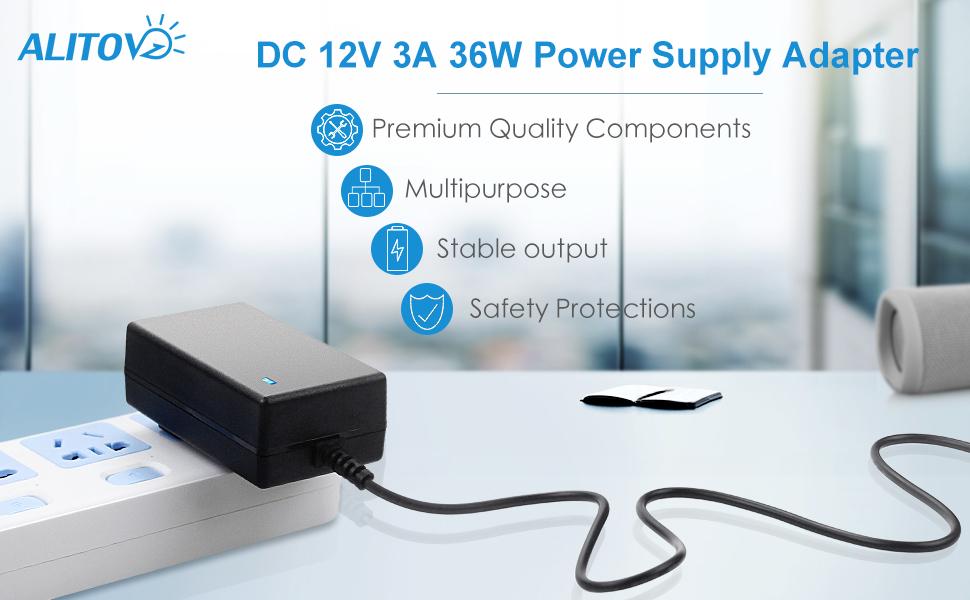
Image 3.1: Product parameters table for ALITOVE 12V 3A power adapter. This image presents a clear table outlining the product name, brand, input voltage、出力ボリュームtage, output current, output wattage、および DC コネクタ サイズ。
| パラメータ | 価値 |
|---|---|
| 製品名 | AC/DC電源アダプター |
| ブランド | アリトーベ |
| モデル番号 | ALT-1203 |
| 入力ボリュームtage | AC 100-240V、50/60Hz |
| 出力巻tage | DC12V |
| 出力電流 | 最大3A |
| 出力ワットtage | 最大36W |
| DCコネクタサイズ | 5.5mm x 2.5mm(5.5mm x 2.1mmと互換性あり) |
| DCプラグの極性 | Inner positive (+), Outer negative (-) |
| 製品寸法 | 4.72 x 1.57 x 1.18 インチ (12 x 4 x 3 cm) |
| アイテム重量 | 約3.09ポンド(10パック) |
| 安全基準 | 準拠規格 |

Image 3.2: Universal DC Output Tip dimensions and polarity. This image illustrates the physical dimensions of the DC plug (5.5mm outer, 2.1/2.5mm inner) and clearly indicates the inner positive, outer negative polarity.
4. セットアップとインストール
Follow these steps to properly set up your ALITOVE power adapter:
- デバイスの互換性を確認します。 Ensure your device requires a 12V DC input and draws no more than 3A (36W) of power. Check your device's power port to confirm it is compatible with a 5.5mm x 2.5mm or 5.5mm x 2.1mm DC plug with center positive polarity.
- デバイスに接続します: Insert the DC output plug of the power adapter into the power input port of your electronic device.
- 電源コンセントに接続します。 Plug the AC input plug of the power adapter into a standard AC 100-240V wall outlet.
- 電源オン: 接続すると、デバイスに電力が供給されるはずです。

Image 4.1: DC plug size comparison. This image shows the 5.5mm x 2.5mm DC plug and indicates its compatibility with 5.5mm x 2.1mm ports.

Image 4.2: Power adapter connected to a security camera. This image demonstrates the power adapter plugged into a wall outlet and supplying power to a security camera, illustrating a typical application.
5. 操作手順
The ALITOVE 12V 3A 36W AC/DC Power Adapter is designed for simple plug-and-play operation. Once correctly connected to a compatible device and a power outlet, it will provide continuous 12V DC power.
- 耐荷重: For optimal performance and longevity, it is recommended that the connected device's power consumption does not exceed 80% of the adapter's maximum load (i.e., less than 29W for a 36W adapter).
- 屋内使用のみ: This power adapter is intended for indoor use in dry environments. Do not expose it to water, moisture, or high humidity.
- ユニバーサル互換性: This adapter is suitable for a wide range of 12V DC devices under 3A/36W, including LED strips, ham radio transceivers, CCTV cameras, car subwoofer amplifiers, audio amplifiers, wireless routers, ADSL modems, and DVR/NVR security cameras.
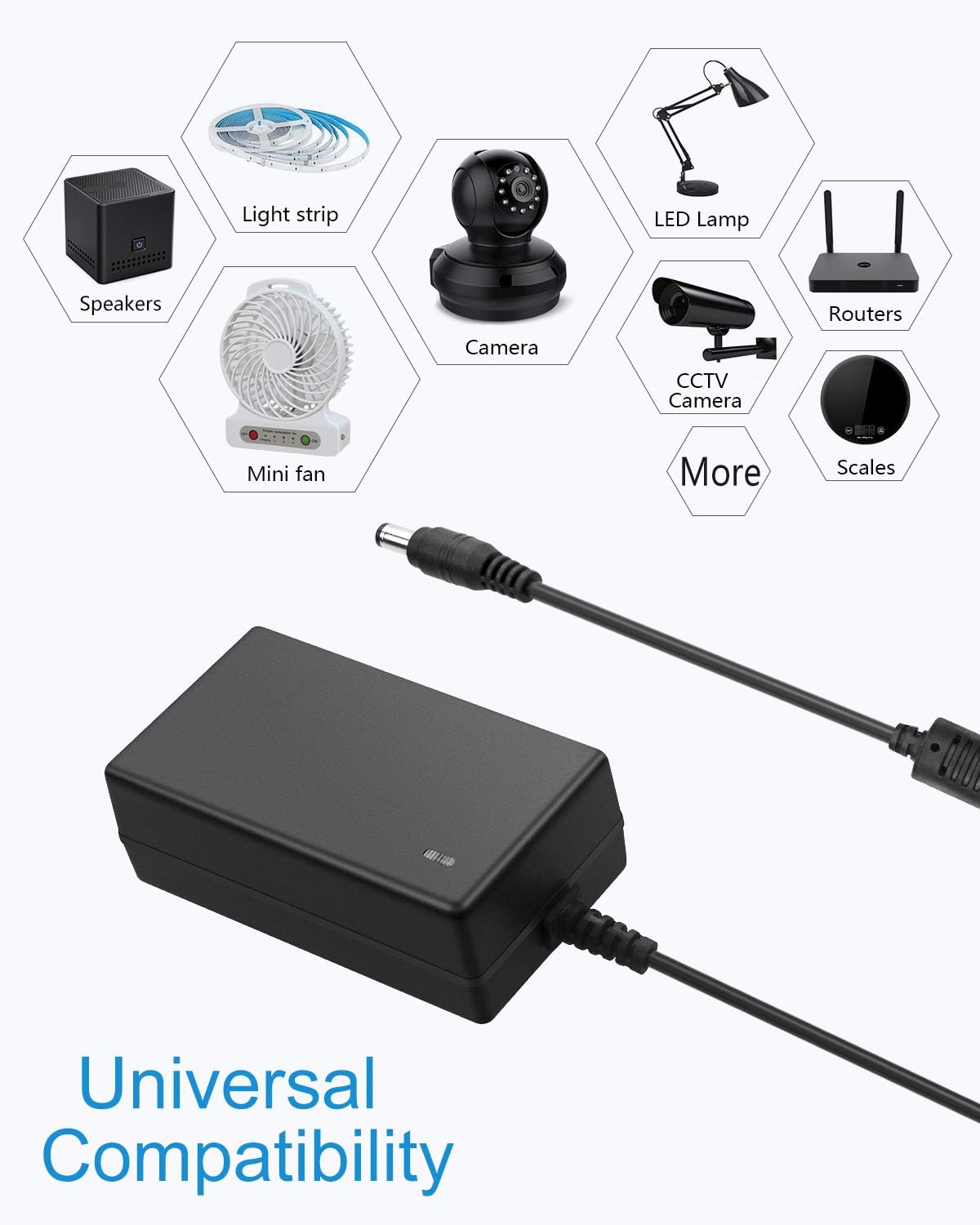
Image 5.1: Icons representing universal compatibility with various devices. This image displays icons for speakers, light strips, cameras, LED lamps, mini fans, routers, and scales, indicating the broad range of devices compatible with the power adapter.
6. メンテナンス
電源アダプターの寿命と正常な動作を確保するには、次のメンテナンス ガイドラインに従ってください。
- クリーニング: Disconnect the adapter from the power outlet and the device before cleaning. Use a dry, soft cloth to wipe the exterior. Do not use liquid cleaners or solvents.
- ストレージ: 使用していないときは、アダプタを直射日光や極端な温度を避けて、涼しく乾燥した場所に保管してください。
- ケーブルのお手入れ: Avoid bending or crimping the power cord excessively. Do not place heavy objects on the cable.
- 検査: Periodically inspect the adapter and cables for any signs of damage, such as frayed wires, cracks, or loose connections. If damage is found, discontinue use immediately.
7。 トラブルシューティング
電源アダプタに問題が発生した場合は、次の一般的なトラブルシューティング手順を参照してください。
| 問題 | 考えられる原因 | 解決 |
|---|---|---|
| デバイスに電力が供給されていません | 1. Adapter not plugged in correctly. 2. 壁のコンセントに電気が来ていない。 3. Device requires different voltage / current。 4. DC plug not fully inserted or incompatible. 5. Adapter or device is faulty. | 1. Ensure both AC and DC plugs are securely connected. 2. Test the wall outlet with another device. 3. Verify device specifications match adapter (12V, max 3A). 4. Check DC plug size and polarity (5.5mm x 2.5mm/2.1mm, center positive). 5. If all else fails, contact support. |
| Adapter gets excessively hot | 1. Overload (device draws too much power). 2. 換気が悪い。 | 1. Ensure device power consumption is within adapter limits (max 3A/36W, recommended <29W). Disconnect and allow to cool. 2. Ensure the adapter is in a well-ventilated area and not covered. |
| Device flickers or malfunctions | 1. Insufficient power (device draws more than 3A). 2. 電源が不安定です。 | 1. Confirm device power requirements. If it exceeds 3A, a higher-rated adapter is needed. 2. Ensure the adapter is not overloaded and is connected to a stable power source. |
If the problem persists after attempting these solutions, please contact ALITOVE customer support.
8. 安全情報
怪我や損傷を防ぐために、次の安全上の注意事項を守ってください。
- Do not disassemble or modify the power adapter.
- Keep the adapter away from water, fire, and high temperatures.
- アダプタを使用しないでください。asing またはケーブルが破損しています。
- 動作中はアダプター周囲の適切な換気を確保してください。
- このアダプターは屋内専用です。
- お子様の手の届かない場所に保管してください。
9. 保証とサポート
ALITOVE provides the following support for this product:
- 60日間返金ポリシー: ご購入いただいた商品にご満足いただけない場合は、60 日以内に返金を受けられる場合があります。
- 24-Month Exchange: The product is covered by a 24-month exchange policy for manufacturing defects.
- カスタマーサポート: For any issues or inquiries, ALITOVE aims to respond to emails within 6 hours. All issues can typically be resolved via email support.
For support, please refer to the contact information provided with your purchase or visit the official ALITOVE webサイト。