
1。 オーバーview
The Blink Outdoor 4 is a fourth-generation wireless smart security camera designed to protect your home both indoors and outdoors. It offers 1080p HD live view, infrared night vision, and crisp two-way audio, all accessible from your smartphone via the Blink app. The camera is powered by two AA lithium batteries, providing up to two years of battery life under default settings. Key features include enhanced dual-zone motion detection and optional person detection with a Blink Subscription Plan.

Image: The Blink Outdoor 4 camera highlighting its main features.
2. 含まれるもの
Your Blink Outdoor 4 Camera System includes the following components:
- Four (4) Blink Outdoor 4 cameras
- One (1) Sync Module 2
- Eight (8) AA lithium metal batteries (two per camera)
- Four (4) mounting kits (one per camera)
- 1本のUSBケーブル
- 電源アダプター1個
3. セットアップ
Setting up your Blink Outdoor 4 system is a straightforward process. Follow these steps to get your cameras operational:
- Blink Home Monitor アプリをダウンロードしてください: 検索する "Blink Home Monitor" in your smartphone's app store (iOS 17, Android 10, or Fire OS 8 required). Download and install the app.
- アカウントを作成する: Open the Blink app and follow the on-screen prompts to create a new user account.
- Set up the Sync Module 2:
- Plug the Sync Module 2 into a wall outlet using the provided USB cable and power adapter.
- In the Blink app, tap the '+' icon to add a new device, then select 'Sync Module'.
- Follow the app instructions to connect the Sync Module 2 to your 2.4 GHz Wi-Fi network. Ensure a strong Wi-Fi signal for optimal performance.
- Install Batteries in Cameras:
- Open the back cover of each Blink Outdoor 4 camera.
- Insert the two (2) included AA lithium metal batteries, ensuring correct polarity.
- Close the back cover securely to maintain weather resistance.
- システムにカメラを追加する:
- In the Blink app, tap the '+' icon again and select 'Wireless Cameras'.
- Scan the QR code located inside the camera's battery compartment using your phone's camera.
- Follow any additional prompts in the app to complete the camera setup and assign it to your Sync Module 2 system.
- カメラのマウント: Use the provided mounting kits to securely install your cameras in desired indoor or outdoor locations. Ensure the camera has a clear field of view and is within range of your Sync Module 2.
Video: A detailed unboxing and setup guide for the Blink Outdoor 4 camera system, demonstrating how to install batteries, connect the Sync Module, and add cameras via the Blink Home Monitor app.
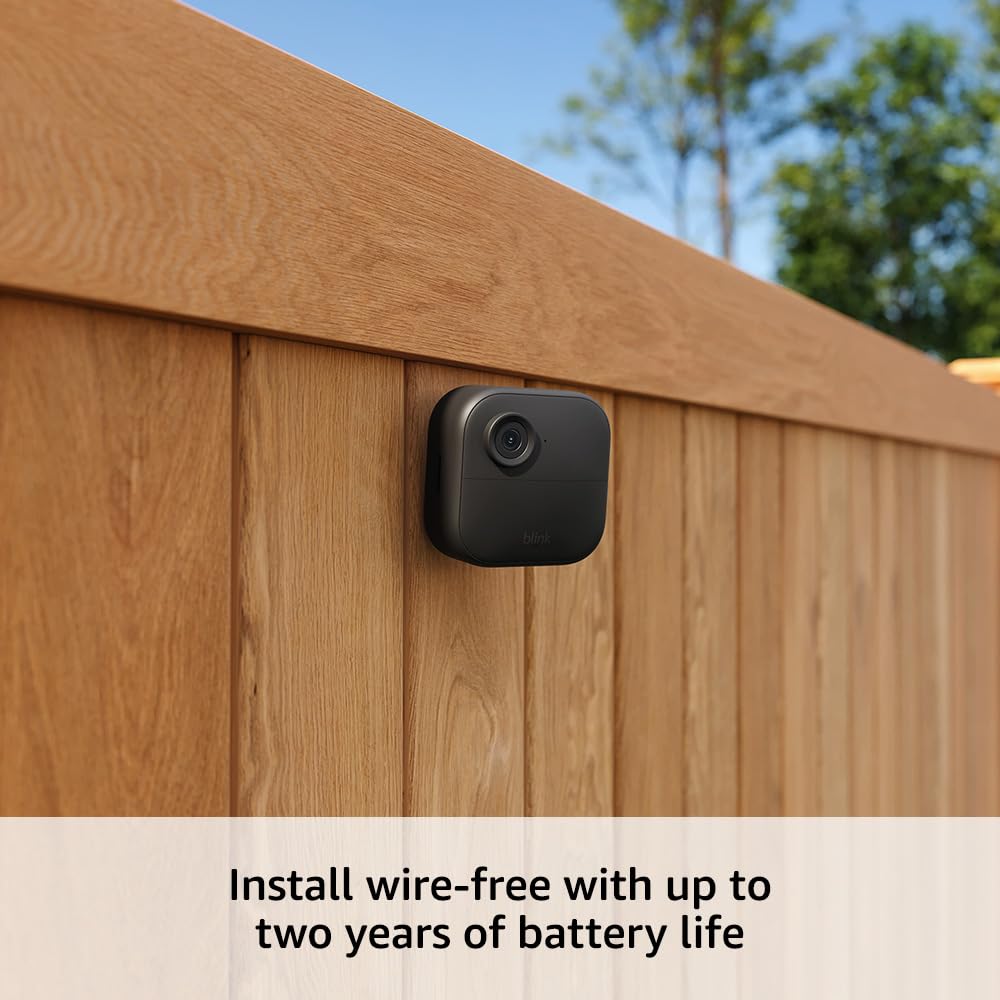
Image: The Blink Outdoor 4 camera installed wire-free on a wooden fence, emphasizing its easy setup.
4. 操作手順
Once your Blink Outdoor 4 cameras are set up, you can manage and monitor them using the Blink Home Monitor app:
- ライブ View: Access real-time 1080p HD video from your cameras anytime, anywhere.
- 双方向トーク: Use the app to hear and speak to people or pets through the camera's built-in microphone and speaker.
- 武装/武装解除システム: Easily arm or disarm your entire system or individual cameras to control when motion detection is active.
- View 録画されたクリップ: アクセスと再view motion-triggered video clips saved to the cloud (with subscription) or locally (with Sync Module 2 and USB drive).
- Alexaの統合: BlinkシステムをAlexa対応デバイスに接続してライブで交流しましょう view, arm/disarm your system, and more using voice commands.
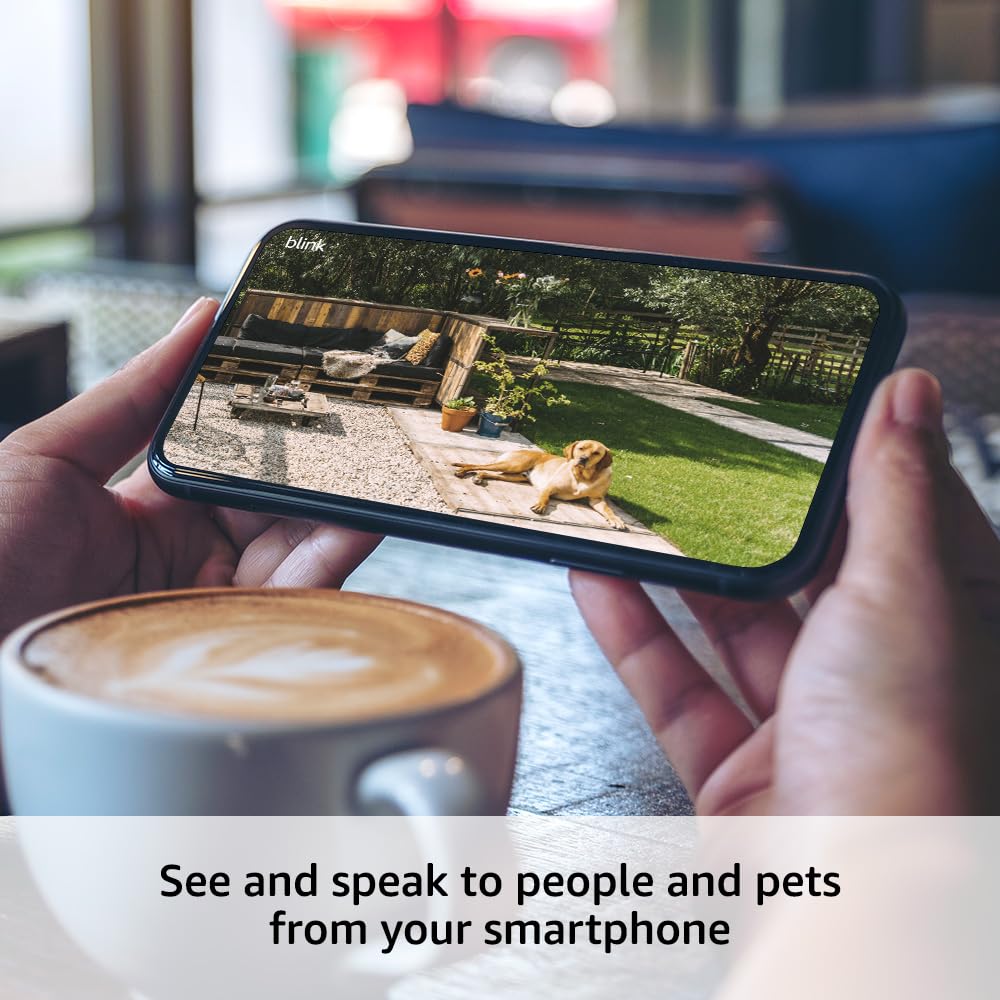
Image: A smartphone screen showing a live 1080p HD video feed from a Blink Outdoor 4 camera, demonstrating remote monitoring capabilities.
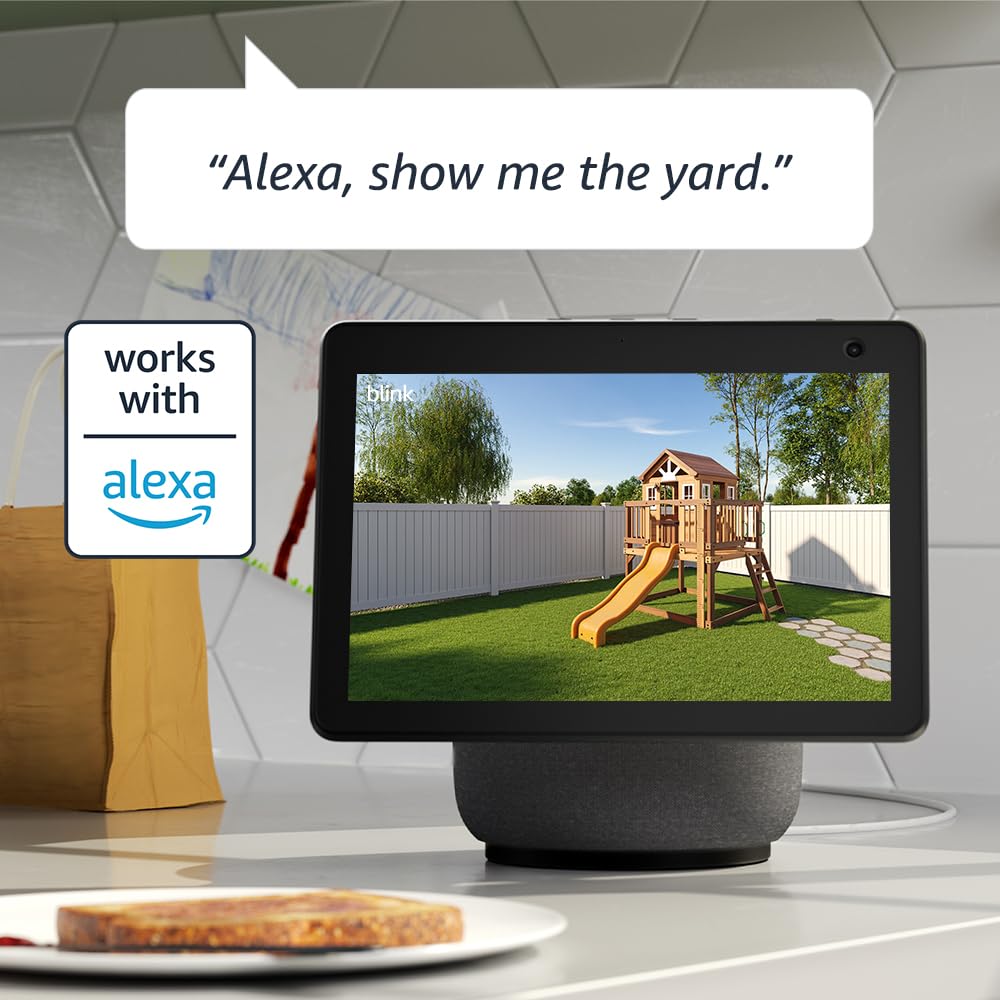
Image: An Amazon Echo Show device displaying a live video feed from a Blink camera, illustrating Alexa integration for convenient monitoring.
5. Motion Detection & Person Detection
The Blink Outdoor 4 features advanced motion detection capabilities to keep you informed of activity around your property:
- Enhanced Dual-Zone Motion Detection: Receive alerts faster on your smartphone with improved dual-zone motion detection, allowing for more precise monitoring.
- カスタマイズ可能なアクティビティゾーン: カメラ内の特定の領域を定義する view where motion detection should be active, reducing unwanted alerts from common areas like trees or busy streets.
- プライバシー ゾーン: Configure up to two custom privacy zones within the camera's field of view. Motion in these grayed-out areas will not trigger recordings, ensuring privacy for sensitive spaces.
- 人物検出(オプション): With an optional Blink Subscription Plan (sold separately), the camera can intelligently detect human figures, sending alerts only when a person is identified, minimizing notifications from animals or other non-human movements.

Image: The Blink app interface on a smartphone, demonstrating how to set up customizable activity and privacy zones for enhanced motion detection.
6. Video & Audio Features
- カメラ解像度: 1080p HDビデオ
- 写真解像度: View captured images in 640 x 360
- カメラのフレームレート: 最大30fps
- 分野 View: 143°対角
- ナイトビジョン: Infrared night vision for clear visibility in low-light conditions.
- オーディオ: 2-way audio with improved noise reduction for clearer communication.
7. Power & Battery Life
The Blink Outdoor 4 camera is designed for long-lasting, wire-free operation:
- 電池のタイプ: Two (2) AA 1.5V lithium metal batteries (non-rechargeable).
- バッテリー寿命: Up to two years, based on default settings. Actual battery life may vary based on device settings, usage, and environmental factors.
- Sync Module 2 Power: 100-220VACから5VDCへのコンバーターが含まれています。
8. 接続性
- Wi-Fi接続: Requires a high-speed internet connection (broadband, fiber, or DSL) and a 2.4 GHz 802.11b/g/n Wi-Fi network.
- Sync Module Compatibility: The Blink Outdoor 4 camera is compatible with all Blink Sync Modules.
- スマートフォンの最小要件: iOS 17, Android 10, or Fire OS 8.
9. Storage & Subscription
Blink offers flexible options for storing your video clips:
- Cloud Storage (Blink Subscription Plan): An optional Blink Subscription Plan (sold separately) allows you to store videos in the cloud for up to 60 days. A free 30-day trial is often included with new systems.
- ローカルストレージ: Use the included Sync Module 2 with a USB drive (sold separately) to store event clips locally without a subscription.
10. 仕様
| 分野 view | 143°対角 |
| カメラ解像度 | 1080p HDビデオ |
| 写真解像度 | View captured images in 640 x 360 |
| カメラのフレームレート | 最大30fps |
| サイズ | 2.8 x 2.8 x 1.6 インチ (70 x 70 x 41 mm) |
| 単位重量 | 5.0オンス(141グラム) |
| 電源(カメラ) | 単3形1.5Vリチウム金属電池2個(充電不可) |
| 電源(同期モジュール2) | 100-220V AC to 5V DC converter included |
| バッテリー寿命 | 最大2年間(デフォルト設定に基づく) |
| Wi-Fi接続 | 2.4 GHz 802.11b / g / n |
| 同期モジュールの互換性 | すべてのBlink Syncモジュールと互換性があります |
| 利用可能な色 | 黒 |
| スマートフォンの最小要件 | iOS 17, Android 10, Fire OS 8 only |
| Blinkアプリ | ホームモニターを点滅 |
| オーディオ | 双方向オーディオ |
| 世代 | 第 4 世代 – 2023 年リリース |
| 動作温度 | -4〜113°F |
11。 トラブルシューティング
If you encounter issues with your Blink Outdoor 4 system, consider the following common troubleshooting steps:
- ライブなし View/オフラインカメラ: Ensure your Sync Module 2 is powered on and connected to your Wi-Fi network. Check the camera's battery level in the Blink app. Verify the camera is within range of the Sync Module and has a strong Wi-Fi signal.
- ビデオ品質が悪い: Check your Wi-Fi signal strength. Ensure the camera lens is clean and free from obstructions. Adjust video quality settings in the Blink app (higher quality may consume more battery).
- 過度の動きの警告: Adjust motion sensitivity settings in the Blink app. Utilize activity zones to exclude areas with frequent, irrelevant motion (e.g., waving tree branches). Consider using privacy zones for static areas.
- バッテリー寿命が短い: Review your camera settings. Frequent Live View access, high motion sensitivity, long recording clips, and extreme temperatures can reduce battery life. Ensure you are using 1.5V lithium metal batteries.
- オーディオの問題: Check the speaker volume settings in the Blink app. Ensure there are no obstructions blocking the camera's microphone or speaker.
12.保証とサポート
The Blink Outdoor 4 camera comes with a 1年間の限定保証Blinkカメラの購入と使用は、Blink公式ウェブサイトに記載されている規約に従うものとします。 webサイト。
For more information, detailed guides, and assistance, please visit the official Blink Support page.