
1. はじめに
The Volcora Wireless 1D/2D Barcode Scanner is a versatile tool designed for efficient data collection in various environments such as retail, logistics, and inventory management. It supports scanning both 1D and 2D barcodes, including QR codes, and offers multiple connectivity options for seamless integration with your existing systems.
This manual provides detailed instructions on how to set up, operate, and maintain your barcode scanner, along with troubleshooting tips and product specifications.
2. パッケージ内容
以下にリストされているすべてのアイテムがパッケージに含まれていることを確認してください。
- 1 Barcode Scanner + Stand
- 1 USB ワイヤレス アダプター
- USBケーブル1本
- 1 ユーザーマニュアル

Image: The package contents, showing the barcode scanner, its stand, a USB wireless adapter, a USB charging cable, and the instruction manual.
3. セットアップ
3.1 スキャナの充電
Before initial use, fully charge the scanner. Connect the provided USB cable to the scanner's charging port and to a power source (e.g., computer USB port or USB wall adapter). A full charge takes approximately 4 hours. The scanner can operate for up to 24 hours of continuous use or remain on standby for up to 30 days.
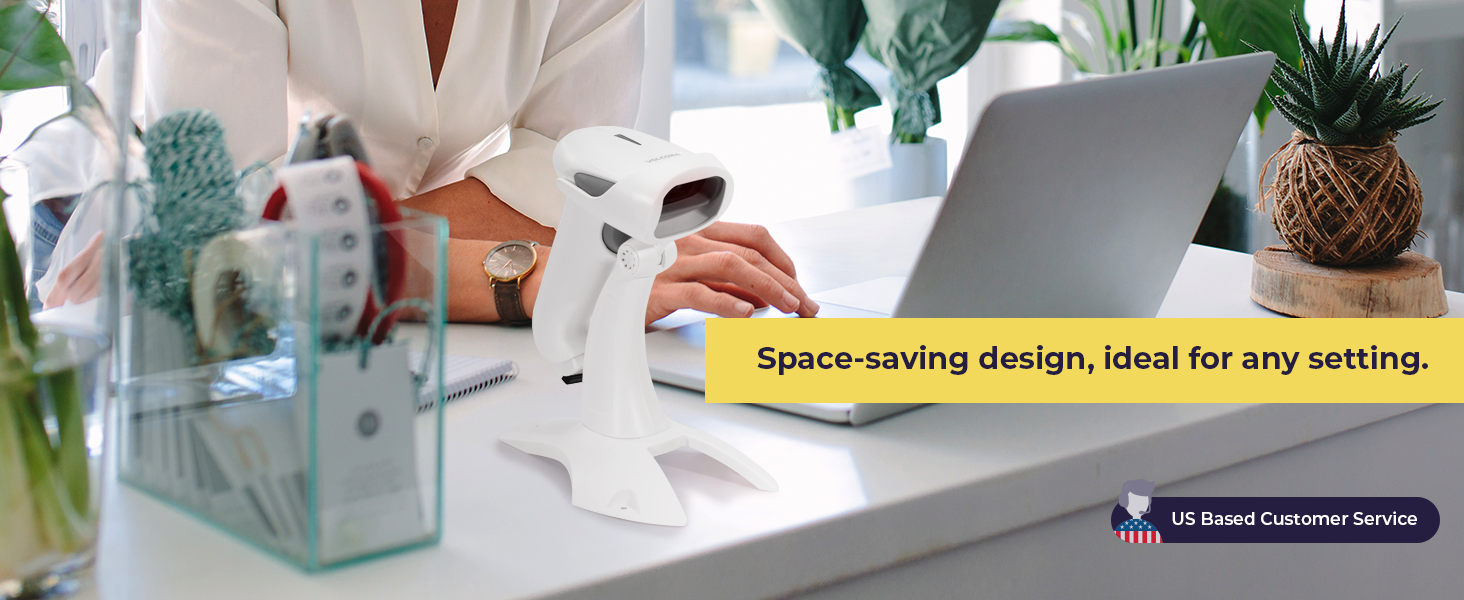
Image: The barcode scanner showing its USB charging port and details about its extended battery life.
3.2 スキャナの接続
The Volcora barcode scanner offers three connection types: Bluetooth, 2.4GHz Wireless, and USB Wired.
- Bluetooth接続: スキャナーの電源を入れます。ホストデバイス(スマートフォン、タブレット、PC)でBluetoothを有効にします。 検索する available devices and select the Volcora scanner to pair. The transmission distance is up to 49 feet (15 meters) in a barrier-free environment.
- 2.4GHzワイヤレス接続: Insert the USB Wireless Adapter into an available USB port on your computer. Turn on the scanner. The scanner will automatically connect to the adapter. The transmission distance is up to 328 feet (100 meters) in a barrier-free environment.
- USB有線接続: 付属のUSBケーブルを使用して、スキャナーをコンピューターに直接接続します。スキャナーは有線デバイスとして機能し、同時に充電も行います。

Image: Visual representation of the scanner's 3-in-1 connection types: Bluetooth, 2.4GHz wireless, and USB wired, connecting to a laptop and a smartphone.
4. 操作
4.1 スキャンモード
スキャナーは主に 2 つの動作モードをサポートしています。
- インスタントアップロードモード: In this mode, scanned barcodes are transmitted to the connected device in real-time. This is ideal for immediate data entry.
- ストレージモード: When out of range or not connected, the scanner can store up to 50,000 barcodes in its 16 MB internal memory. Data can be bulk-uploaded to the host device later when a connection is established.

Image: The scanner in its stand, illustrating hands-free scanning and detailing the Instant Upload and Storage modes for data collection.
4.2 デコード機能
The scanner is capable of accurately decoding a wide range of 1D and 2D barcodes, even those that are damaged, blurred, dislocated, or scratched. It features omnidirectional scanning for ease of use.
- サポートされている1Dバーコード: UPC-A, ISBN, Code 128, and more.
- サポートされている2Dバーコード: QR Code, Data Matrix, PDF417, Aztec, Maxicode, and more.

Image: An illustration highlighting the scanner's ability to decode various 1D and 2D barcode types, including those that are damaged, blurred, or scratched.
4.3 Language and Customization Settings
The scanner supports up to 24 languages, including English, Spanish, German, Italian, and Japanese. It also allows for customization of settings such as uppercase/lowercase output, adding prefixes or suffixes, hiding characters, and adjusting volume and scanning speed. Refer to the detailed programming guide (usually found in the full user manual or manufacturer's website) for specific barcode configurations to change these settings.
5. メンテナンス
5.1 クリーニング
最適なパフォーマンスを確保するため、スキャナのスキャンウィンドウを清潔に保ってください。柔らかく糸くずの出ない布で、軽く拭いてください。amp水または中性洗剤で拭き取ってください。窓に傷がつく可能性のある研磨剤や刺激の強い化学薬品の使用は避けてください。
5.2 ストレージ
Store the scanner in a cool, dry place away from direct sunlight and extreme temperatures. When not in use, it is recommended to place the scanner on its stand to prevent accidental damage.
5.3バッテリーケア
To prolong battery life, avoid fully discharging the scanner frequently. If storing for an extended period, charge the battery to about 50% and recharge every few months.
6。 トラブルシューティング
6.1 スキャナが接続されない
- スキャナーの電源がオンになっており、完全に充電されていることを確認します。
- For Bluetooth, ensure Bluetooth is enabled on your device and the scanner is in pairing mode.
- For 2.4GHz wireless, ensure the USB adapter is securely plugged in and recognized by your computer.
- USB 有線の場合は、別の USB ポートまたはケーブルを試してください。
6.2 Slow Scanning or Inaccurate Reads
- 「メンテナンス」セクションの説明に従って、スキャナーの光学ウィンドウをクリーニングします。
- Ensure the barcode is clear, well-lit, and within the scanner's optimal reading distance.
- Check for any obstructions between the scanner and the barcode.
- If using wireless, ensure you are within the effective transmission range.
6.3 Not Compatible with Square POS
Please note that this scanner may not be compatible with Square Point of Sale (POS) systems. Compatibility can vary with different POS software and hardware configurations. It is recommended to verify compatibility with your specific POS system before purchase or contact Volcora customer support for assistance.
7. 仕様
| 特徴 | 詳細 |
|---|---|
| モデル番号 | B0BFC29Z3F |
| 接続技術 | Bluetooth、2.4GHzワイヤレス、USBケーブル |
| 対応デバイス | Desktop, Laptop, Tablet, Smartphone (iOS, Android, Linux, Windows, MacOS) |
| 電源 | バッテリー駆動、コード付き電動 |
| 電池のタイプ | リチウムイオン電池1個(付属) |
| 充電時間 | 約4時間 |
| 動作時間 | 最大24時間(連続使用) |
| 待機時間 | 最長30日間 |
| 内部ストレージ | 16 MB (up to 50,000 barcodes) |
| Bluetooth伝送距離 | Up to 49 ft (15 M) in barrier-free environment |
| 2.4GHz Wireless Transmission Distance | Up to 328 ft (100 M) in barrier-free environment |
| サポートされているバーコード | 1D (e.g., UPC-A, ISBN, Code 128), 2D (e.g., QR Code, Data Matrix, PDF417) |
| 商品の寸法(奥行き x 幅 x 高さ) | 16"D x 4"W x 16"H (Note: This dimension seems to be for a cash drawer, not the scanner itself. Please refer to product packaging for accurate scanner dimensions.) |
| 欧州連合 | 810041567338 |
8. 保証とサポート
8.1 生涯保証
All Volcora products are backed by a limited lifetime warranty. This warranty covers defects in materials and workmanship under normal use. Please retain your proof of purchase for warranty claims.
8.2 カスタマーサポート
Volcora provides U.S.-based customer support. If you encounter any issues with your barcode scanner or require assistance with integration, please contact our support team. Contact information can be found on the Volcora official webサイトまたは製品パッケージ。