
VIVO X100 プロ
VIVO X100 Pro 5Gスマートフォン ユーザーマニュアル
モデル: X100 Pro
導入
This user manual provides comprehensive instructions for the VIVO X100 Pro 5G Smartphone. It covers setup, operation, maintenance, and troubleshooting to help you maximize your device's capabilities. Please read this manual carefully before using your smartphone.
箱の中身
Upon unboxing your VIVO X100 Pro 5G Smartphone, please verify that all the following items are included:
- VIVO X100 Pro 5G Smartphone
- ユーザーマニュアル
- 保証書
Note: Charger, data cable, and protective case are not included in the box.
設定
1. SIMカードの挿入
Locate the SIM card tray on the side of your device. Use the provided SIM ejector tool to open the tray. Insert your Nano-SIM cards into the designated slots, ensuring the gold contacts face downwards. Gently push the tray back into the phone until it clicks into place. The VIVO X100 Pro supports Dual SIM functionality.
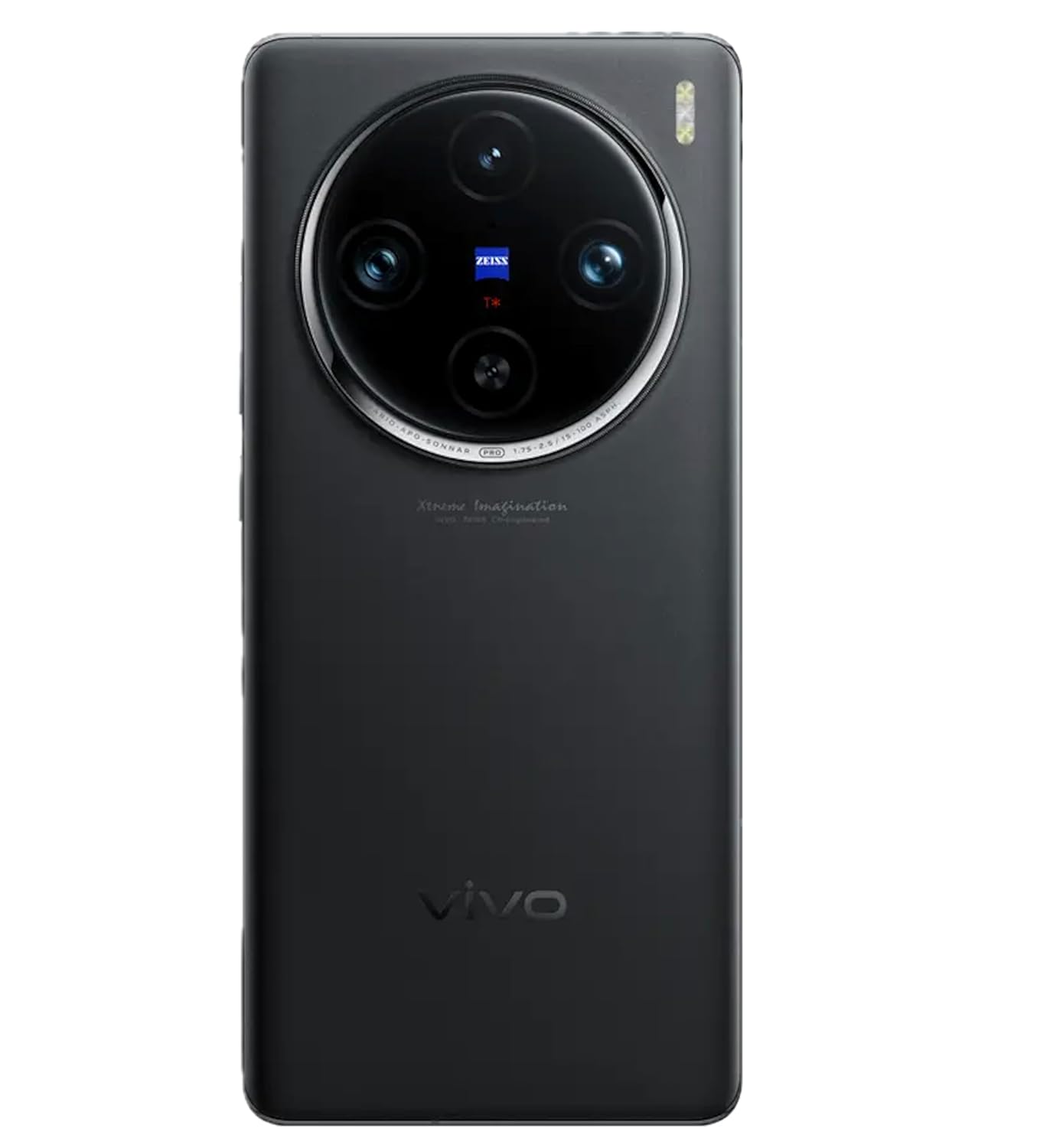
画像: サイド view of the VIVO X100 Pro 5G Smartphone showing the SIM card tray and buttons.
2. 初回電源投入
Press and hold the Power button (located on the right side of the device) until the VIVO logo appears on the screen. The phone will boot up, and you will be guided through the initial setup process.
3. 初期セットアップウィザード
画面上の指示に従って初期設定を完了します。
- 言語を選択する: お好みの言語を選択してください。
- Wi-Fiに接続します: Wi-Fiネットワークを選択し、パスワードを入力します。
- Google アカウントの設定: Google アカウントでサインインするか、新しいアカウントを作成してください。
- データとプライバシー: Review 利用規約に同意します。
- Fingerprint Lock Setup: Configure your fingerprint for secure unlocking.
- Funtouch OS Settings: Customize initial settings for the Funtouch OS 14 interface.
デバイスの操作
ディスプレイとナビゲーション
The VIVO X100 Pro features a 6.78-inch AMOLED display with a resolution of 2800 × 1260 (FHD+). It supports capacitive multi-touch for smooth interaction. Navigate the device using gestures or the traditional navigation bar, configurable within the Funtouch OS 14 settings.
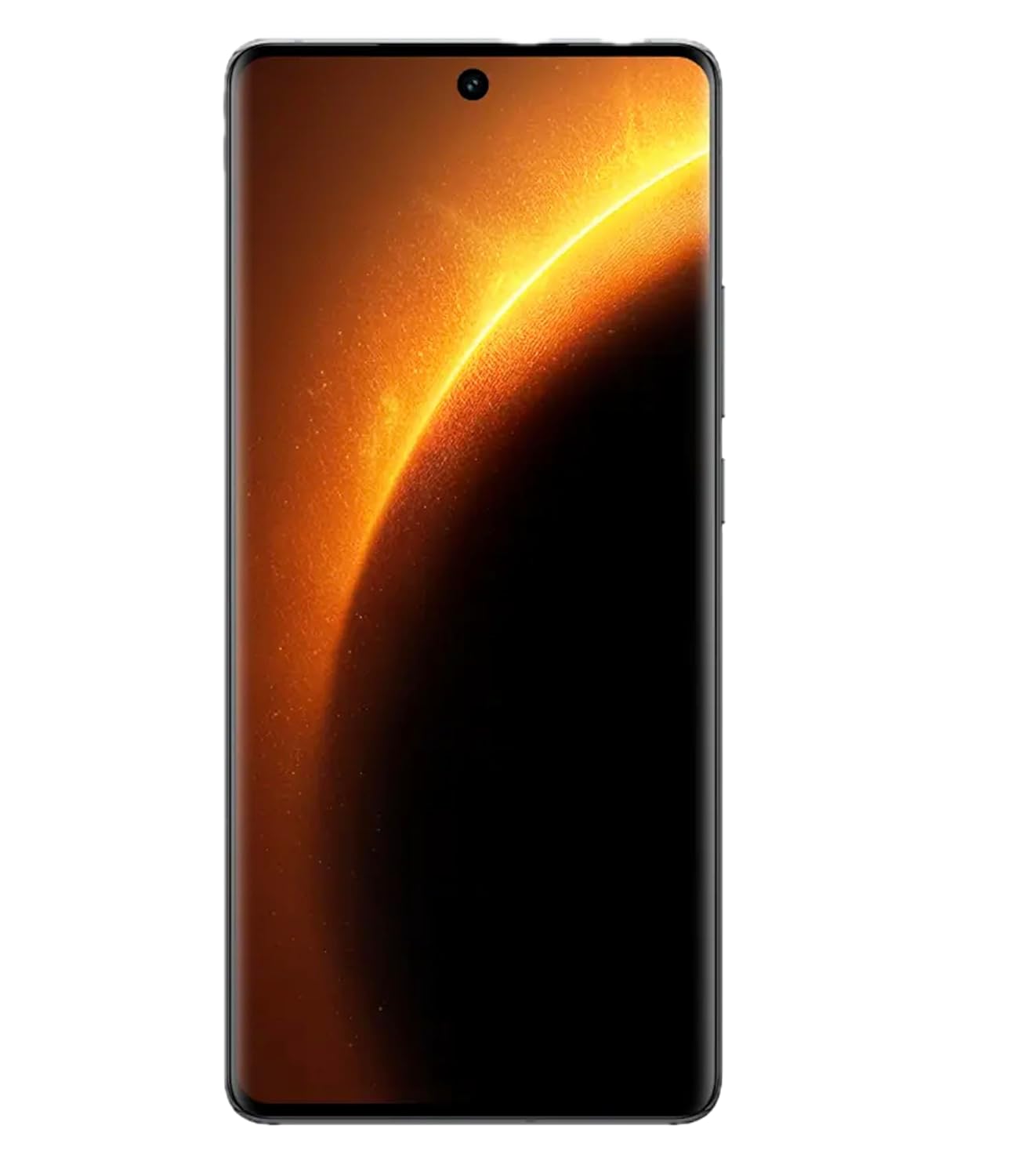
画像: 正面 view of the VIVO X100 Pro 5G Smartphone with its vibrant AMOLED display active.
カメラシステム
The VIVO X100 Pro is equipped with a professional-grade camera system:
- リアカメラ: Triple camera setup including a 50MP Sony IMX989 (OIS) main sensor, a 50MP wide-angle AF lens, and a 50MP Telephoto (OIS) lens.
- フロントカメラ: 高品質の自撮りやビデオ通話に適した 32MP。
To access the camera, tap the Camera icon on your home screen or lock screen. Explore various modes such as Portrait, Night, Pro, and Panorama for diverse photographic experiences.
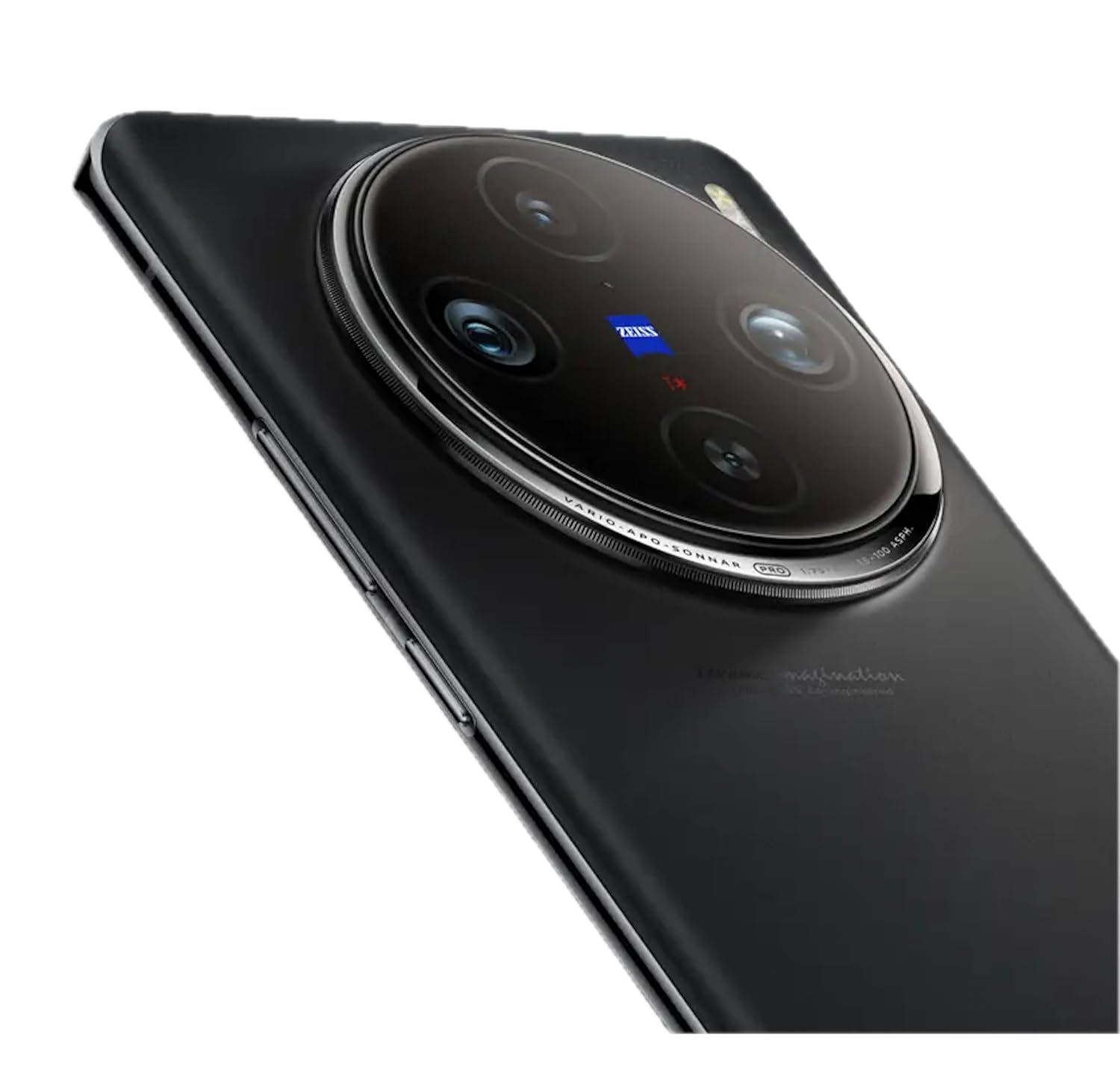
画像: 背面 view of the VIVO X100 Pro 5G Smartphone highlighting its prominent circular camera module with ZEISS branding.
パフォーマンスとストレージ
Powered by the MediaTek Dimensity 9300 Octa-Core processor, the X100 Pro ensures swift performance for demanding applications and multitasking. It comes with 16GB of RAM for smooth operation and 512GB of internal storage for all your apps, photos, and files.
Operating System: Funtouch OS 14
The device runs on Funtouch OS 14, based on Android 14. This user-friendly interface offers extensive customization options, enhanced privacy features, and optimized performance. Regular software updates will be provided to improve functionality and security.
接続性
The VIVO X100 Pro supports a range of connectivity options:
- 5Gネットワーク: Experience blazing-fast internet speeds and low latency.
- Wi-Fi: インターネットにアクセスするには、ワイヤレス ネットワークに接続します。
- ブルートゥース: ワイヤレス ヘッドフォン、スピーカー、その他の Bluetooth 対応デバイスとペアリングします。
- NFC: 非接触型決済と迅速なデータ共有を実現します。
- USBタイプC: 充電やデータ転送に。
- GPS: 正確な位置情報サービスとナビゲーションを実現します。
バッテリーと充電
The smartphone is powered by a 5400mAh lithium-ion battery. It supports 100W FlashCharge technology for ultra-fast wired charging and also offers wireless charging capabilities for added convenience. To charge, connect a compatible charger to the USB Type-C port at the bottom of the device.
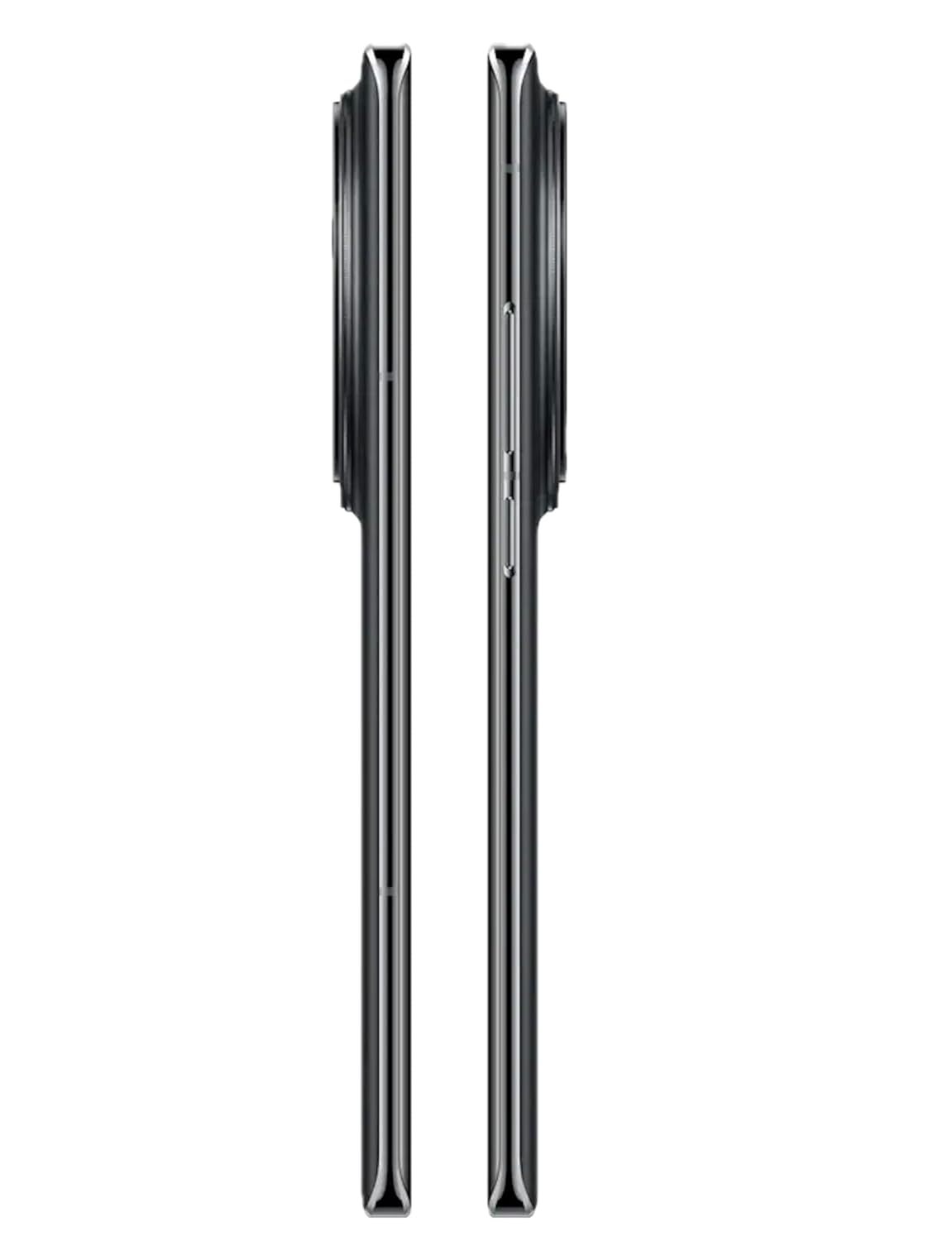
画像: 上部と下部 views of the VIVO X100 Pro 5G Smartphone, showing the USB-C port and speaker grille.
セキュリティ機能
The VIVO X100 Pro includes a Fingerprint Lock for secure and convenient unlocking. You can set up multiple fingerprints for quick access. Additionally, standard Android security options like PIN, pattern, and password are available.
メンテナンス
- クリーニング: 画面と本体のクリーニングには、柔らかく糸くずの出ない布をご使用ください。刺激の強い化学薬品や研磨剤の使用は避けてください。
- ソフトウェアアップデート: Regularly check for and install system updates to ensure optimal performance, security, and access to new features. You can find this option in Settings > System > System update.
- バッテリーのケア: バッテリー寿命を延ばすには、極端な温度を避けてください。日常使用では、バッテリーの充電量を20%~80%に保つことをお勧めします。
- 耐水性: The device features water resistance. However, this is not permanent and resistance might decrease as a result of normal wear. Avoid submerging the device in water or exposing it to high-pressure water jets.
- ストレージ管理: 定期的にキャッシュをクリアし、使用していないアプリをアンインストールし、大容量のデータを転送する file最適なパフォーマンスを維持するために、クラウド ストレージまたは外部デバイスに保存してください。
トラブルシューティング
If you encounter issues with your VIVO X100 Pro, try the following common troubleshooting steps:
- デバイスが応答しない: 電源ボタンを約 10 ~ 15 秒間押し続け、デバイスを強制的に再起動します。
- アプリがクラッシュ/フリーズする: Close the app and reopen it. If the issue persists, clear the app's cache (Settings > Apps > [App Name] > Storage > Clear cache) or reinstall the app.
- ネットワーク接続の問題: Toggle Airplane Mode on and off. Restart your phone. Check your SIM card insertion.
- バッテリーの消耗が早い: 画面の明るさを下げ、不要なバックグラウンド アプリを無効にし、使用していないときは Wi-Fi/Bluetooth/GPS をオフにします。
- 過熱: Avoid using the phone while charging, especially during heavy tasks. Close background apps. If overheating persists, reduce usage and allow the phone to cool down.
これらの手順を実行しても問題が解決しない場合は、保証とサポートのセクションを参照してさらにサポートを受けてください。
仕様
| 特徴 | 詳細 |
|---|---|
| モデル番号 | X100プロ |
| OS | Android 14 (Funtouch OS 14) |
| 画面 | 6.78 inches AMOLED, 2800 × 1260 (FHD+) |
| プロセッサ | MediaTek Dimensity 9300 オクタコア (CPU 速度 3.25 GHz) |
| ラム | 16GB |
| 内部ストレージ | 512GB |
| リアカメラ | 50MP (OIS) + 50MP (Wide-angle AF) + 50MP (Telephoto OIS) |
| フロントカメラ | 32MP |
| バッテリー | 5400mAhリチウムイオン |
| 充電 | 100W FlashCharge, Wireless Charging |
| 接続性 | 5G, Wi-Fi, Bluetooth, NFC, USB Type-C, GPS |
| 特集 | Always On Display, Dual SIM, Fast Charging Support, Water Resistant, Fingerprint Lock |
| 寸法 | 7.53 x 0.89 x 16.41 cm |
| 重さ | 190グラム |
| 色 | Asteroid Black |
保証とサポート
Your VIVO X100 Pro 5G Smartphone comes with a Warranty Card included in the box. Please refer to this card for detailed information regarding warranty terms, conditions, and coverage.
For technical support, service inquiries, or further assistance, please visit the official VIVO support website or contact their customer service. Keep your purchase receipt and warranty card handy when seeking support.
Official VIVO Webサイト: www.vivo.com/in/support
関連文書 - X100プロ
 |
Vivo X100 Series Quick Start Guide Quick start guide for the Vivo X100 series smartphone, covering safety, device layout, environmental compliance, and warranty information. |
 |
vivo V2208 クイックスタートガイド: セットアップ、ネットワーク、インストール、仕様 vivo V2208スマートフォンを使い始めましょう。このガイドでは、ネットワーク設定、SIMカードの取り付け、基本的な機能、付属品、コンプライアンス情報を英語で解説しています。 |
 |
VIVO Y18 Smartphone User Manual and Overview Comprehensive user manual for the VIVO Y18 smartphone. Discover key features, hardware identification, specifications including 50MP camera, 5000mAh battery, and Type-C port, and access the full PDF guide. |
 |
vivo X100 數據漫遊設定指南 詳細については、vivo X100 智慧型手機上でどのように迷遊機能、網蓋網路行動網路設定が使用されるかを説明します。 |
 |
vivo X100 Wi-Fi通話ガイド vivo X100 スマートフォンで Wi-Fi 通話を有効にするための簡潔なガイドです。Wi-Fi ネットワーク経由の通話の受信と接続性を改善するための手順について詳しく説明します。 |
 |
vivo X100 Pro: Schnellstart と Bedienungsanleitung X100 Pro スマートフォン、最新の機能、レイアウト、高度な機能、カメラ、アインシュテルンゲン、およびアプリケーションのサポートを開始し、X100 Pro スマートフォンを起動します。 |
Ask a question about this manual
Ask about setup, troubleshooting, compatibility, parts, safety, or missing instructions. Manuals+ will review the question and use this page’s manual context to help answer it.