
導入
The Rocketek FBA_RT-CR7 is a versatile USB 3.0 7-in-1 multi-memory card reader designed for efficient data transfer from various memory card types to your computer. It supports simultaneous reading and writing of up to 5 cards, offering high-speed performance and broad compatibility across multiple operating systems.
製品の特徴
- 7-in-1 カードリーダー: Supports CF, XD, MS, SD, and Micro SD card types.
- 同時読み取り/書き込み: Capable of reading and writing to 5 different memory cards concurrently.
- USB 3.0 スーパースピード: Achieves data transfer speeds up to 5Gbps, significantly faster than USB 2.0.
- 幅広い互換性: Works with Mac OS, Linux, Chrome OS, and Windows XP/Vista/7/8/8.1/10.
- プラグアンドプレイ: インストールにドライバーは必要ありません。
- コンパクトなデザイン: ポータブルで持ち運びが簡単なので、旅行に最適です。
- 内蔵保護: Features over-current, over-voltage、短絡保護など。
- LEDインジケーター: A blue LED light indicates connection and data activity.
パッケージ内容
- 1 x Rocketek FBA_RT-CR7 USB 3.0 7-in-1 Multi Memory Card Reader
- 1 x USB 3.0 Cable (with USB-C to USB-A adapter)
セットアップ手順
- カードリーダーを接続します。 Plug the USB 3.0 cable from the card reader into an available USB port on your computer. If your computer has a USB-C port, use the provided USB-C to USB-A adapter.
- 電源インジケーター: The blue LED indicator on the card reader will light up when successfully connected to your computer.
- メモリカードを挿入します: Carefully insert your memory card into the corresponding slot on the card reader. Ensure the card is inserted correctly according to its orientation. The LED indicator will flicker during data transfer.
- アクセスデータ: Your computer will automatically detect the card reader and the inserted memory card. You can then access the card's contents through your file エクスプローラー (Windows) または Finder (Mac OS)。

図1:以上view of card reader slots and supported card types.
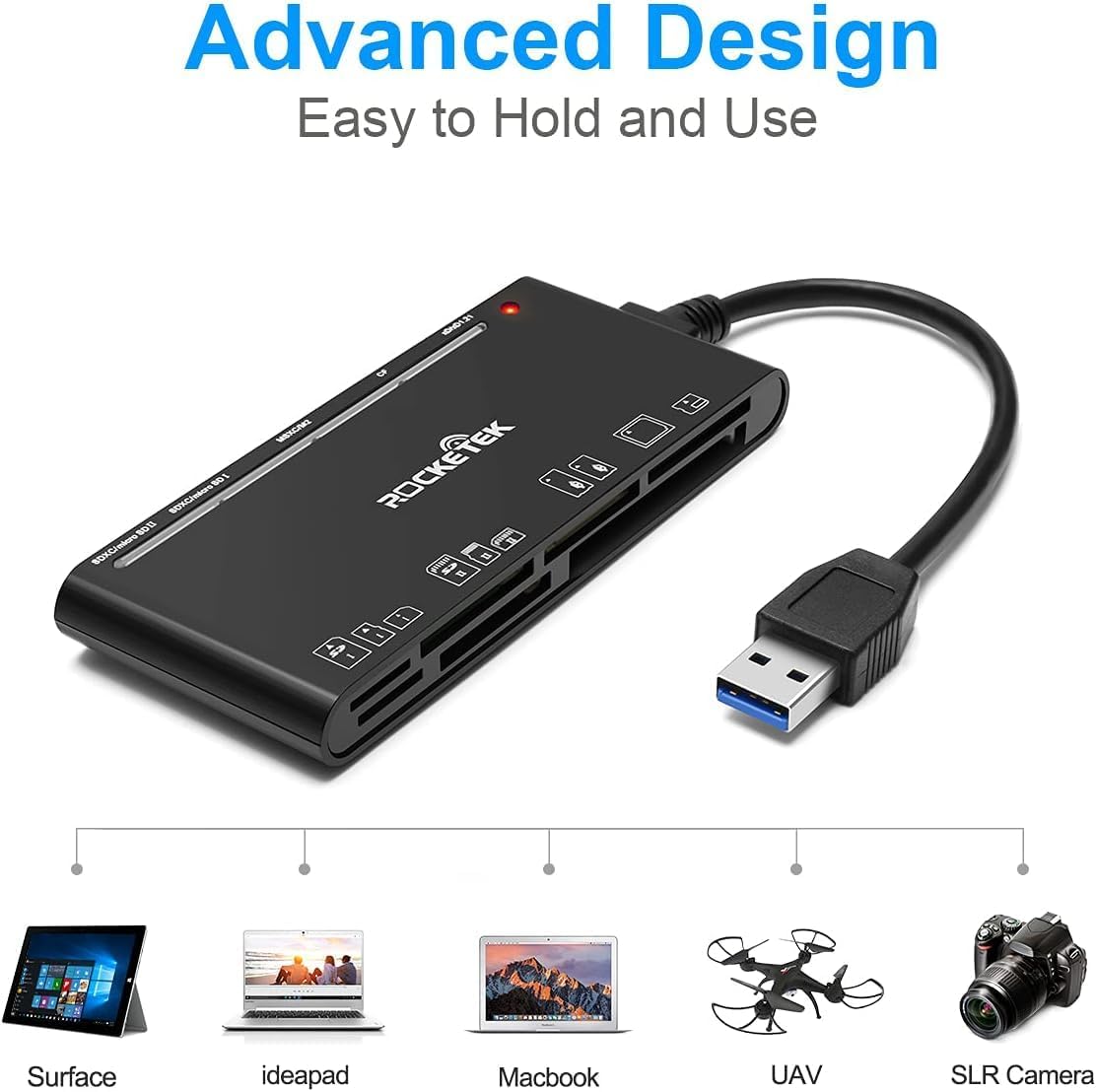
Figure 2: Card reader connected to a laptop, showing operating system compatibility.
Video 1: Demonstration of the Rocketek 7-in-1 Multi Memory Card Reader, showcasing its various card slots, USB 3.0 connectivity, and LED indicator light during operation.
操作手順
- カードの挿入: Gently push the memory card into the appropriate slot until it clicks into place. Do not force the card.
- データの読み取り/書き込み: Once the card is inserted and detected, you can drag and drop files to and from the card. The blue LED indicator will blink during active data transfer.
- 同時使用: The card reader supports reading and writing to multiple cards simultaneously. Ensure proper file management to avoid data conflicts.
- カードの排出: Before removing a memory card, always safely eject it from your computer's operating system to prevent data corruption.

Figure 3: Multiple memory cards inserted into the reader, demonstrating simultaneous access.
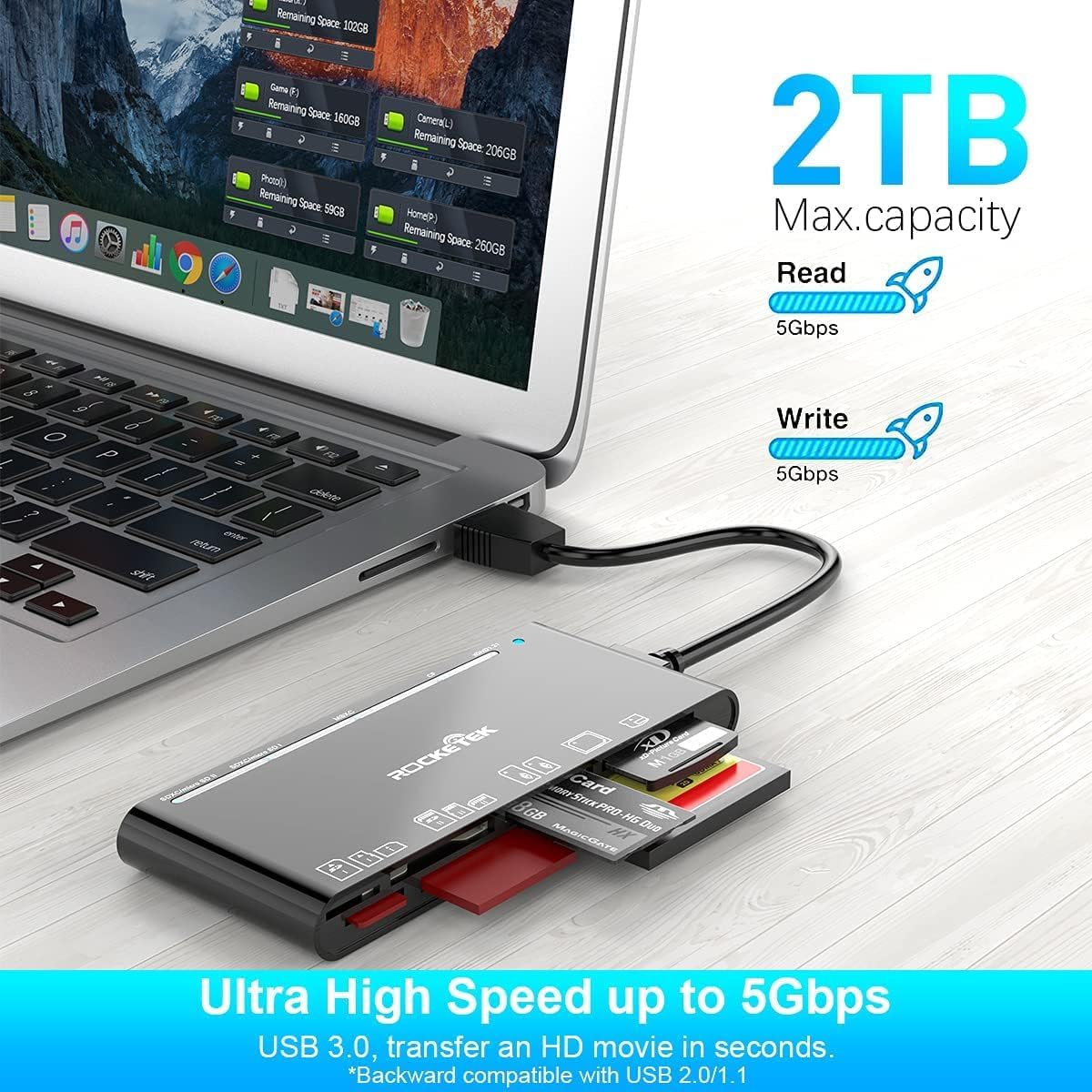
Figure 4: Highlighting the 5Gbps data transfer speed and 2TB maximum capacity.
互換性
サポートされているオペレーティングシステム:
- Windows XP / Vista / 7 / 8 / 8.1 / 10
- Mac OS (including MacBook Pro/Air)
- リナックス
- Chrome OS
サポートされているメディアの種類:
- CompactFlash (CF card, high-speed CF UDMA)
- SD Card (SD, SDXC up to 2TB, SDHC, RS-MMC, miniSD)
- Micro SD (Micro SD, Micro SDXC, Micro SDHC)
- Memory Stick (MS, M2, MSXC, Memory Stick PRO Duo, Memory Stick Pro)
- xDピクチャーカード
仕様
| ブランド | Rocketek |
| モデル名 | FBA_RT-CR7 |
| 接続技術 | USBタイプA |
| ハードウェアインターフェイス | USB3.0 について |
| データ転送速度 | 5Gbps |
| Slot Count | 7 (supporting 5 simultaneous reads/writes) |
| 色 | 黒 |
| 商品の寸法 (長さ x 幅 x 高さ) | 6.1インチ x 2.9インチ x 0.4インチ |
| アイテム重量 | 9.07グラム |
メンテナンスとケア
- クリーニング: カードリーダーの外側は、柔らかく乾いた布で拭いてください。液体クリーナーや溶剤の使用は避けてください。
- ストレージ: カードリーダーは、直射日光や極端な温度を避け、涼しく乾燥した場所に保管してください。
- 取り扱い: デバイスを落としたり、強い衝撃を与えたりしないでください。ケーブルを過度に曲げたりねじったりしないでください。
- ポート保護: カードスロットにほこりやごみが付かないようにしてください。
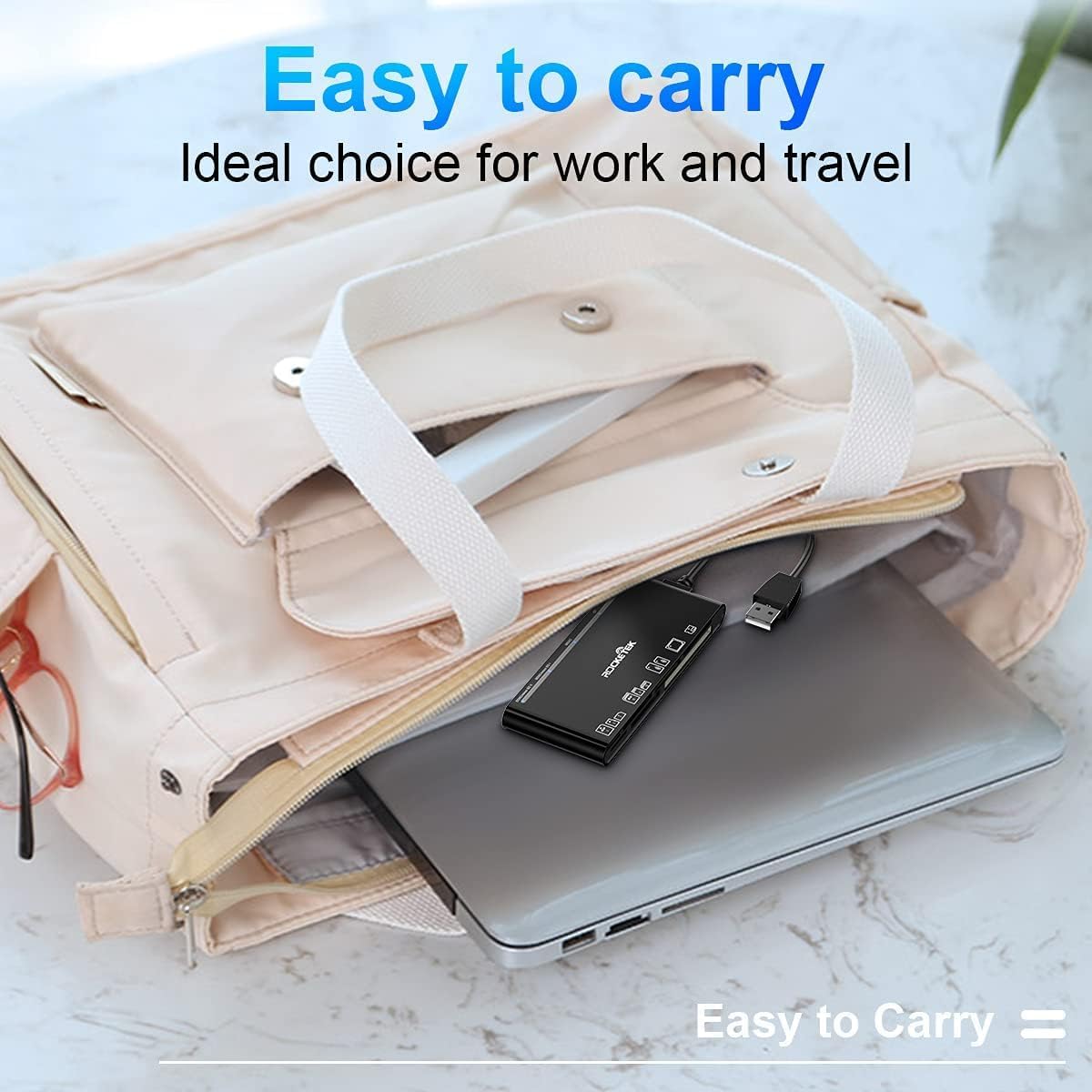
Figure 5: The card reader's compact size, suitable for portability.
トラブルシューティング
- デバイスが検出されません:
- Ensure the USB cable is securely connected to both the card reader and your computer.
- コンピューターの別のUSBポートに接続してみてください。
- コンピュータを再起動します。
- メモリカードが認識されません:
- Verify that the memory card is fully inserted into the correct slot.
- メモリカードが破損していないか確認してください。可能であれば、別のデバイスで試してください。
- Ensure your operating system supports the file メモリカードのシステム。
- データ転送が遅い:
- Ensure the card reader is connected to a USB 3.0 port on your computer for optimal speed.
- Verify that your memory card itself supports high-speed data transfer.
- 大規模なイベント中に複数の負荷の高いアプリケーションを実行しないでください。 file 転送。
- LEDインジケーターが点灯しない:
- Confirm the card reader is properly connected to a powered USB port.
- USB ハブを使用する場合は、電源が供給されていることを確認してください。
保証とサポート
The Rocketek FBA_RT-CR7 USB 3.0 7-in-1 Multi Memory Card Reader comes with a 2年間保証 from the date of purchase. This warranty covers manufacturing defects and ensures the product performs as described under normal use.
For technical support, warranty claims, or any inquiries regarding your product, please contact Rocketek customer service through the retailer's platform or visit the official Rocketek web連絡先情報のサイト。