
1. はじめに
The Fotodiox Eggcrate Grid is designed to provide precise control over light output from compatible softboxes. This accessory focuses the light source into a more contained area, allowing for directional control and minimizing light spill. It is compatible with Pro Studio Solutions EZ-Pro and Fotodiox Pro Standard Softboxes.
2 製品の特徴
- Lightweight eggcrate design grid.
- 50-degree angle for controlled light source.
- Each grid cell measures approximately 2"x2" and is 1.5" deep.
- Adjustable cell size by collapsing individual cells.
- Velcro lining for easy and fast installation.
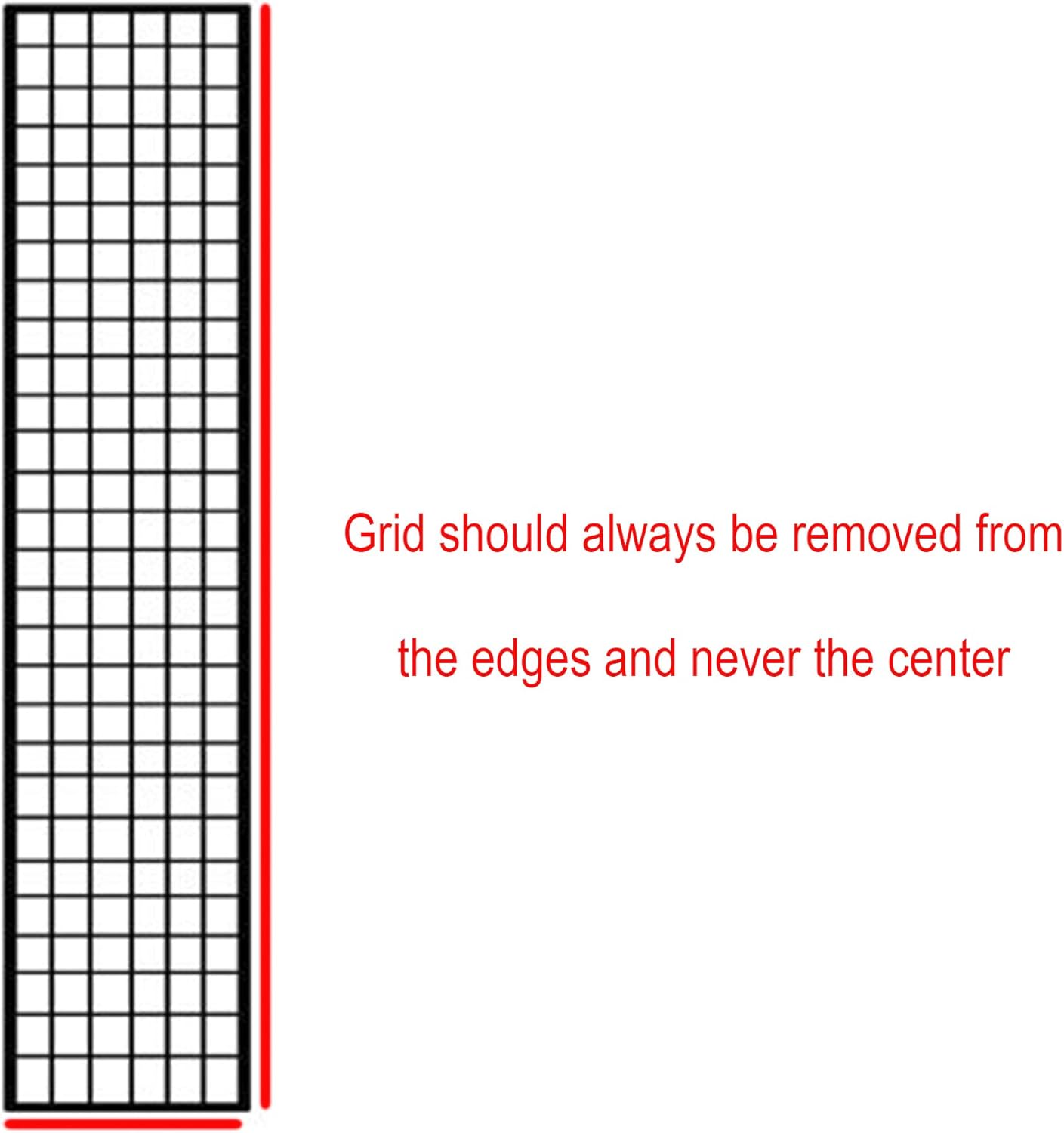
Figure 1: Illustration of the 50-degree eggcrate grid, highlighting its structure and light control capability.
3. セットアップとインストール
- Prepare the Softbox: Ensure your compatible softbox (e.g., Pro Studio Solutions EZ-Pro, Fotodiox Pro Standard Softboxes) is fully assembled and ready for accessory attachment.
- Attach the Eggcrate Grid: The Eggcrate Grid features a 1/2" Velcro edge. Align this Velcro edge with the corresponding Velcro strips on the inner rim of your softbox. Carefully press the grid's Velcro onto the softbox's Velcro to secure it in place.
- 適切なフィット感を確保: Work your way around the perimeter of the softbox, ensuring the grid is evenly and securely attached. The grid should sit flush against the softbox opening.

Figure 2: Detail of the Velcro edge for secure attachment to a softbox.
4. 操作
Once installed, the Eggcrate Grid directs the light from your softbox into a narrower, more controlled beam. This is particularly useful for:
- Controlling Light Spill: Prevents light from spreading to unwanted areas of your scene or background.
- Creating Dramatic Lighting: Enhances contrast and creates more defined shadows.
- Hair and Rim Lighting: Ideal for isolating subjects with precise accent lighting.
The 50-degree angle of the grid provides a balance between light spread and control, making it versatile for various photographic and videographic applications.
5. メンテナンスとケア
To ensure the longevity and performance of your Eggcrate Grid, follow these guidelines:
- 優しい取り扱い: The grid is constructed from lightweight nylon-webbed fabric. Handle it gently during installation and removal to prevent tearing or damage.
- 除去手順: When removing the grid from the softbox, always detach it by pulling from the edges of the Velcro. Avoid pulling from the center of the grid material, as this can cause stress and lead to damage.
- クリーニング: If necessary, gently wipe the grid with a soft, damp 布で拭いてください。刺激の強い化学薬品や研磨剤入りの洗剤は使用しないでください。保管する前に完全に自然乾燥させてください。
- ストレージ: Store the grid flat or loosely rolled in a clean, dry environment to prevent creasing or damage to the cells.
重要: Always remove the grid from the edges, never from the center, to prevent damage to the fabric.
6。 トラブルシューティング
- Grid Does Not Fit: Ensure you have the correct size Eggcrate Grid for your softbox. This model is specifically designed for 12"x56" softboxes. Verify compatibility with Pro Studio Solutions EZ-Pro and Fotodiox Pro Standard Softboxes.
- Grid Tears Easily: This product is designed to be lightweight. Always handle with care, especially during attachment and removal. Refer to the "Maintenance and Care" section for proper removal techniques.
- Light Control Inconsistent: Ensure the grid is fully and evenly attached to the softbox's Velcro. Any gaps can allow light to spill.
7. 仕様
| 属性 | 詳細 |
|---|---|
| モデル | Eggcrate Grid 12"x56" |
| ブランド | フォトディオックス |
| 材料 | ナイロン-Webbed Fabric |
| 色 | 黒 |
| Grid Angle | 50度 |
| Individual Cell Size | 2" (width) x 2" (length) x 1.5" (height) |
| アイテム重量 | 135グラム |
| 対応デバイス | Pro Studio Solutions EZ-Pro, Fotodiox Pro Standard Softboxes |
| 耐水性レベル | 耐水性はありません |
| 欧州連合 | 812759017358、847372015962 |
| ASIN | B003EWU0MY |
8. 保証とサポート
This Fotodiox Eggcrate Grid comes with a 24ヶ月のメーカー保証 購入日から。この保証は通常の使用における材料および製造上の欠陥をカバーします。
For warranty claims, technical support, or any inquiries regarding your product, please contact Fotodiox Inc. directly. Contact information can typically be found on the official Fotodiox webサイトまたは小売店を通じてご購入いただけます。
Note: Damage resulting from improper handling, misuse, or unauthorized modifications is not covered under warranty.