
1. הקדמה
Thank you for choosing the Gtheos Captain 370 Wireless Gaming Headset. This manual provides essential information for setting up, operating, and maintaining your new headset. Designed for an immersive audio experience, the Captain 370 offers versatile connectivity and comfortable wear for extended gaming sessions and communication.
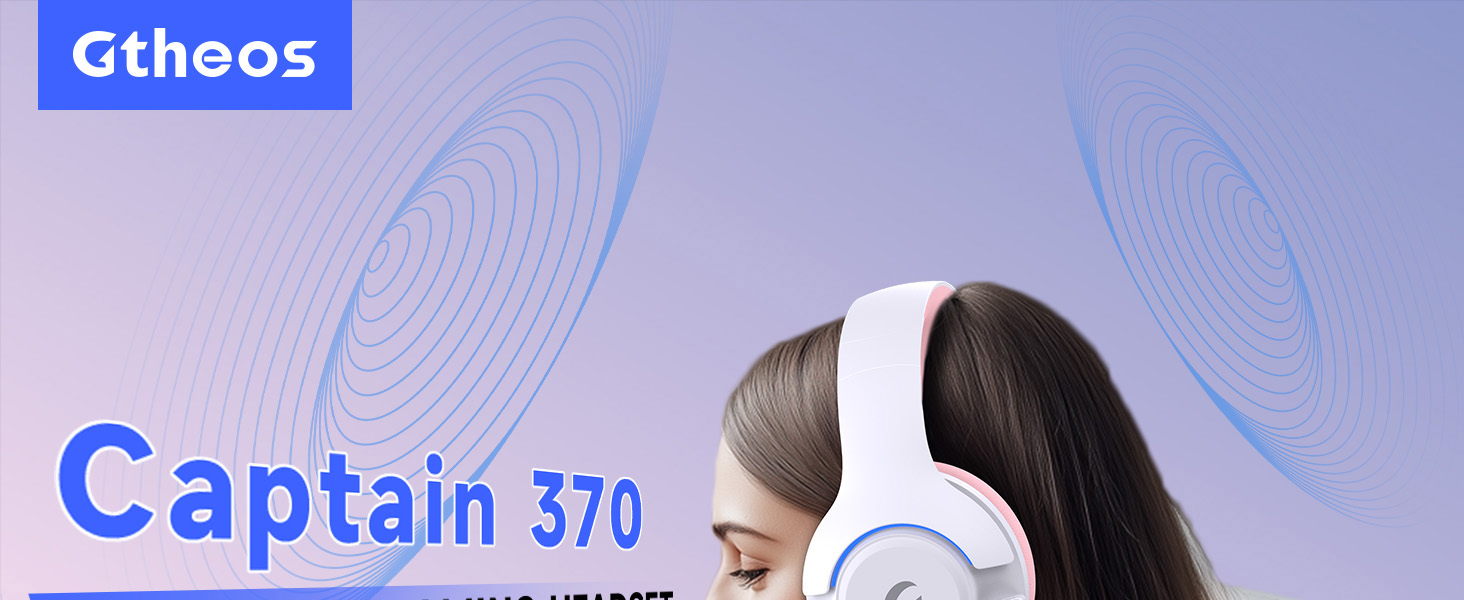
Image 1: The Gtheos Captain 370 Wireless Gaming Headset, showcasing its sleek design and comfortable earcups.
תכונות עיקריות:
- קישוריות 4 ב-1: Seamlessly switch between 2.4GHz wireless, Bluetooth 5.3, and 3.5mm wired modes for broad device compatibility.
- דרייברים דינמיים בגודל 50 מ"מ: Experience realistic and immersive sound quality for gaming and multimedia.
- מיקרופון מבטל רעשים: Detachable microphone designed to reduce background noise for clear communication.
- חיי סוללה מורחבים: תהנה עד 45 שעות של שימוש רצוף בטעינה אחת.
- עיצוב נוח: Ergonomically designed earcups and headband for prolonged comfort during use.
- תאורת RGB: Customizable LED lighting effects on the earcups.
2. התקנה
2.1 מה בקופסה
- 1 x Gtheos Captain 370 Gaming Headset
- 1 x Detachable Noise Cancelling Microphone
- 1 x כבל טעינה מסוג C
- 1 x USB Transmitter (2.4GHz dongle)
- כבל שמע 1 x 3.5 מ"מ
- 1 x מדריך למשתמש
2.2 טעינת האוזניות
Before first use, fully charge the headset. Connect the Type-C charging cable to the headset's charging port and the other end to a USB power source (e.g., computer USB port, USB wall adapter). The LED indicator will show charging status and turn off when fully charged.

Image 2: Headset highlighting the 45-hour battery life and charging port.
2.3 חיבור המיקרופון
The Captain 370 comes with a detachable noise-canceling microphone. Insert the microphone into the dedicated port on the left earcup until it clicks into place. Ensure it is securely connected for optimal voice pickup.

Image 3: Close-up of the headset showing the detachable noise-canceling microphone.
3. הוראות הפעלה
3.1 הפעלה/כיבוי
To power on the headset, press and hold the Power button located on the earcup until the LED indicator lights up. To power off, press and hold the Power button again until the LED indicator turns off.
3.2 מצבי קישוריות
The Gtheos Captain 370 supports four connectivity modes:
- מצב אלחוטי 2.4GHz: For PS4, PS5, PC, Mac, Nintendo Switch (via Type-C), and Phones/Pads (via Type-C). Insert the USB transmitter into your device. The headset will automatically connect.
- מצב בלוטות' 5.3: For Phones, Pads, and Notebooks. Enable Bluetooth on your device, put the headset into pairing mode (refer to device-specific instructions if needed), and select "Gtheos Captain 370" from the available devices.
- מצב קווי 3.5 מ"מ: For PS4, PS5, Xbox, PC, Mac, and Laptops/Tablets with a 3.5mm jack. Connect the included 3.5mm audio cable to the headset and your device.
Image 4: Visual representation of the four connectivity modes and compatible devices.

Image 5: Detailed compatibility matrix for voice and microphone functions across 2.4G, Bluetooth, and 3.5mm wired modes.
3.3 בקרת עוצמת הקול
Adjust the volume using the dedicated volume roller or buttons on the headset's earcup. For optimal sound, also check the volume settings on your connected device.
3.4 השתקת מיקרופון
Press the Microphone Mute button on the headset to toggle the microphone on or off. An indicator light (often red) will typically show when the microphone is muted.
3.5 בקרת תאורת LED
The headset features customizable RGB lighting. Press the dedicated LED control button (often integrated with the mic mute button or a separate button) to cycle through different lighting effects or turn them off. A quick press may change colors, while a long press might toggle the lights on/off.
4. תחזוקה
To ensure the longevity and performance of your Gtheos Captain 370 headset, follow these maintenance guidelines:
- ניקוי: Use a soft, dry cloth to clean the headset. Avoid using harsh chemicals or abrasive materials. For earcups, gently wipe with a damp בד ואפשר להתייבש לחלוטין.
- אִחסוּן: יש לאחסן את האוזניות במקום קריר ויבש, הרחק מאור שמש ישיר וטמפרטורות קיצוניות.
- טיפול: Avoid dropping the headset or exposing it to excessive force. Do not pull on cables forcefully.
- טיפול בסוללה: להשגת חיי סוללה אופטימליים, הימנעו מפריקה מלאה של האוזניות לעתים קרובות. טען אותן באופן קבוע, גם אם אינן בשימוש רציף.
5. פתרון תקלות
5.1 אין צליל או עוצמת קול נמוכה
- ודא שהאוזניות דולקות וטעונות במלואן.
- בדוק את עוצמת הקול הן באוזניות והן במכשיר המחובר.
- ודא שהתקן פלט השמע הנכון נבחר בהגדרות הקול של המכשיר שלך.
- If using 2.4GHz wireless, ensure the USB transmitter is securely plugged in and recognized by your device.
- If using Bluetooth, ensure the headset is properly paired and connected.
- If using 3.5mm wired, ensure the cable is fully inserted into both the headset and the device.
5.2 המיקרופון לא עובד
- ודא שהמיקרופון מחובר היטב לאוזניות.
- Check if the microphone is muted using the headset's mute button.
- ודא שבחרת התקן קלט המיקרופון הנכון בהגדרות הצליל של המכשיר שלך.
- Test the microphone in different applications or with another device.
5.3 בעיות קישוריות
- 2.4GHz: Try unplugging and re-plugging the USB transmitter. Ensure no other 2.4GHz devices are causing interference.
- בלוטות': Unpair and re-pair the headset with your device. Ensure the headset is within the Bluetooth range (10 meters).
- כְּלָלִי: הפעל מחדש את האוזניות ואת המכשיר המחובר.
6. מפרטים
| תכונה | פְּרָט |
|---|---|
| שם הדגם | קפטן 370 |
| מותג | Gtheos |
| טכנולוגיית קישוריות | אלחוטי 2.4GHz, בלוטות' 5.3, חיבור חוטי 3.5 מ"מ |
| גודל מנהל התקן שמע | 50 מילימטרים |
| סוג מנהל התקן שמע | מנהל התקן דינמי |
| תגובת תדר | 20 KHz |
| עַכָּבָּה | 32 אוהם |
| בקרת רעש | Sound Isolation, Noise Cancellation (Microphone) |
| חיי סוללה | עד 45 שעות |
| גרסת בלוטות' | 5.3 |
| טווח בלוטות' | 10 מטר |
| חביון שמע | 20 אלפיות שניות |
| מכשירים תואמים | PS5, PS4, PC, Mac, Laptop, Tablets, Phones, Nintendo Switch, Xbox (wired) |
| חוֹמֶר | ABS, Leather, PC |
| משקל פריט | 0.51 קילוגרם (1.12 פאונד) |
| צֶבַע | ורוד כהה |
7. אחריות ותמיכה
7.1 מידע אחריות
The Gtheos Captain 370 Wireless Gaming Headset comes with a standard manufacturer's warranty. Please refer to the warranty card included in your product packaging for specific terms and conditions, including warranty period and coverage details.
7.2 תמיכת לקוחות
For technical assistance, troubleshooting, or any questions regarding your Gtheos Captain 370 headset, please contact Gtheos customer support. You can find contact information on the official Gtheos webבאתר או דרך הקמעונאי שממנו רכשת את המוצר.
בקר ב Gtheos Store on Amazon למידע נוסף ועדכוני מוצרים.