
1. הקדמה
Thank you for choosing the SHARP KCP70UW Smart Air Purifier with Humidifier Combo. This device is designed to improve your indoor air quality by combining advanced air purification with effective humidification. It features a triple filtration system, Plasmacluster Ion Technology, and smart home compatibility for convenient control.
Please read this manual thoroughly before operating the unit to ensure safe and optimal performance. Keep this manual for future reference.

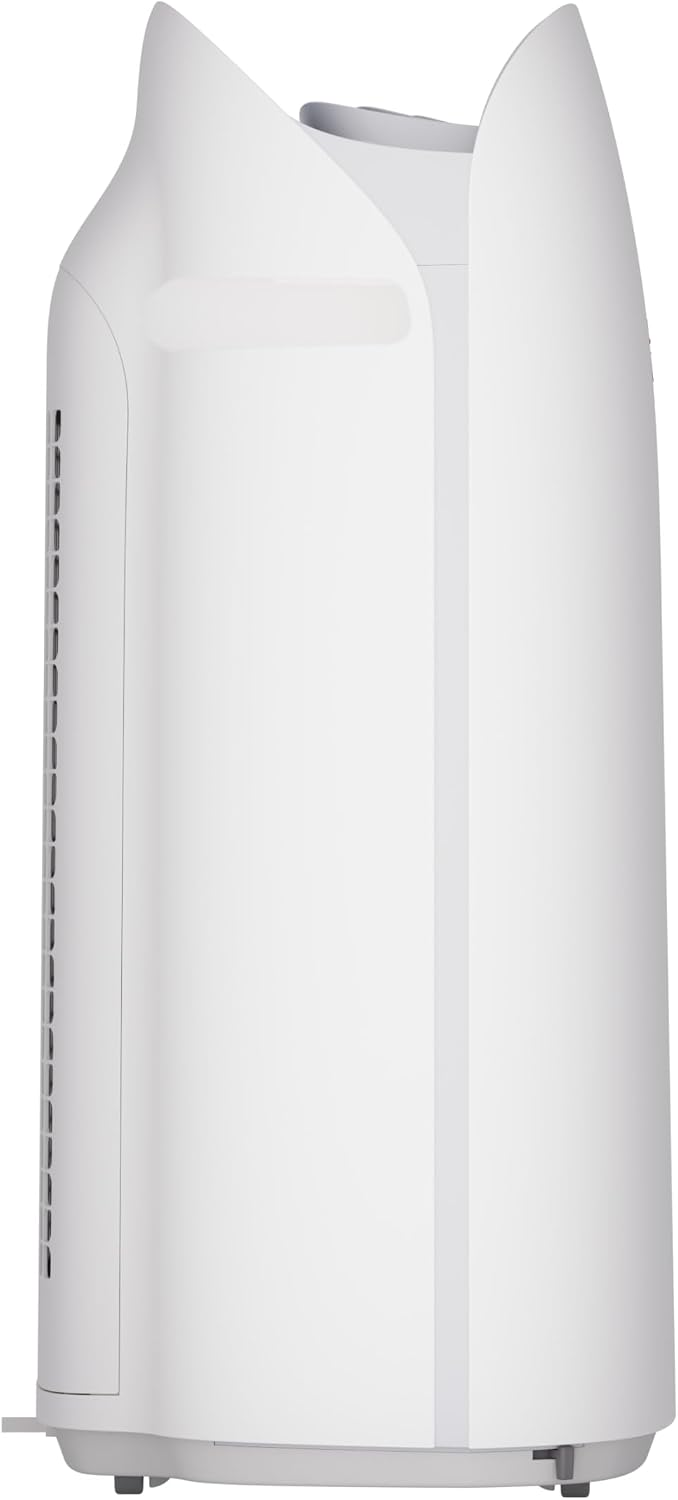
איור 1: חזית view of the SHARP KCP70UW unit, illustrating its key features.
2. מידע בטיחות
יש להקפיד תמיד על אמצעי זהירות בסיסיים בעת שימוש במכשירים חשמליים כדי להפחית את הסיכון לשריפה, התחשמלות ופציעות אדם.
- אין לחסום את כניסות או יציאות האוויר.
- אין להשתמש ליד מים או בסביבות רטובות.
- נתק את המכשיר לפני ניקוי או ביצוע תחזוקה.
- הרחק מהישג ידם של ילדים וחיות מחמד.
- השתמש רק עם כרך שצויןtage.
3. התקנה
3.1 Unpacking and Filter Preparation
Before first use, it is crucial to remove all protective plastic bags from the air filters. Operating the unit with filters still in plastic bags will prevent proper air purification and may cause unusual noises.
- Carefully open the back panel of the air purifier.
- Remove the air filters from their compartments.
- Cut and remove all plastic packaging from both the True HEPA filter and the Activated Carbon deodorizing filter.
- החזירו את המסננים ליחידה, וודאו שהם ממוקמים נכון.
- סגור את הפאנל האחורי בצורה בטוחה.
Video 1: Instructions on how to properly set up the air purifier by removing plastic bags from filters.

Figure 2: The air purifier with its back panel open, showing the filters being removed for plastic bag removal.
3.2 מיקום
Place the air purifier on a flat, stable surface in the room where air purification is desired. Ensure there is adequate space around the unit for proper airflow. The KCP70UW is effective for rooms up to 1,913 sq. ft. at one air change per hour, or 396 sq. ft. with 4.8 air changes per hour (AHAM Suggested Room Size).

Figure 3: The air purifier positioned in a spacious living area, highlighting its capacity for large rooms.
3.3 חיבור מתח
חברו את כבל החשמל לשקע חשמלי סטנדרטי. המכשיר מוכן כעת לפעולה.
4. הוראות הפעלה
4.1 לוח הבקרה נגמרview
The control panel is located on the top of the unit and features various buttons and indicators for easy operation.
איור 4: מפורט view of the control panel with its intuitive buttons and digital display.
4.2 פעולה בסיסית
- הפעלה/כיבוי: הקש על הפעלה/כיבוי לחצן כדי להפעיל או לכבות את היחידה.
- מהירות מאוורר: Cycle through fan speeds (Low, Medium, Max) using the מְנִיפָה לַחְצָן.
- מצב אוטומטי: הקש על AUTO button. In Auto mode, the unit automatically adjusts fan speed and humidification based on detected air quality and humidity levels.
4.3 Smart Features (SHARP AIR App, Alexa, Google Assistant)
The SHARP KCP70UW is compatible with the SHARP AIR App (available for Apple and Android devices), Amazon Alexa, and Google Assistant for enhanced control and monitoring.
- הפעלה מרחוק: Use the SHARP AIR App to adjust settings, monitor air quality, and set schedules from your smartphone.
- שליטה קולית: Connect your unit to Amazon Alexa or Google Assistant-enabled devices (sold separately) to use voice commands for operation.
- מצבים נוספים: Access modes like Sleep, Pollen, and Express Clean exclusively through the SHARP AIR App.

Figure 5: The SHARP AIR App provides comprehensive control and monitoring features for your air purifier.
סרטון 2: נגמרview of the SHARP KCP70UW Smart Air Purifier with Humidifier, highlighting its smart features and filtration system.
5. תחזוקה
5.1 Filter Care and Replacement
The KCP70UW features long-life filters designed to last up to 2 years, depending on the environment and usage. Regular cleaning and timely replacement are essential for maintaining optimal performance.
- לפני סינון: The washable microscreen pre-filter traps large particles. Clean it regularly by vacuuming or rinsing with water.
- Activated Carbon Deodorizing Filter: Helps reduce common household odors. Replace every 2 years or as indicated by the filter replacement indicator.
- מסנן HEPA אמיתי: Captures 99.97% of particles 0.3 microns and larger. Replace every 2 years or as indicated by the filter replacement indicator.
- Humidifying Filter: This filter is also designed for long life and can be cleaned. Refer to the app for replacement status.

איור 6: התפוצץ view of the triple filtration system, showing each filter component.

Figure 7: The True HEPA filter, designed for extended use up to 2 years.
5.2 Humidifier Maintenance
The humidifier function requires regular attention to ensure clean and effective humidification.
- מיכל מים: Refill the water tank with clean tap water as needed. Avoid using distilled water as the unit is designed for tap water.
- Humidifying Filter Cleaning: Periodically clean the humidifying filter to prevent mineral buildup. Refer to the full instruction manual for detailed cleaning steps.

Figure 8: The humidifying filter and its tray, easily accessible for maintenance.
6. פתרון תקלות
If you encounter issues with your SHARP KCP70UW, refer to the following common problems and solutions:
| בְּעָיָה | סיבה אפשרית | פִּתָרוֹן |
|---|---|---|
| Loud flapping sound / Poor air purification | Air filters still in plastic bags. | Remove all plastic packaging from filters before use (refer to Section 3.1). |
| Humidifier not increasinלחות גרם | Water tank empty; Humidifying filter dirty or calcified. | Refill water tank; Clean or replace humidifying filter. |
| Unit not responding to app/voice commands | Wi-Fi connection issue; App not properly configured; Device not linked to Alexa/Google Assistant. | Check Wi-Fi connection; Reconfigure app settings; Ensure proper linking with smart assistant. |
| Auto mode not adjusting fan speed | Dust/odor sensors are obstructed or dirty. | Clean the dust and odor sensors. |
7. מפרטים
Key technical specifications for the SHARP KCP70UW:
| תכונה | פְּרָט |
|---|---|
| מספר דגם | KCP70UW |
| צֶבַע | לָבָן |
| מידות המוצר (D x W x H) | 12.4 אינץ' x 15.8 אינץ' x 28.6 אינץ' |
| משקל פריט | 22.3 פאונד |
| כיסוי שטח הרצפה | 1913 Square Feet (1x/hr air change) / 396 Square Feet (4.8x/hr AHAM) |
| רמת רעש | 21 Decibels (Low Fan Speed) |
| כיתת סינון | HEPA ופחם פעיל |
| גודל שמירת החלקיקים | 0.3 Micrometer (True HEPA) |
| סוג בקר | אמזון אלקסה, אנדרואיד, גוגל אסיסטנט |
| תכונה מיוחדת | ניתן לתכנות |
| הסמכות | מוסמך AHAM, מוסמך CARB, מוסמך Energy Star |
| UPC | 074000701663 |

Figure 9: The unit's quiet operation makes it suitable for bedrooms.

Figure 10: AHAM Verifide CADR ratings for effective pollutant removal.

איור 11: מידות המוצר לתכנון מיקום.
8. אחריות ותמיכה
למידע על אחריות ותמיכת לקוחות, אנא עיינו בכרטיס האחריות המצורף למוצר שלכם או בקרו באתר הרשמי של Sharp. website. You can also contact Sharp customer service for assistance with product registration, troubleshooting, or replacement parts.
משאבים מקוונים: For additional information, FAQs, and support, visit the Sharp website or the SHARP AIR App support section.