
TONEOF Oth-AB202max
TONEOF Phone Tripod Chargeable Remote
מדריך למשתמש
1. הקדמה
Thank you for choosing the TONEOF Phone Tripod Chargeable Remote. This wireless remote control is designed to enhance your photography experience by allowing you to capture photos and videos remotely with your smartphone or tablet. Its compact, rechargeable design makes it an ideal companion for selfie sticks and tripods, perfect for family gatherings, travel, and personal photography.
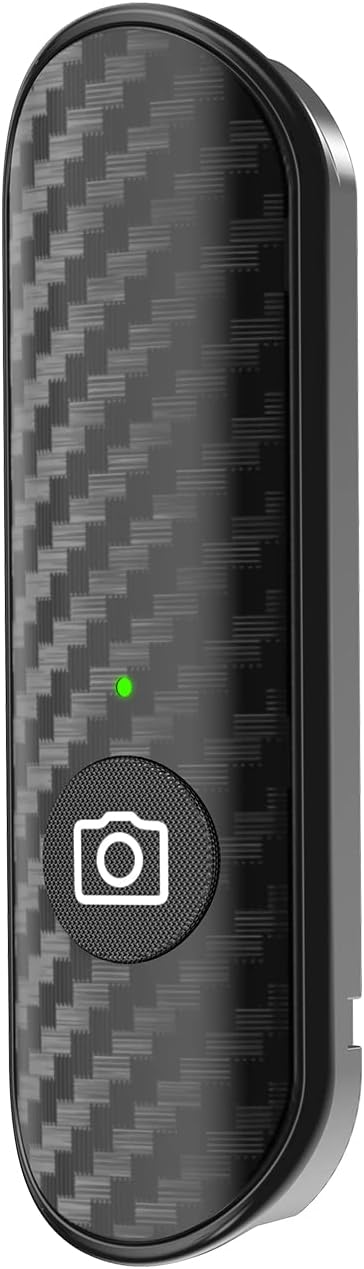
Image 1.1: The TONEOF Phone Tripod Chargeable Remote, featuring a sleek design with a carbon fiber texture and a single shutter button.
2. המוצר נגמרview
Familiarize yourself with the components of your TONEOF remote control:
- לחצן תריס: The main button used to trigger your device's camera.
- נורית חיווי: Provides visual feedback on the remote's status (e.g., pairing, charging, connected).
- יציאת טעינה: Used to recharge the remote's internal battery.

Image 2.1: Diagram showing the indicator light, shutter button, and charging port on the TONEOF remote control.
3. התקנה
3.1 טעינת השלט
The TONEOF remote control features a built-in 50mAh rechargeable battery. Before first use, or when the indicator light signals low battery, charge the remote using a compatible charging cable (not included). Connect the cable to the charging port on the remote.
3.2 Pairing with Your Smartphone/Tablet
To use the remote, it must be paired with your device via Bluetooth:
- Ensure the remote is sufficiently charged.
- Turn on the remote control (if it has a power switch, otherwise it may activate upon button press). The indicator light will typically blink, indicating it's in pairing mode.
- On your smartphone or tablet, navigate to the הגדרות תַפרִיט.
- לִבחוֹר בלוטות' and ensure Bluetooth is turned ON.
- Look for a device named "TJS-BT" or similar in the list of available devices.
- Tap on the device name to initiate pairing. The indicator light on the remote will typically stop blinking and remain solid once successfully paired.
Once paired, the remote will automatically connect to your device when both are powered on and within range.

תמונה 3.1: אקסample of a smartphone's Bluetooth settings screen, showing available devices for pairing, including 'TJS-BT'.
4. הוראות הפעלה
4.1 צילום תמונות והקלטת סרטונים
After successful pairing, open your smartphone's camera application. The remote control functions as a wireless shutter button:
- For Photos: Press the shutter button on the remote once to take a picture.
- For Videos: In video mode, press the shutter button once to start recording, and press it again to stop recording.
The remote operates effectively within a range of up to 10 meters (33 feet), providing flexibility for various shooting scenarios.
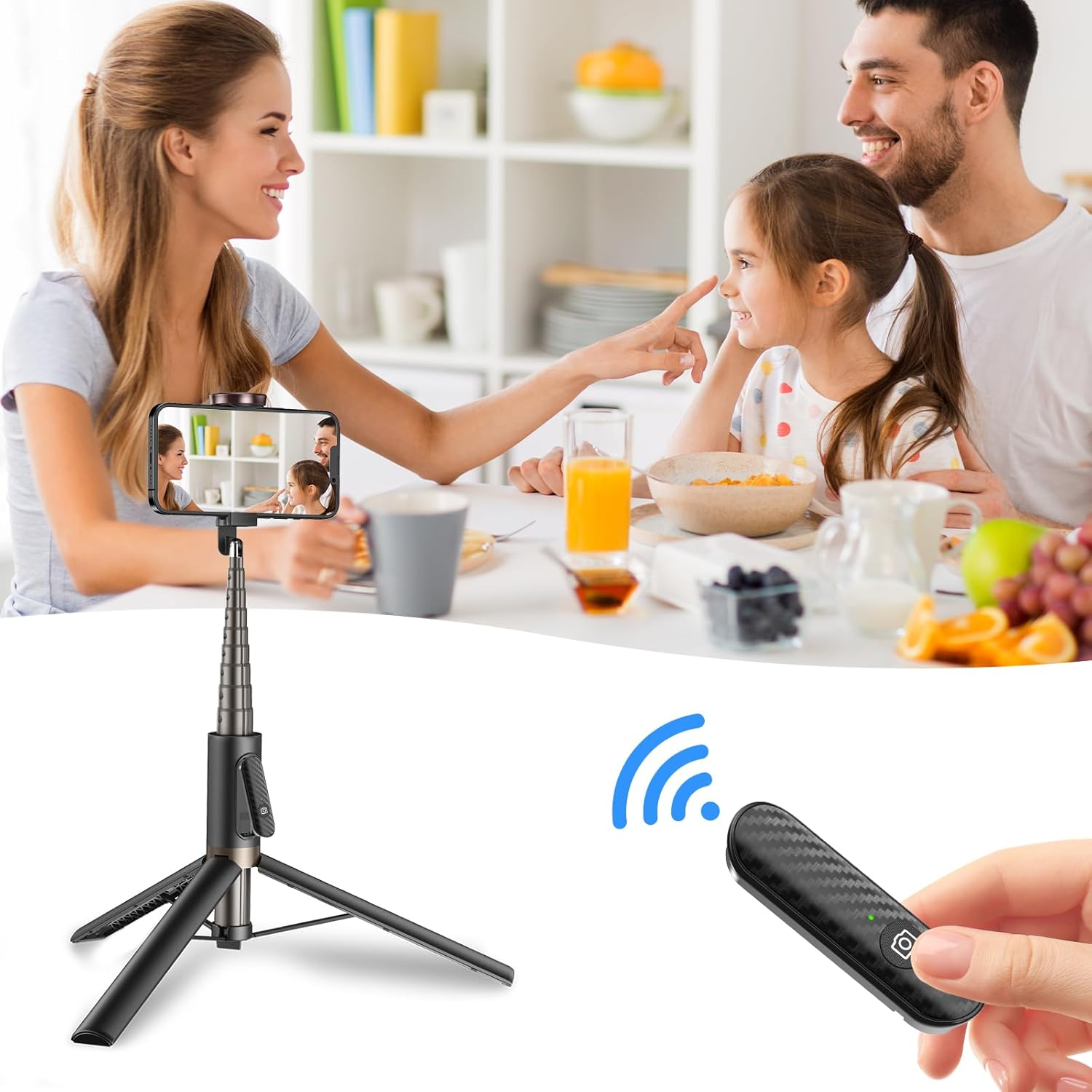
Image 4.1: A family using the TONEOF remote with a tripod-mounted smartphone to capture a group photo, demonstrating hands-free operation.
4.2 Detachable Design
The remote is designed to be easily detachable from compatible selfie sticks or tripods, allowing for convenient use whether mounted or held separately.

Image 4.2: The TONEOF remote shown detached from a selfie stick/tripod, highlighting its portable and versatile design.
5. תחזוקה
To ensure the longevity and optimal performance of your TONEOF remote control:
- Keep the remote clean by wiping it with a soft, dry cloth. Avoid using harsh chemicals or abrasive materials.
- יש לאחסן את השלט במקום קריר ויבש, הרחק מאור שמש ישיר וטמפרטורות קיצוניות.
- הימנעו מהפלת השלט או מחשיפתו לפגיעות חזקות.
- Regularly charge the battery to maintain its health, even if not in frequent use. Avoid completely draining the battery for extended periods.
6. פתרון תקלות
If you encounter issues with your TONEOF remote, refer to the following common problems and solutions:
| בְּעָיָה | סיבה אפשרית | פִּתָרוֹן |
|---|---|---|
| Remote does not turn on or respond. | סוללה חלשה. | Charge the remote for at least 30 minutes. |
| Remote does not pair with device. | Bluetooth is off on device; remote not in pairing mode; interference. | Ensure Bluetooth is enabled on your device. Turn the remote off and on again to re-enter pairing mode. Move closer to the device and away from other wireless signals. |
| Remote connects but does not trigger camera. | Camera app settings; compatibility issue. | Ensure your camera app is open and active. Some third-party camera apps may require specific settings or may not be fully compatible. Try with the default camera app. |
| Remote stops working after a few uses. | Battery issue; internal malfunction. | Ensure the remote is fully charged. If the issue persists, contact customer support. |
7. מפרטים
| תכונה | פְּרָט |
|---|---|
| מספר דגם | Oth-AB202max |
| מותג | טון אוף |
| צֶבַע | שָׁחוֹר |
| תכונה מיוחדת | נטענת |
| סוללות | נדרשת סוללת ליתיום יון אחת |
| מספר מרבי של מכשירים נתמכים | 1 |
| מכשירים תואמים | For smartphone (iPhone/Android) and tablets |
| משקל פריט | 0.246 אונקיות |
| מידות חבילה | 4.53 x 2.87 x 0.12 אינץ' |
8. אחריות ותמיכה
For warranty information or technical support, please refer to the documentation included with your purchase or contact TONEOF customer service directly. You may also visit the official TONEOF store on Amazon for further assistance and product information.
TONEOF Store Link: https://www.amazon.com/stores/TONEOF/page/F02815B9-5BCE-423F-944B-ADD5138F67F5