
מָבוֹא
The Globe Electric 50200 Smart Wi-Fi Light Switch allows you to automate and control your home lighting using the GLOBE SUITE™ App, voice commands, or directly from the switch. This manual provides essential information for installation, operation, and maintenance to ensure safe and efficient use of your smart switch.

Image: The Globe Electric Smart Switch, highlighting its compatibility with various smart home platforms.
מידע בטיחות
Before installing or operating the Globe Electric 50200 Smart Wi-Fi Light Switch, please read and understand all safety instructions. Failure to follow these instructions may result in electric shock, fire, or property damage.
- אַזהָרָה: Risk of Electric Shock. Installation requires working with high voltage wiring. Always turn off power at the circuit breaker before installation.
- התייעץ עם חשמלאי מוסמך אם אינך בטוח לגבי חלק כלשהו בתהליך ההתקנה.
- מכשיר זה מיועד לשימוש פנימי בלבד.
- Ensure the switch is installed in a standard wall box.
- אל תחרוג מהוואט המרביtagדירוג e של 100 וואט.
תוכן החבילה
ודא שכל הרכיבים קיימים לפני תחילת ההתקנה:
- Globe Electric 50200 Smart Wi-Fi Light Switch
- Screwless Faceplate
- Wires and Backplate
- ברגים (2)
- אגוזי תיל (4)
- מדבקות תווית חוט
התקנה והתקנה
Follow these steps for proper installation of your smart switch. This switch is designed for single-pole indoor use only.
- כבה את המתח: Locate your circuit breaker and turn off the power to the switch you are replacing. Verify the power is off using a voltagבודק e.
- הסר את המתג הישן: Carefully remove the existing wall plate and unscrew the old switch from the wall box. Disconnect the wires, noting their connections (e.g., Line, Load, Neutral, Ground). Use the provided wire label stickers if needed.
- חיווט את המתג החכם: Connect the wires from your wall box to the corresponding wires on the Globe Electric 50200 Smart Switch using the provided wire nuts.
- חבר את קַו wire (usually black, coming from the breaker) to the Line wire on the smart switch.
- חבר את לִטעוֹן wire (usually black, going to the light fixture) to the Load wire on the smart switch.
- חבר את נֵטרָלִי wire (usually white) to the Neutral wire on the smart switch. A neutral wire is required for this smart switch.
- חבר את טָחוּן wire (usually bare copper or green) to the Ground wire on the smart switch.
- הרכב את המתג: Gently push the wired smart switch into the wall box. Secure it with the provided screws. Attach the screwless faceplate.
- החזר כוח: הפעל מחדש את החשמל במפסק החשמל. נורית החיווי במתג החכם אמורה להידלק.
- חיבור לאפליקציה:
- הורד את הקובץ בחינם GLOBE SUITE™ App מחנות האפליקציות של הסמארטפון שלך.
- פתחו את האפליקציה ופתחו חשבון או התחברו.
- Press the restart button located on the right side below the on/off rocker after installation.
- Follow the in-app instructions to add your new smart switch. Ensure your phone is connected to a 2.4 GHz Wi-Fi network during the initial setup. You can switch back to a 5 GHz network afterward if preferred.
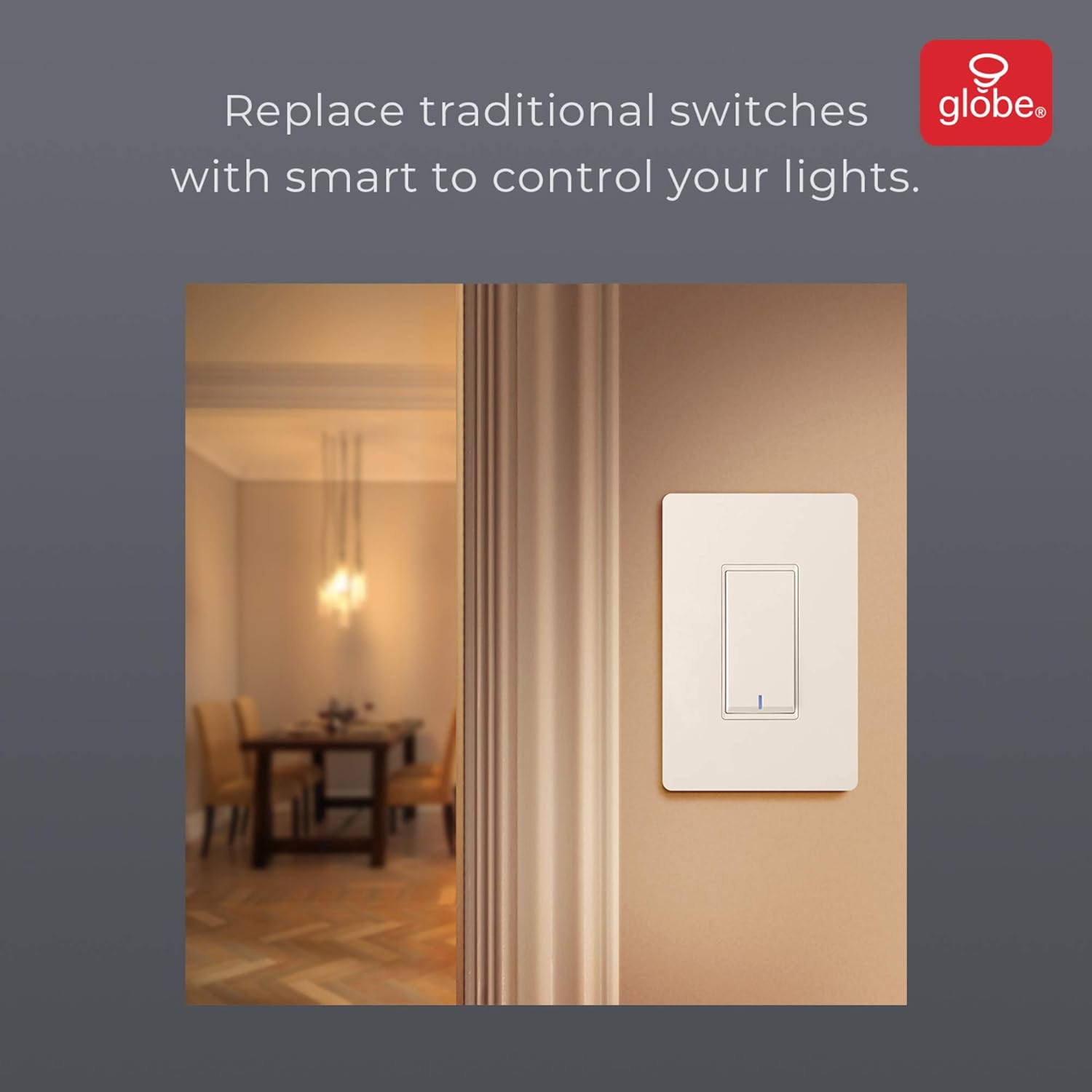
Image: The smart switch installed in a wall, demonstrating its integration into a home environment.
הוראות הפעלה
Once installed and connected to the GLOBE SUITE™ App, you can operate your smart switch in several ways:
- שליטה ידנית: Press the rocker switch directly to turn connected lights on or off.
- בקרת אפליקציה: Use the GLOBE SUITE™ App on your smartphone to turn lights on/off from anywhere with an internet connection.
- שליטה קולית: Integrate with Amazon Alexa, Google Assistant, or Siri for hands-free control.
- Example פקודות: "Alexa, turn on the living room light," "Hey Google, turn off the kitchen switch," "Siri, activate evening scene."
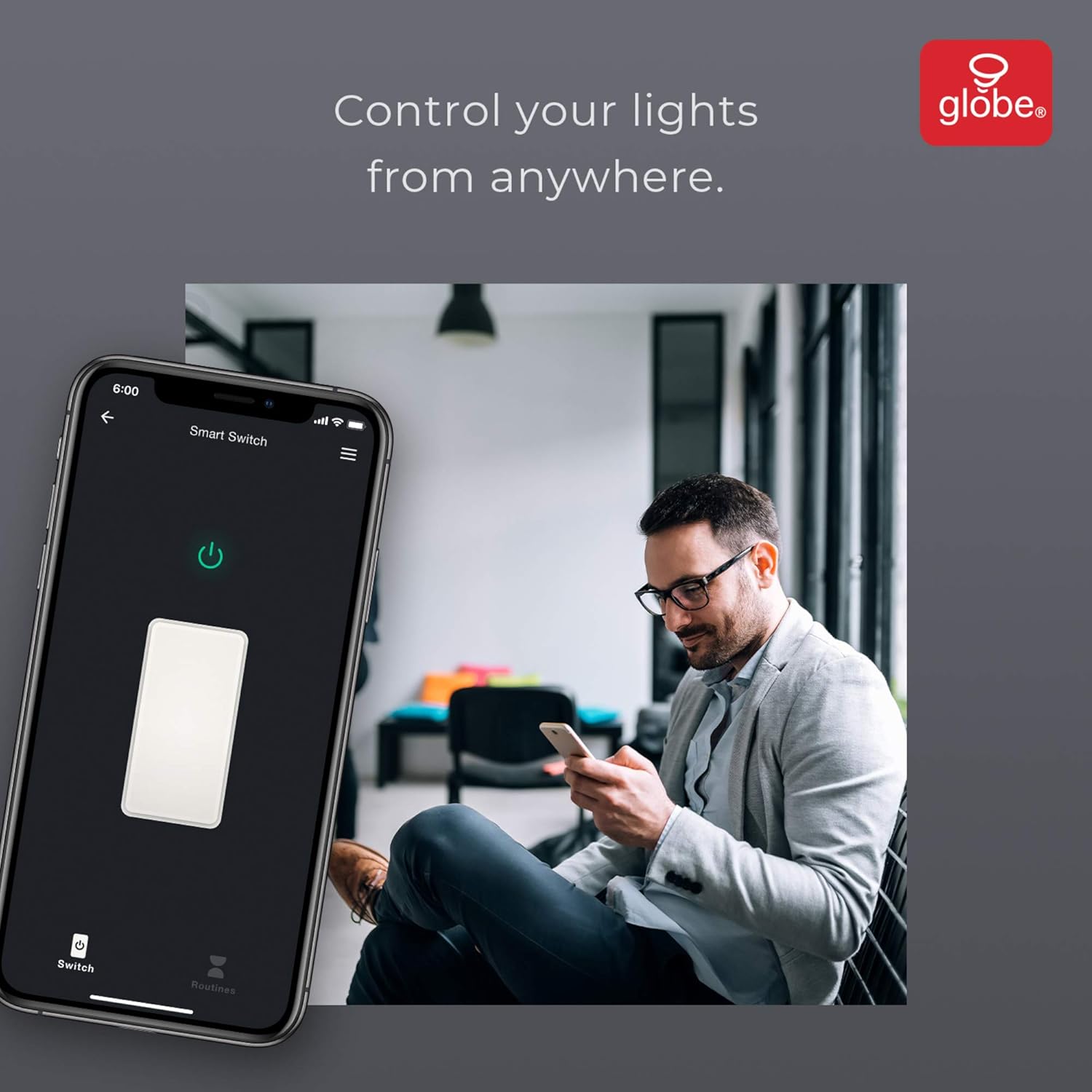
Image: A user controlling the smart switch remotely via the GLOBE SUITE™ mobile application.
App Integration and Smart Features
The GLOBE SUITE™ App unlocks the full potential of your smart switch:
- תזמון: Create custom schedules to automatically turn lights on or off at specific times, days of the week, or based on sunrise/sunset.
- סצנות: Combine multiple smart devices into custom scenes. For example, a "Movie Night" scene could dim lights and turn on entertainment devices simultaneously.
- אוטומציה: Set up automations based on conditions like presence detection, temperature, or other smart device triggers.

Image: The GLOBE SUITE™ app interface demonstrating the scheduling feature for automated lighting control.
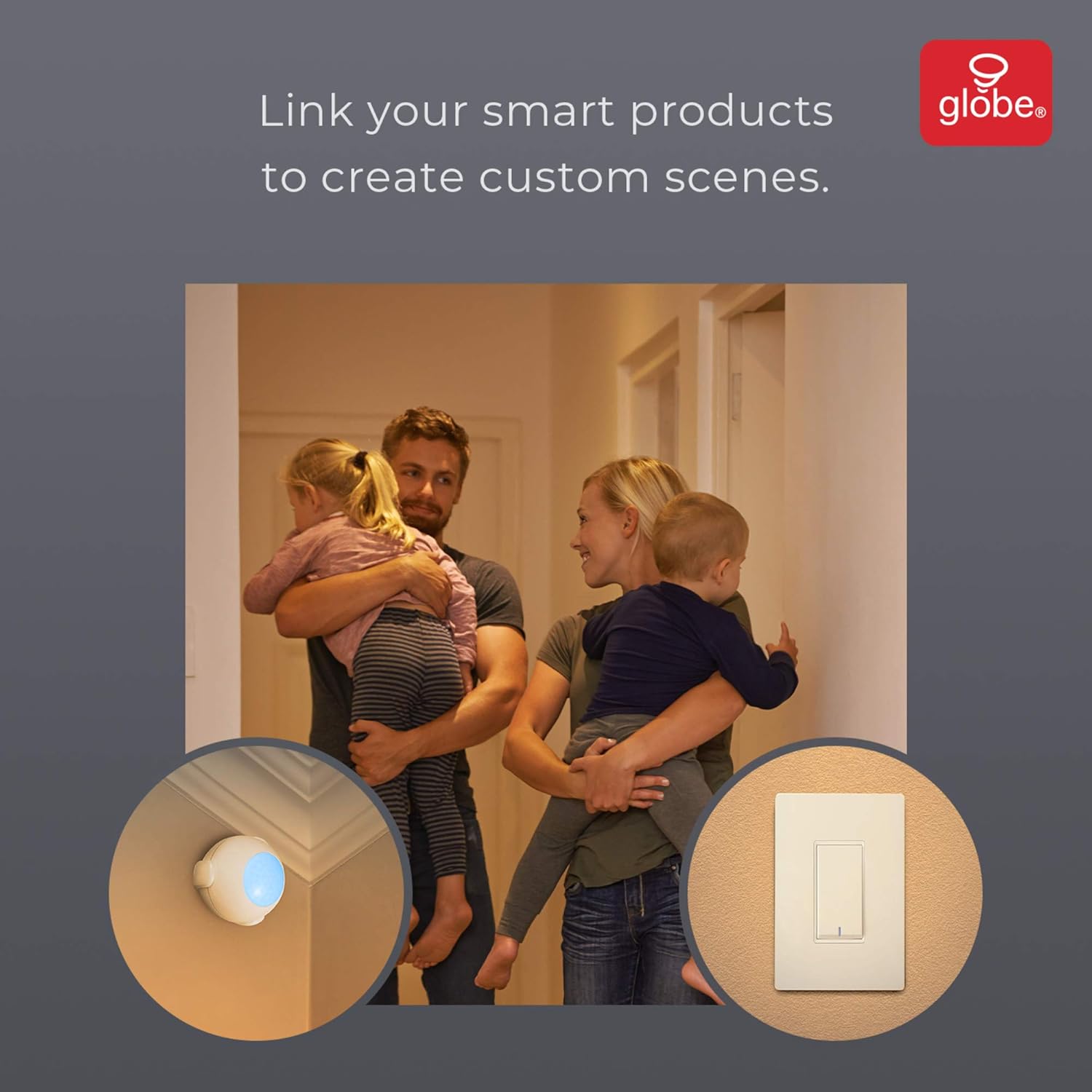
Image: Demonstrates how to link multiple Globe Electric smart products to create custom scenes for various home activities.
תַחזוּקָה
The Globe Electric 50200 Smart Wi-Fi Light Switch requires minimal maintenance.
- ניקוי: Disconnect power at the circuit breaker before cleaning. Wipe the switch and faceplate with a soft, damp בַּד. אין להשתמש בכימיקלים קשים או בחומרי ניקוי שוחקים.
- עדכוני קושחה: Periodically check the GLOBE SUITE™ App for available firmware updates to ensure optimal performance and security.
פתרון בעיות
If you encounter issues with your Globe Electric 50200 Smart Wi-Fi Light Switch, refer to the following common solutions:
| בְּעָיָה | סיבה אפשרית | פִּתָרוֹן |
|---|---|---|
| Switch does not turn on/off lights. | No power, incorrect wiring, or bulb issue. | Check circuit breaker. Verify wiring connections (Line, Load, Neutral, Ground). Test the light bulb. |
| לא ניתן להתחבר ל-Wi-Fi. | Incorrect Wi-Fi band, weak signal, or incorrect password. | Ensure your router is broadcasting a 2.4 GHz network. Move closer to the router. Double-check Wi-Fi password. Press the restart button on the switch and try pairing again. |
| בקרת קולית לא עובדת. | Incorrect integration with voice assistant or device naming. | Ensure the GLOBE SUITE™ App is correctly linked to your Amazon Alexa, Google Assistant, or Siri account. Verify the device name in the app matches what you are saying. |
| Switch frequently disconnects. | אות Wi-Fi חלש או הפרעות רשת. | Ensure the switch is within good range of your 2.4 GHz Wi-Fi router. Consider a Wi-Fi extender if necessary. |
מפרטים
| תכונה | פְּרָט |
|---|---|
| דֶגֶם | 50200 |
| מותג | גלוב אלקטריק |
| פרוטוקול קישוריות | Wi-Fi (2.4 GHz) |
| שיטת בקרה | אפליקציה, קול, מדריך |
| סוג בקר | אמזון אלקסה, גוגל אסיסטנט, סירי |
| מהtage | 100 וואט (מקסימום) |
| מצב פעולה | ON-NONE-ON or ON-ON-OFF |
| סוג מתג | כִּסֵא נַדנֵדָה |
| סוג הרכבה | מתקן קיר |
| מידות פריט (L x W x H) | 1.96 x 2.05 x 4.13 אינץ' |
| חוֹמֶר | מתכת, פלסטיק |
| משקל פריט | 0.28 פאונד |
| UPC | 058219502006 |
מידע על אחריות
The Globe Electric 50200 Smart Wi-Fi Light Switch comes with a אחריות מוגבלת של היצרן לשנה. This warranty covers defects in materials and workmanship under normal use. For specific terms and conditions, please refer to the official Globe Electric webאתר או צור קשר עם תמיכת הלקוחות.
תְמִיכָה
For further assistance, technical support, or warranty claims, please contact Globe Electric customer service. You can find contact information on the official Globe Electric webאֲתַר: www.globe-electric.com.
You can also visit the Globe Electric Store on Amazon for more products and information: Globe Electric Amazon Store.