
1. הקדמה
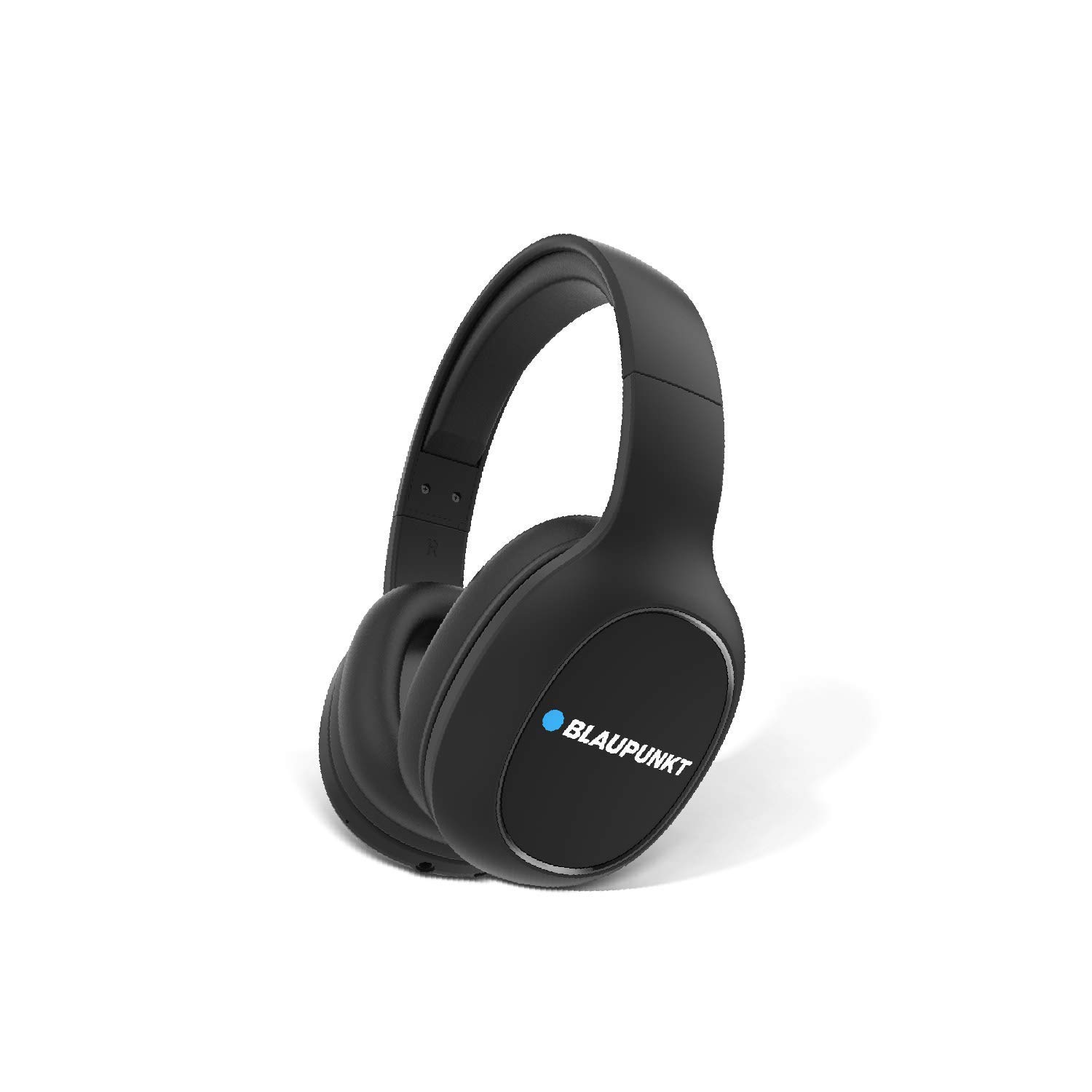
Thank you for choosing the Blaupunkt BH21 Bluetooth Wireless Over-Ear Headphones. These headphones are designed to deliver a superior audio experience with comfort and convenience. This manual provides essential information for setting up, operating, maintaining, and troubleshooting your new headphones.

2. מידע בטיחות
אנא קרא את כל אזהרות הבטיחות וההוראות לפני השימוש במוצר זה כדי להבטיח פעולה בטוחה ולמנוע נזק.
- אין לחשוף את האוזניות לטמפרטורות קיצוניות, לחות או חומרים קורוזיביים.
- הימנעו מהפלת האוזניות או מחשיפתן לפגיעות חזקות.
- אין לפרק או לנסות לתקן את האוזניות בעצמכם. פעולה זו תגרום לביטול האחריות.
- נקו את האוזניות בעזרת מטלית רכה ויבשה. אין להשתמש בחומרי ניקוי נוזליים.
- האזנה ממושכת בעוצמות שמע גבוהות עלולה לגרום נזק לשמיעה. כוונן את עוצמת הקול לרמה בטוחה.
3. תכולת החבילה
ודא שכל הפריטים נמצאים בחבילה שלך:
- 1N Headphone (Blaupunkt BH21)
- כבל טעינה 1N
- כבל AUX 1N
- מדריך למשתמש 1N
4. המוצר נגמרview ובקרות
Familiarize yourself with the physical components and control buttons of your BH21 headphones.

כפתורי בקרה ויציאות:
- לחצן הפעלה: Used to power on/off the headphones and for Bluetooth pairing.
- הגברת עוצמת הקול (+): Increases volume. Long press for next track.
- להנמיך קול (-): Decreases volume. Long press for previous track.
- כפתור רב-תכליתי (MFB): השמעה/השהיה של מוזיקה, מענה/ניתוק שיחות.
- EQz Mode Button: Toggles between different equalizer modes (e.g., Turbo Bass, Vocal).
- יציאת AUX 3.5 מ"מ: For wired connection using the included AUX cable.
- יציאת טעינה מסוג USB: לטעינת האוזניות.
- מִיקרוֹפוֹן: לשיחות ללא ידיים.
5. התקנה
5.1. טעינת האוזניות
Before first use, fully charge your BH21 headphones.
- Connect the charging cable to the USB charging port on the headphones.
- חבר את הקצה השני של כבל הטעינה למקור מתח USB (למשל, יציאת USB של המחשב, מתאם קיר).
- The LED indicator will show charging status (refer to LED indicator section for details).
- לאחר טעינה מלאה, נורית ה-LED תשתנה ותוכלו לנתק את הכבל.
5.2. זיווג Bluetooth
Pair your BH21 headphones with your Bluetooth-enabled device.
- ודא שהאוזניות כבויות.
- לחץ והחזק את לחצן ההפעלה למשך כ-5-7 שניות עד שנורית ה-LED תהבהב לסירוגין באדום וכחול, כדי לציין מצב צימוד.
- במכשיר שלך (סמארטפון, טאבלט, מחשב נייד), הפעל את Bluetooth וחפש מכשירים חדשים.
- Select "Blaupunkt BH21" from the list of available devices.
- Once connected, the LED indicator on the headphones will flash blue slowly, and you will hear a confirmation tone.
5.3. AUX Connection (Wired Mode)
ניתן להשתמש באוזניות עם חיבור חוטי גם אם הסוללה התרוקנה.
- Connect one end of the 3.5mm AUX cable to the AUX port on the headphones.
- Connect the other end of the AUX cable to the 3.5mm audio jack on your device.
- The headphones will automatically switch to wired mode. Note that control buttons on the headphones may not function in wired mode, and audio control will be via your connected device.
6. הוראות הפעלה
6.1. הפעלה/כיבוי
- הפעלה: לחץ והחזק את לחצן ההפעלה למשך 3 שניות. נורית החיווי תהבהב בכחול.
- כיבוי: Press and hold the Power button for 3 seconds. The LED indicator will flash red and then turn off.
6.2. השמעת מוזיקה
- הפעל/השהה: לחץ על ה-MFB פעם אחת.
- הגבר קול: לחץ על כפתור "+".
- להנמיך קול: לחץ על כפתור "-".
- הרצועה הבאה: לחץ לחיצה ארוכה על כפתור "+".
- רצועה קודמת: לחץ לחיצה ארוכה על כפתור "-".
6.3. ניהול שיחות
- מענה/סיום שיחה: לחץ על ה-MFB פעם אחת.
- דחה שיחה: לחץ והחזק את ה-MFB למשך 2 שניות.
- חיוג חוזר למספר האחרון: לחץ פעמיים על ה-MFB.
6.4. EQz Mode
The BH21 features an Equalizer (EQz) mode to enhance your listening experience.

Ask a question about this manual
Ask about setup, troubleshooting, compatibility, parts, safety, or missing instructions. Manuals+ will review the question and use this page’s manual context to help answer it.