
Lexon LA87N
Lexon Prism Speaker LA87N Instruction Manual
Model: LA87N
מָבוֹא
Thank you for choosing the Lexon Prism Speaker. This portable Bluetooth speaker is designed to deliver quality audio with convenient connectivity. This manual provides detailed instructions on how to set up, operate, and maintain your speaker to ensure optimal performance and longevity.
אנא קרא מדריך זה בעיון לפני השימוש במוצר ושמור אותו לעיון עתידי.
תוכן החבילה
ודא שכל הפריטים נמצאים בחבילה:
- Lexon Prism Speaker (Model LA87N)
- כבל טעינה USB
- מדריך למשתמש (מסמך זה)
הגדרה
1. טעינת הרמקול
Before first use, fully charge the Lexon Prism Speaker.
- אתר את יציאת הטעינה USB ברמקול.
- חבר קצה אחד של כבל הטעינה USB המצורף לשקע הטעינה של הרמקול.
- חבר את הקצה השני של כבל ה-USB למתאם חשמל USB תואם (לא כלול) או ליציאת USB של מחשב.
- The charging indicator light will illuminate, typically red, during charging. It will turn off or change color (e.g., blue or green) when fully charged.
- טעינה מלאה אורכת בדרך כלל כ-2-3 שעות.
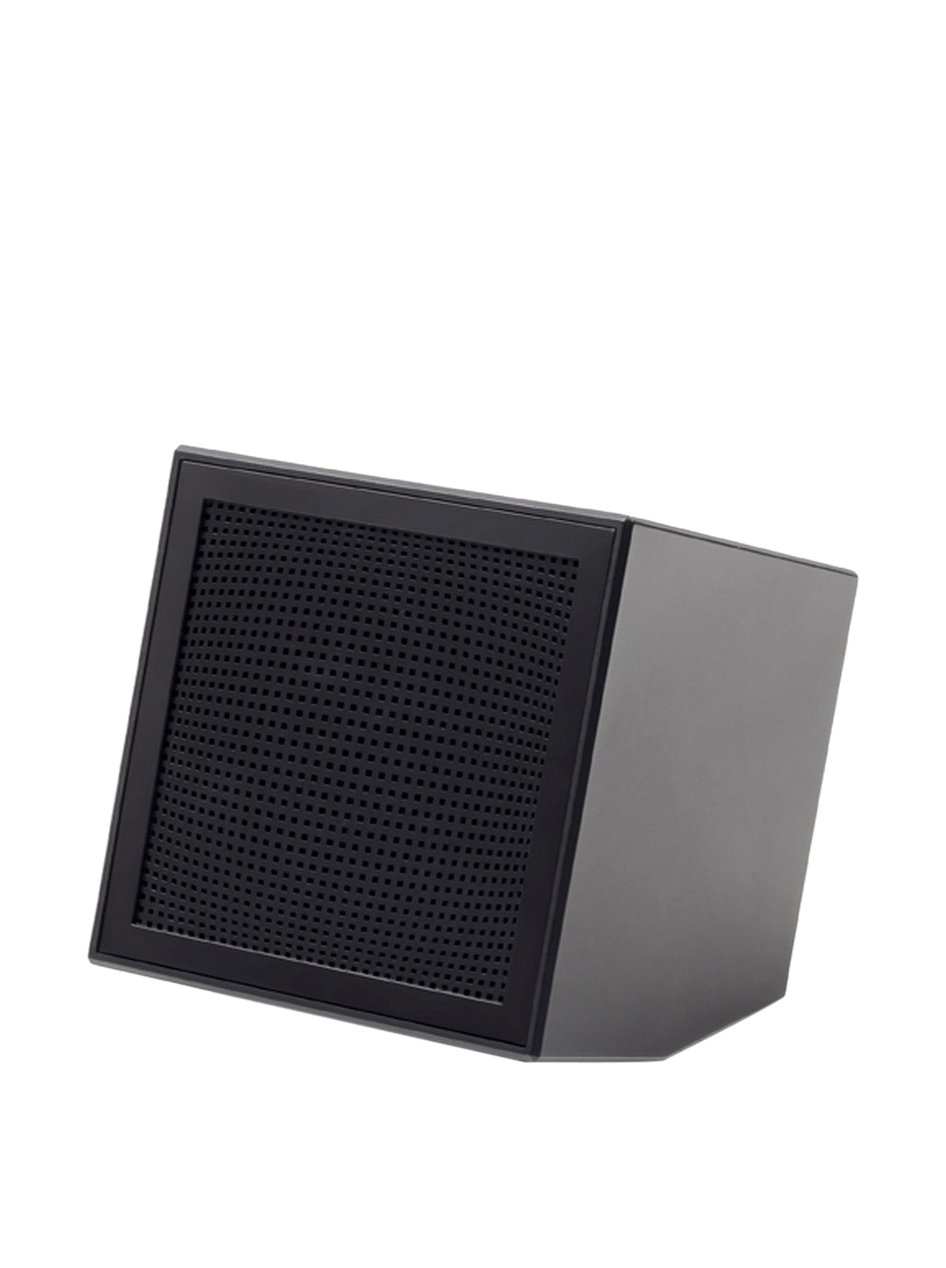
Image: The Lexon Prism Speaker, a compact black cube with a speaker grille, ready for use.
הוראות הפעלה
1. הפעלה / כיבוי
- To power on: Press and hold the power button (usually marked with a power symbol) for a few seconds until you hear an audible tone or see an indicator light.
- To power off: Press and hold the power button again for a few seconds until you hear an audible tone or the indicator light turns off.
2. זיווג Bluetooth
Pair your Lexon Prism Speaker with a Bluetooth-enabled device (e.g., smartphone, tablet, computer).
- Ensure the speaker is powered on and in pairing mode. The Bluetooth indicator light will typically flash rapidly.
- במכשיר שלך, עבור להגדרות Bluetooth והפעל את Bluetooth.
- חפש available devices. The speaker should appear as "Lexon Prism" or a similar name.
- Select "Lexon Prism" from the list to connect.
- Once successfully paired, you will hear a confirmation tone, and the Bluetooth indicator light will stop flashing and remain solid.
- הרמקול ינסה להתחבר מחדש באופן אוטומטי למכשיר האחרון שצומד לאחר הפעלתו.
3. השמעת שמע
After successful pairing, you can play audio from your connected device. Use your device's controls for:
- השמעה/השהיה של מוזיקה
- התאמת עוצמת הקול
- Skipping tracks (if supported by speaker controls)
The speaker itself may have basic controls for volume and playback, refer to the physical buttons on your device.
תחזוקה וטיפול
- ניקוי: Use a soft, dry cloth to wipe the surface of the speaker. Do not use abrasive cleaners, alcohol, or chemical solvents, as these may damage the finish.
- אִחסוּן: יש לאחסן את הרמקול במקום קריר ויבש, הרחק מאור שמש ישיר וטמפרטורות קיצוניות, כאשר אינו בשימוש למשך תקופות ממושכות.
- חשיפה למים: רמקול זה אינו עמיד למים. יש להימנע מחשיפתו למים, גשם או לחות מוגזמת.
- פְּגִיעָה: הימנעו מהפלת הרמקול או מחשיפתו לפגיעות חזקות, העלולות לפגוע ברכיבים הפנימיים.
פתרון בעיות
| בְּעָיָה | פתרון אפשרי |
|---|---|
| הרמקול לא נדלק. | Ensure the speaker is fully charged. Connect it to a power source using the USB cable and allow it to charge for at least 30 minutes before attempting to power on again. |
| לא ניתן להתאים עם מכשיר Bluetooth. |
|
| אין צליל או עוצמת קול נמוכה. |
|
| עיוות סאונד. |
|
מפרטים
| תכונה | פְּרָט |
|---|---|
| מספר דגם | LA87N |
| מותג | לקסון |
| פלט כוח | 3 וואט |
| טכנולוגיית קישוריות | בלוטות', USB |
| מקור כוח | מופעל על סוללה |
| חוֹמֶר | ABS |
| מידות (L x W x H) | 8 x 8 x 8 ס"מ |
| מִשׁקָל | 405 גרם |
| צֶבַע | שָׁחוֹר |
אחריות ותמיכה
Lexon products are manufactured to the highest quality standards. For information regarding warranty coverage, terms, and conditions, please refer to the warranty card included with your purchase or visit the official Lexon webאֲתַר.
If you encounter any issues not covered in the troubleshooting section or require further assistance, please contact Lexon customer support through their official webאתר או פרטי הקשר שסופקו עם תיעוד המוצר שלך.
Please have your model number (LA87N) and proof of purchase ready when contacting support.