
Introduzione
The Monster S180 Bluetooth Speaker is designed to deliver high-quality audio with portability and durability. This manual provides detailed instructions for setting up, operating, and maintaining your speaker to ensure optimal performance.
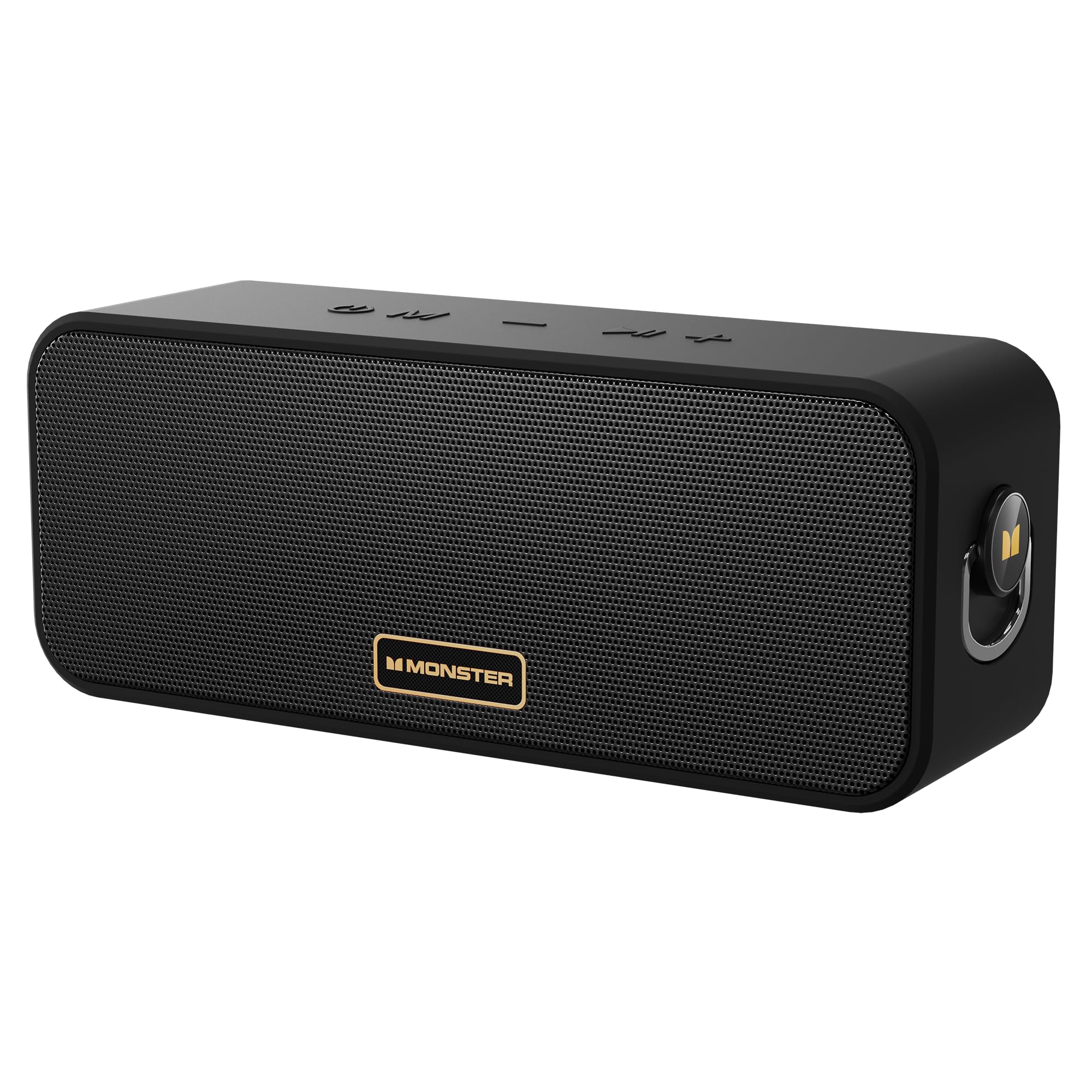
Image: The Monster S180 Bluetooth Speaker, showcasing its key features: 40W output, 28-hour playtime, and IPX6 waterproof rating.
Cosa c'è nella scatola
Si prega di controllare il contenuto della confezione dopo averla disimballata:
- Altoparlante Bluetooth Monster S180 ×1
- Cavo di ricarica × 1
- Guida rapida ×1
Prodotto finitoview
Controlli

Immagine: in alto view of the Monster S180 speaker, indicating the function of each button: Power On/Off, Mode Switch, Previous Song/Volume Down, Play/Pause, Next Song/Volume Up.
- Pulsante di accensione (⏻): Tenere premuto per accendere/spegnere.
- Pulsante modalità (M): Press to switch between Bluetooth, AUX, and TF card modes.
- Volume Down / Previous Song (−): Short press for volume down; long press for previous song.
- Play/Pause / TWS (⏸): Short press to play/pause; double click to enter/exit True Wireless Stereo (TWS) mode.
- Volume Up / Next Song (+): Short press for volume up; long press for next song.
Porti

Immagine: Lato view of the Monster S180 speaker, showing the USB-C charging port, AUX input, and TF card slot.
- Porta di ricarica USB-C: Per caricare l'altoparlante.
- Ingresso AUX: For connecting external audio devices via a 3.5mm audio cable.
- Slot per schede TF: Per riprodurre musica direttamente da una scheda TF (MicroSD).
Impostare
Carica iniziale
Before first use, fully charge the speaker using the provided USB-C cable and a compatible power adapter (not included). The charging indicator light will show charging status.
Accoppiamento Bluetooth
- Power on the speaker by pressing and holding the Power button. The Bluetooth indicator will flash, indicating it is in pairing mode.
- Sul tuo dispositivo (smartphone, tablet, ecc.), attiva il Bluetooth e cerca i dispositivi disponibili.
- Select "Monster S180" from the list.
- Once connected, the Bluetooth indicator will remain solid, and you will hear a confirmation tone.

Image: The Monster S180 speaker highlighting its advanced Bluetooth 6.0 connectivity, offering lower latency, lower power consumption, more stable connection, and longer transmission range.
Istruzioni per l'uso
Accensione/spegnimento
Press and hold the Power button for approximately 2-3 seconds to turn the speaker on or off.
Controllo volume e traccia
- Alza il volume: Premere brevemente il pulsante "+".
- Abbassa il volume: Premere brevemente il pulsante "-".
- Traccia successiva: Premere a lungo il pulsante "+".
- Traccia precedente: Premere a lungo il pulsante "-".
Cambio di modalità
Press the "M" (Mode) button to cycle through available input modes: Bluetooth, AUX, and TF Card.
Accoppiamento True Wireless Stereo (TWS)
To pair two Monster S180 speakers for a stereo sound experience:
- Assicurarsi che entrambi gli altoparlanti siano accesi e non connessi ad alcun dispositivo Bluetooth.
- On one speaker, double-click the Play/Pause button. It will enter TWS pairing mode.
- The speakers will automatically connect to each other. Once connected, one speaker will act as the left channel and the other as the right channel.
- Connect your device to the primary speaker via Bluetooth as described in the Bluetooth Pairing section.

Image: Two Monster S180 speakers wirelessly connected, demonstrating the True Wireless Stereo (TWS) pairing feature for synchronized stereo music playback.
Ingresso AUX
Connect an external audio device to the speaker's AUX port using a 3.5mm audio cable. The speaker will automatically switch to AUX mode or can be manually selected using the Mode button.
Riproduzione di schede TF
Inserisci una scheda TF (MicroSD) con la musica files into the TF card slot. The speaker will automatically switch to TF card mode and begin playback, or you can select it using the Mode button.
Manutenzione
To ensure the longevity and performance of your Monster S180 speaker:
- Pulizia: Per pulire l'altoparlante, utilizzare un panno morbido e asciutto. Non utilizzare detergenti abrasivi o solventi.
- Resistenza all'acqua: The speaker has an IPX6 waterproof rating, meaning it is protected against powerful water jets. It can withstand splashes and rain but should not be fully submerged in water for extended periods. Ensure the port cover is securely closed to maintain water resistance.
- Magazzinaggio: Store the speaker in a cool, dry place away from extreme temperatures and direct sunlight.
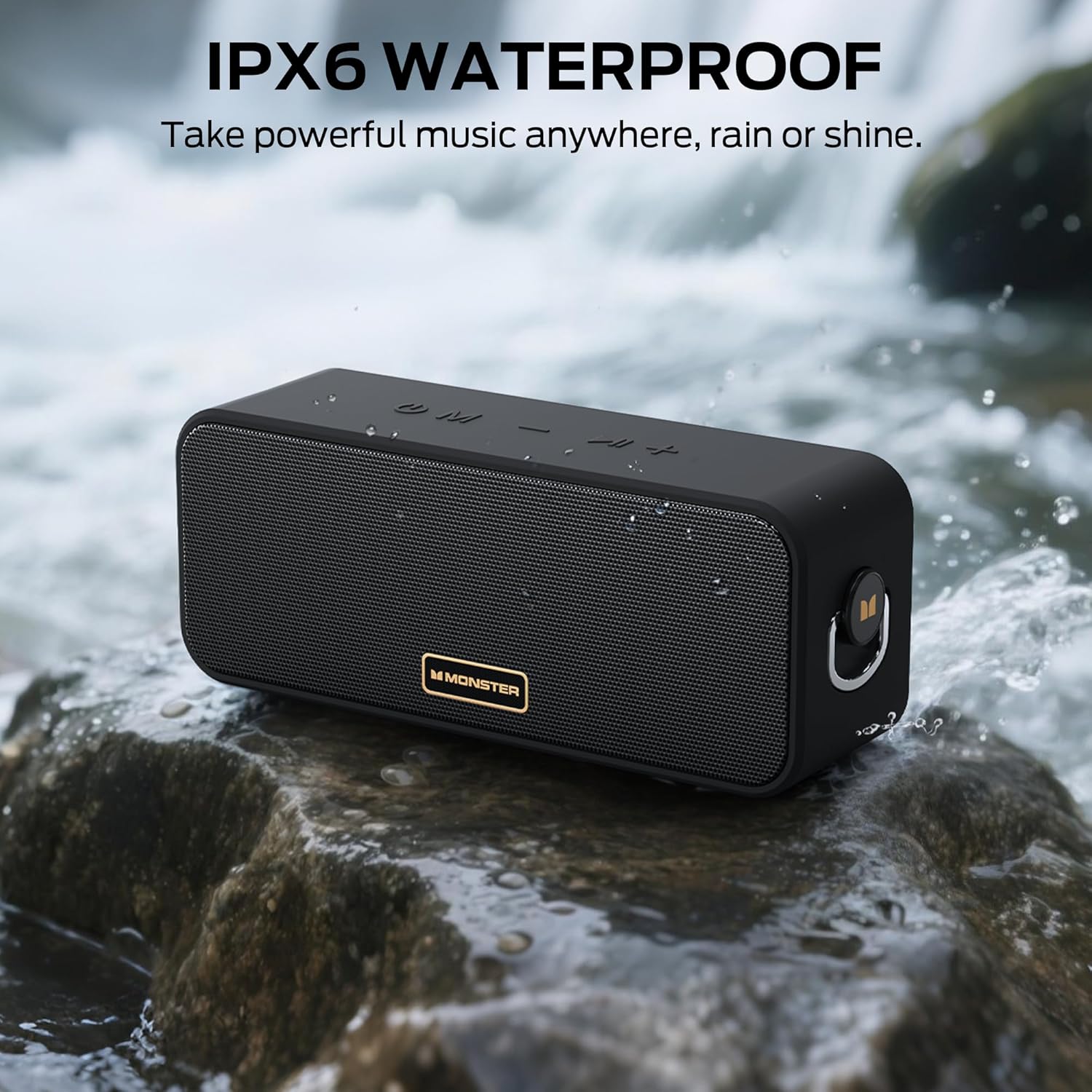
Image: The Monster S180 speaker positioned near a flowing stream, illustrating its IPX6 waterproof capability, suitable for outdoor use in various weather conditions.
Risoluzione dei problemi
| Problema | Possibile causa | Soluzione |
|---|---|---|
| L'altoparlante non si accende | Batteria scarica; il pulsante di accensione non è stato premuto abbastanza a lungo | Caricare l'altoparlante; tenere premuto il pulsante di accensione per 2-3 secondi. |
| Impossibile effettuare l'associazione tramite Bluetooth | Altoparlante non in modalità di associazione; Bluetooth del dispositivo disattivato; Troppo lontano dal dispositivo | Ensure speaker is flashing its Bluetooth indicator; Enable Bluetooth on your device; Move speaker closer to device (within 20 meters). |
| Nessun suono | Volume troppo basso; Modalità di input errata; Il dispositivo non riproduce l'audio | Increase speaker and device volume; Press 'M' button to select correct mode; Ensure audio is playing on your connected device. |
| L'associazione TWS non riesce | Altoparlanti già connessi ad altri dispositivi; Non in modalità di associazione TWS | Disconnect speakers from any Bluetooth devices; Double-click Play/Pause button on one speaker to initiate TWS pairing. |
Specifiche
| Caratteristica | Dettaglio |
|---|---|
| Marca | Mostro |
| Numero di modello | MS62117 |
| Potenza massima in uscita dell'altoparlante | 40 Watt |
| Tecnologia di connettività | Bluetooth 6.0 |
| Modalità di uscita audio | Stereo |
| Durata media della batteria | 28 ore |
| Livello di resistenza all'acqua | IPX6 (resistente all'acqua) |
| Portata Bluetooth massima | 20 metri |
| Metodo di controllo | Premere il pulsante |
| Dispositivi compatibili | Desktop, Smartphone, Televisione, iPhone |
| Fonte di alimentazione | Alimentato a batteria |
| Dimensioni dell'articolo (P x L x A) | 3"P x 8"L x 4"A |
| Materiale di recinzione | Metallo, Plastica |
| Caratteristiche aggiuntive | Portable, Stereo Pairing, Waterproof |
Garanzia e supporto
L'altoparlante Bluetooth Monster S180 è dotato di un Garanzia limitata di 1 anni from the manufacturer, Monster.
For technical support, warranty claims, or further assistance, please refer to the contact information provided in the Quick Start Guide included with your product or visit the official Monster websito.