
1. Introduzione
Thank you for choosing the MINISO MS216 Sleep Earbuds. These earbuds are designed to provide comfort for side sleepers, advanced noise reduction, and real-time AI translation across 135 languages. This manual will guide you through the features, setup, and operation to ensure an optimal user experience.

Figure 1.1: MINISO MS216 Sleep Earbuds and Charging Case.
2. Caratteristiche del prodotto
- Comfort per chi dorme su un fianco: Presenta un basso profilofile, ergonomic design that fits snugly within the ear canal, minimizing pressure and discomfort when sleeping on your side.
- Riduzione avanzata del rumore: Utilizes Active Noise Cancellation (ANC) technology to reduce background noise, suitable for sleep, calls, or music in various environments.
- 3-in-1 AI Translation: Combines real-time translation, high-definition call clarity, and premium audio playback. Offers near-instant translation (<0.5s delay) with 98% accuracy.
- Supporto multilingua: Supports real-time translation across 135 languages, including Spanish, Chinese, English, Japanese, Korean, German, and French.
- Molteplici modalità di traduzione: Includes Hands-Free, Touch Control, Photo Translate, AI Chat Mode, Meeting Mode, Hybrid Mode, and Voice Notes.
- Durata prolungata della batteria: Provides up to 8 hours of playtime on a single charge, with the compact charging case extending total playtime to 48 hours. Supports Type-C fast charging.
- Connettività Bluetooth 6.0: Garantisce una connessione wireless stabile ed efficiente.

Figure 2.1: Ergonomic design and lightweight construction for comfortable sleep.

Figure 2.2: Active Noise Cancellation (ANC) for reduced ambient sound.
3. Impostazione
3.1 Carica iniziale
Before first use, fully charge the earbuds and the charging case. Connect the provided Type-C charging cable to the charging case and a power source. The indicator lights on the case will show charging status.

Figure 3.1: Charging the MINISO MS216 Earbuds and Case.
3.2 Associazione Bluetooth
- Assicurati che gli auricolari siano nella custodia di ricarica e che il coperchio della custodia sia aperto.
- On your device (smartphone, tablet), enable Bluetooth.
- Select "MINISO MS216" from the list of available Bluetooth devices.
- Una volta collegati, gli auricolari sono pronti per l'uso.
4. Istruzioni per l'uso
4.1 Indossare gli auricolari
Gently insert each earbud into your ear canal. Adjust for a comfortable and secure fit. The ergonomic design is intended to remain comfortable even when lying on your side.
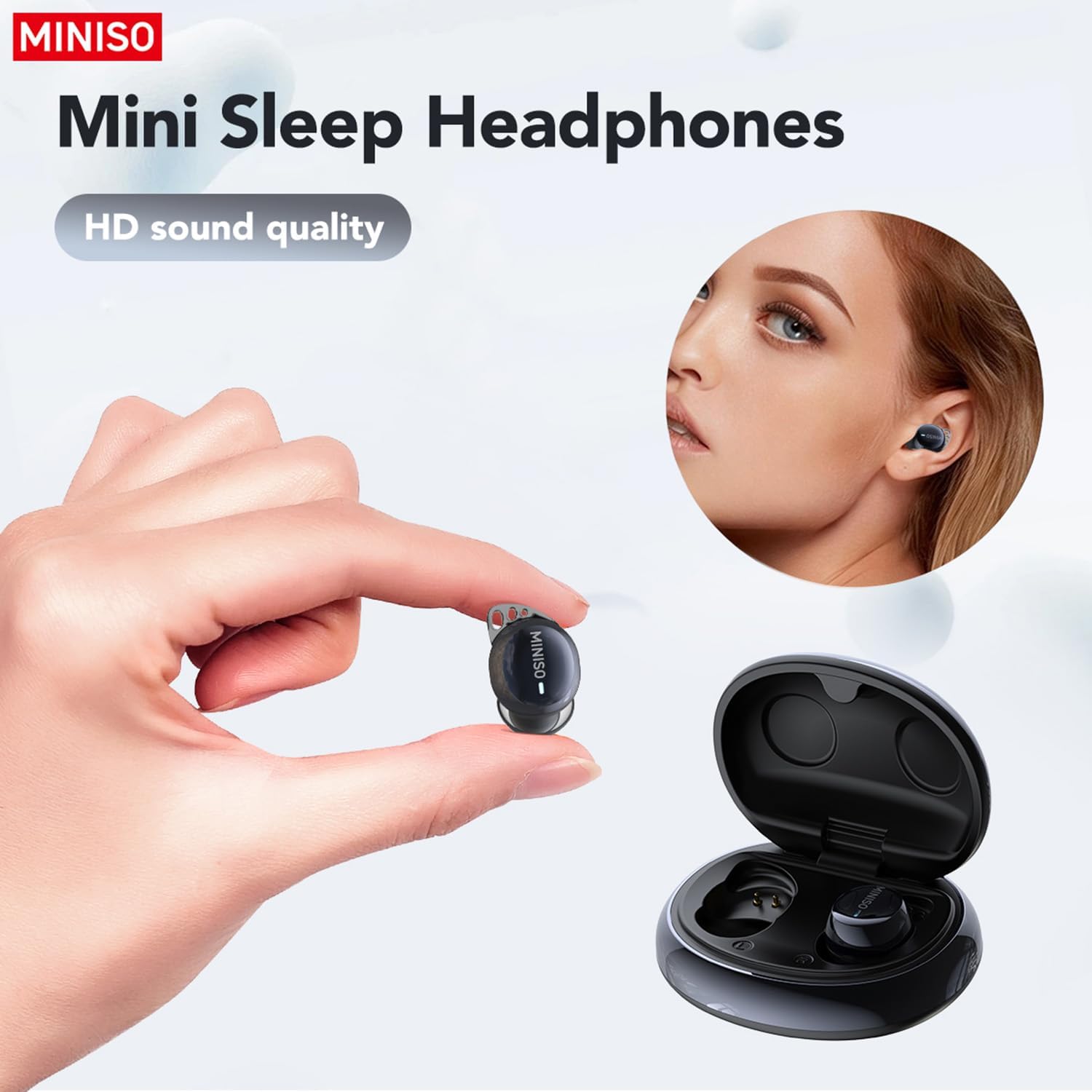
Figure 4.1: Proper placement of the earbud for a secure fit.
4.2 Controlli di base (touch)
- Riproduci/Pausa: Un solo tocco su uno degli auricolari.
- Traccia successiva: Tocca due volte l'auricolare destro.
- Traccia precedente: Tocca due volte l'auricolare sinistro.
- Rispondi/Termina chiamata: Un solo tocco su uno degli auricolari.
- Rifiuta chiamata: Tieni premuto uno dei due auricolari.
- Attiva l'assistente vocale: Tocca tre volte uno degli auricolari.
4.3 AI Translation Function (Saymi App)
The AI translation feature requires the free Saymi app, available for both iPhone and Android devices. Download and install the app, then ensure your earbuds are connected via Bluetooth.
- Open the Saymi app on your smartphone.
- Select the desired translation mode (e.g., Hands-Free, Touch Control, Headphones+Phone Mode).
- Follow the on-screen instructions within the app to initiate translation.
- For 'Headphones+Phone Mode', one person speaks into the earbud, and the other speaks into the phone's microphone.
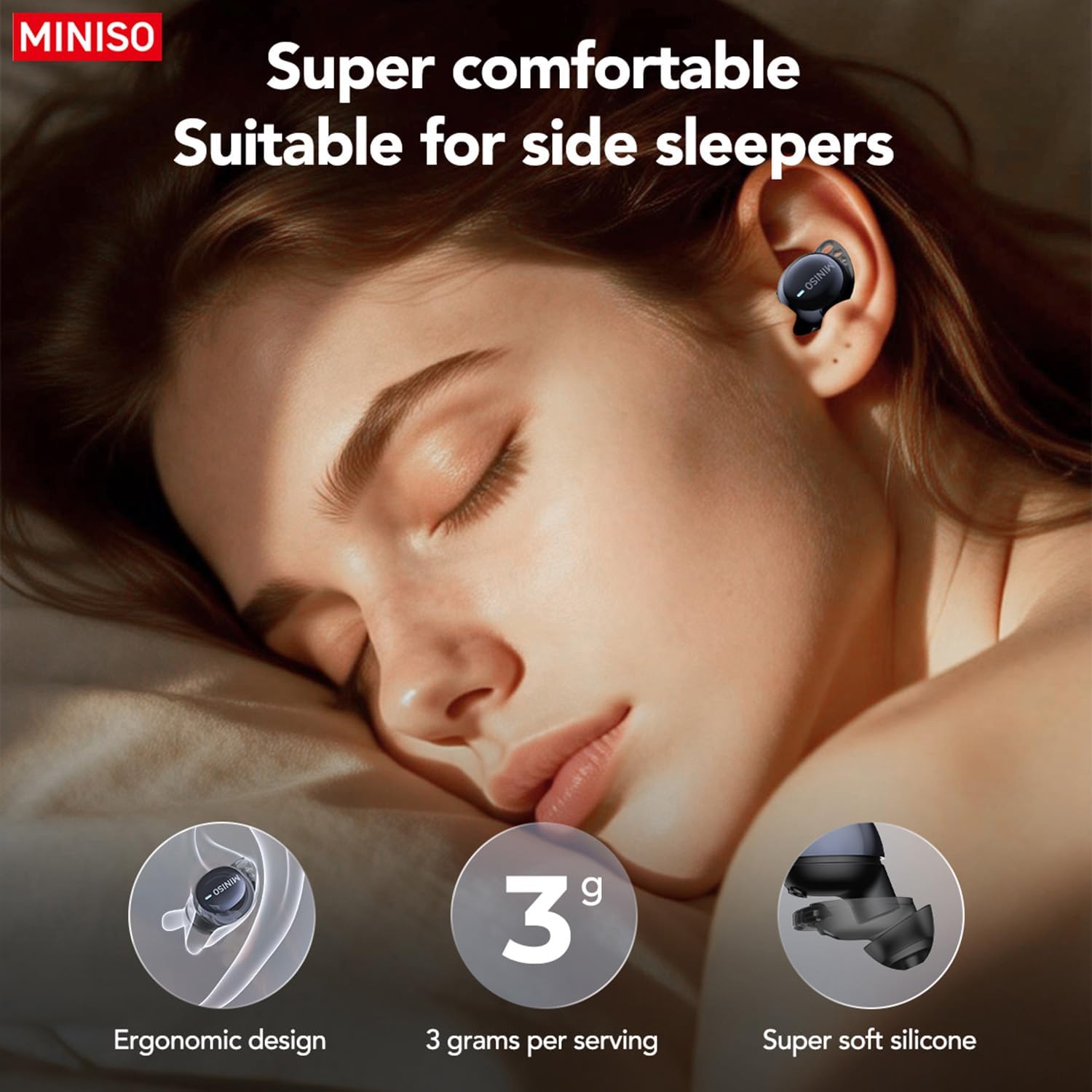
Figure 4.2: Using earbuds for clear communication.
5. Manutenzione
- Pulizia: Pulisci regolarmente gli auricolari e la custodia di ricarica con un panno morbido e asciutto. Non utilizzare prodotti chimici aggressivi o materiali abrasivi.
- Suggerimenti per le orecchie: Rimuovere e pulire periodicamente i gommini auricolari in silicone con acqua e sapone neutro. Assicurarsi che siano completamente asciutti prima di riapplicarli.
- Magazzinaggio: Quando non li usi, riponi gli auricolari nella custodia di ricarica per proteggerli e assicurarti che rimangano carichi.
- Evitare l'acqua: Gli auricolari non sono impermeabili. Evitare l'esposizione a umidità eccessiva o l'immersione in acqua.
6. Risoluzione Dei Problemi
| Problema | Possibile causa | Soluzione |
|---|---|---|
| Gli auricolari non si accoppiano | Bluetooth is off; earbuds out of range; low battery. | Ensure Bluetooth is on. Place earbuds closer to device. Charge earbuds and case. |
| Nessun suono | Volume troppo basso; non connesso; contenuto multimediale in pausa. | Increase device volume. Reconnect earbuds. Check media playback. |
| La traduzione non funziona | Saymi app not open; incorrect mode selected; internet connection issue. | Open Saymi app. Select correct translation mode. Ensure stable internet connection. |
| Earbuds falling out during sleep | Misura errata del gommino auricolare; vestibilità non corretta. | Try different sized ear tips for a more secure fit. Adjust placement in ear. |
7. Specifiche
- Numero modello: MS216
- Connettività: Bluetooth 6.0
- Lingue di traduzione: 135 (via Saymi app)
- Tempo di riproduzione (auricolari): Fino a 8 ore
- Tempo di riproduzione totale (con custodia): Fino a 48 ore
- Porta di ricarica: Tipo C
- Peso dell'articolo: 3.52 once
- Dimensioni della confezione: 4.21 x 3.19 x 1.73 pollici
- Produttore: MINISIO
8. Garanzia e supporto
MINISO products are covered by a limited warranty. For detailed warranty information, product support, or service inquiries, please refer to the warranty card included in your product packaging or visit the official MINISO website. You may also contact MINISO customer service directly for assistance.

Figure 8.1: Product packaging and included manual.