
1. Introduzione
Thank you for choosing the GNCC GC4 2K Indoor Security Camera. This manual provides essential information for setting up, operating, and maintaining your camera. Please read it thoroughly before use to ensure optimal performance and safety.
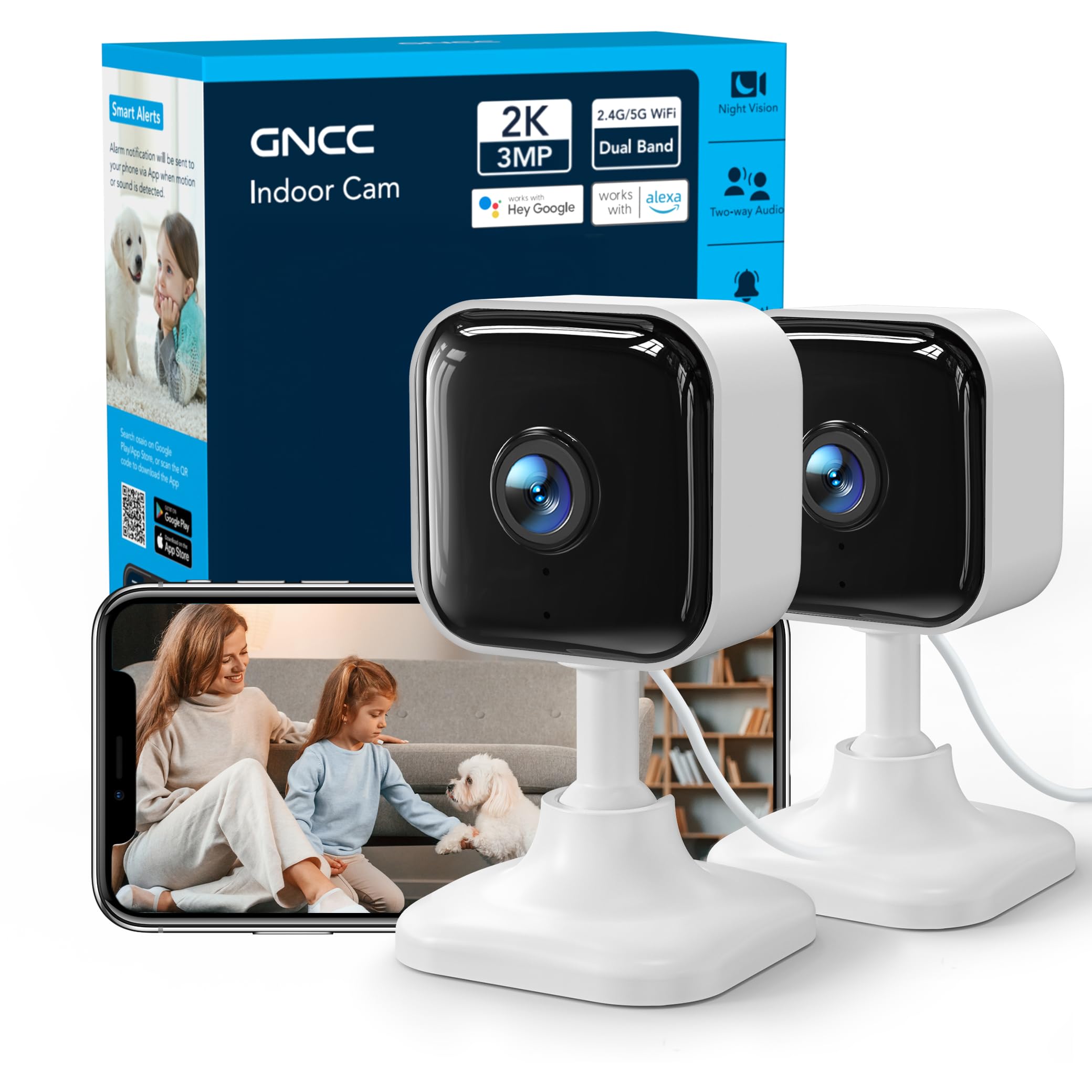
Image: GNCC GC4 2K Indoor Security Camera, a compact white camera with a black lens, shown on a stand.
2. Contenuto della confezione
Verifica che tutti gli articoli siano presenti nel tuo pacco:
- GNCC GC4 2K Indoor Security Camera
- Adattatore di alimentazione
- Cavo di alimentazione USB (6.5 piedi)
- Mounting Accessories (Adhesive tape, screws, wall anchors)
- Manuale di istruzioni (questo documento)
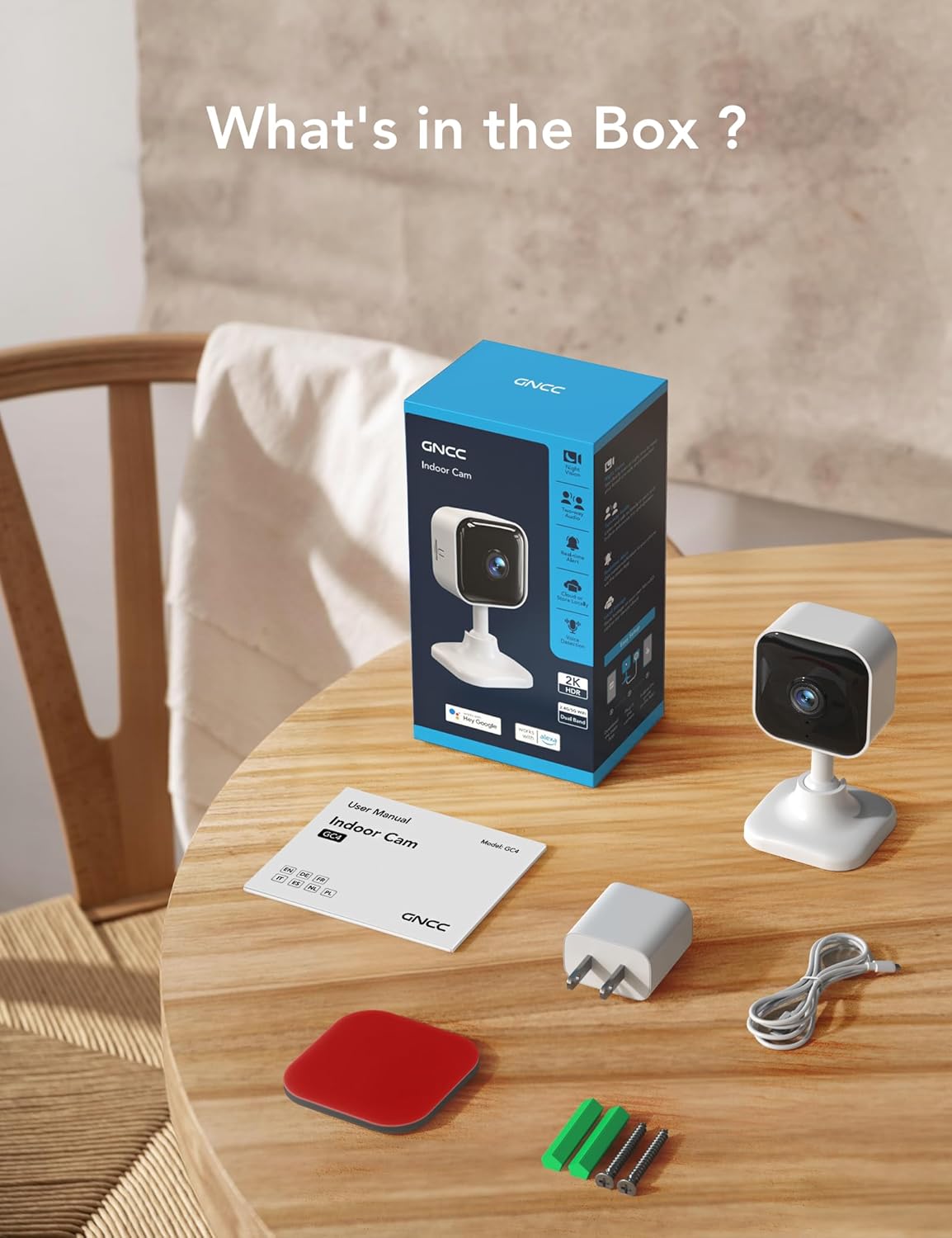
Image: Contents of the GNCC GC4 camera box, including the camera, power adapter, cable, and mounting hardware.
3. Prodotto finitoview
Familiarizzare con i componenti della fotocamera:
- Obiettivo della fotocamera: Cattura video Full HD 2K.
- LED infrarossi: Provide 32ft night vision.
- Microfono: Per la comunicazione audio bidirezionale.
- Oratore: Per comunicazioni audio bidirezionali e avvisi.
- Slot per scheda MicroSD: Supporta l'archiviazione locale fino a 128 GB (scheda non inclusa).
- Pulsante di reset: Utilizzato per ripristinare le impostazioni di fabbrica della fotocamera.
- Porta di alimentazione USB: Per collegare il cavo di alimentazione.

Image: Diagram highlighting key features of the GNCC GC4 camera, such as 2.4G/5G WiFi, 2K FHD resolution, IR Night Vision, Motion Detection, 2-Way Audio, and Local/Cloud Storage.
4. Impostazione
4.1 Accensione iniziale e ripristino
- Plug the camera into a power outlet using the provided power adapter and USB cable.
- Attendi che la fotocamera si accenda.
- Locate the reset button (usually near the MicroSD card slot). Use a pin or a thin object to press and hold the reset button for approximately 5-10 seconds until the indicator light blinks red. This indicates the camera is ready for pairing.
4.2 Download e associazione dell'app
- Scarica il Osaio app dall'app store del tuo smartphone (iOS o Android).
- Apri l'app Osaio e crea un account o accedi.
- Assicurati che il tuo telefono sia connesso a una rete Wi-Fi da 2.4 GHz o 5 GHz.
- Abilita il Bluetooth sul tuo telefono.
- In the Osaio app, tap the '+' icon to add a new device. The app should automatically detect the GC4 camera.
- Follow the on-screen prompts to connect the camera to your Wi-Fi network by entering your Wi-Fi password.
- Una volta effettuata la connessione, puoi dare un nome alla tua telecamera e iniziare a usarla.
Video: A step-by-step guide on how to connect the GNCC GC4 Camera to the Osaio App.

Image: Visual guide showing the steps to set up the GNCC GC4 camera using the Osaio app, from plugging in to successful device naming.

Image: GNCC GC4 camera illustrating its dual-band 2.4G/5G Wi-Fi connectivity for a stable connection.
5. Istruzioni per l'uso
5.1 Vivere View e audio bidirezionale
Open the Osaio app and select your camera to view the live feed. Use the microphone icon to speak through the camera and the speaker icon to listen to audio from the camera's location.

Image: A child and a dog in a living room, with speech bubbles indicating two-way audio communication through the GNCC GC4 camera.
5.2 Rilevamento di movimento e suono
The camera features human, motion, and sound detection. When triggered, the app will send notifications to your smartphone. Sensitivity settings can be adjusted within the Osaio app.
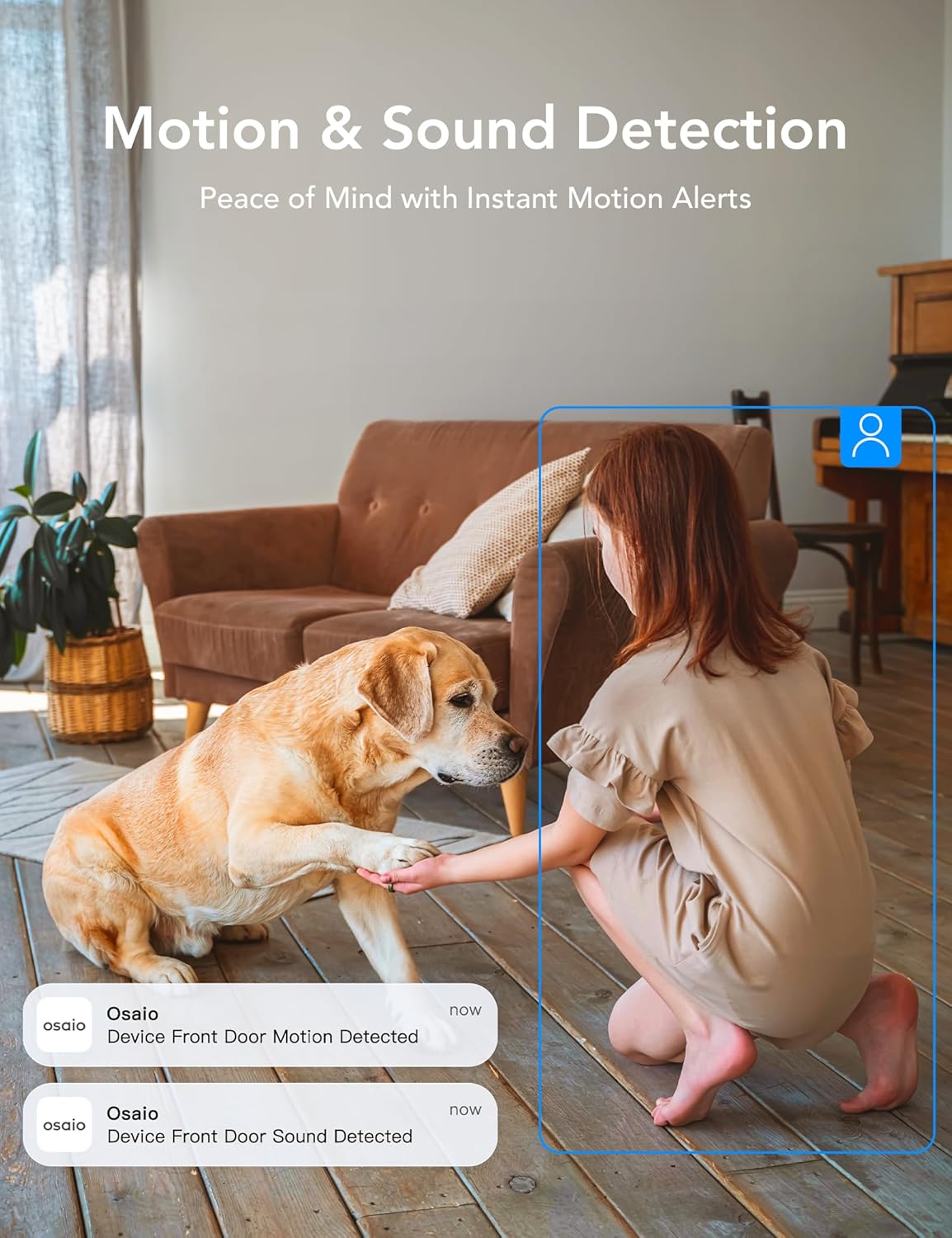
Image: A girl and a dog in a living room, with app notifications indicating motion and sound detection by the Osaio device.
5.3 Visione notturna a infrarossi
In condizioni di scarsa illuminazione, la telecamera passa automaticamente alla visione notturna a infrarossi, garantendo video nitidi in bianco e nero fino a 32 piedi.
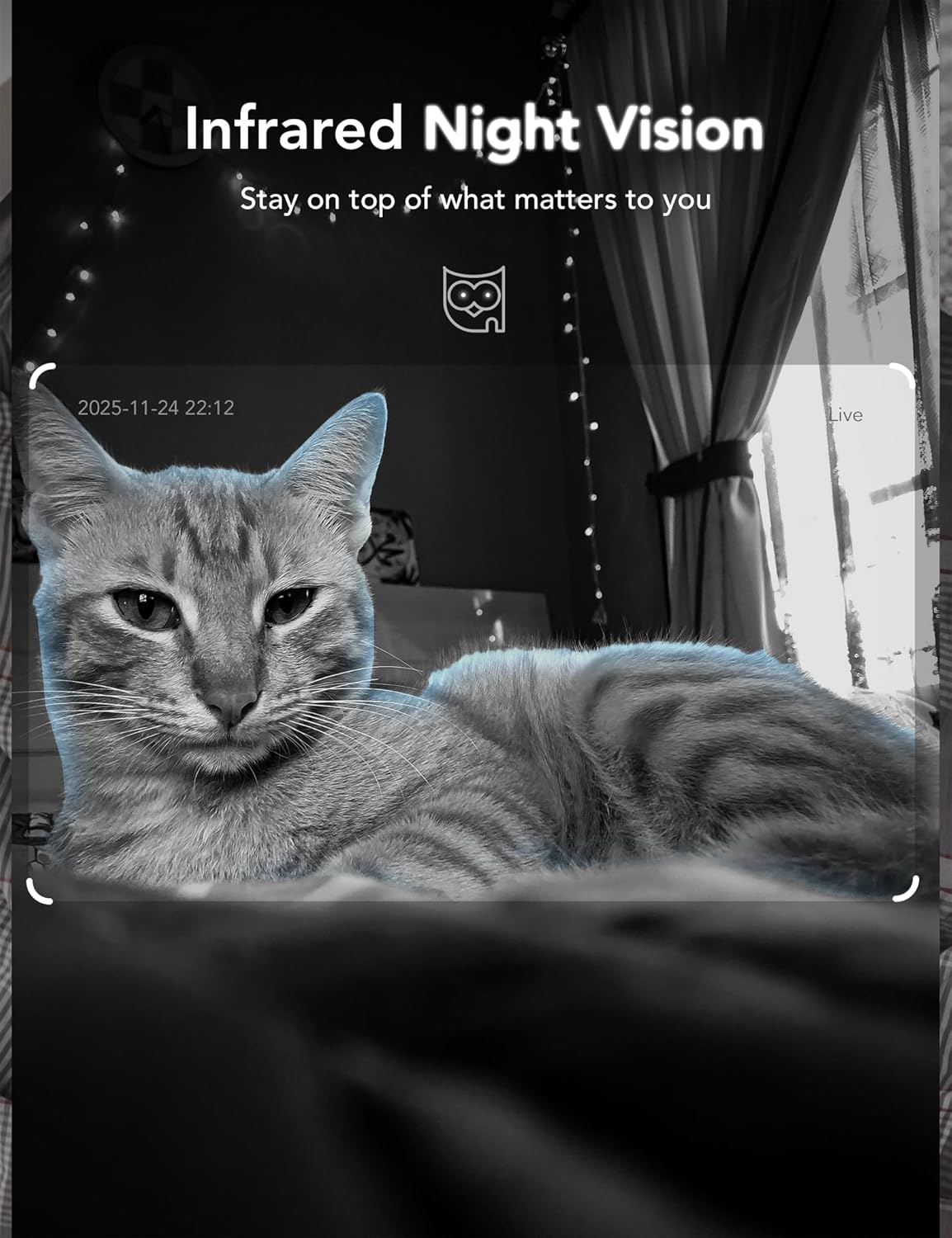
Image: A cat captured in infrared night vision by the GNCC GC4 camera, demonstrating clear visibility in darkness.
5.4 Opzioni di archiviazione
The GC4 camera supports two storage methods:
- Archiviazione locale: Insert a MicroSD card (up to 128GB, not included) into the camera's slot for 24/7 continuous recording. Ensure the camera is powered off before inserting or removing the card.
- Archiviazione cloud: The Osaio app offers secure, encrypted cloud storage with a 14-day free trial for one camera per account. Subscription is required after the trial period.
Video: Demonstration of inserting a MicroSD card into the GNCC GC4 camera for local storage.
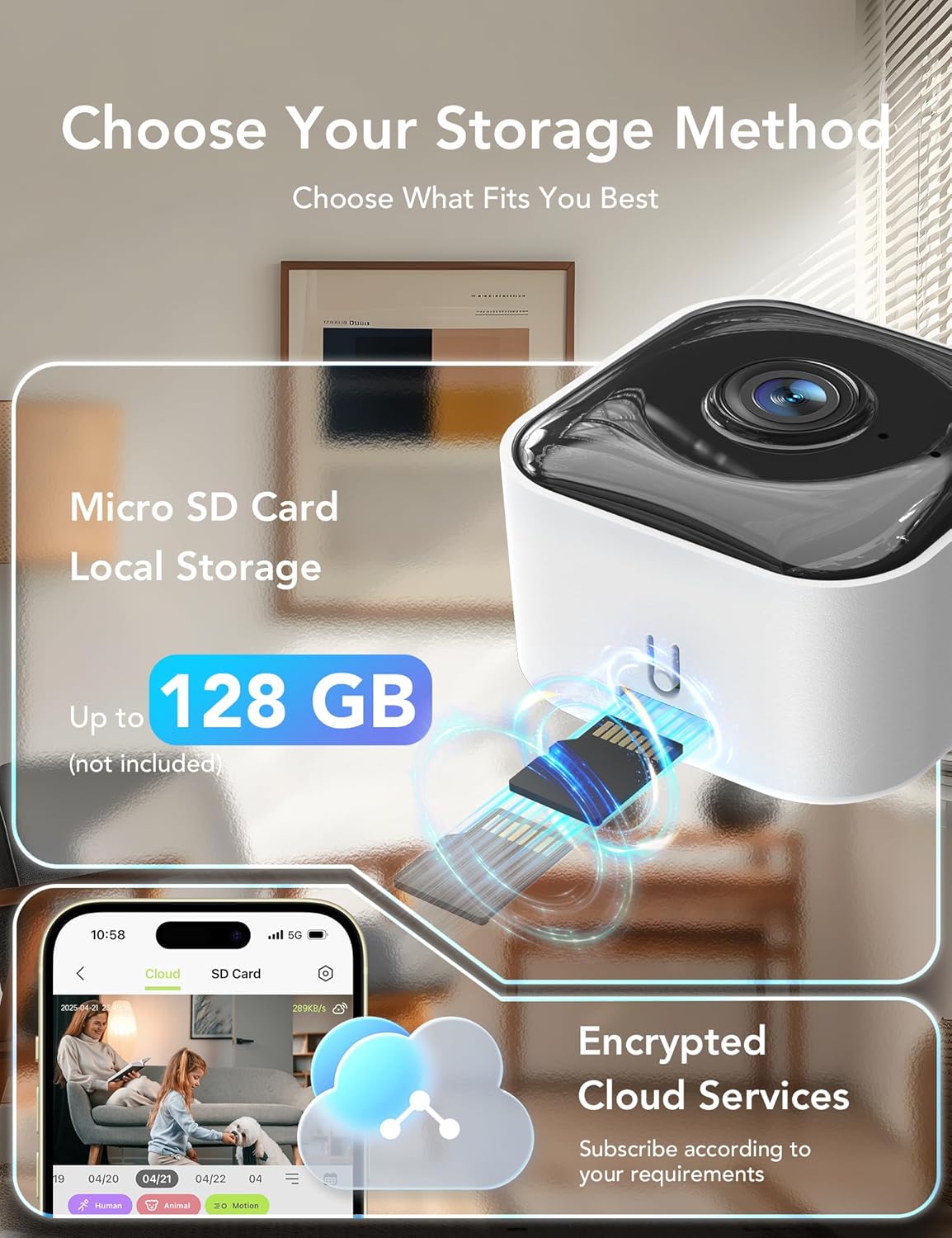
Image: Visual representation of the GNCC GC4 camera's storage options, including MicroSD card local storage (up to 128GB) and encrypted cloud services via the Osaio app.
6. Metodi di installazione
The GNCC GC4 camera offers flexible installation options:
- Autoportante: Posizionare la telecamera su una superficie piana, come uno scaffale o un tavolo.
- Wall Mount: Use the included adhesive tape or screws and wall anchors to securely mount the camera to a wall.
Video: Demonstration of three different installation methods for the GNCC GC4 camera.
7. Integrazione della casa intelligente
The GNCC GC4 camera is compatible with Amazon Alexa and Google Assistant, allowing for voice control and live feed viewsu smart display compatibili.
7.1 Connessione con Amazon Alexa
- Open the Alexa app and log in to your account.
- Tap 'More' in the lower right corner, then choose 'Skills & Games'.
- Tap the search icon in the upper right corner and search for 'Osaio'.
- Tap 'OSAIO' and click 'ENABLE TO USE'.
- Sign in to your Osaio account to link it with Alexa.
- Tap 'Authorize' and then 'Close'.
- Alexa will discover your devices. Once complete, you can use voice commands like "Alexa, show me the [camera name]".
Video: A guide on connecting the GNCC GC4 camera to Amazon Alexa for voice control.

Image: A woman in a kitchen interacting with an Alexa device to view the GNCC GC4 camera feed, demonstrating smart home integration.
8. Manutenzione
- Pulizia: Utilizzare un panno morbido e asciutto per pulire l'obiettivo e il corpo della fotocamera. Evitare prodotti chimici aggressivi o materiali abrasivi.
- Aggiornamenti del firmware: Controlla regolarmente l'app Osaio per verificare la presenza di aggiornamenti del firmware, per assicurarti che la tua fotocamera disponga delle funzionalità più recenti e dei miglioramenti di sicurezza.
- Posizionamento: Ensure the camera is placed in a location with good Wi-Fi signal strength and away from direct sunlight or heat sources.
- Modalità privacy: Utilize the privacy mode feature in the Osaio app to temporarily disable recording and live view when privacy is desired.

Image: A bedroom scene with the GNCC GC4 camera's privacy mode activated, indicated by a green toggle switch in the app interface.
9. Risoluzione Dei Problemi
- La fotocamera non si connette al Wi-Fi: Ensure your Wi-Fi password is correct and the camera is within range of your router. Try resetting the camera and repeating the pairing process.
- Offline status: Check your Wi-Fi connection and the camera's power supply. Restart the camera by unplugging and replugging it.
- Scarsa qualità video: Ensure a strong Wi-Fi signal. If using a MicroSD card, check its health and ensure it's not full.
- No motion/sound alerts: Verify that detection settings are enabled and sensitivity is adjusted appropriately in the Osaio app. Check app notification permissions on your phone.
- Problemi audio bidirezionali: Ensure your phone's microphone and speaker are working and that the app has necessary permissions. Check the camera's volume settings.
10. Specifiche
| Caratteristica | Dettaglio |
|---|---|
| Numero di modello | GC4 |
| Risoluzione video | 2K (3MP) |
| Gamma di visione notturna | Fino a 32 piedi (infrarossi) |
| Connettività Wi-Fi | 2.4GHz / 5GHz Dual-Band |
| Opzioni di archiviazione | MicroSD Card (up to 128GB), Cloud Storage (Subscription) |
| Audio | Audio bidirezionale |
| Rilevamento | Rilevamento di esseri umani, movimenti e suoni |
| Compatibilità con la casa intelligente | Amazon Alexa, Assistente Google |
| Fonte di alimentazione | Elettrico con cavo |
| Dimensioni (L x P x A) | 1.96 x 1.37 x 3.74 pollici |
| Peso | 11.7 once |
11. Informazioni sulla garanzia
GNCC products come with a limited warranty from the date of purchase. Please refer to the warranty card included in your package or visit the official GNCC website for detailed terms and conditions. This warranty typically covers manufacturing defects but does not cover damage caused by misuse, accidents, or unauthorized modifications.
12. Assistenza clienti
If you encounter any issues or have questions regarding your GNCC GC4 camera, please contact our customer support team:
- E-mail: [Inserisci qui l'email dell'assistenza clienti]
- Telefono: [Inserisci qui il numero di telefono dell'assistenza clienti]
- Websito: Visit the GNCC Store on Amazon
Our support team is available to assist you with technical issues, warranty claims, and general inquiries.