
1. Introduzione
Thank you for choosing the taopodo P114 Smartwatch. This device is designed to enhance your daily life with features such as health monitoring, communication capabilities, and various practical functions. This manual provides detailed instructions on how to set up, operate, and maintain your smartwatch to ensure optimal performance and longevity. Please read this manual thoroughly before using the product.
2. Contenuto della confezione
Si prega di controllare il contenuto della confezione al momento del disimballaggio. Se qualche articolo risulta mancante o danneggiato, contattare l'assistenza clienti.
- taopodo P114 Smartwatch (with strap)
- Cavo di ricarica
- Manuale d'uso
3. Impostazione
3.1 Ricarica dello smartwatch
Before initial use, fully charge your smartwatch. The device features magnetic fast charging.
- Collegare il cavo di ricarica magnetico ai contatti di ricarica sul retro dello smartwatch.
- Collegare l'estremità USB del cavo di ricarica a un adattatore di alimentazione USB standard (consigliato 5 V/1 A) o alla porta USB di un computer.
- Il display dell'orologio indicherà lo stato di carica. Una carica completa richiede in genere circa 2 ore.

Image: Magnetic Fast Charging and Battery Life. The image shows the smartwatch being charged magnetically, highlighting its IP68 waterproof rating and battery specifications (30 days standby, 7 days battery life, 2 hours charging time).
3.2 Installazione dell'app
To unlock the full functionality of your smartwatch, you need to install the companion application on your smartphone. Cercare the official app (e.g., "FitCloudPro" or similar, refer to packaging for exact app name) in your smartphone's app store (App Store for iOS, Google Play Store for Android) and install it.
3.3 Associazione del dispositivo
After installing the app, follow these steps to pair your smartwatch with your smartphone:
- Assicurati che lo smartwatch sia carico e acceso.
- Abilita il Bluetooth sul tuo smartphone.
- Apri l'app complementare sul tuo smartphone.
- Segui le istruzioni nell'app per aggiungere un nuovo dispositivo. L'app cercherà gli smartwatch disponibili.
- Select "P114" or the corresponding device name from the list.
- Se richiesto, conferma la richiesta di associazione sia sullo smartphone che sullo smartwatch.
- Once paired, the app will synchronize data with your smartwatch.
4. Istruzioni per l'uso
4.1 Navigazione di base
- Schermo tattile: Scorri verso sinistra, destra, in alto o in basso per navigare tra menu e schermate. Tocca per selezionare un elemento.
- Pulsante laterale: Press the side button to return to the home screen or wake up the display. Long press may access power options or specific functions.
Chiamate Bluetooth 4.2
The P114 Smartwatch supports Bluetooth calls, allowing you to make and answer calls directly from your wrist when connected to your smartphone.
- Effettuare le chiamate: Access the "Call" or "Phone" function on your watch. You can dial numbers, access contacts synced from your phone, or view cronologia delle chiamate.
- Rispondere alle chiamate: Quando arriva una chiamata, l'orologio visualizzerà l'ID del chiamante. Tocca l'icona verde per rispondere o l'icona rossa per rifiutare.

Image: Bluetooth Making Calls and Answer. This image illustrates the smartwatch's capability for Bluetooth calls, showing options for contacts, call history, and a built-in microphone. It also displays text and message notifications from social media apps and the voice assistant feature.
4.3 Text & Message Notifications
Receive notifications for incoming calls, text messages, and alerts from various social media applications directly on your smartwatch. Ensure notification permissions are enabled in the companion app on your smartphone.
4.4 Monitoraggio della salute per tutto il giorno
The smartwatch continuously monitors key health metrics throughout the day.
- Monitoraggio del sonno: Tiene traccia dei tuoi schemi di sonno, inclusi sonno profondo, sonno leggero e orari di veglia.
- Monitoraggio della frequenza cardiaca: Measures your heart rate in real-time.
- Monitoraggio dell'ossigeno nel sangue (SpO2): Estimates your blood oxygen saturation levels.
Nota: questo dispositivo non è un dispositivo medico. I dati sanitari sono forniti solo a scopo di riferimento e non devono essere utilizzati per diagnosi o trattamenti medici.

Image: All-Day Health Monitoring. This image shows the smartwatch's ability to monitor sleep, heart rate, and blood oxygen, with a visual representation of sleep tracking.
4.5 120+ modalità sportive
The smartwatch offers over 120 sport modes to track your workouts. Select your desired activity from the "Sports" menu to record data such as steps, distance, calories burned, and heart rate during exercise.

Image: 120+ Sport Modes and Health Data Monitoring. The image highlights the smartwatch's extensive sport tracking capabilities and detailed health data monitoring, such as steps, distance, calories, and heart rate.
4.6 Rich and Practical Functions
The P114 Smartwatch integrates several convenient features to assist your daily routine:
- Controllo della musica: Controlla la riproduzione musicale sul tuo smartphone (riproduci, metti in pausa, salta i brani) direttamente dall'orologio.
- Telecamera remota: Utilizza il tuo orologio come pulsante di scatto remoto per la fotocamera del tuo smartphone.
- Previsioni del tempo: View current weather conditions and forecasts for your location (requires app synchronization).
- Cronometro: Un cronometro integrato per cronometrare le attività.
- Assistente vocale: Activate your smartphone's voice assistant (e.g., Siri, Google Assistant) through the watch.
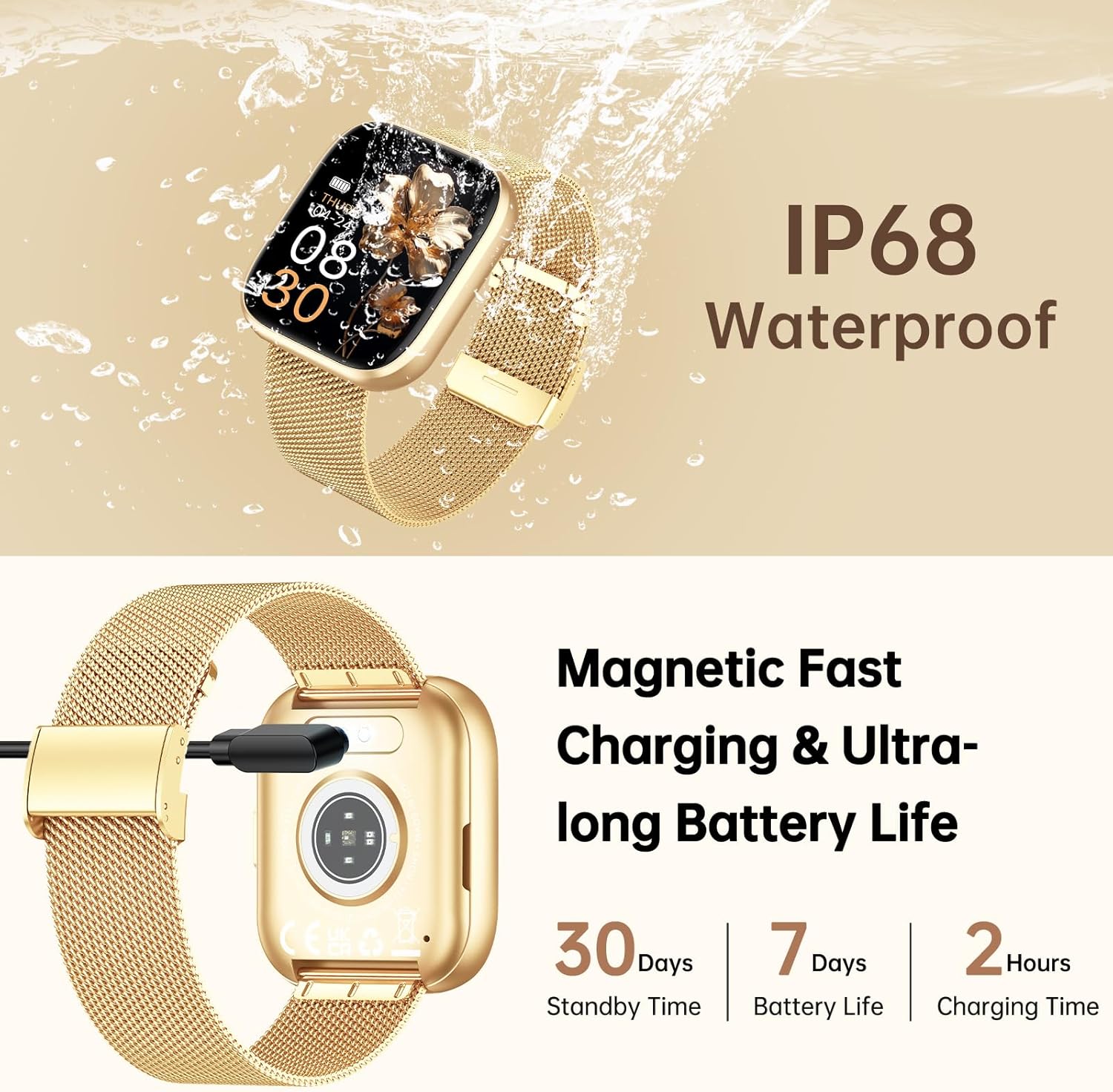
Image: Rich and Practical Functions. This image demonstrates the smartwatch's additional features, including music control, remote camera operation, weather display, and a stopwatch.
4.7 quadranti personalizzabili
Personalize your smartwatch with over 200 stylish dials or create your own DIY watch faces through the companion app.
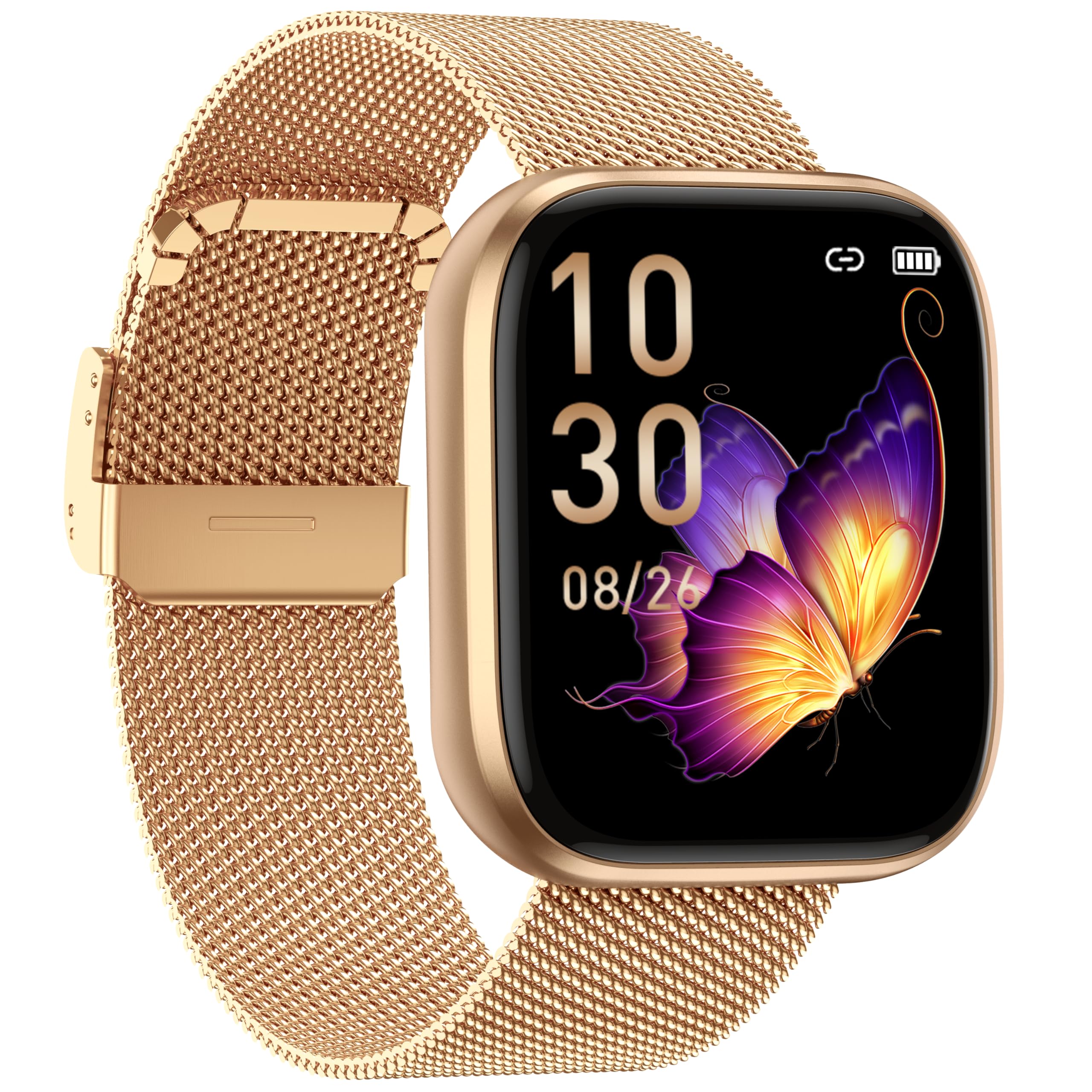
Image: 200+ Stylish Dials and DIY Dials. The image displays the smartwatch on a wrist, highlighting the extensive collection of customizable watch faces available.
5. Manutenzione
5.1 Resistenza all'acqua (IP68)
The taopodo P114 Smartwatch is rated IP68 for water resistance, meaning it is protected against dust ingress and can withstand immersion in water up to 1.5 meters for 30 minutes. It is suitable for daily use, such as hand washing, rain, and shallow swimming. However, it is not recommended for hot showers, saunas, or diving, as steam and high water pressure can compromise the seals.
5.2 Pulizia e cura
- Pulire regolarmente lo schermo e il cinturino dell'orologio con un panno morbido e asciutto.
- If the watch or strap gets wet, dry it thoroughly before charging or prolonged use.
- Evitare di esporre l'orologio a temperature estreme, alla luce solare diretta per periodi prolungati o a liquidi corrosivi.
6. Risoluzione Dei Problemi
| Problema | Possibile causa | Soluzione |
|---|---|---|
| L'orologio non si accende | Batteria scarica | Caricare l'orologio per almeno 30 minuti. |
| Impossibile associare allo smartphone | Bluetooth disattivato, problema con l'app, orologio troppo lontano | Ensure Bluetooth is on, restart phone/watch, reinstall app, keep devices close. |
| Nessuna notifica | App permissions, Bluetooth disconnected | Check app notification permissions, ensure watch is paired and app is running in background. |
| Dati sanitari imprecisi | Improper fit, movement, sensor obstruction | Ensure watch is worn snugly on the wrist, clean sensors, avoid excessive movement during measurement. |
7. Specifiche
| Caratteristica | Dettaglio |
|---|---|
| Marca | taopodo |
| Modello | P114 |
| Dimensioni dello schermo | 1.85 pollici |
| Connettività | Bluetooth |
| Dispositivi compatibili | Smartphone |
| Input dell'interfaccia umana | Pulsanti, Touchscreen |
| Resistenza all'acqua | Grado di protezione IP68 |
| Durata della batteria (tipica) | Fino a 7 giorni |
| Tempo di standby | Fino a 30 giorni |
| Tempo di ricarica | Circa 2 ore |
| GPS | Nessun GPS |
| Peso dell'articolo | 140 g (Package dimensions: 27.7 x 26.4 x 1.9 cm) |
8. Garanzia e supporto
For warranty information and customer support, please refer to the warranty card included in your package or visit the official taopodo websito. Se riscontri problemi non trattati in questo manuale, contatta il nostro servizio clienti per ricevere assistenza.