
1. Introduzione
This manual provides essential information for the safe and efficient use of your realme 14 Pro Lite Smartphone. Please read it carefully before using your device.
Contenuto della confezione:
Dopo aver disimballato, assicurarsi che siano presenti tutti gli articoli:
- realme 14 Pro Lite Smartphone
- Cavo USB
- adattatore 45W
- Custodia protettiva
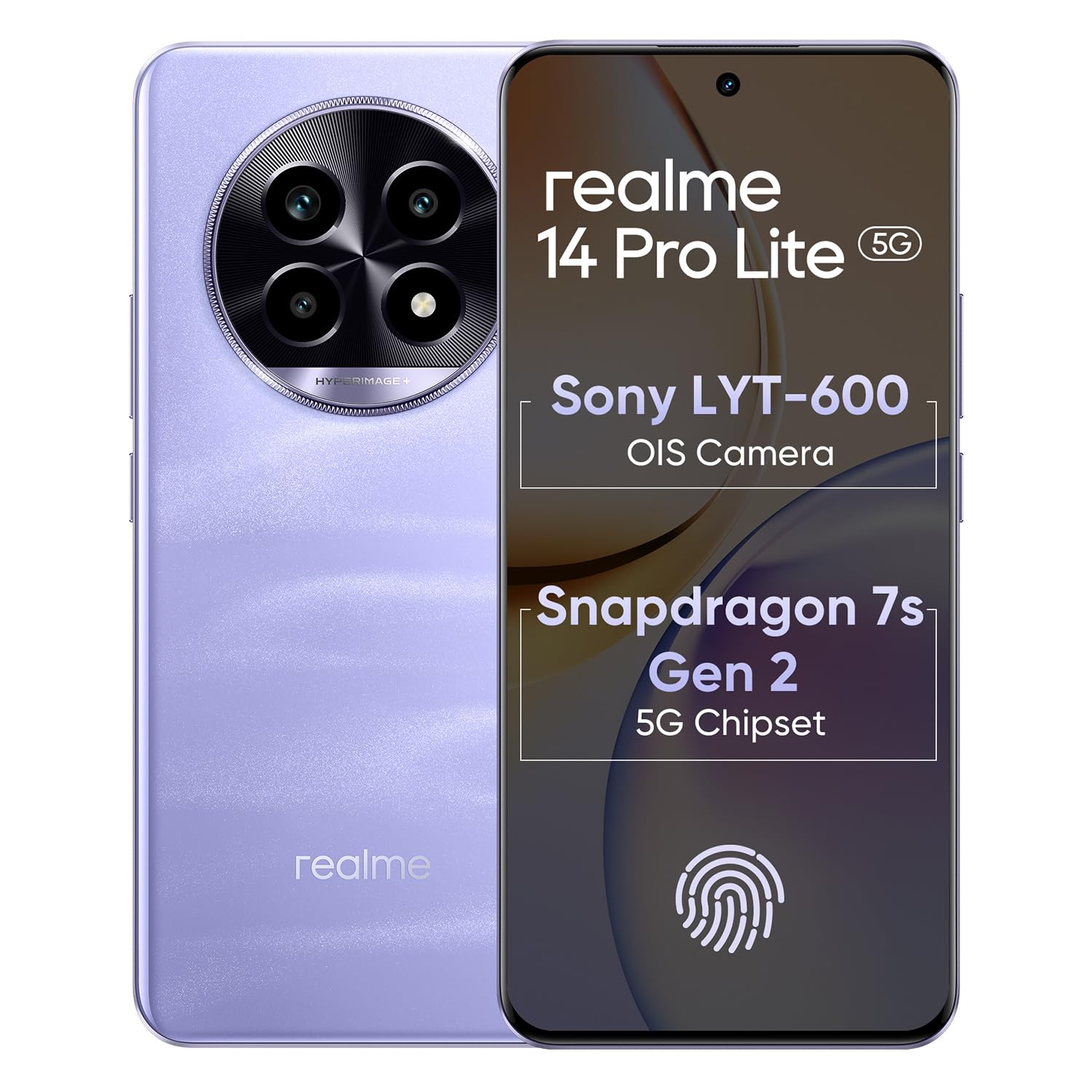
Image 1.1: The realme 14 Pro Lite Smartphone, showcasing il suo design.
2. Impostazione
2.1. Installazione della scheda SIM e della scheda MicroSD
- Individua il vassoio della scheda SIM sul lato del dispositivo.
- Inserire lo strumento di espulsione della SIM nel piccolo foro accanto al vassoio e spingere delicatamente finché il vassoio non fuoriesce.
- Inserisci le tue schede Nano-SIM (fino a due) e/o una scheda microSD negli appositi slot sul vassoio. Assicurati che i contatti dorati siano rivolti verso il basso.
- Reinserire con cautela il vassoio nel telefono finché non scatta in posizione.
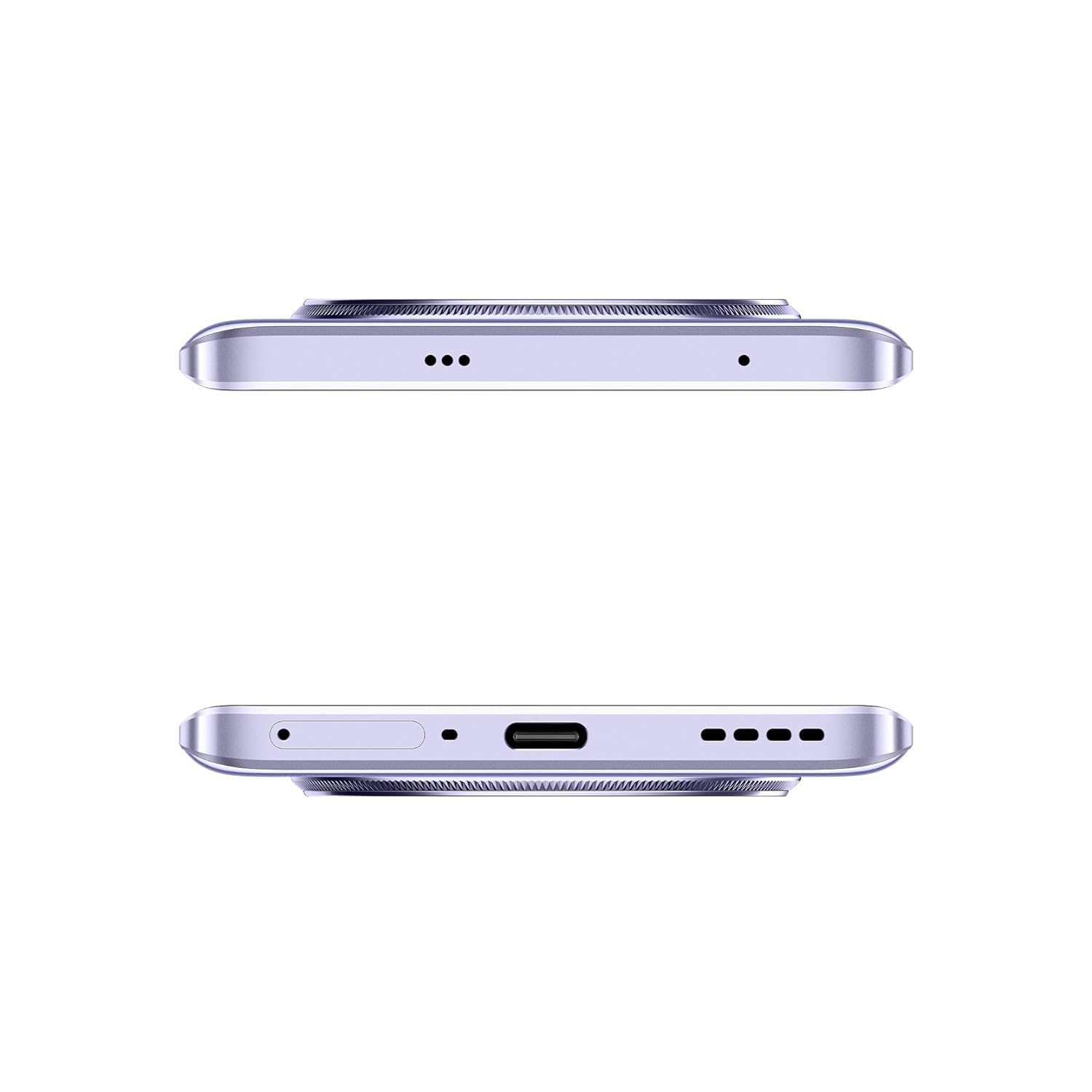
Immagine 2.1: Lato view of the realme 14 Pro Lite, indicating the SIM card tray position.
2.2. Carica del dispositivo
Connect the 45W adapter to a power outlet and the USB cable to the phone's charging port. The device supports 45W SuperVOOC fast charging. It is recommended to fully charge the device before first use.
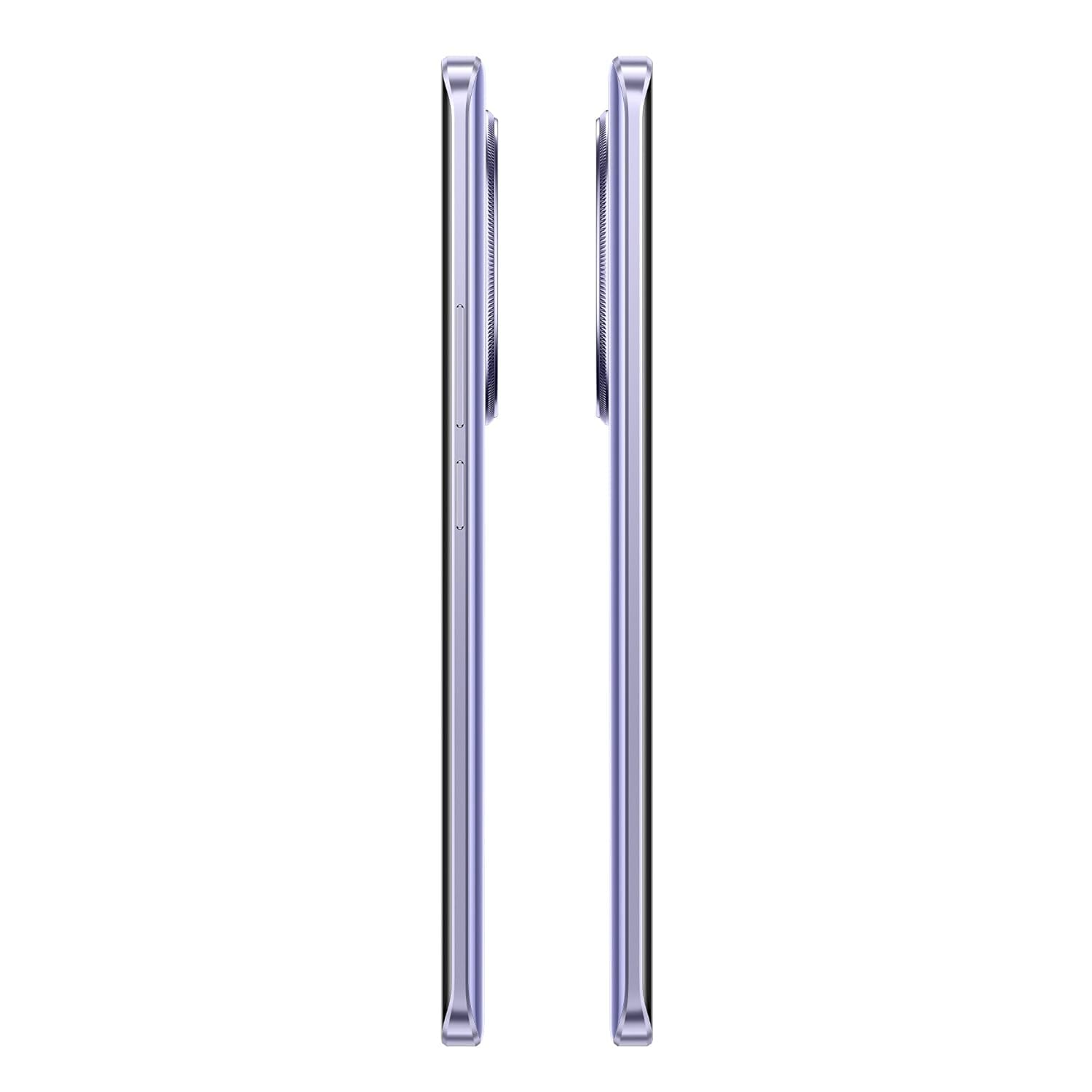
Immagine 2.2: In basso view of the realme 14 Pro Lite, highlighting the USB-C charging port.
2.3. Accensione e configurazione iniziale
Press and hold the Power button located on the side of the device until the realme logo appears. Follow the on-screen instructions to select your language, connect to Wi-Fi, and set up your Google account.
3. Istruzioni per l'uso
3.1. Display e navigazione
Your realme 14 Pro Lite features a 6.7-inch OLED Flow Display with a 120Hz refresh rate for smooth visuals and a 2000Hz instant touch sampling rate for responsive interaction. Navigate the Android 14 operating system with realme UI 5.0 using gestures or on-screen buttons.
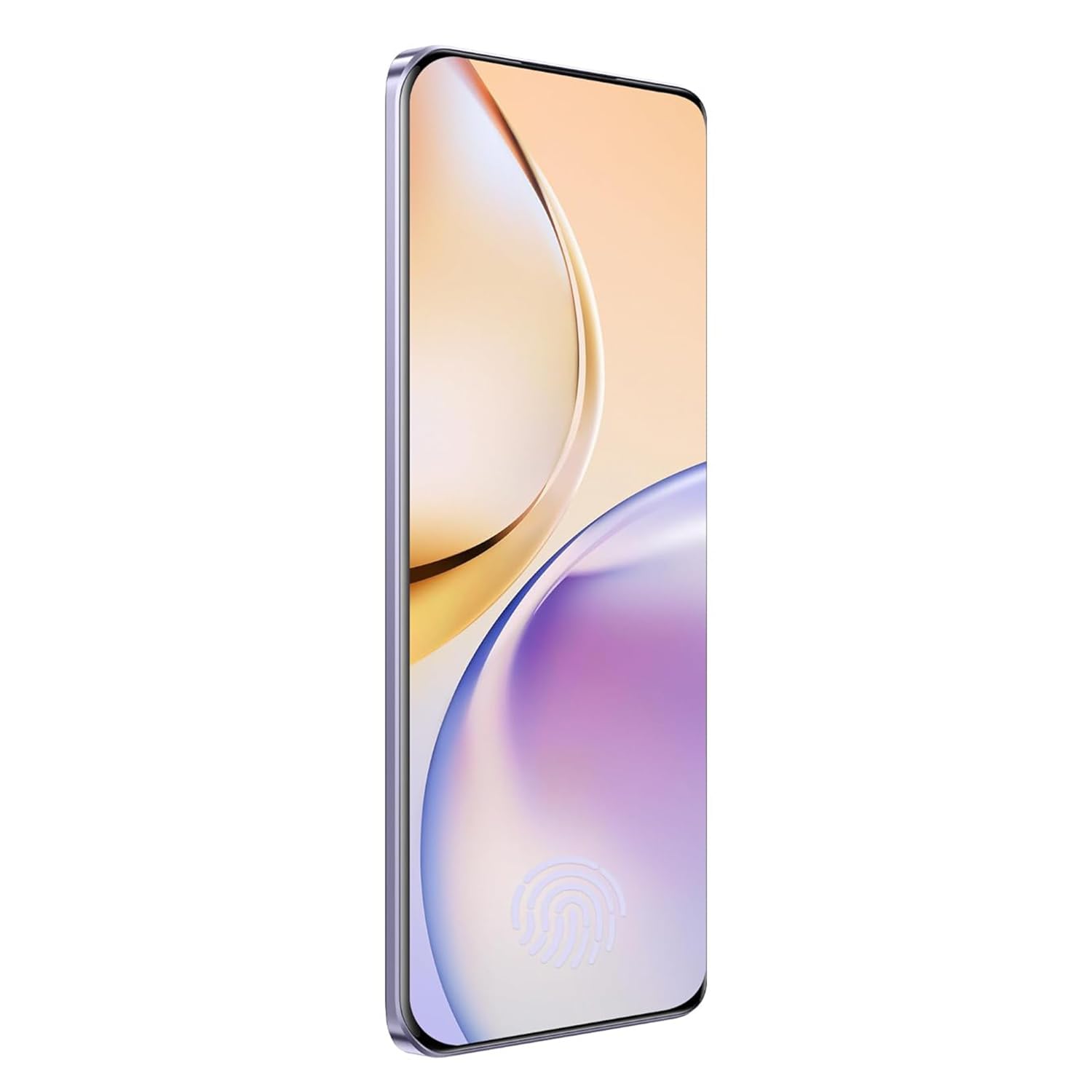
Immagine 3.1: anteriore view of the realme 14 Pro Lite, showcasing il suo display.
3.2. Prestazioni e connettività
The device is powered by a Snapdragon 7s Gen 2 4nm 5G Chipset, ensuring efficient performance for various tasks. Connectivity options include Bluetooth, USB, and Wi-Fi. For 5G network access, ensure you have a compatible SIM card and service plan.
3.3. Utilizzo della fotocamera
Utilize the integrated camera system for photography and videography. Open the Camera application from your home screen or app drawer. Select modes such as Photo, Video, Portrait, or Night mode as desired. Tap the shutter button to capture images or start/stop video recording.

Immagine 3.2: Indietro view of the realme 14 Pro Lite, highlighting the camera module.
4. Manutenzione
4.1. Cura della batteria
- Evitare di esporre il dispositivo a temperature estreme.
- Use only the provided 45W adapter and USB cable for charging.
- Non lasciare il dispositivo in carica per periodi prolungati dopo aver raggiunto il 100%.
4.2. Aggiornamenti software
Controlla e installa regolarmente gli aggiornamenti software per garantire prestazioni ottimali, sicurezza e accesso alle nuove funzionalità. Vai a Impostazioni > Informazioni sul dispositivo > Versione realme UI per verificare la presenza di aggiornamenti.
4.3. Pulizia del dispositivo
Use a soft, lint-free cloth to clean the screen and body of the phone. Avoid using harsh chemicals or abrasive materials. Do not immerse the device in water.
5. Risoluzione Dei Problemi
5.1. Il dispositivo non si accende
- Assicurarsi che la batteria sia carica. Collegare il caricabatterie e attendere qualche minuto prima di riprovare ad accendere.
- Per forzare il riavvio, tenere premuto il pulsante di accensione per almeno 10-15 secondi.
5.2. Problemi di connettività (Wi-Fi/Bluetooth)
- Disattiva e riattiva il Wi-Fi o il Bluetooth.
- Riavvia il dispositivo.
- Forget the network/device and attempt to reconnect.
5.3. App che si bloccano o si bloccano
- Cancella la cache e i dati dell'app problematica tramite Impostazioni > App > [Nome app] > Archiviazione.
- Disinstallare e reinstallare l'app.
- Assicurati che il software del tuo dispositivo sia aggiornato.
6. Specifiche
| Caratteristica | Dettaglio |
|---|---|
| Nome del modello | realme 14 Pro Lite |
| Sistema operativo | Android 14 (with realme UI 5.0) |
| Processore | Snapdragon 7s Gen 2 4nm 5G Chipset |
| Display | 6.7-inch OLED Flow Display, 120Hz Refresh Rate, 2412x1080 Resolution |
| Memoria RAM | 8 GB |
| Memoria interna | 128GB (expandable up to 1TB with microSD) |
| Capacità della batteria | 5200mAh |
| Ricarica | 45W SuperVOOC Charge |
| Connettività | 5G, Bluetooth, USB, Wi-Fi, GPS |
| Dimensioni (LxWxH) | Dimensioni: 16.13 x 7.39 x 0.82 cm |
| Peso | 183 grammi |
7. Garanzia e supporto
7.1. Informazioni sulla garanzia
Your realme 14 Pro Lite Smartphone comes with a standard manufacturer's warranty. Please refer to the warranty card included in your package or visit the official realme websito per termini e condizioni dettagliati riguardanti la copertura e la durata della garanzia.
7.2. Assistenza clienti
For technical assistance, service, or further inquiries, please contact realme customer support. You can find contact details, FAQs, and support resources on the official realme websito:
8. Video ufficiali dei prodotti
No official product videos from the seller were found in the provided data. Please visit the official realme website or authorized channels for any available video guides or demonstrations.