
1. Introduzione
This manual provides essential information for using your OUKITEL C62 PRO Cell Phone. Please read it carefully to ensure proper operation and to maximize your device's potential. The OUKITEL C62 PRO is a feature-rich smartphone designed for daily use, offering a large display, efficient performance, and a long-lasting battery.
Video: OUKITEL C62 PRO Cell Phone Overview. This video provides a general introduction to the OUKITEL C62 PRO smartphone, highlighting its design and key features.
2. Impostazione
2.1. Disimballaggio e contenuto della confezione
Upon opening your OUKITEL C62 PRO package, verify that all items are present:
- 1x OUKITEL C62 Pro Smartphone
- Cavo dati 1x
- 1x caricabatterie di tipo C
- 1x Manuale utente
- 1x Custodia per telefono
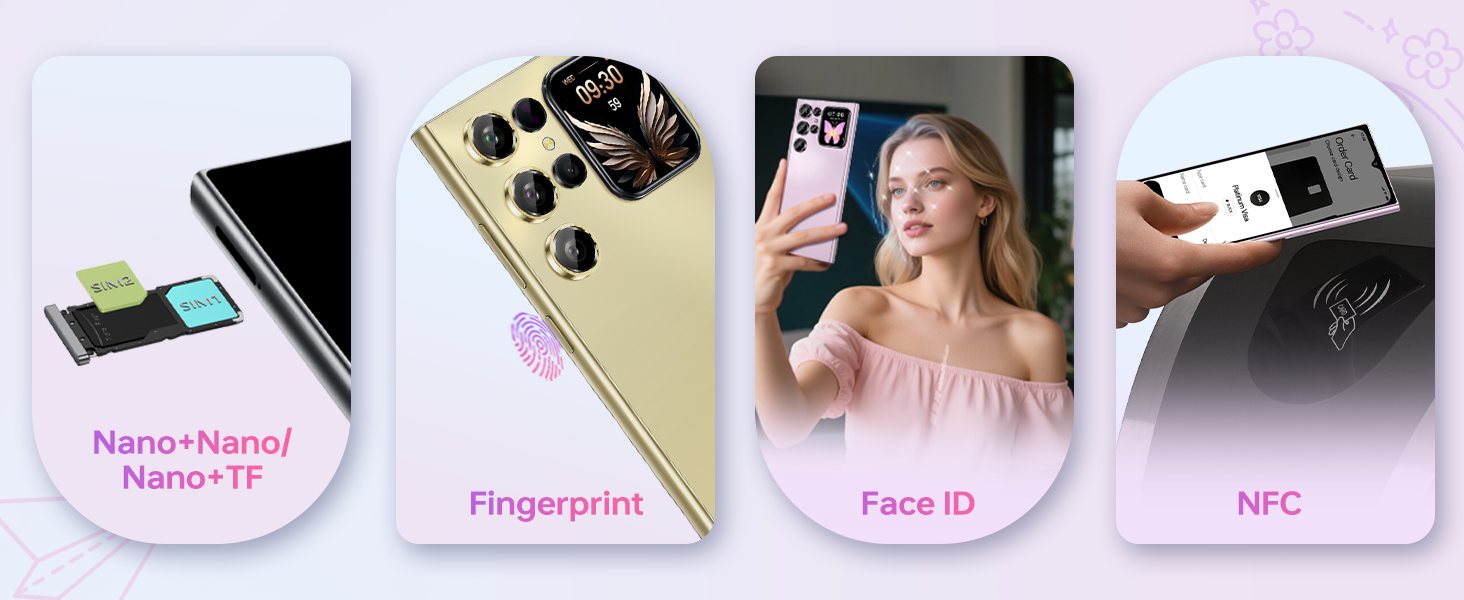
Immagine: The OUKITEL C62 PRO retail box displaying the smartphone and included accessories such as the data cable, Type-C charger, user manual, and phone case.
2.2. Installazione della scheda SIM e della scheda TF
Per installare la/le scheda/e SIM e/o la scheda TF (microSD):
- Individuare il vassoio della SIM sul lato del dispositivo.
- Inserire lo strumento di espulsione della SIM fornito nel piccolo foro sul vassoio della SIM e premere delicatamente finché il vassoio non fuoriesce.
- Inserisci la/le tua/e scheda/e Nano-SIM e/o la scheda TF negli appositi slot sul vassoio. Assicurati che i contatti dorati siano rivolti verso il basso.
- Spingere con cautela il vassoio nel dispositivo finché non è a filo con il lato.
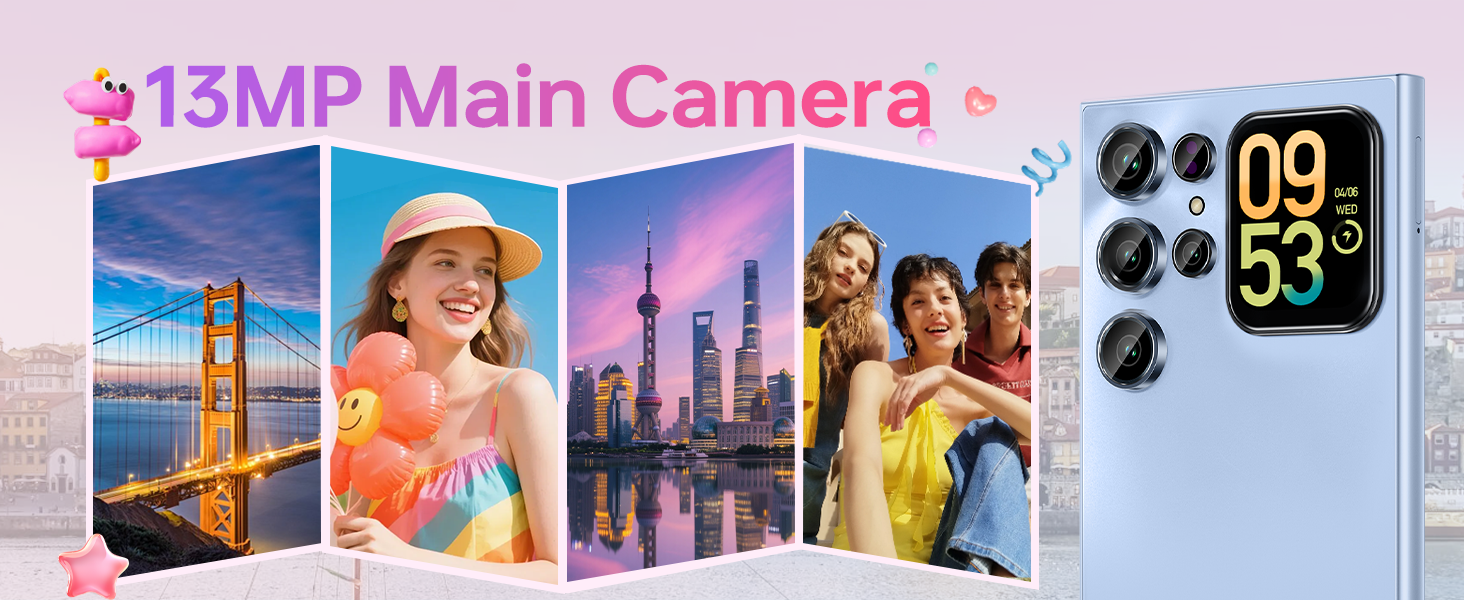
Immagine: Un primo piano view of the OUKITEL C62 PRO's SIM tray, illustrating the placement of Nano-SIM cards and a TF (microSD) card for dual SIM functionality or expanded storage.
2.3. Carica del dispositivo
Before first use, fully charge your OUKITEL C62 PRO. Connect the Type-C cable to the phone's charging port and the other end to the Type-C charger. Plug the charger into a power outlet. The battery indicator on the screen will show charging progress.
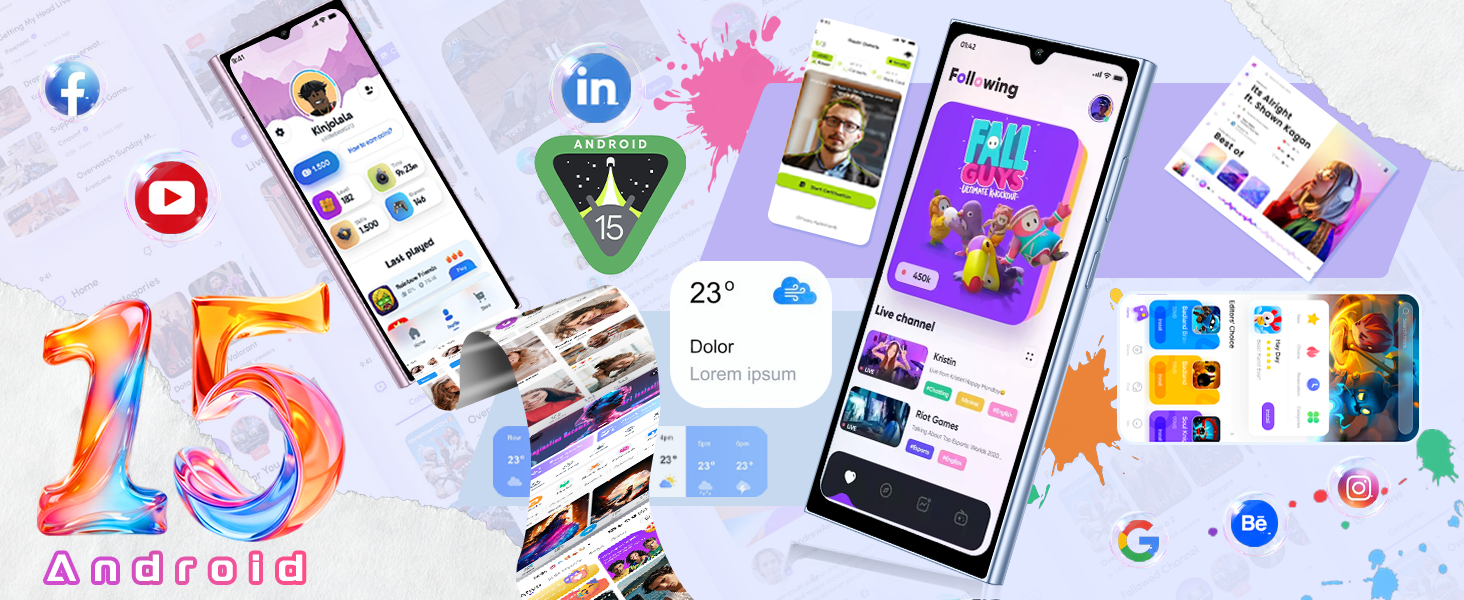
Immagine: An illustration highlighting the OUKITEL C62 PRO's 5150mAh battery capacity, indicating its long-lasting power for extended usage.
3. Utilizzo del dispositivo
3.1. Accensione/spegnimento
- Per accendere: Tenere premuto il pulsante di accensione finché non viene visualizzato il logo OUKITEL.
- Per spegnere: Tieni premuto il pulsante di accensione, quindi seleziona "Spegni" dalle opzioni sullo schermo.
- Ricominciare: Tieni premuto il pulsante di accensione, quindi seleziona "Riavvia" dalle opzioni.
3.2. Main Display (6.88-inch)
The OUKITEL C62 PRO features a large 6.88-inch display with a 90Hz refresh rate, providing smooth visuals and responsive touch interaction. Navigate through apps, browse the web, and enjoy multimedia content with clarity.
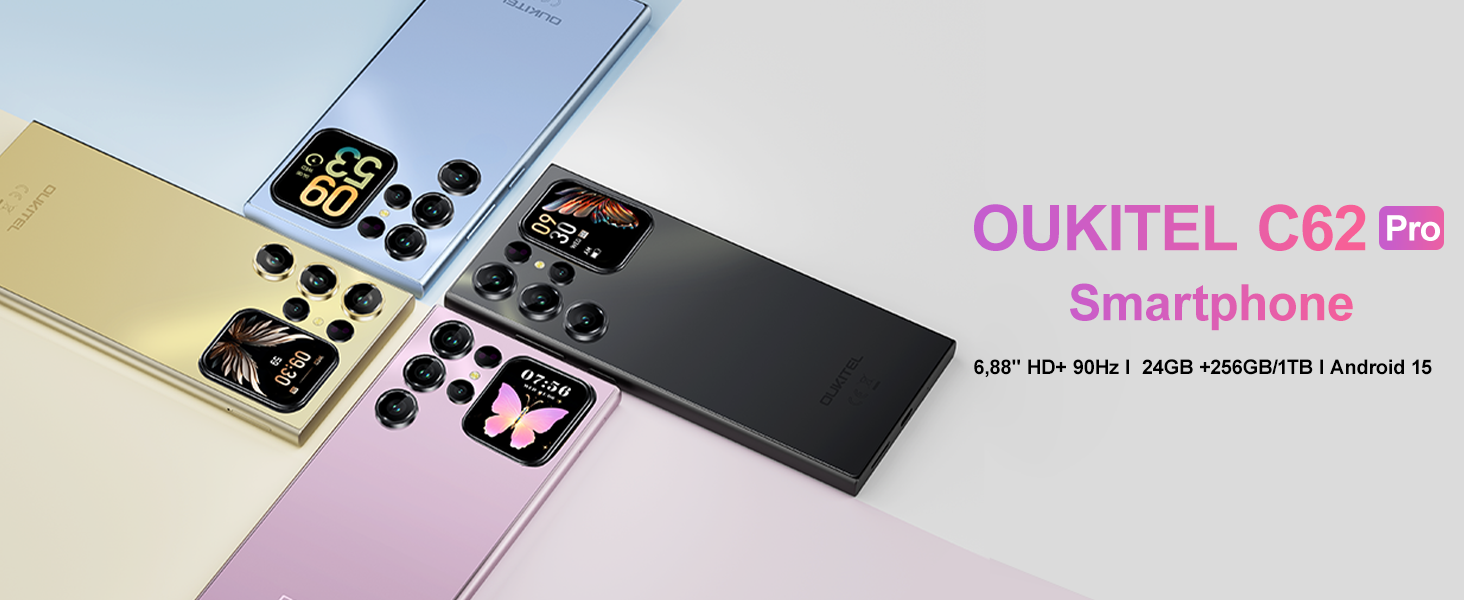
Immagine: The OUKITEL C62 PRO showcasing its expansive 6.88-inch main display with a high screen-to-body ratio, 450 nits brightness, 1080*2460 resolution, and 260 PPI pixel density.
3.3. Rear Screen (1.81-inch)
The innovative 1.81-inch rear screen provides quick access to essential information and functions without needing to unlock the main display. It can show the time, battery status, notifications, and caller information. It also serves as a convenient viewfinder for taking selfies with the main camera.
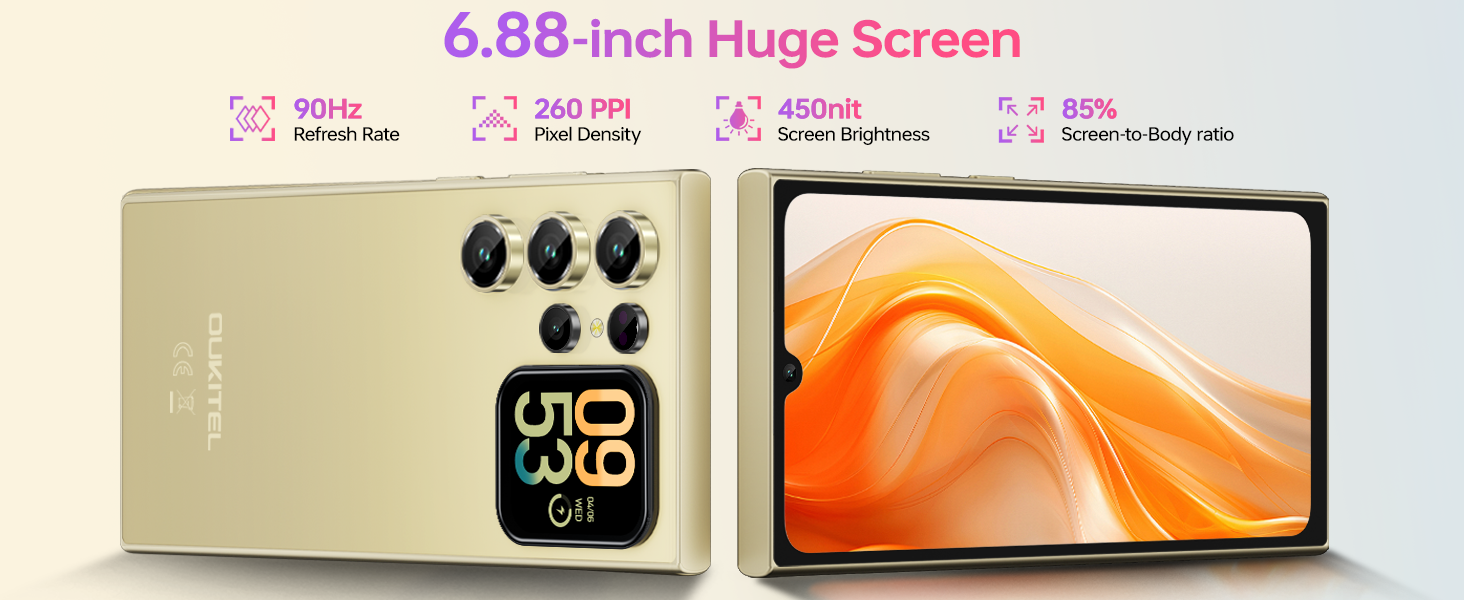
Immagine: The OUKITEL C62 PRO's 1.81-inch secondary display on the rear, demonstrating its ability to show various widgets like time, weather, music controls, and camera preview.
3.4. Funzioni della fotocamera
Your device is equipped with a 13MP main rear camera and a 5MP front camera. Access the camera application from the home screen or app drawer.
- Scattare foto: Tap the shutter button to capture images.
- Registrazione video: Switch to video mode and tap the record button to start/stop recording. The phone supports 1080P video recording.
- Modalità di scatto: Explore various modes such as Portrait, Night, Panorama, and Professional to enhance your photography.
Immagine: The OUKITEL C62 PRO's 13MP main camera capturing vibrant landscape and group photos, demonstrating its capability for various shooting scenarios.
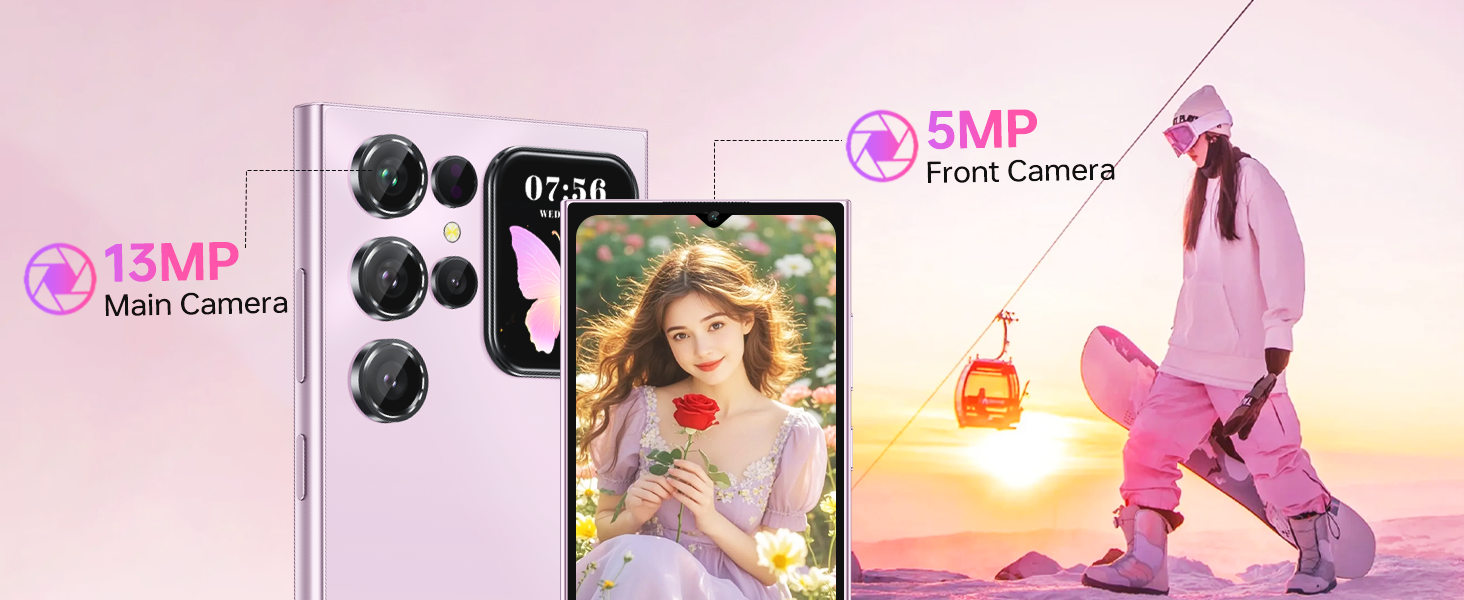
Immagine: The OUKITEL C62 PRO's 5MP front camera capturing clear selfies and group photos, highlighting its suitability for video calls and self-portraits.
3.5. Funzionalità di sicurezza
OUKITEL C62 PRO offre molteplici opzioni di sicurezza per proteggere il tuo dispositivo e i tuoi dati:
- Sblocco facciale: Registra il tuo volto per uno sblocco rapido e comodo.
- Sensore di impronte digitali: Use your fingerprint for secure and fast access.
3.6. Connettività
Il dispositivo supporta diverse opzioni di connettività:
- Doppia SIM 4G: Use two SIM cards simultaneously for different networks or numbers. (Note: Supports T-Mobile carrier; not compatible with AT&T/Verizon).
- NFC: Enable Near Field Communication for contactless payments and data exchange.
- Posizione GPS: Utilize GPS, GLONASS, Galileo, and Beidou for accurate navigation and location services.
- Bluetooth 5.0: Connettiti a cuffie, altoparlanti e altri dispositivi wireless abilitati Bluetooth.
- Wi-Fi (2.4G+5G): Connettersi alle reti wireless per accedere a Internet.

Immagine: Un oltreview of the OUKITEL C62 PRO's connectivity features, including GPS for navigation, Bluetooth 5.0 for wireless connections, a Type-C port for charging and data, and dual-band Wi-Fi (2.4G+5G).
3.7. Gestione della batteria
The 5150mAh battery provides extended usage time. To optimize battery life:
- Regola la luminosità dello schermo.
- Chiudere le applicazioni non utilizzate in esecuzione in background.
- Disattiva Wi-Fi, Bluetooth e GPS quando non sono in uso.
- Abilita la modalità di risparmio energetico quando la batteria è scarica.
4. Manutenzione
4.1. Pulizia del dispositivo
Utilizza un panno morbido e privo di lanugine per pulire lo schermo e il corpo del telefono. Evita di utilizzare prodotti chimici aggressivi o materiali abrasivi che potrebbero danneggiare il dispositivo.
4.2. Aggiornamenti software
Controlla e installa regolarmente gli aggiornamenti software per assicurarti che il tuo dispositivo abbia le ultime funzionalità, patch di sicurezza e miglioramenti delle prestazioni. Vai a Impostazioni > Sistema > Aggiornamento di sistema per verificare la presenza di aggiornamenti.
4.3. Gestione dell'archiviazione
The OUKITEL C62 PRO comes with 256GB of internal storage, expandable up to 1TB with a TF card. Regularly manage your storage by deleting unnecessary files, disinstallazione di app inutilizzate e spostamento di file multimediali di grandi dimensioni files to cloud storage or the TF card.
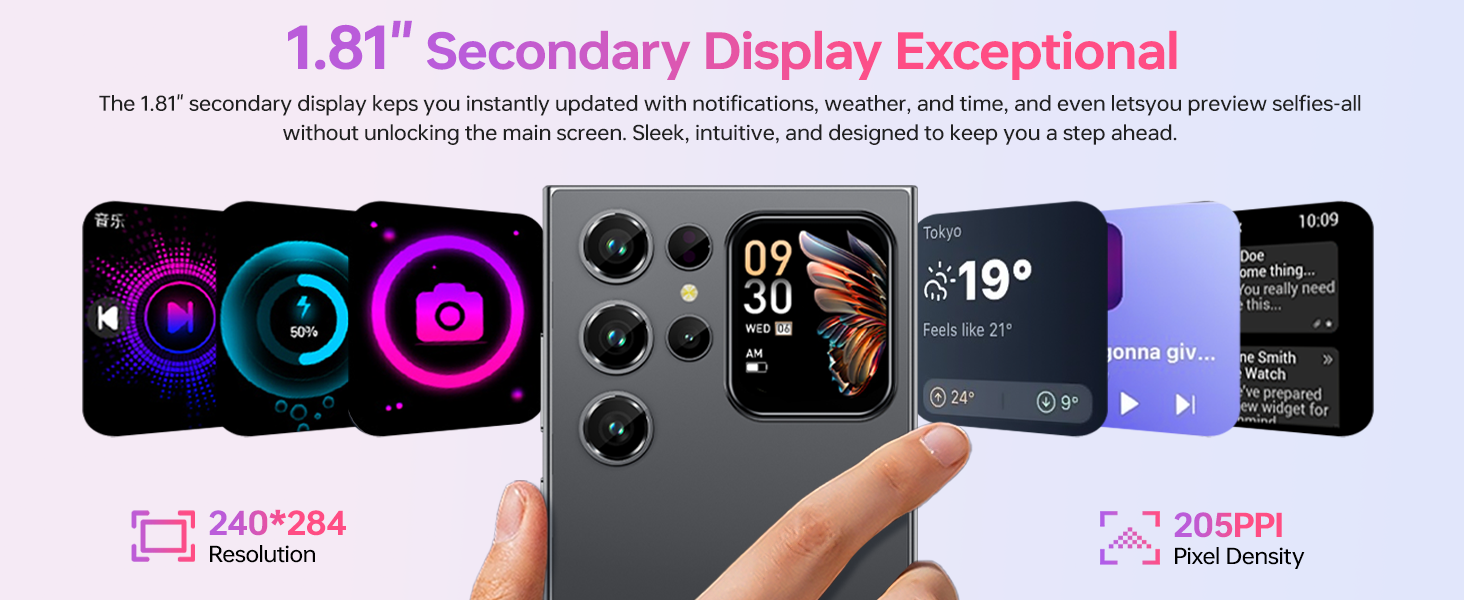
Immagine: An illustration of the OUKITEL C62 PRO's memory configuration, highlighting its 24GB RAM (8GB physical + 16GB virtual) and 256GB ROM, with support for up to 1TB expandable storage.
5. Risoluzione Dei Problemi
Se riscontri problemi con il tuo OUKITEL C62 PRO, fai riferimento alle seguenti soluzioni comuni:
- Il dispositivo non si accende: Assicurarsi che la batteria sia carica. Collegare il caricabatterie e attendere qualche minuto prima di riprovare ad accendere.
- Le app si bloccano o si bloccano: Chiudi l'app problematica e riaprila. Se il problema persiste, cancella la cache dell'app (Impostazioni > App > [Nome app] > Archiviazione > Cancella cache).
- Problemi di connettività di rete: Check if your SIM card is properly inserted. Restart the device. Verify that mobile data or Wi-Fi is enabled and that you have a valid signal.
- Prestazioni lente: Chiudere le applicazioni in background. Cancellare la cache e i file temporanei files. Valuta la possibilità di disinstallare le app non utilizzate.
- Ripristino di fabbrica: As a last resort, if software issues persist, you can perform a factory reset. This will erase all data on your phone, so back up important information first. Go to Impostazioni > Sistema > Opzioni di ripristino > Cancella tutti i dati (ripristino delle impostazioni di fabbrica).
6. Specifiche
Below are the technical specifications for the OUKITEL C62 PRO Cell Phone:
| Caratteristica | Dettaglio |
|---|---|
| Nome del modello | OUKITEL C62 PRO |
| Sistema operativo | Androide 15 |
| Dimensioni dello schermo | 6.88 pollici |
| Frequenza di aggiornamento | 90 Hz |
| Dimensione della memoria RAM installata | 24 GB (8 GB fisici + 16 GB virtuali) |
| Capacità di archiviazione della memoria | 256 GB (espandibile fino a 1 TB tramite scheda TF) |
| Potenza nominale della batteria | 5150 milioneamp Ore |
| Fotocamera principale | 13MP |
| Fotocamera frontale | 5MP |
| Tecnologia cellulare | 4G (T-Mobile supported) |
| Tecnologia di connettività | Bluetooth 5.0, Wi-Fi (2.4G+5G), NFC, GPS |
| Caratteristiche speciali | Built-In GPS, Dual SIM, Expandable Memory, Supports Type-C, Supports USB OTG, 1.81" Rear Screen |
| Peso dell'articolo | 12.8 once (circa 363 g) |
| Dimensioni | 7.48 x 4.02 x 2.16 pollici |
7. Garanzia e supporto
7.1. Informazioni sulla garanzia
Your OUKITEL C62 PRO Cell Phone is covered by a limited manufacturer's warranty. Please refer to the warranty card included in your package for specific terms, conditions, and duration. Keep your proof of purchase for warranty claims.
7.2. Assistenza clienti
For technical assistance, troubleshooting, or service inquiries, please contact OUKITEL customer support through their official website or the contact information provided in your warranty documentation. You may also visit the Negozio OUKITEL su Amazon per ulteriori informazioni sul prodotto.