
1. Introduzione
This manual provides essential information for setting up, operating, maintaining, and troubleshooting your OUKITEL G5 Rugged Smartphone. Please read it carefully to ensure proper use and to maximize the device's performance and longevity.
2. Cosa c'è nella scatola
- 1x Smartphone robusto OUKITEL G5
- 1 caricabatterie da 10 W
- Cavo dati 1x
- 1x Ago per carte
- 1x Manuale (questo documento)
3. Impostazione
3.1. Installazione della scheda SIM e della scheda TF
The OUKITEL G5 supports dual SIM dual standby (Nano+Nano/Nano+TF). Use the provided card needle to open the SIM card tray.
- Individuare il vassoio della scheda SIM sul lato del dispositivo.
- Inserire l'ago della carta nel piccolo foro accanto al vassoio e premere delicatamente finché il vassoio non viene espulso.
- Inserisci la/le tua/e scheda/e Nano-SIM e/o la scheda TF negli appositi slot sul vassoio. Assicurati che le schede siano orientate correttamente.
- Spingere con cautela il vassoio nel dispositivo finché non è a filo.
3.2. Ricarica iniziale
Before first use, fully charge your OUKITEL G5. Use the provided 10W charger and data cable.
- Collegare il cavo dati alla porta di ricarica del telefono.
- Collegare l'altra estremità del cavo dati al caricabatterie da 10 W.
- Collegare il caricabatterie a una presa di corrente.
- Il telefono indicherà lo stato di carica sullo schermo. Lasciare che il dispositivo si carichi completamente.
3.3. Accensione/Spegnimento
- Per accendere: Tenere premuto il pulsante di accensione finché non viene visualizzato il logo OUKITEL.
- Per spegnere: Tenere premuto il pulsante di accensione, quindi selezionare "Spegni" dalle opzioni sullo schermo.
4. Istruzioni per l'uso
4.1. Display e navigazione
The OUKITEL G5 features a 6-inch HD display with 450 nits brightness, ensuring clear visibility even in direct sunlight. Navigate the Android 14 operating system using touch gestures.
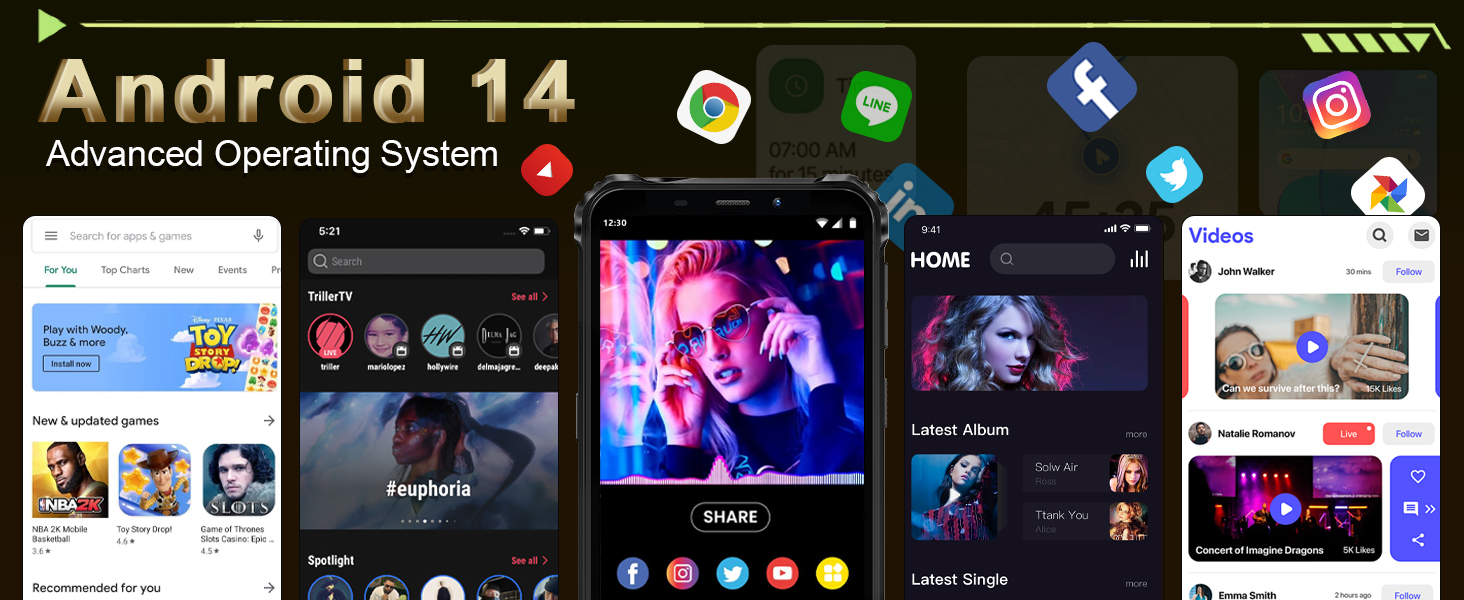
Image: The OUKITEL G5's 6-inch HD display, offering clear and vibrant visuals.
4.2. Funzioni della fotocamera
Capture moments with the 13MP main camera and 5MP front-facing camera.
- Apri l'applicazione Fotocamera dalla schermata iniziale o dal cassetto delle applicazioni.
- Select between photo and video modes.
- Tocca lo schermo per mettere a fuoco un'area specifica.
- Premere il pulsante di scatto per scattare una foto o avviare/interrompere la registrazione video.
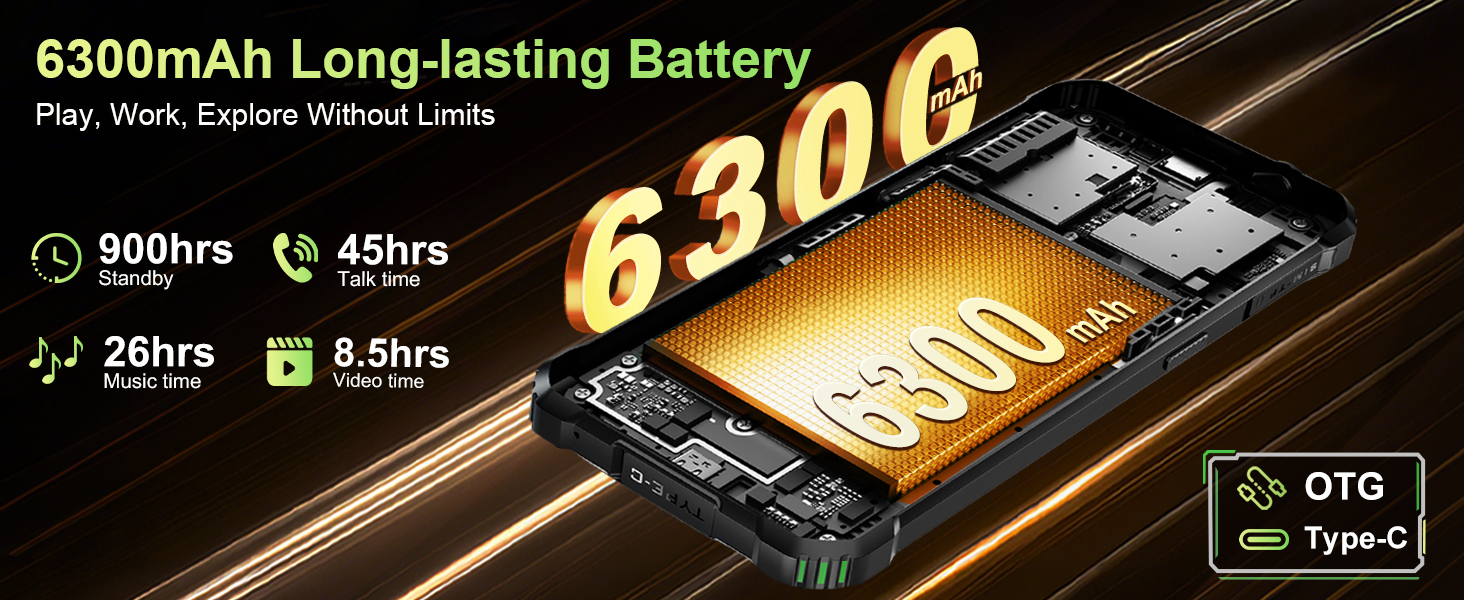
Image: The OUKITEL G5's 13MP main camera, designed for capturing clear images.
4.3. Doppio Campluci
The OUKITEL G5 is equipped with 900-lumen dual camping lights, offering multiple modes for various outdoor situations.
- Accedi al camping lights application on your device.
- Choose from available modes: SOS, Strobe, or Constant Lighting.
- Adjust brightness levels as needed (three levels available).
Warning: Do not shine the camping lights directly into eyes.

Image: The OUKITEL G5's dual camping lights in action, providing illumination for outdoor activities.
4.4. Archiviazione e prestazioni
The device comes with 16GB RAM (4GB physical + 12GB virtual) and 128GB internal storage, expandable up to 1TB with a TF card. The octa-core processor ensures smooth operation and app switching.
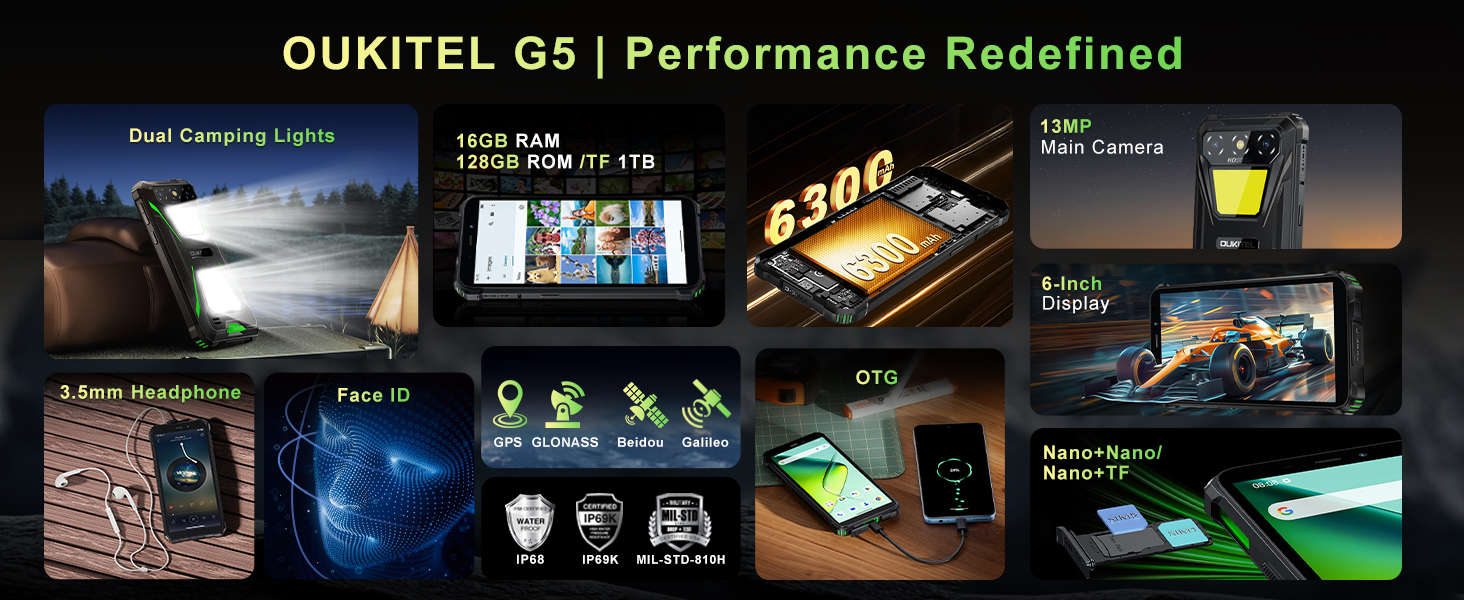
Image: Visual representation of the OUKITEL G5's memory and processor capabilities.
4.5. Ricarica inversa OTG
Utilize the OTG reverse charging feature to power other devices using your OUKITEL G5's battery.
- Ensure your OUKITEL G5 has sufficient battery charge.
- Connect an OTG cable (not included) to your OUKITEL G5.
- Collegare l'altra estremità del cavo OTG al dispositivo che si desidera caricare.
- The charging process should begin automatically.
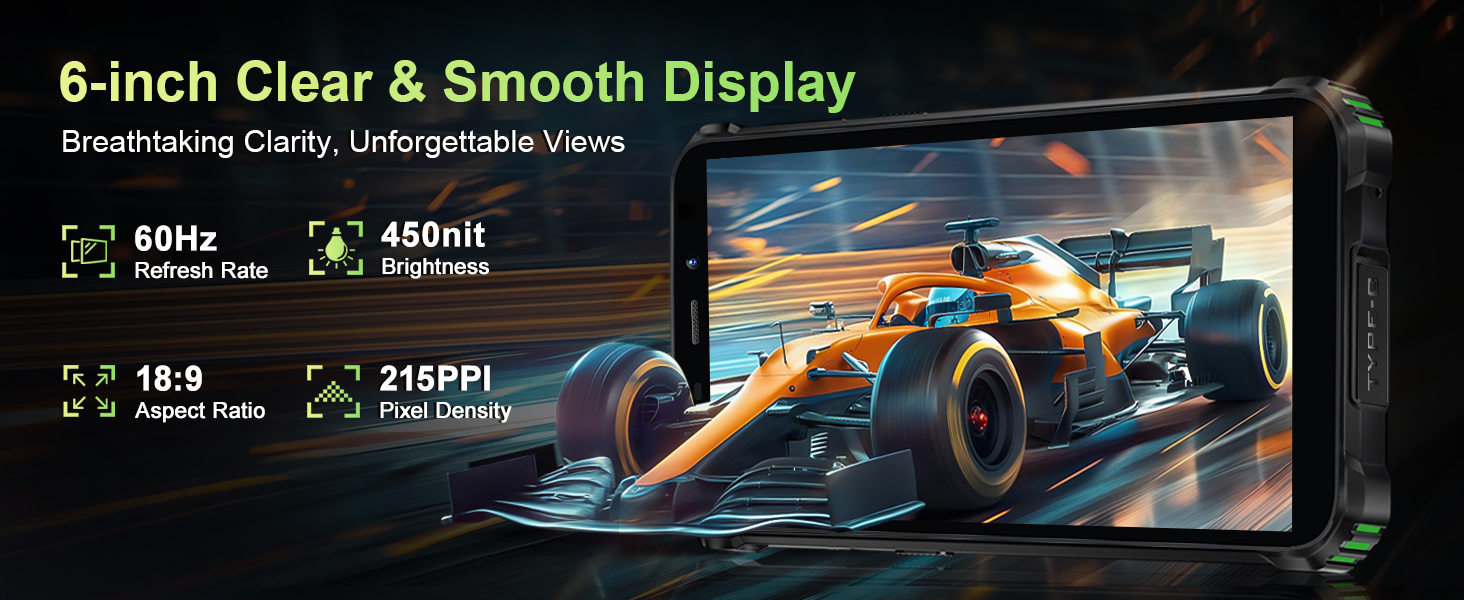
Image: The OUKITEL G5 providing power to another device via OTG reverse charging.
4.6. Identificazione facciale
Unlock your device quickly and securely using Face ID.
- Vai a Impostazioni > Sicurezza > Sblocco facciale.
- Segui le istruzioni visualizzate sullo schermo per registrare il tuo volto.
- Una volta effettuata la registrazione, puoi sbloccare il telefono guardando la fotocamera frontale.
4.7. GPS e navigazione
The OUKITEL G5 integrates a comprehensive positioning system including Beidou, Galileo, GLONASS, and GPS for accurate location services.
- Assicurati che i servizi di localizzazione siano abilitati nelle impostazioni del tuo telefono.
- Use pre-installed or downloaded navigation applications for route guidance and location tracking.
5. Manutenzione
5.1. Caratteristiche di durata
The OUKITEL G5 is built to withstand harsh conditions, certified with IP68/IP69K dust/water resistance and MIL-STD-810H for shock resistance.
- Impermeabile: Rated for submersion up to 1.5 meters for 30 minutes. Ensure all port covers are securely closed before exposure to water.
- A prova di polvere: Designed to prevent ingress of dust and fine particles.
- Antiurto: Constructed to endure drops and impacts, though extreme force may still cause damage.

Immagine: L'OUKITEL G5 mostraasing its robust design and resistance to water, dust, and drops.
5.2. Pulizia del dispositivo
Per pulire il tuo OUKITEL G5, usa un panno morbido eamp cloth. Avoid harsh chemicals or abrasive materials that could damage the device's protective coatings.
5.3. Cura della batteria
Per prolungare la durata della batteria:
- Evitare temperature estreme.
- Non lasciare il telefono completamente carico o completamente scarico per periodi prolungati.
- Per una ricarica ottimale, utilizzare il caricabatterie e il cavo originali.
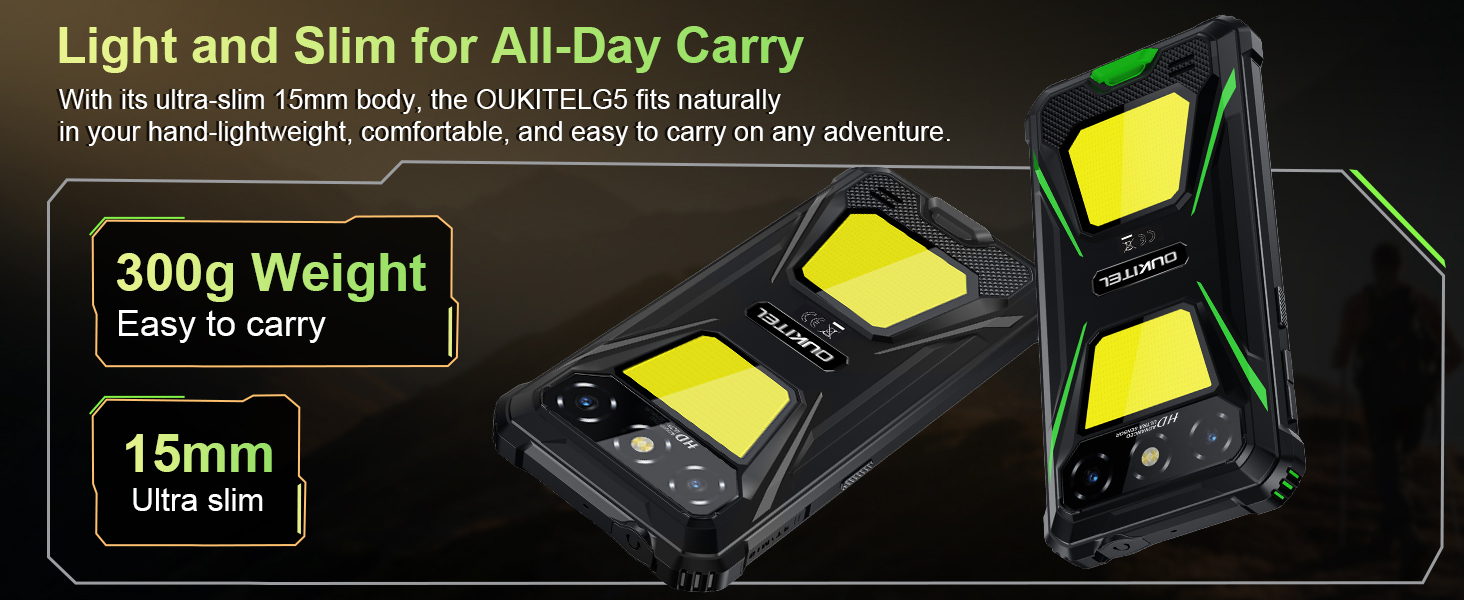
Image: The OUKITEL G5's 6300mAh battery, providing extended usage times.
6. Risoluzione Dei Problemi
6.1. Problemi comuni e soluzioni
- Il dispositivo non si accende: Assicurarsi che la batteria sia carica. Collegare al caricabatterie e riprovare.
- Schermo non reattivo: Riavviare il dispositivo tenendo premuto il pulsante di accensione per circa 10-15 secondi, finché non si riavvia.
- Problemi di connettività di rete: Check if your SIM card is properly inserted. Verify that your carrier (T-Mobile is supported; Verizon/AT&T/MetroPCS are not) has active service. Try toggling Airplane Mode on and off.
- Le app si bloccano o hanno prestazioni lente: Close background applications. Clear app cache in Settings > Apps. Ensure sufficient storage space is available.
- Problemi di ricarica: Assicurarsi che il caricabatterie e il cavo siano collegati saldamente e non danneggiati. Provare una presa di corrente diversa.
7. Specifiche
| Caratteristica | Descrizione |
|---|---|
| Nome del modello | OUKITEL G5 |
| Sistema operativo | Androide 14 |
| Processore | Octa-core |
| Memoria RAM | 16 GB (4 GB fisici + 12 GB virtuali) |
| Memoria interna | 128 GB di ROM |
| Archiviazione espandibile | Fino a 1 TB con scheda TF |
| Display | 6-inch HD, 450 nits brightness, 18:9 Aspect Ratio, 215 PPI |
| Fotocamera principale | 13MP |
| Fotocamera frontale | 5MP |
| Capacità della batteria | 6300mAh |
| Ricarica | Ricarica rapida da 10 W, ricarica inversa OTG |
| Durata | IP68/IP69K (Waterproof, Dustproof), MIL-STD-810H (Shockproof) |
| Connettività | 4G Dual SIM (Nano+Nano/Nano+TF), Bluetooth, GPS (Beidou, Galileo, GLONASS, GPS) |
| Bande di frequenza supportate | GSM: B2/3/5/8, WCDMA: B1/2/4/5/8, TDD: 34/38/39/40/41, FDD: B1/2/3/4/5/7/8/12/17/19/20/25/26/28A/28B/66 |
| Presa audio | 3.5mm |
| Caratteristiche speciali | 900LM Dual Camping Lights, Face ID |
| Dimensioni | 8.11 x 4.5 x 2.16 pollici |
| Peso | 1.26 libbre (circa 570 g) |
8. Video ufficiali dei prodotti
Video: Un oltreview of the OUKITEL G5 Rugged Phone, highlighting its features and durability in outdoor environments. Duration: 0:42.
Video: A concise presentation of the OUKITEL G5 Rugged Smartphone's key attributes. Duration: 0:20.
9. Garanzia e supporto
OUKITEL provides comprehensive customer service for your device:
- Politica di ritorno: Reso senza motivo entro 30 giorni.
- Supporto tecnico: Supporto tecnico a lungo termine.
- Assistenza clienti: Servizio clienti online 24 ore su 24.
For further assistance, please contact OUKITEL official service channels.