
LongPlus X84
LongPlus 2K Vicohome Wireless Outdoor Security Camera Instruction Manual
Modello: X84
Introduzione
This manual provides detailed instructions for the installation, operation, and maintenance of your LongPlus 2K Vicohome Wireless Outdoor Security Camera. Please read this manual thoroughly before using the product to ensure proper functionality and safety.

Image: Two LongPlus 2K Vicohome Wireless Outdoor Security Cameras, black, with water droplets, mounted on a wall bracket.
Contenuto della confezione
Verifica che tutti gli articoli elencati di seguito siano inclusi nel tuo pacchetto:
- Security Camera with Bracket
- Confezione di viti
- Ripristina ago
- Cavo USB
- Guida rapida
Caratteristiche del prodotto
- Analisi degli eventi AI: Identifies and differentiates between people, pets, vehicles, and packages to reduce false alarms.
- 3MP Color Night Vision: Captures clear color images in low light conditions up to 33 feet.
- PIR Motion Detection & Siren Alarm: Triggers an audio and strobe light alarm upon detecting humanoid motion.
- Archiviazione flessibile: Supports up to 128GB Micro SD card (not included) and optional cloud storage.
- Comunicazione bidirezionale: Allows communication through the Vicohome app.
- 100% senza fili: Battery-operated design for easy installation without wiring.
- Integrazione della casa intelligente: Compatibile con Amazon Alexa.
- Ampio campo di View: 125 gradi viewangolo di ing.
- Design resistente alle intemperie: Grado di protezione IP65 per uso esterno.
Impostare
1. Caricare la fotocamera
Before initial use, fully charge the camera using the provided USB cable. The charging indicator light will show the charging status.
2. Installazione dell'app e creazione dell'account
- Download the "Vicohome" app from your smartphone's app store (iOS or Android).
- Apri l'app e segui le istruzioni sullo schermo per creare un account ed effettuare l'accesso.
3. Connessione al Wi-Fi
- Ensure your camera is powered on and near your Wi-Fi router.
- In the Vicohome app, tap the "+" icon to add a new device.
- Follow the app's instructions to connect the camera to your 2.4GHz Wi-Fi network. 5GHz networks are not supported.
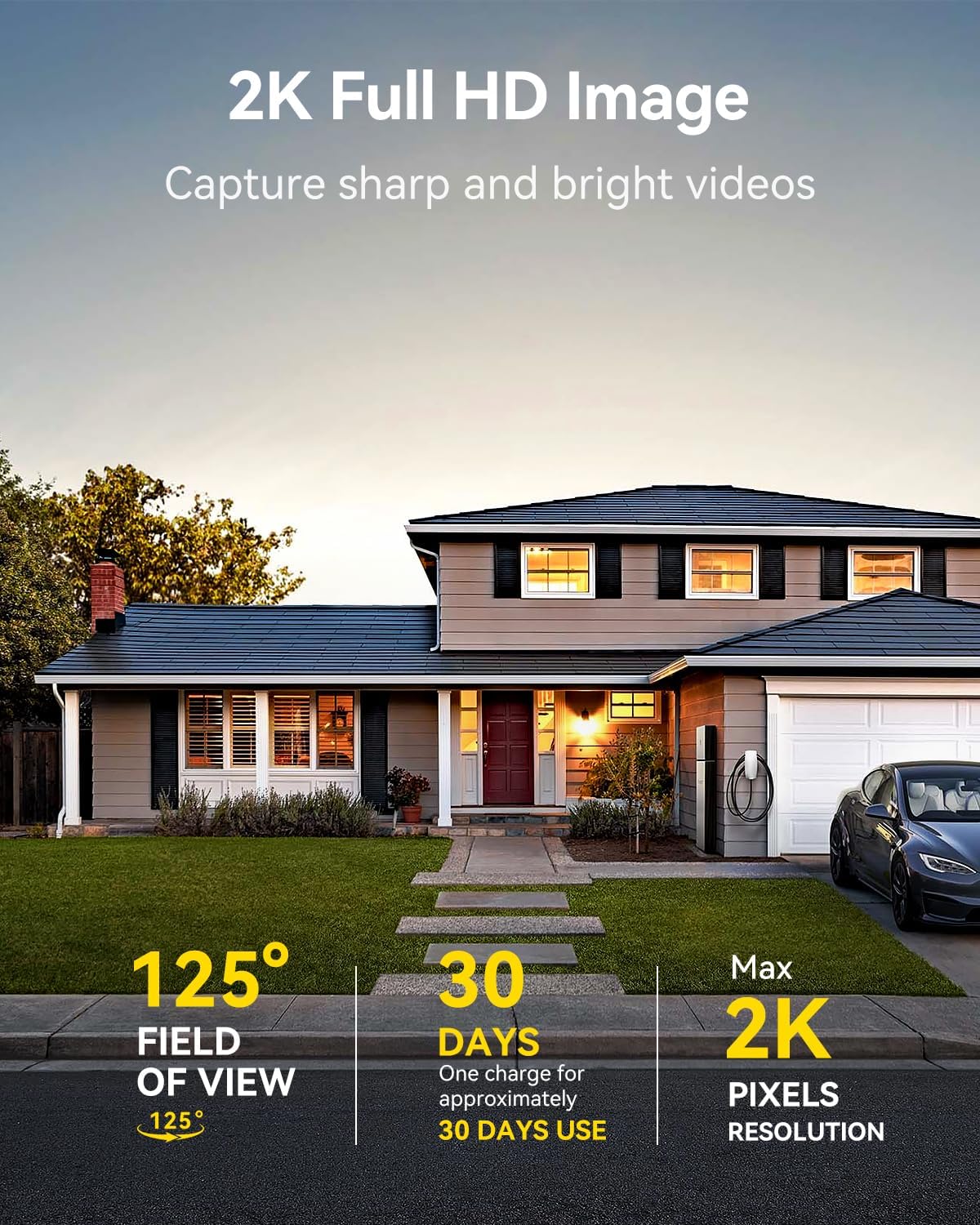
Image: A LongPlus security camera on a wooden table, illustrating its 2.4GHz WiFi connectivity.
4. Montaggio della fotocamera
The camera can be mounted on a ceiling or wall. Choose a location that provides the desired viewangolo di inclinazione e si trova nel raggio di azione del Wi-Fi.
- Mark the positions for drilling using the camera bracket as a template.
- Praticare dei fori pilota e, se necessario, inserire i tasselli a muro.
- Secure the bracket to the surface using the provided screws.
- Fissare la telecamera alla staffa e regolarne l'angolazione.

Image: A LongPlus security camera mounted on an outdoor wall, demonstrating its wire-free installation.
Operazione
1. Vivere View
Open the Vicohome app and select your camera to view the live feed. You can monitor your surroundings in real-time.

Image: A smartphone displaying the live feed from a LongPlus security camera, showing children playing in a yard.
2. Comunicazione bidirezionale
Dal vivo view screen in the app, tap the microphone icon to initiate two-way communication. Speak into your phone to communicate with individuals near the camera.

Image: A person receiving a package at their front door, demonstrating the two-way talk feature of the LongPlus camera.
3. Impostazioni di rilevamento del movimento
Configure motion detection sensitivity and define detection zones within the Vicohome app settings for your camera. This helps in reducing unwanted alerts.

Image: A man walking past a LongPlus security camera, illustrating motion detection and app alerts.

Immagine: Un'immagine aerea view of a house with a pool, illustrating customizable motion detection zones for different objects.

Image: A house with a lawn, demonstrating the ability to set specific motion detection zones.
4. Visione notturna
The camera automatically switches to color night vision in low light conditions, providing clear visibility.

Image: A LongPlus security camera mounted outdoors at night, showing its color night vision capability on a smartphone screen.
5. Registrazione e riproduzione
Recordings are stored on a Micro SD card (if installed) or in the cloud (subscription may be required). Access and playback recorded events through the Vicohome app's library section.

Image: A LongPlus camera with an SD card being inserted, illustrating local and cloud storage options.
6. Condivisione del dispositivo
You can share access to your camera with other users through the Vicohome app, allowing multiple individuals to monitor the feed simultaneously.
7. Integrazione della casa intelligente
The camera is compatible with Amazon Alexa. Follow the instructions in the Vicohome app or Alexa app to link your devices and use voice commands for monitoring.

Image: A person using an Amazon Echo Show to view il feed della telecamera tramite comandi vocali Alexa.
Manutenzione
1. Batteria in carica
Monitor the battery level through the Vicohome app. Recharge the camera when the battery is low to ensure continuous operation. If the camera is installed in a hard-to-reach location, consider using a compatible solar panel charger (sold separately) to reduce the frequency of manual charging.
2. Gestione della scheda SD
If using a Micro SD card, ensure it is a genuine card and inserted correctly. Periodically review e gestire i foo archiviatitage. The card can be ejected with a gentle press.
3. Pulizia
Gently wipe the camera lens and body with a soft, dry cloth to remove dust and debris. Avoid using harsh chemicals or abrasive materials.
Risoluzione dei problemi
| Problema | Possibile causa | Soluzione |
|---|---|---|
| La fotocamera non si connette al Wi-Fi | Password Wi-Fi errata; telecamera troppo lontana dal router; utilizzata rete Wi-Fi a 5 GHz. | Verify Wi-Fi password. Move camera closer to router. Ensure you are connecting to a 2.4GHz Wi-Fi network. Reset the camera using the reset needle and try pairing again. |
| Frequenti falsi allarmi | High motion detection sensitivity; environmental factors (e.g., moving branches, insects). | Reduce motion detection sensitivity in the Vicohome app. Define specific detection zones to exclude irrelevant areas. |
| Durata breve della batteria | Frequent motion detection events; cold weather; continuous live view utilizzo. | Ridurre la sensibilità del rilevamento del movimento. Limitare la trasmissione in diretta view sessions. Consider purchasing a solar panel charger for continuous power. Ensure the camera is fully charged before deployment. |
| Scarsa qualità dell'immagine di notte | Obstructions near the lens; insufficient ambient light for color night vision. | Ensure the camera lens is clean and free from obstructions. Verify that the night vision mode is active in the app settings. |
| La scheda SD non registra | SD card not inserted correctly; incompatible SD card; SD card full or corrupted. | Reinsert the SD card carefully. Use a genuine Micro SD card up to 128GB. Format the SD card through the app. Replace the SD card if corrupted. |
Specifiche
| Caratteristica | Dettaglio |
|---|---|
| Numero di modello | X84 |
| Uso interno/esterno | Interno, Esterno |
| Fonte di alimentazione | Alimentato a batteria |
| Protocollo di connettività | Wi-Fi (2.4 GHz) |
| Tipo di controllore | Amazon Alexa, Vicohome App |
| Risoluzione di acquisizione video | Risoluzione 1440p (2K) |
| Risoluzione fissa efficace | 3 MP |
| Viewangolo di ing | 130 gradi |
| Gamma di visione notturna | 33 piedi |
| Frequenza dei fotogrammi | 15 fotogrammi al secondo |
| Materiale | ABS di alta qualità |
| Livello di resistenza all'acqua | IP65 (impermeabile) |
| Dimensione massima supportata della memoria flash | 128 GB (Micro SD) |
| Dimensioni articolo (L x P x A) | 2.36 x 2.16 x 4 pollici |
| Peso dell'articolo | 1.59 libbre (0.72 chilogrammi) |
| Batterie | È necessaria 1 batteria agli ioni di litio (inclusa) |
Supporto
For technical assistance, troubleshooting beyond this manual, or warranty inquiries, please contact LongPlus customer support. Refer to the product packaging or the official LongPlus websito per le informazioni di contatto.
Puoi anche visitare il LongPlus Store on Amazon per ulteriori informazioni e risorse sul prodotto.
Ask a question about this manual
Ask about setup, troubleshooting, compatibility, parts, safety, or missing instructions. Manuals+ will review the question and use this page’s manual context to help answer it.