
1. Introduzione
This manual provides detailed instructions for the setup, operation, and maintenance of your SDRD SD-516 Karaoke Machine. Please read this manual thoroughly before using the product to ensure proper function and longevity.
The SDRD SD-516 is a portable Bluetooth karaoke speaker designed for various events, offering immersive sound and interactive features. It includes two wireless microphones and supports multiple audio input methods.
2. Cosa c'è nella scatola
Carefully unpack your SDRD SD-516 Karaoke Machine and ensure all items listed below are present and in good condition.
- 1 x macchina per karaoke
- 2 x microfoni wireless
- 1 x cavo di ricarica (USB tipo C)
- 1 x Mics Cable
- 1 x Manuale utente
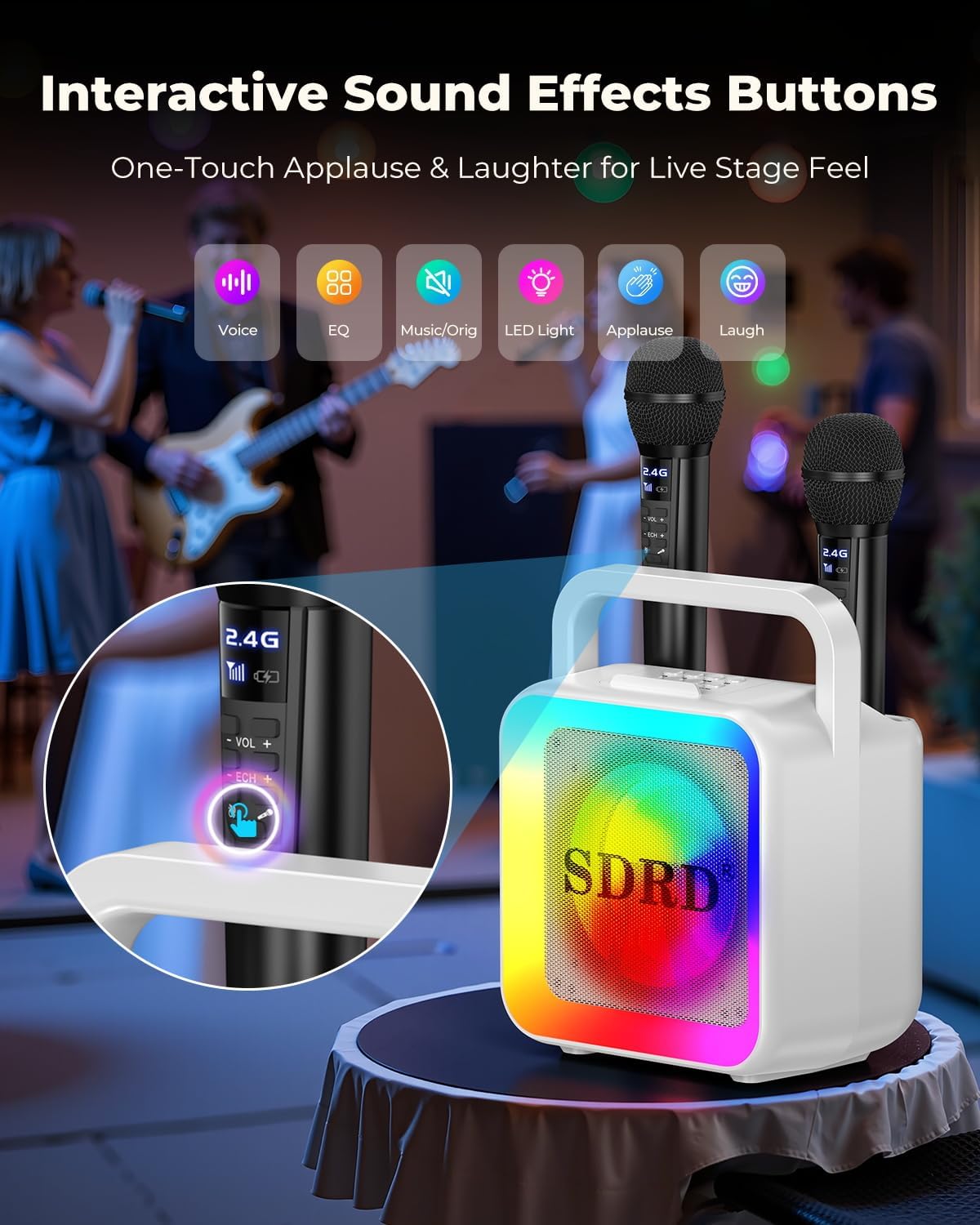
Image: Packaging list showing the karaoke machine, two wireless microphones, charging cable, and user manual.
3. Prodotto finitoview
The SDRD SD-516 features a compact design with integrated microphone storage and charging capabilities. It is equipped with a 5-inch subwoofer and a powerful speaker for clear audio output.
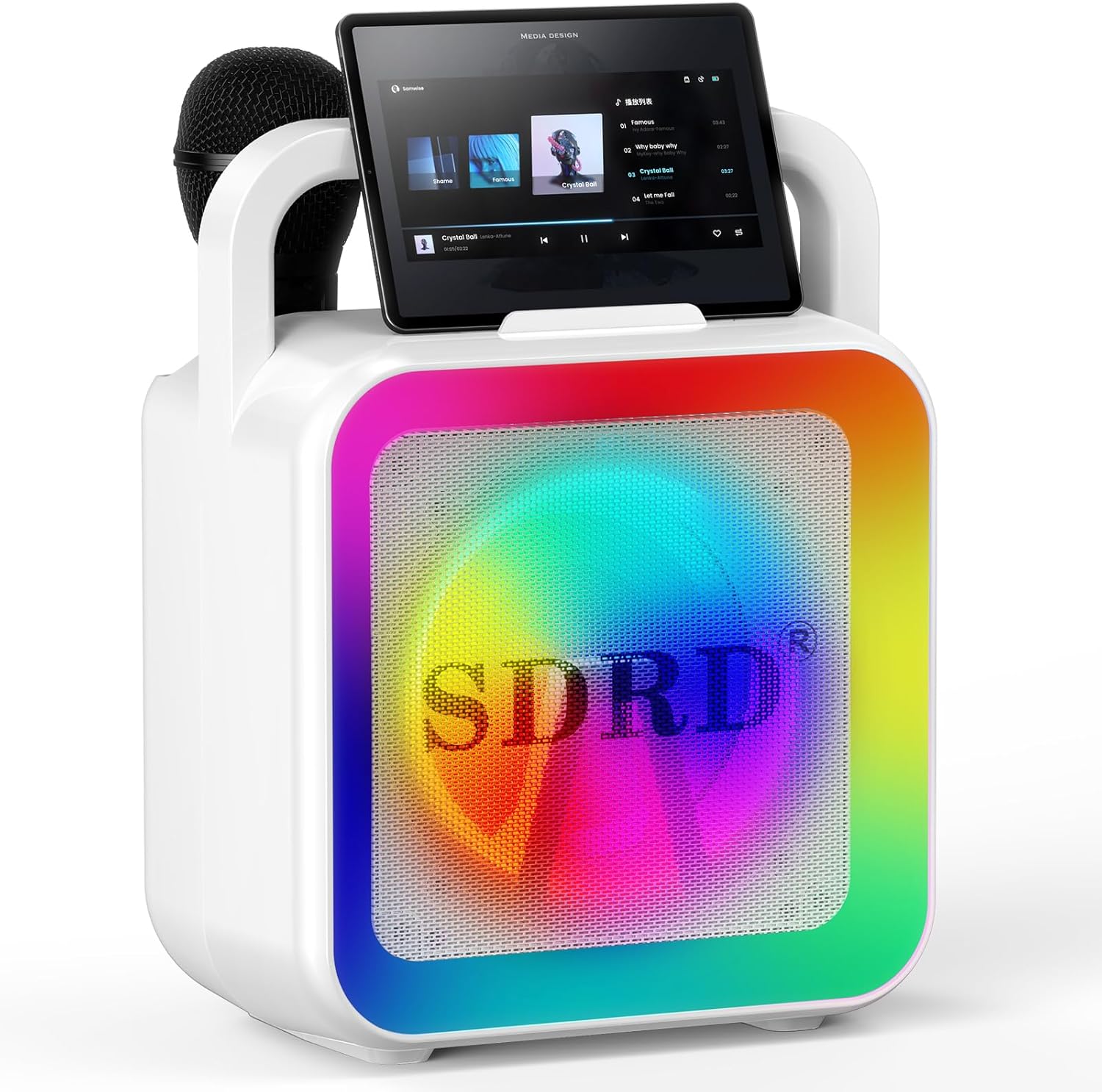
Image: The SDRD SD-516 Karaoke Machine with its two wireless microphones.
Caratteristiche principali:
- Suono surround immersivo: 5-inch subwoofer and treble-bass separation for powerful, distortion-free audio.
- Two Wireless Rechargeable Microphones: Integrated charging and storage slots for convenience.
- Connettività Bluetooth 5.3: Stable connection up to 100 feet for various devices.
- Effetti interattivi: One-key vocal switch, adjustable reverb/echo, applause/laughter buttons.
- Batteria a lunga durata: Built-in 4000mAh battery provides 10-12 hours of playtime.
- Compatto e portatile: Lightweight design with a sturdy handle and phone holder.
- Utilizzo versatile: Supports USB and AUX input, suitable for home, parties, and outdoor events.
- Luci LED dinamiche: 7 modes to enhance the atmosphere.
4. Guida all'installazione
4.1 Ricarica del dispositivo
Before first use, fully charge the karaoke machine and microphones.
- Macchina per il karaoke: Connect the provided USB Type-C charging cable to the charging port on the speaker and to a compatible USB power adapter (not included). The built-in 4000mAh battery charges in approximately 2-3 hours and provides 10-12 hours of playtime.
- Microfoni wireless: The microphones are rechargeable and can be charged in two ways:
- Via Speaker Slots: Place the microphones into their designated charging/storage slots on top of the karaoke machine. They will charge automatically when the speaker is powered on or charging.
- Ricarica indipendente: Connect the provided Mics Cable (USB Type-C) directly to each microphone's charging port and to a USB power adapter.
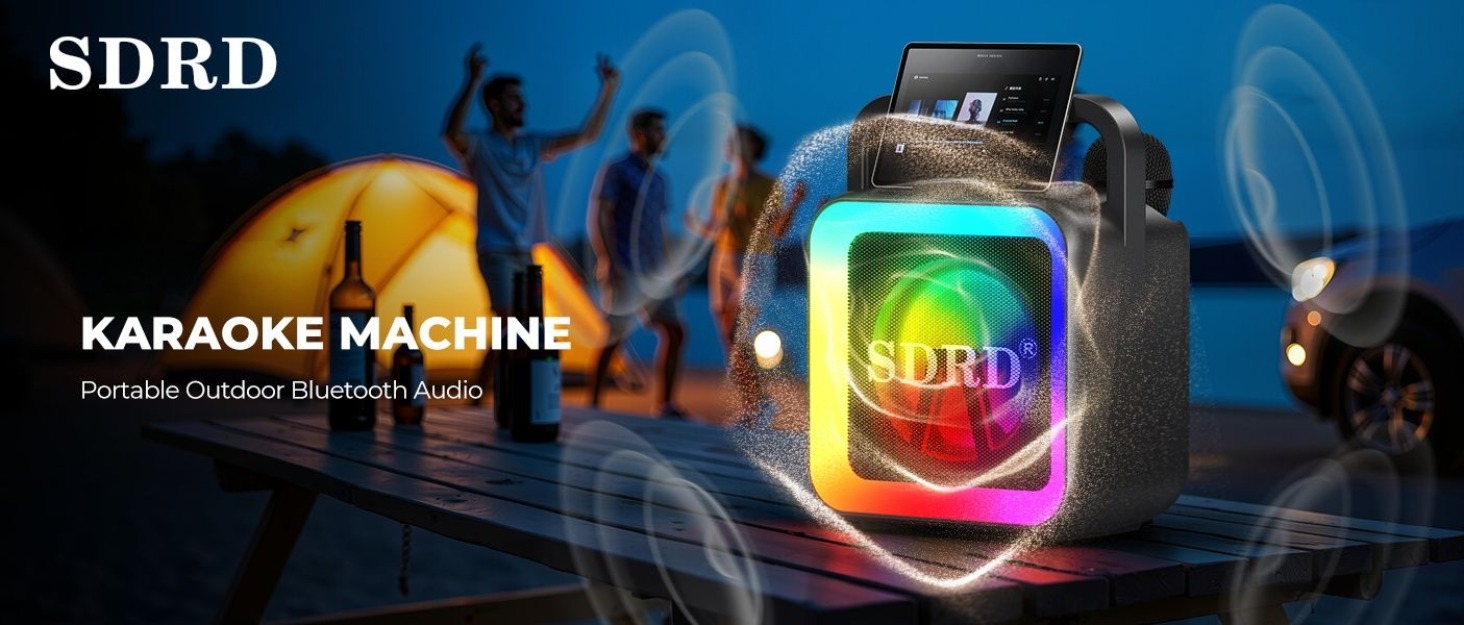
Image: PowerHub Charging Station illustrating charging times and battery capacity.

Image: Dual charging modes for the wireless microphones.
4.2 Accensione/Spegnimento
Locate the power button on the karaoke machine. Press and hold the button for a few seconds to turn the device on or off. The LED lights will illuminate upon power-on.
4.3 Accoppiamento del microfono
The wireless microphones are pre-paired with the karaoke machine. Simply power on both the speaker and the microphones, and they will connect automatically. The microphone display will show connection status.
5. Istruzioni per l'uso
5.1 Connessione tramite Bluetooth
- Ensure the karaoke machine is powered on and in Bluetooth mode (indicated by a specific light or sound cue).
- Sul tuo smartphone, tablet o altro dispositivo abilitato Bluetooth, vai alle impostazioni Bluetooth.
- Cercare available devices and select "SDRD SD-516" from the list.
- Once connected, you will hear a confirmation sound from the speaker. You can now play audio from your device through the karaoke machine.

Image: Bluetooth 5.3 connectivity with various devices.
5.2 Using AUX and USB Inputs
- Ingresso AUX: Connect an audio device (e.g., MP3 player, computer) to the AUX port on the karaoke machine using a 3.5mm audio cable (not included). The speaker will automatically switch to AUX mode or require manual selection via a mode button.
- Ingresso USB: Inserisci un'unità flash USB contenente audio files nella porta USB. L'altoparlante rileverà e riprodurrà automaticamente l'audio files.
5.3 Microphone Controls and Effects
Each wireless microphone features controls for volume, echo, and special effects.
- Controllo del volume: Use the +/- buttons on the microphone to adjust your vocal volume.
- Eco/Riverbero: Press the 'Echo' button to cycle through different echo levels or adjust reverb.
- Cambio di voce: Some microphones may include a 'Voice Change' function to alter your vocal pitch.
- Effetti sonori interattivi: The karaoke machine features dedicated buttons for applause and laughter, enhancing the interactive experience.
- One-Key Vocal Switch: This function allows you to reduce or remove the original vocals from a song, making it easier to sing along.

Image: Interactive sound effects buttons on the karaoke machine.
5.4 modalità di illuminazione a LED
The karaoke machine features dynamic LED lights with 7 different modes. Press the 'LED Light' button on the control panel to cycle through the available lighting effects and match the mood of your event.
Image: Seven dynamic LED light modes.
5.5 Audio Quality and Effects
The SDRD SD-516 delivers powerful and clear audio with its 5-inch subwoofer and treble-bass separation. It is designed to provide distortion-free sound even at high volumes, creating an immersive 3D surround experience.

Image: Professional Hi-Fi Sound features with speaker components.
5.6 Using the Aux-Out Connection
A amplify your sound or connect to another speaker, use the Aux-Out port. Connect an audio cable from the Aux-Out port of the SDRD SD-516 to the Aux-In port of another speaker. This allows for synchronized playback and increased sound coverage for larger outdoor events.

Image: Connecting to another speaker via Aux-Out for ampsuono lificato.
5.7 Scenari di utilizzo versatili
The portable design and long battery life make the SDRD SD-516 suitable for various occasions, including home use, camping trips, street performances, small music festivals, and birthday parties.

Image: The SDRD SD-516 in various usage scenarios.
6. Manutenzione
- Pulizia: Utilizzare un panno morbido e asciutto per pulire l'esterno dell'impianto karaoke e i microfoni. Non utilizzare detergenti abrasivi o solventi.
- Magazzinaggio: When not in use, store the device in a cool, dry place away from direct sunlight and extreme temperatures. Ensure microphones are stored in their designated slots to prevent loss and keep them charged.
- Cura della batteria: To prolong battery life, avoid fully discharging the device frequently. Charge the battery regularly, even if the device is not in active use for extended periods.
7. Risoluzione Dei Problemi
| Problema | Possibile causa | Soluzione |
|---|---|---|
| Nessun potere | La batteria è scarica. | Charge the karaoke machine using the provided USB Type-C cable. |
| Nessun suono dall'altoparlante | Volume troppo basso; modalità di input errata; dispositivo non connesso. | Increase speaker volume. Ensure correct input mode (Bluetooth, AUX, USB) is selected. Reconnect your audio source. |
| Il microfono non funziona | Microphone battery low; microphone not paired; microphone volume too low. | Charge the microphone. Power cycle the microphone and speaker to re-establish connection. Increase microphone volume. |
| Connessione Bluetooth instabile | Dispositivo troppo lontano dall'altoparlante; interferenza. | Move the connected device closer to the speaker (within 100 ft). Avoid obstacles or other wireless devices causing interference. |
| Distorsione del suono | Volume troppo alto; qualità della sorgente audio. | Reduce the volume on both the speaker and the audio source. Ensure the audio source is of good quality. |
8. Specifiche
| Caratteristica | Dettaglio |
|---|---|
| Numero di modello | SD-516 |
| Marca | SDRD |
| Dimensioni del prodotto (L x P x A) | 7.87 x 5.91 x 10.63 pollici (20 x 15 x 27 cm) |
| Peso dell'articolo | 4.75 libbre (2.15 kg) |
| Materiale | Acrilonitrile Butadiene Stirene (ABS) |
| Fonte di alimentazione | Alimentato a batteria (4000 mAh integrata) |
| Tempo di ricarica | 2-3 ore |
| Tempo di gioco | 10-12 ore |
| Tecnologia di connettività | Bluetooth 5.3, AUX, USB |
| Portata Bluetooth | Fino a 100 piedi (30 metri) |
| Uscita altoparlante | 10W Power, 5-inch Subwoofer |
| Numero di canali | 2 |
| Dispositivi compatibili | Computer portatile, smartphone, tablet |
| Microfoni | 2 Wireless Rechargeable Microphones |
9. Garanzia e supporto
For warranty information or technical support, please refer to the contact details provided on the product packaging or visit the official SDRD websito. Conservare la ricevuta d'acquisto come prova d'acquisto per eventuali reclami in garanzia.
Produttore: SDRD
10. Video del prodotto
Video: Un oltreview of the SDRD SD-516 Karaoke Machine's features and usage. This video demonstrates the product in action.