
DigiLand 10.1-inch Tablet PC
DigiLand 10.1-inch Android 14 Tablet User Manual
Model: 10.1-inch Tablet PC
Introduzione
This user manual provides comprehensive instructions for the operation, maintenance, and troubleshooting of your DigiLand 10.1-inch Android 14 Tablet. Please read this manual thoroughly before using your device to ensure proper functionality and to maximize your user experience. This tablet is designed for versatile use, offering high performance for various applications, from entertainment to productivity.
Cosa c'è nella scatola
Dopo aver aperto la confezione, verificare che tutti gli articoli elencati siano presenti e in buone condizioni:
- (1) Leather case *1
- (2) USB cable *1
- (3) 5V/2A Adaptor *1; US standard
- (4) Manual *1 (This document)
- (5) Warranty card *1

For a visual guide to unboxing your tablet, please refer to the official unboxing video below.
Video 1: Android 14 Tablet Unboxing Video. This video demonstrates the unboxing process and shows the tablet and its included components.
Prodotto finitoview
The DigiLand 10.1-inch Android 14 Tablet is engineered for high performance and user convenience. Key features include:
- Sistema operativo: Android 14 with upgraded personal privacy protection and security.
- Memoria e archiviazione: 12GB RAM + 128GB ROM, with support for TF card expansion for additional storage.
- Processore: New generation Octa-Core CPU (Max 2.0 GHz) for faster and more stable performance.
- Display: 10.1-inch 1280x800 HD IPS screen with Widevine L1 support for high-fidelity streaming on platforms like Netflix, YouTube, and Disney+.
- Connettività: Ultra-fast WiFi 6 and energy-efficient Bluetooth 5.0.
- Telecamere: 8-megapixel front camera and 13-megapixel rear camera.
- Progetto: Lightweight (485g) and slim (9mm thin body) for portability.
- Batteria: Batteria da 6000 mAh per un utilizzo prolungato.
- Multifunzionalità: Supports split-screen function for enhanced multitasking.
Componenti e caratteristiche

The tablet features a headset jack, power button, volume up/down buttons, front camera, reset pinhole, memory card slot, and a Type-C charging port. The rear of the tablet houses the main camera module.

This image provides a visual summary of the tablet's core specifications, including its operating system, display size, memory, processor, battery capacity, camera resolution, and physical dimensions.
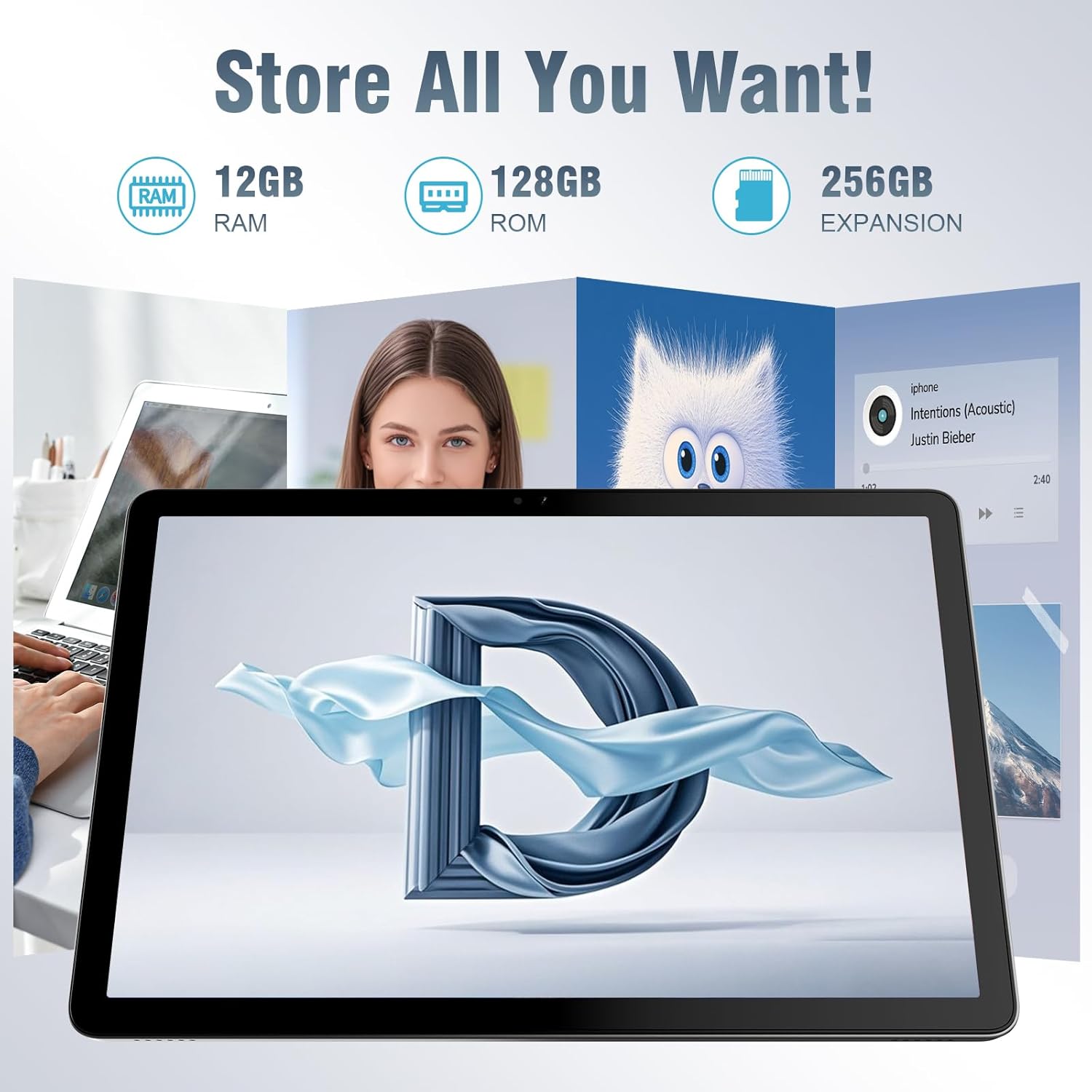
Il tablet offre ample storage for your applications, photos, videos, and documents, with expandable memory options.
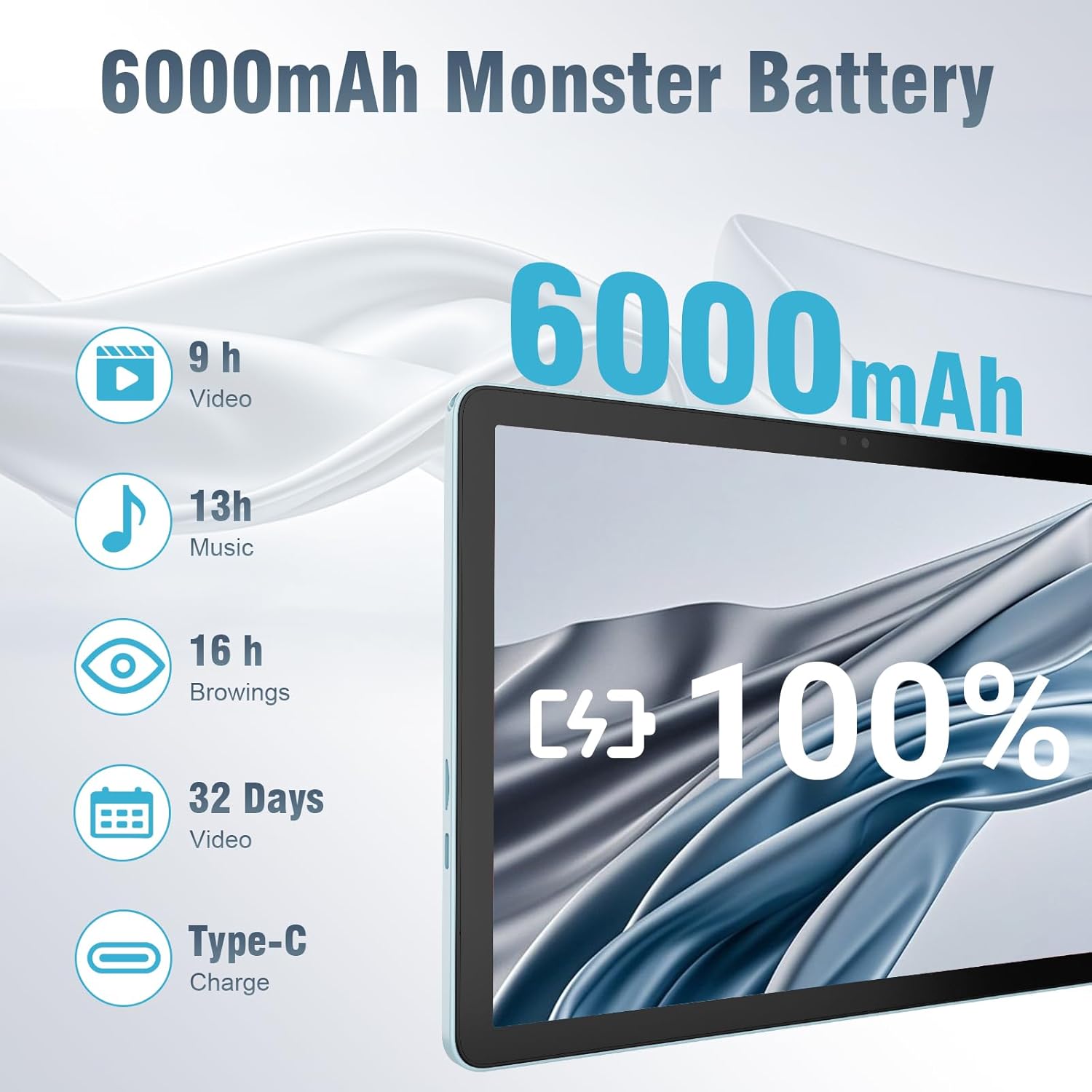
The 6000mAh battery provides extended usage times for various activities, and it supports convenient Type-C charging.
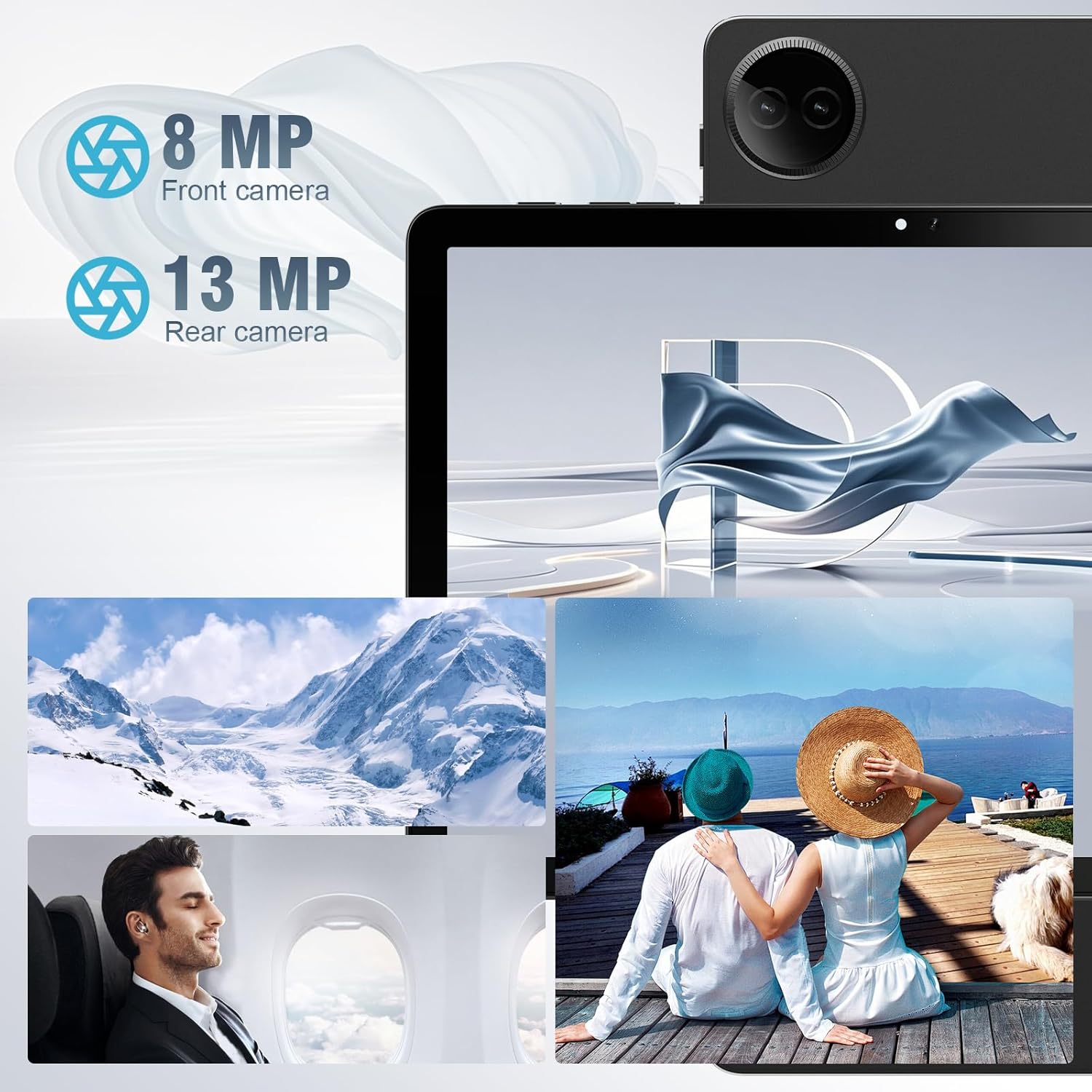
Equipped with both front and rear cameras, the tablet is suitable for capturing moments and engaging in video communication.

The 10.1-inch HD display provides a clear and immersive visual experience with wide viewangoli di inclinazione.

The split-screen function allows for efficient multitasking, enabling you to use two applications simultaneously.
Impostare
Accensione iniziale e configurazione
- Caricare il tablet: Before first use, fully charge the tablet using the provided USB cable and power adapter. Connect the Type-C end of the cable to the tablet's charging port and the USB end to the power adapter, then plug the adapter into a wall outlet.
- Accensione: Press and hold the Power button located on the side of the tablet until the DigiLand logo appears on the screen.
- Configurazione iniziale: Follow the on-screen prompts to complete the initial setup. This typically includes selecting your language, connecting to a Wi-Fi network, setting up your Google account, and configuring basic security settings.
- Inserire la scheda TF (facoltativo): If you wish to expand storage, carefully insert a TF (microSD) card into the designated memory card slot. Ensure the tablet is powered off before inserting or removing the card.
For a visual demonstration of the power-on sequence and initial interaction, refer to the unboxing video in the "What's in the Box" section.
Istruzioni per l'uso
Navigazione di base
- Gesti touchscreen: Navigate the tablet using standard Android gestures: tap to select, swipe to scroll, pinch to zoom, and long-press for contextual menus.
- Schermata iniziale: L'interfaccia principale da cui puoi accedere ad app, widget e notifiche.
- Pannello notifiche: Scorri verso il basso dalla parte superiore dello schermo per accedere alle impostazioni rapide e alle notifiche.
- Cassetto delle applicazioni: Scorri verso l'alto dalla parte inferiore dello schermo per view tutte le applicazioni installate.
Connessione a Wi-Fi e Bluetooth
- Wifi: Vai a Impostazioni > Rete e Internet > Wi-Fi. Turn on Wi-Fi, select your desired network, and enter the password if required. The tablet supports ultra-fast WiFi 6.
- Bluetooth: Vai a Impostazioni > Dispositivi connessi > Preferenze di connessione > Bluetooth. Turn on Bluetooth, then select "Pair new device" to connect to Bluetooth headphones, speakers, or other compatible devices. The tablet features energy-efficient Bluetooth 5.0.
Utilizzo delle fotocamere
Access the Camera app from your home screen or app drawer. You can switch between the 8MP front camera and the 13MP rear camera within the app. Tap the screen to focus and press the shutter button to capture photos or start/stop video recording.
Multitasking con schermo diviso
To use the split-screen feature, open an application, then swipe up from the bottom of the screen and hold to reveal the recent apps overview. Tap the app icon at the top of the app's card and select "Split screen." Choose a second app from the recent apps or app drawer to open it alongside the first. Adjust the size of each app by dragging the divider in the middle of the screen.
Manutenzione
- Pulizia: Use a soft, lint-free cloth to clean the screen and body of the tablet. Avoid using abrasive cleaners or solvents.
- Cura della batteria: Per prolungare la durata della batteria, evitare di esporre il tablet a temperature estreme. Si consiglia di mantenere la carica della batteria tra il 20% e l'80% per una longevità ottimale.
- Aggiornamenti software: Regularly check for and install system updates to ensure your tablet has the latest security patches and performance improvements. Go to Impostazioni > Sistema > Aggiornamento di sistema.
- Gestione della memoria: Cancellare periodicamente ciò che non è necessario files and uninstall unused apps to free up storage space and maintain optimal performance.
- Protezione: Use the provided leather case to protect your tablet from scratches and minor impacts.
Risoluzione dei problemi
This section addresses common issues you might encounter with your tablet. If you experience problems not covered here, please contact customer support.
| Problema | Possibile causa | Soluzione |
|---|---|---|
| Il tablet non si accende. | Batteria scarica; crash del sistema. | Caricare il tablet per almeno 30 minuti. Se il tablet continua a non rispondere, tenere premuto il pulsante di accensione per 10-15 secondi per forzare il riavvio. |
| Problemi di connessione Wi-Fi. | Password errata; fuori portata; problema con il router. | Verify Wi-Fi password. Move closer to the router. Restart your Wi-Fi router. Forget the network and reconnect. |
| Le app sono lente o si bloccano. | Troppe app in esecuzione; spazio di archiviazione insufficiente; app obsoleta. | Chiudi le app in background. Cancella la cache delle app (Impostazioni > App > [Nome app] > Archiviazione e cache > Cancella cache). Libera spazio di archiviazione. Aggiorna l'app dal Google Play Store. |
| Lo schermo non risponde. | Problema temporaneo del software. | Force restart the tablet by holding the power button. |
| Il tablet non si carica. | Cavo/adattatore difettoso; porta di ricarica sporca. | Ensure cable and adapter are securely connected. Try a different compatible cable and adapter. Clean the charging port gently with a dry, soft brush. |
Specifiche
| Caratteristica | Dettaglio |
|---|---|
| Marca | DigiLand |
| Nome del modello | 10.1-inch Tablet PC |
| Sistema operativo | Androide 14 |
| Dimensioni dello schermo | 10.1 pollici |
| Risoluzione massima dello schermo | 800x1280 |
| Marca del processore | MK G80 (Octa-core) |
| Capacità di archiviazione della memoria | 128 GB (expandable via TF card) |
| Memoria RAM | 12 GB |
| Fotocamera frontale | 8 MP |
| Telecamera posteriore | 13 MP |
| Connettività | Wi-Fi 6, Bluetooth 5.0 |
| Capacità della batteria | 6000 mAh |
| Peso dell'articolo | 2.82 libbre (circa 485 g) |
| Dimensioni del prodotto (LxWxH) | 9.53 x 6.34 x 0.3 pollici (circa 9 mm di spessore) |
| Colore | Blu |
Garanzia e supporto
DigiLand is committed to product quality and customer satisfaction.
- Garanzia: This Android 14 tablet comes with a one-year warranty from the date of purchase.
- Assistenza clienti: If you encounter any quality problems or require assistance, please contact us via your Amazon Purchase Record. Our team will endeavor to provide the best service and ensure your satisfaction.
- Piani di protezione: Additional protection plans may be available for purchase, such as a 2-Year Protection Plan or Complete Protect, which covers eligible past and future purchases. Please refer to your purchase details for more information on these options.
Ask a question about this manual
Ask about setup, troubleshooting, compatibility, parts, safety, or missing instructions. Manuals+ will review the question and use this page’s manual context to help answer it.