
1. Introduzione
Thank you for choosing the Ctronics CTIPC-930 4K 8MP WiFi Outdoor Security Camera. This camera is designed to provide high-definition surveillance with advanced features for enhanced security. It captures ultra-clear images day and night, offers intelligent detection, and supports various connectivity and storage options. Please read this manual carefully before installation and operation to ensure proper use and optimal performance.
2. Contenuto della confezione
Please check the package contents upon receipt. If any items are missing or damaged, contact Ctronics customer support.
- Ctronics CTIPC-930 Camera Unit
- Adattatore di alimentazione
- Viti di montaggio e tasselli
- Kit impermeabile
- Manuale di istruzioni
3. Impostazione
3.1 Accensione iniziale
- Collegare la fotocamera all'adattatore di alimentazione.
- Plug the power adapter into a power outlet. The camera will initiate its self-test sequence.
3.2 Download dell'app e registrazione dell'account
Download the "Ctronics Pro" app from your smartphone's app store (iOS or Android). Register for a new account or log in if you already have one.
3.3 Collegamento della fotocamera al Wi-Fi
The CTIPC-930 supports dual-band WiFi (2.4 GHz and 5 GHz) for flexible and stable connectivity. Bluetooth pairing is available for quick setup.

Image: Dual-band WiFi connectivity for stable signal.
- Open the Ctronics Pro app and tap "Add Device".
- Follow the on-screen instructions to select your camera model and connect it to your WiFi network. The app will guide you through the Bluetooth pairing process for initial connection.
- Ensure your camera is within range of your WiFi router for a strong signal.
4. Utilizzo della fotocamera
4.1 Vivere View e riproduzione
Accedi al feed live e al foo registratotage through the Ctronics Pro app on your smartphone, tablet, or via client software on your PC/Mac.

Image: Broad compatibility across multiple devices and operating systems.
4.2 4K Ultra HD Resolution and Color Night Vision
The camera features 4K (3840x2160) resolution for clear, detailed images. Its starlight lens and F1.6 aperture provide full-color night vision up to 30 meters, even in low-light conditions without additional illumination.
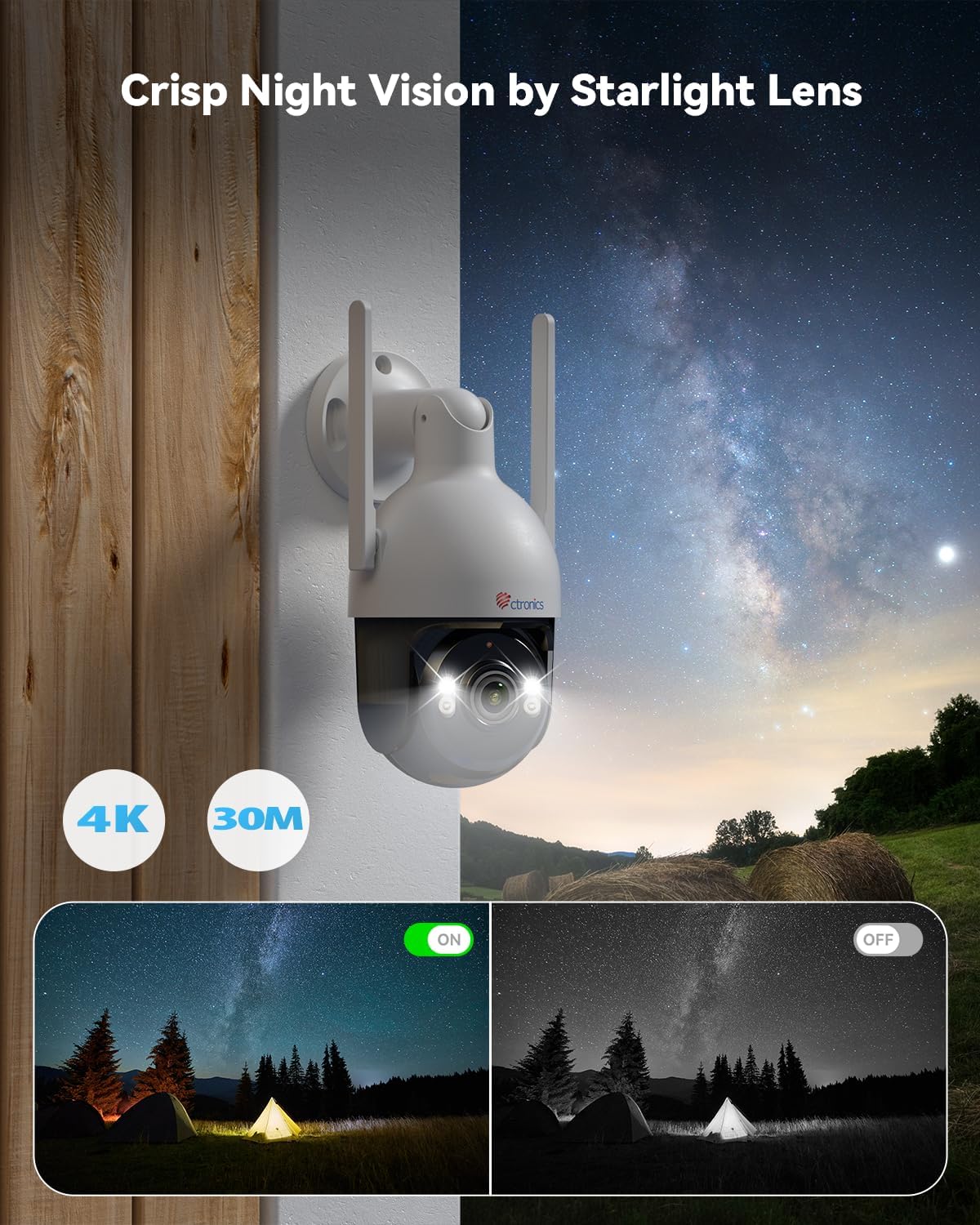
Image: Crisp night vision capabilities with color and infrared options.
4.3 AI Smart Detection and Auto Tracking
Utilize advanced AI technology to accurately detect humans, vehicles, and pets. Customize detection modes to minimize false alarms. When an event is detected, the camera captures snapshots and sends real-time alerts via email and the Ctronics Pro app. The camera also supports automatic tracking of detected subjects.

Image: Smart AI detection and auto-tracking of humans, cars, and pets with instant alerts.
4.4 Audio bidirezionale
The built-in microphone and speaker enable clear two-way communication, allowing you to interact with visitors or deter intruders remotely.
4.5 Funzionalità Pan-Tilt-Zoom (PTZ)
Control the camera's movement remotely with 355° horizontal rotation and 90° vertical tilt, providing extensive coverage of your surveillance area.

Image: Wide area coverage with 355° pan and 90° tilt.
4.6 Opzioni di archiviazione
The camera offers multiple recording and storage solutions:
- Archiviazione locale: Supports TF (MicroSD) cards up to 256GB (not included).
- Archiviazione cloud: Encrypted cloud backup with a 30-day trial available.
- NVR/FTP: Compatible with Network Video Recorders (NVR) and File Transfer Protocol (FTP) for continuous recording and storage.
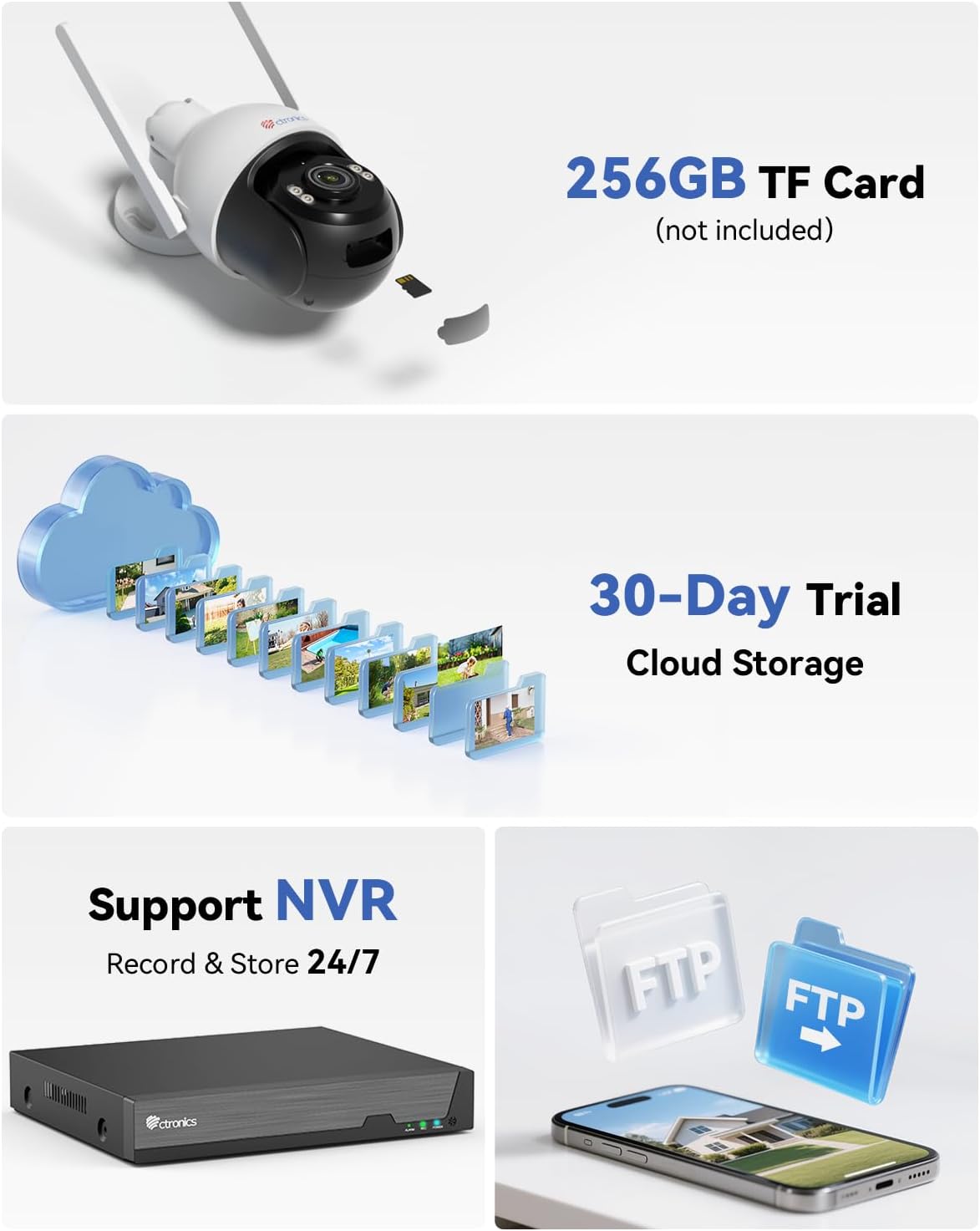
Image: Multiple storage options including TF card, cloud, NVR, and FTP.
5. Installazione
The Ctronics CTIPC-930 camera is designed for outdoor use with an IP66 weatherproof rating, ensuring resistance to rain, dust, and heat. It supports both wall and ceiling mounting.

Image: Durable metal construction and IP66 weatherproof rating for wall or ceiling mounting.
5.1 Posizione di montaggio
Scegli una posizione che fornisca il desiderato viewing angle and is within range of your WiFi network. Ensure the mounting surface is sturdy enough to support the camera's weight.
5.2 Fasi di montaggio
- Use the provided mounting template (if available) or the camera base to mark the drill holes on the wall or ceiling.
- Praticare i fori e inserire i tasselli.
- Fissare la base della telecamera alla superficie utilizzando le viti di montaggio.
- Dopo l'installazione, regolare l'angolazione della telecamera secondo necessità.
6. Manutenzione
Una manutenzione regolare garantisce la longevità e le prestazioni ottimali della tua fotocamera.
- Pulizia: Pulisci periodicamente l'obiettivo della fotocamera con un panno morbido e asciutto per garantire una qualità dell'immagine nitida. Non utilizzare prodotti chimici aggressivi.
- Aggiornamenti del firmware: Check the Ctronics Pro app regularly for firmware updates. Keeping your camera's firmware up-to-date ensures access to the latest features and security enhancements.
- Alimentazione elettrica: Ensure the power supply is stable and free from damage.
7. Risoluzione Dei Problemi
In caso di problemi, fare riferimento ai seguenti passaggi comuni per la risoluzione dei problemi:
- Fotocamera non in linea: Check WiFi connection, power supply, and router status. Try restarting the camera and your router.
- Scarsa qualità dell'immagine: Clean the lens. Ensure sufficient lighting for optimal night vision. Check network bandwidth.
- Falsi allarmi: Adjust AI detection sensitivity and detection zones in the app.
- Nessuna registrazione: Verify TF card insertion and format. Check cloud storage subscription status or NVR/FTP configuration.
- Impossibile connettersi all'app: Ensure Bluetooth is enabled on your phone for initial pairing. Re-attempt the connection process.
Per ulteriore assistenza, contattare l'assistenza clienti Ctronics.
8. Specifiche
| Caratteristica | Specificazione |
|---|---|
| Risoluzione di registrazione video | Risoluzione 4K (3840 x 2160) |
| Numero di modello | CTIPC-930 |
| Tecnologia di comunicazione wireless | Bluetooth, Wi-Fi (2.4 GHz / 5 GHz) |
| Fattore di forma | Cupola |
| Gamma di visione notturna | 30 metri |
| Materiale | Metallo |
| Voltage | 12 Volt |
| Energia | 12 Watt |
| Dimensioni articolo (L x P x A) | 16 x 14 cm (circa 6.3 x 5.5 pollici) |
| Livello di resistenza all'acqua | IP66 (impermeabile) |
| Tipo di lampadina | Infrared & LED |
| Caratteristiche speciali | Two-way audio, Human/Vehicle/Animal Detection, HD Resolution, PTZ Technology, Color Night Vision |
| Usi consigliati | Sicurezza esterna |
| Dispositivi compatibili | Smartphone, Tablet, PC, Mac |
| Fonte di alimentazione | Elettrico con cavo |
| Tipo di montaggio | Montaggio a parete |
9. Garanzia e supporto
Ctronics products come with a standard manufacturer's warranty. Please refer to the warranty card included in your package or visit the official Ctronics websito per termini e condizioni di garanzia dettagliati.
For technical support, product inquiries, or warranty claims, please contact Ctronics customer service through their official website or the contact information provided in the app. Have your model number (CTIPC-930) and purchase details ready when contacting support.