
SIMO SGO24
SIMO Solis Go 4G Mobile Hotspot WiFi Power Bank User Manual
Model: SGO24 | Brand: SIMO
1. Introduzione
This manual provides essential instructions for setting up, operating, and maintaining your SIMO Solis Go 4G Mobile Hotspot WiFi Power Bank. The Solis Go is designed to provide reliable internet connectivity in over 140 countries and also functions as a portable power bank for your devices. Please read this manual thoroughly before using the device to ensure optimal performance and safety.
2. Contenuto della confezione
Verifica che tutti gli articoli siano presenti nel tuo pacco:
- SIMO Solis Go Device
- Charging Cable (built-in)
- Guida rapida

The image above displays the SIMO Solis Go device, a compact black unit with orange accents, alongside two cards indicating "10GB Data Included" and "Lifetime Data 12GB Per Year". The device features built-in charging cables.
3. Prodotto finitoview
The SIMO Solis Go combines a 4G mobile hotspot with a power bank, offering versatile connectivity and charging capabilities. It features a virtual SIM (vSIM) technology, eliminating the need for physical SIM cards and contracts.
Caratteristiche principali:
- Connettività globale: Access to 4G LTE in over 140 countries via multiple carriers.
- Power Bank integrato: 8,000mAh capacity to charge external devices.
- Cavi integrati: Integrated USB-A, USB-C, and Lightning cables for convenience.
- SignalScan™ Technology: Automatically connects to the strongest available 4G network.
- Lifetime Data: Includes 1GB of global data per month for the life of the device.
- Condivisione dispositivi: Connect up to 16 devices simultaneously.

This image displays six icons representing key features: SignalScan™ Technology for automatic best carrier connection, Private, Secure Data for personal encrypted networks, Built-in Charging Cables (USB-A, USB-C, Lightning), Global WiFi in 140+ countries, 16+ Hours of Battery Life, and the ability to Share with 10 Devices.
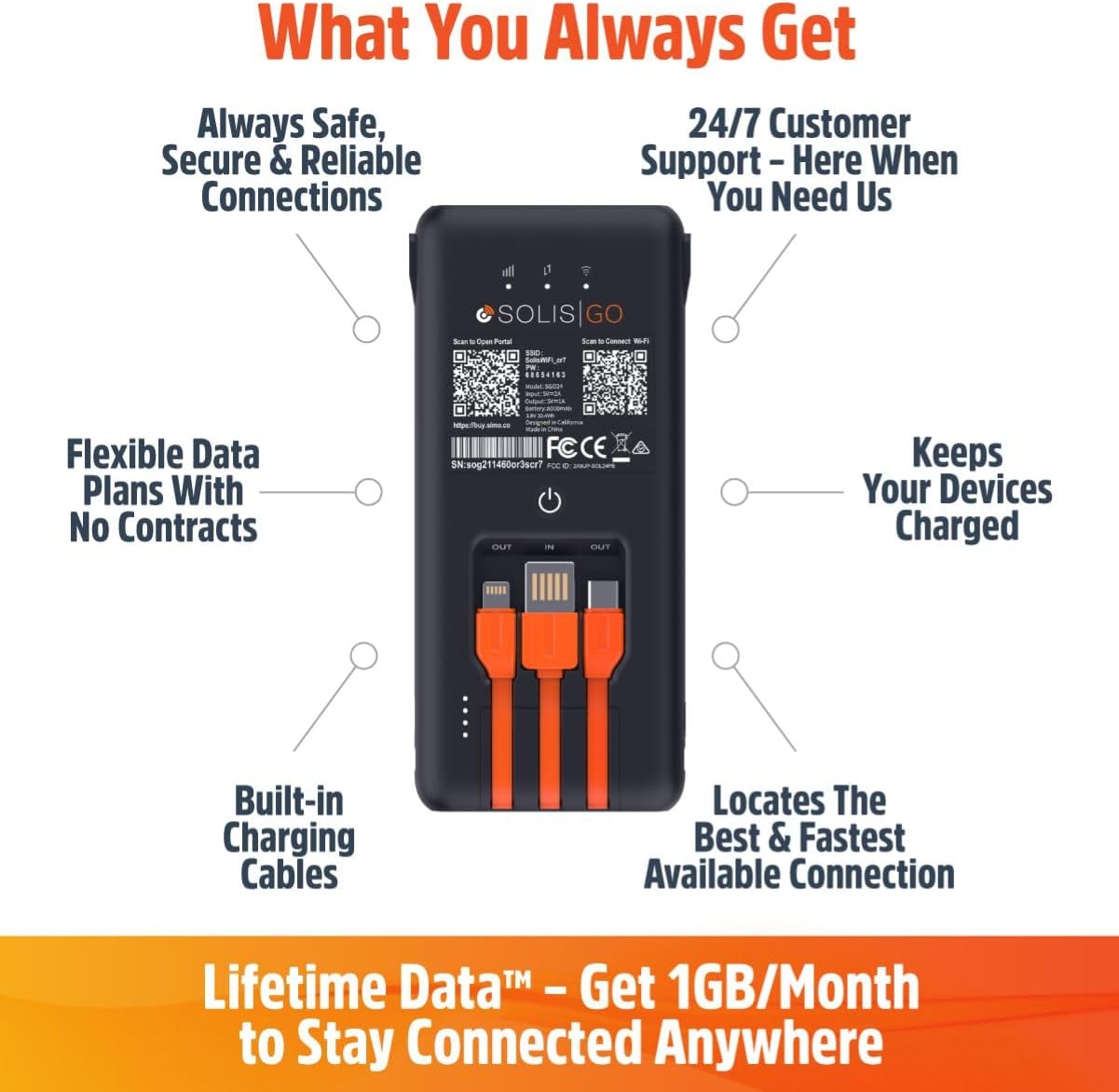
This image shows the back of the Solis Go device, detailing its various features such as built-in charging cables, the power button, and indicators for signal strength and battery. Labels point to "Always Safe, Secure & Reliable Connections", "24/7 Customer Support", "Flexible Data Plans With No Contracts", "Keeps Your Devices Charged", "Built-in Charging Cables", and "Locates The Best & Fastest Available Connection".
4. Impostazione
Follow these steps to set up your SIMO Solis Go:
- Carica il dispositivo: Before first use, fully charge your Solis Go using the built-in charging cable and a compatible USB power adapter (not included).
- Download the Solis App: Cercare "Solis" in your device's app store (iOS or Android) and download the official Solis app.
- Registra il tuo dispositivo: Open the Solis app and follow the on-screen instructions to create an account and register your Solis Go device. You will typically need to scan a QR code or enter a serial number found on the device.
- Attiva il piano dati: Once registered, your included 1GB/month Lifetime Data plan will be active. You can view your data usage and purchase additional data plans through the app.
- Accensione: Press and hold the power button on the Solis Go until the indicator lights illuminate.
- Connessione Wi-Fi: On your smartphone, tablet, or laptop, search for available WiFi networks. Select the network name (SSID) broadcast by your Solis Go (e.g., "Solis_XXXX") and enter the password. The default SSID and password can be found on a sticker on the device or in the Quick Start Guide.

This diagram illustrates the three main steps for using the Solis Go: 1) Grab a Solis Global Hotspot, 2) Register Your Hotspot & Choose Your WiFi Plan (via a smartphone app), and 3) Enjoy WiFi Anywhere (showing multiple devices connected wirelessly).
5. Istruzioni per l'uso
5.1 Accensione/Spegnimento
- Per accendere: Press and hold the power button for approximately 3 seconds until the indicator lights activate.
- Per spegnere: Tenere premuto il pulsante di accensione per circa 3 secondi finché le spie luminose non si spengono.
5.2 Collegamento dei dispositivi
The Solis Go can connect up to 16 devices simultaneously. Ensure your device's WiFi is enabled and select the Solis Go network from the list of available networks. Enter the WiFi password when prompted.
5.3 Utilizzo come Power Bank
The Solis Go features built-in USB-A, USB-C, and Lightning cables. To charge an external device:
- Pull out the appropriate built-in cable from the Solis Go.
- Connect the cable to your external device.
- The Solis Go will automatically begin charging the connected device.
This image shows a hand holding the Solis Go device, with its integrated USB-A, USB-C, and Lightning cables clearly visible and ready for use, highlighting its function as a power bank.
5.4 Global Coverage and Network Selection
The Solis Go utilizes SignalScan™ technology to automatically detect and connect to the strongest available 4G network in over 140 countries. This ensures optimal connectivity without manual network selection or SIM card swapping.

This image displays a world map with various national flags and signal strength indicators, emphasizing the Solis Go's global coverage in over 140 countries with no locked-in contract or SIM card required.
6. Piani dati e gestione
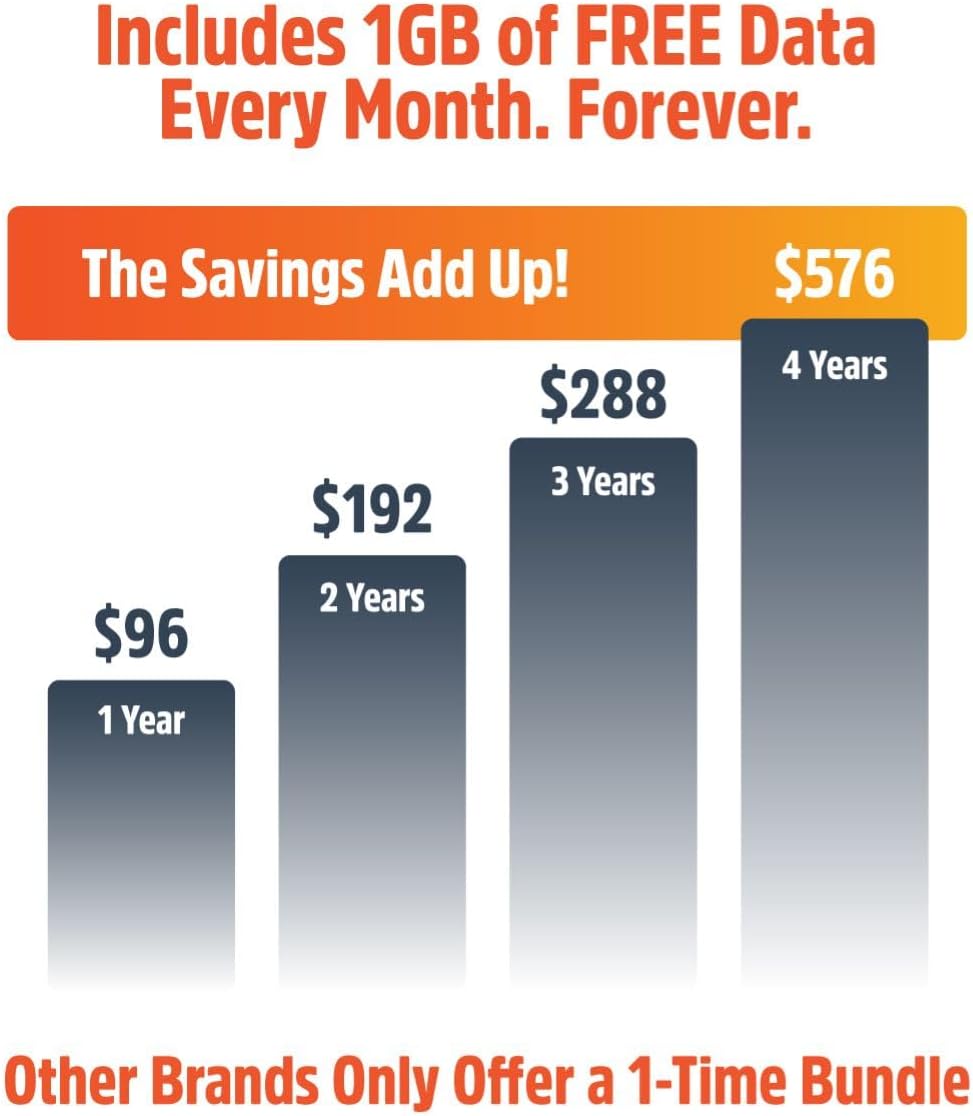
Your Solis Go comes with a Lifetime Data plan, providing 1GB of global data per month. Additional data can be purchased as needed through the Solis app.
- Lifetime Data: Enjoy 1GB of global data every month, automatically refreshed.
- Dati aggiuntivi: Purchase one-time data packages (e.g., 10GB Global Data) or monthly plans directly from the Solis app.
- Monitoraggio dell'utilizzo: The Solis app allows you to monitor your current data usage and plan status.
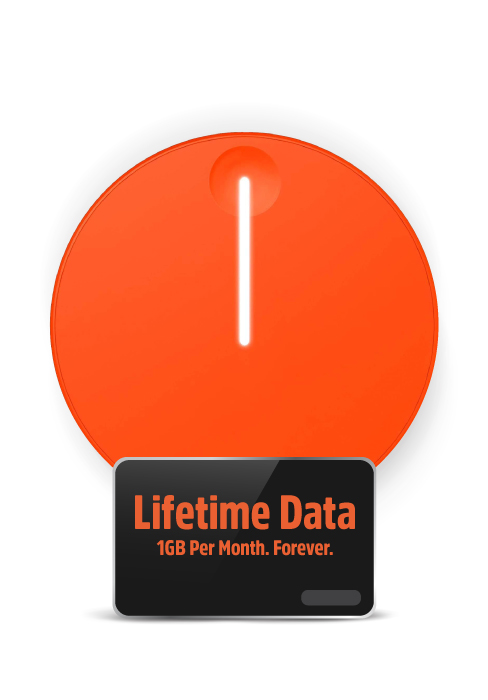
This image highlights the "Lifetime Data" feature, offering "1GB Per Month. Forever." for continuous connectivity.
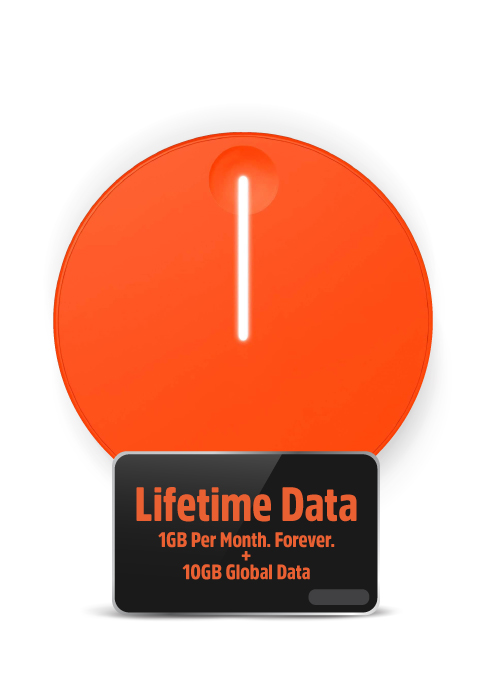
This image shows the "Lifetime Data" plan, which includes "1GB Per Month. Forever." along with an additional "10GB Global Data" bundle.
7. Risoluzione Dei Problemi
If you encounter issues with your Solis Go, try the following steps:
- Nessuna connessione internet:
- Ensure the Solis Go is powered on and fully charged.
- Check the signal strength indicators on the device.
- Verify that your connected device is properly linked to the Solis Go's WiFi network.
- Restart the Solis Go device.
- Open the Solis app to check your data plan status and ensure you have available data.
- If in a new location, allow a few minutes for the device to connect to the local network via SignalScan™.
- Velocità di connessione lenta:
- Spostatevi in una zona con un segnale cellulare migliore.
- Ridurre il numero di dispositivi connessi.
- Close bandwidth-intensive applications on connected devices.
- Restart the Solis Go.
- Dispositivo non in carica:
- Ensure the built-in charging cable is securely connected to a working USB power source.
- Prova un adattatore di alimentazione USB o una porta diversa.
- If using the Solis Go to charge another device, ensure the Solis Go itself has sufficient battery charge.
- Problemi dell'app:
- Ensure your Solis app is updated to the latest version.
- Riavvia l'app o lo smartphone.
If problems persist, please contact SIMO customer support for further assistance.
8. Specifiche
| Caratteristica | Dettaglio |
|---|---|
| Numero di modello | SGO24 |
| Tecnologia di connettività | Wi-Fi, 4G LTE |
| Standard di comunicazione wireless | 802.11a, 802.11ac, 802.11b |
| Classe di banda di frequenza | Doppia banda |
| Dispositivi compatibili | Smart Phones, Tablets, Laptops, Wi-Fi Compatible Devices |
| Caratteristica speciale | Access Point Mode, Built-in Power Bank, Built-in Cables |
| Batteria | 1 batteria agli ioni di litio richiesta (integrata) |
| Peso dell'articolo | 14.9 once |
| Dimensioni del pacco | 7.83 x 4.29 x 2.05 pollici |
| Produttore | SIMO Holdings Inc. |
9. Informazioni sulla sicurezza
Per evitare danni al dispositivo o lesioni personali, osservare le seguenti precauzioni di sicurezza:
- Non esporre il dispositivo a temperature estreme, alla luce solare diretta o a elevata umidità.
- Evitare di far cadere o di sottoporre il dispositivo a urti violenti.
- Non tentare di smontare, riparare o modificare il dispositivo. Ciò invaliderà la garanzia.
- Tenere il dispositivo lontano dall'acqua e da altri liquidi.
- Utilizzare solo accessori di ricarica approvati.
- Smaltire il dispositivo e la batteria in modo responsabile, nel rispetto delle normative locali.
10. Garanzia e supporto
The SIMO Solis Go is manufactured by SIMO Holdings Inc. For detailed warranty information, product support, or to contact customer service, please visit the official SIMO websito o fare riferimento alla scheda di garanzia inclusa con l'acquisto.
Produttore: SIMO Holdings Inc.
Per le risorse di supporto più aggiornate, visitare: www.soliswifi.co