
1. Introduzione
This manual provides essential information for setting up, operating, and maintaining your TCL 98Q7K 98-inch QLED 4K Google TV. This television features a stunning QLED 4K display with a 144 Hz panel for smooth motion, integrated Google TV for smart functionality, and advanced audio with Dolby Atmos. It also includes Google Assistant and Alexa compatibility for hands-free voice control, VisionHDR10+, and AiPQ™ processing for optimized picture quality.

2. Impostazione
2.1 Disimballaggio e ispezione iniziale
Carefully remove the television from its packaging. Inspect the TV and all included accessories for any signs of damage. Keep the packaging materials for future transport or service needs.
2.2 Installazione dello stand
If you plan to use the TV with its included stand, follow these steps:
- Posizionare lo schermo del televisore su una superficie morbida e piana, con lo schermo rivolto verso il basso, per evitare graffi.
- Allineare i componenti del supporto con gli slot designati nella parte inferiore del televisore.
- Secure the stand using the screws provided in the accessory kit. Ensure all screws are tightened firmly.

2.3 Montaggio a parete (opzionale)
For wall mounting, a compatible VESA wall mount (not included) is required. Due to the size and weight of the 98-inch television, professional installation is highly recommended to ensure safety and proper mounting. Refer to the wall mount manufacturer's instructions for specific installation details.
2.4 Collegamento delle periferiche
Connect your external devices such as Blu-ray players, gaming consoles, sound systems, and cable/satellite boxes to the appropriate ports on the TV. The TCL 98Q7K features 4 HDMI ports and 2 USB ports for versatile connectivity.
3. Istruzioni per l'uso
3.1 Accensione/spegnimento
Connect the power cord to the TV and a power outlet. Press the power button on the remote control or on the TV itself to turn the television on or off.
3.2 Configurazione iniziale con Google TV
Upon first power-on, the TV will guide you through the initial setup process for Google TV. This includes selecting your language, connecting to a Wi-Fi network, signing in with your Google account, and configuring basic settings. Follow the on-screen prompts.

3.3 Funzioni del telecomando
The included remote control allows you to navigate the TV's interface, adjust volume, change channels, and access smart features. It supports voice control via Google Assistant and Alexa. Insert the provided batteries into the remote control before use.
3.4 Smart Features and Voice Control
- Google TV: Access a wide range of streaming apps, movies, and shows.
- Google Assistant & Alexa: Use voice commands for hands-free control of your TV, search for content, get information, and control smart home devices.
- Chromecast integrato: Trasmetti i contenuti dai tuoi dispositivi mobili compatibili direttamente alla TV.
3.5 Caratteristiche di gioco
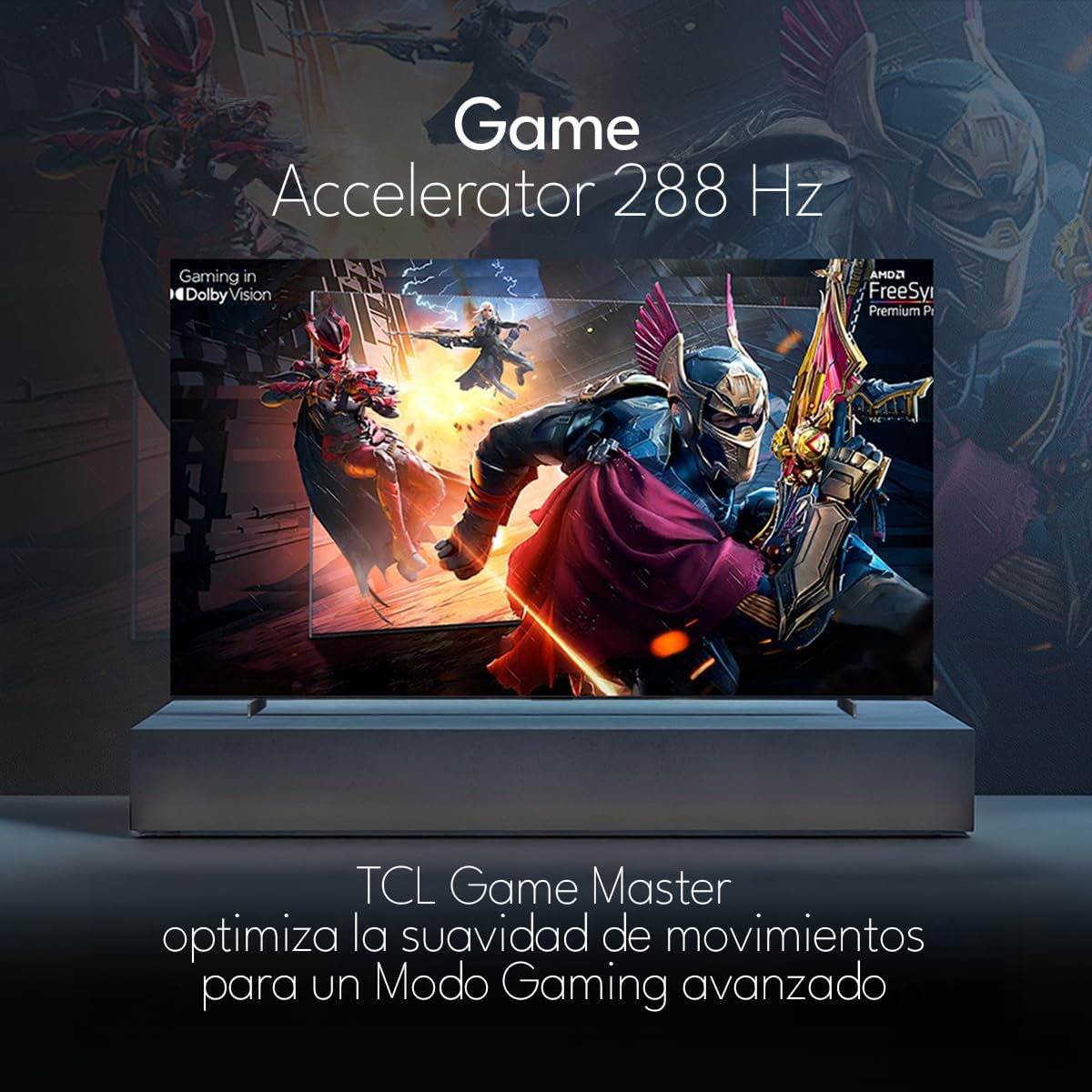
The TCL 98Q7K features a 144 Hz panel and Game Accelerator technology for an enhanced gaming experience with reduced latency and smoother motion.

3.6 Caratteristiche audio
Experience immersive sound with Dolby Atmos and the integrated ONKYO Hi-Fi System 2.1 Channels, providing clear vocals and deep bass.

3.7 Prodotto finitoview Video
4. Manutenzione
4.1 Pulizia dello schermo
Per pulire lo schermo, strofinarlo delicatamente con un panno morbido e privo di lanugine. Per macchie ostinate, strofinare leggermenteampPulisci il panno con acqua o con un detergente specifico per schermi. Evita di utilizzare prodotti chimici aggressivi, materiali abrasivi o di spruzzare liquidi direttamente sullo schermo.
4.2 Pulizia del corpo del televisore
Wipe the TV body with a soft, dry cloth. Do not use liquid cleaners directly on the TV body.
4.3 Aggiornamenti software
Your TCL Google TV may receive automatic software updates. To manually check for updates, navigate to the settings menu, then select System > About > System update. Ensure your TV is connected to the internet for updates.
5. Risoluzione Dei Problemi
Se riscontri problemi con la tua TV, fai riferimento alle seguenti soluzioni comuni:
- Nessun potere:
Assicurati che il cavo di alimentazione sia collegato saldamente sia al televisore che a una presa elettrica funzionante. Prova a collegare un altro dispositivo alla stessa presa per verificare che sia alimentato. - Nessuna immagine o suono:
Verify that the correct input source is selected (e.g., HDMI 1, AV). Check all cable connections between the TV and external devices. Ensure the volume is not muted or set to minimum. - Il telecomando non funziona:
Sostituisci le batterie del telecomando. Assicurati che non ci siano ostacoli tra il telecomando e il sensore IR del televisore. - Problemi di connessione di rete:
Check your Wi-Fi router and ensure it is powered on and functioning correctly. Restart the TV and your router. In the TV settings, verify the Wi-Fi connection status. - Problemi di qualità dell'immagine (ad esempio, sfocata, distorta):
Check the resolution settings of your input source. Ensure the cables are not damaged. Adjust picture settings (brightness, contrast, sharpness) in the TV menu.
For persistent issues, consult the full electronic manual available through the TV's help menu or contact TCL customer support.
6. Specifiche
| Caratteristica | Specificazione |
|---|---|
| Dimensioni dello schermo | 98 pollici |
| Tecnologia di visualizzazione | QLED |
| Risoluzione | Risoluzione 4K (3840 x 2160) |
| Frequenza di aggiornamento | Frequenza 144 Hz |
| Supporto formato HDR | Dolby Vision, HDR10, HDR10+, HLG |
| Luminosità massima | 450 NIT |
| Sistema audio | Dolby Atmos, Dolby Digital, ONKYO Hi-Fi System 2.1 Channels |
| Sistema operativo | TV di Google |
| Controllo vocale | Assistente Google, Alexa |
| Connettività | Wi-Fi, Ethernet, 4x HDMI, 2x USB |
| Dimensioni (con supporto) | Dimensioni: 217.8 x 128.5 x 42 cm |
| Dimensioni (senza supporto) | 0.06prof. x 2.18an. x 1.25alt. Meters (approx. 6 cm depth) |
| Anno del modello | 2025 |
| Componenti inclusi | Manuale, telecomando, batterie |
7. Garanzia e supporto
7.1 Garanzia del prodotto
The TCL 98Q7K television comes with a Garanzia limitata di 2 anno dalla data di acquisto. La presente garanzia copre difetti di fabbricazione e malfunzionamenti in condizioni di normale utilizzo. Si prega di conservare la prova d'acquisto per eventuali reclami in garanzia.
7.2 Assistenza clienti
For technical assistance, troubleshooting beyond this manual, or warranty inquiries, please contact TCL customer support. Refer to the contact information provided in the separate warranty card or visit the official TCL websito per la tua regione.