
Introduzione
Thank you for choosing the JUNJIEUNVO BT1638 Over-Ear Wireless Headphones. This manual provides detailed instructions for the proper use, setup, and maintenance of your headphones. Please read this manual thoroughly before using the product to ensure optimal performance and longevity.

Image: The JUNJIEUNVO BT1638 Over-Ear Wireless Headphones in blue, showcasing their design and padded headband.
Contenuto della confezione
Si prega di controllare la confezione per verificare la presenza dei seguenti elementi:
- JUNJIEUNVO BT1638 Over-Ear Wireless Headphones
- Cavo di ricarica USB-C
- Cavo audio AUX da 3.5 mm
- Manuale dell'utente (questo documento)
Impostare
1. Carica delle cuffie
Prima del primo utilizzo, caricare completamente le cuffie. Una ricarica completa richiede circa 2 ore.
- Collegare il cavo di ricarica USB-C alla porta di ricarica delle cuffie.
- Collegare l'altra estremità del cavo USB-C a una fonte di alimentazione USB compatibile (ad esempio, una porta USB del computer, un adattatore da parete).
- The indicator light will show charging status (e.g., red for charging, blue/off for fully charged). Refer to the LED indicator section for details.
2. Accensione/Spegnimento
- Accensione: Tenere premuto il pulsante di accensione per circa 3 secondi finché la spia luminosa non lampeggia.
- Spegni: Tenere premuto il pulsante di accensione per circa 3 secondi finché la spia non si spegne.
3. Accoppiamento Bluetooth
The headphones use Bluetooth 5.0 for wireless connectivity, offering a range of up to 33 feet (10 meters).
- Assicurati che le cuffie siano spente.
- Tenere premuto il pulsante di accensione per circa 5-7 secondi finché la spia luminosa non lampeggia alternativamente in rosso e blu, indicando la modalità di associazione.
- Sul tuo dispositivo (smartphone, tablet, laptop), attiva il Bluetooth e cerca i dispositivi disponibili.
- Select "BT1638" or "JUNJIEUNVO BT1638" from the list of found devices.
- Una volta effettuata la connessione, la spia luminosa solitamente lampeggia lentamente in blu oppure rimane fissa in blu.
- Se viene richiesta una password, immettere "0000".
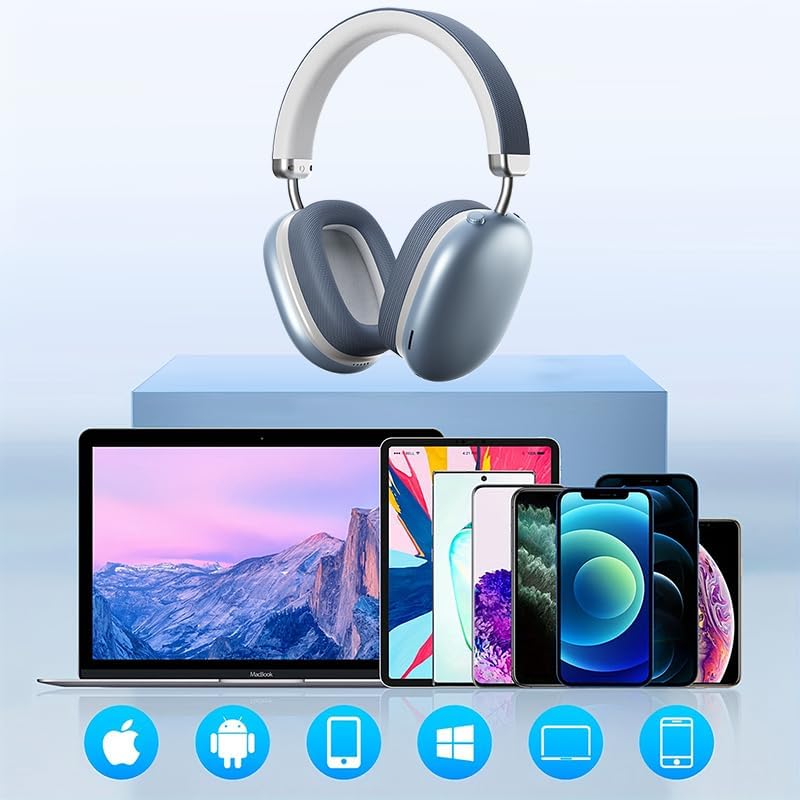
Image: The BT1638 headphones shown with a variety of compatible devices including laptops, smartphones, and tablets, illustrating broad connectivity.
Istruzioni per l'uso
1. Controlli di base
The headphones feature button and touch controls for various functions.
- Pulsante di accensione: Accensione/spegnimento, attivazione della modalità di associazione.
- Volume su/traccia successiva: Pressione breve per aumentare il volume, pressione prolungata per passare alla traccia successiva.
- Volume giù/Traccia precedente: Pressione breve per abbassare il volume, pressione prolungata per passare alla traccia precedente.
- Multi-function Button (MFB) / Touch Control:
- Riproduci/Pausa: Singola pressione.
- Rispondi/Termina chiamata: Single press during an incoming call.
- Rifiuta chiamata: Tenere premuto per 2 secondi durante una chiamata in arrivo.
- Attiva l'assistente vocale: Premere due volte.
2. Riproduzione audio
Enjoy high-fidelity (HIFI) sound quality and immersive surround sound with your BT1638 headphones.

Image: The BT1638 headphones, emphasizing their HIFI sound quality and extended battery life of up to 40 hours.
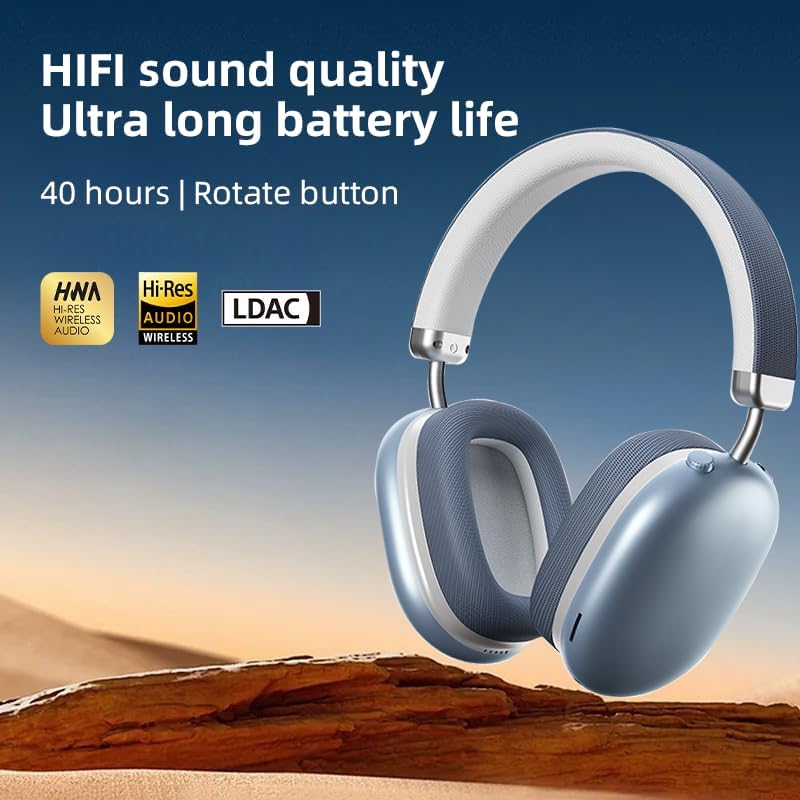
Image: The BT1638 headphones displaying Hi-Res Wireless Audio and LDAC compatibility, indicating advanced audio capabilities.
3. Passive Noise Cancellation
The over-ear design and cushioned ear cups provide passive noise cancellation, reducing ambient sounds for a more focused listening experience.

Image: A visual representation comparing sound waveforms before and after noise reduction, demonstrating the effectiveness of the headphones' passive noise cancellation.
4. Connessione cablata (AUX)
For situations where Bluetooth is not available or preferred, you can connect the headphones using an AUX cable.
- Plug one end of the 3.5mm AUX cable into the headphone's AUX port.
- Plug the other end into your audio source's 3.5mm audio jack.
- Le cuffie passeranno automaticamente alla modalità cablata.
5. Comfort e vestibilità
The BT1638 headphones feature an adjustable headband and rotatable earcups for a comfortable and secure fit.

Immagine: Primo piano view illustrating the adjustable telescopic headband and earcups that can rotate 90 degrees, allowing for a customized and comfortable fit.

Image: The soft earmuffs of the BT1638 headphones, designed for comfortable and smooth listening experiences.
Manutenzione
Una cura adeguata prolungherà la durata e le prestazioni delle tue cuffie.
- Pulizia: Use a soft, dry, lint-free cloth to clean the surfaces of the headphones. Do not use harsh chemicals, cleaning solvents, or strong detergents.
- Cuscinetti auricolari: The memory foam and fabric ear cushions can be gently wiped with a slightly damp cloth if necessary, then allowed to air dry completely.
- Magazzinaggio: Quando non vengono utilizzate, conservare le cuffie in un luogo fresco e asciutto, lontano dalla luce solare diretta e da temperature estreme.
- Evitare l'umidità: Queste cuffie non sono resistenti all'acqua. Evitare l'esposizione ad acqua, pioggia o umidità eccessiva.
- Maneggiare con cura: Evitare di far cadere le cuffie o di sottoporle a forti urti.
Risoluzione dei problemi
| Problema | Possibile causa | Soluzione |
|---|---|---|
| Le cuffie non si accendono. | Batteria scarica. | Caricare le cuffie per almeno 30 minuti. |
| Impossibile associare il dispositivo. | Cuffie non in modalità di associazione; Bluetooth disattivato sul dispositivo; dispositivo troppo lontano. | Ensure headphones are in pairing mode (flashing red/blue). Turn on Bluetooth on your device. Move device closer to headphones (within 33 feet). |
| Nessun suono o volume basso. | Volume troppo basso; sorgente audio errata; cuffie non collegate. | Increase volume on both headphones and connected device. Ensure headphones are properly paired or AUX cable is fully inserted. |
| Connessione intermittente. | Interferenza; dispositivo troppo lontano; batteria scarica. | Move closer to the connected device. Avoid strong electromagnetic interference. Ensure headphones are sufficiently charged. |
Specifiche
| Caratteristica | Dettaglio |
|---|---|
| Nome del modello | SY-BT1638 |
| Tecnologia di connettività | Bluetooth, AUX |
| Tecnologia di comunicazione wireless | Bluetooth, senza fili |
| Versione Bluetooth | 5.0 |
| Portata Bluetooth | 33 piedi (10 metri) |
| Tipo di driver audio | Driver dinamico |
| Dimensioni del driver audio | 40 millimetri |
| Risposta in frequenza | 20 Hz (lower bound) |
| Sensibilità | 102 dB |
| Impedenza | 32 Ohm |
| Controllo del rumore | Cancellazione passiva del rumore |
| Tipo di controllo | Senza fili |
| Metodo di controllo | Tocco, pulsante |
| Tempo di ricarica | 2 ore |
| Durata della batteria | Up to 40 Hours (playback) |
| Materiale | Fabric, Memory Foam, Metal |
| Peso dell'articolo | 12 once (circa 340 g) |
| Livello di resistenza all'acqua | Non resistente all'acqua |
| Dispositivi compatibili | Computer portatili, smartphone, tablet |
Informazioni sulla garanzia
Specific warranty details for the JUNJIEUNVO BT1638 headphones are typically provided with your purchase documentation or on the manufacturer's official websito. Conservare la prova d'acquisto per eventuali reclami in garanzia.
Generally, products are covered against defects in materials and workmanship for a specified period from the date of purchase. This warranty usually does not cover damage caused by misuse, accidents, unauthorized modifications, or normal wear and tear.
Assistenza clienti
If you encounter any issues or have questions not covered in this manual, please contact JUNJIEUNVO customer support. You can typically find contact information on the product packaging, the official JUNJIEUNVO websito o tramite il tuo rivenditore.
When contacting support, please have your product model (SY-BT1638) and proof of purchase readily available.