
Introduzione
Thank you for choosing the JBL Tune 520C wired on-ear headphones. This manual provides essential information for setting up, operating, and maintaining your headphones to ensure optimal performance and longevity.

Immagine: Oltreview of JBL Tune 520C features including Pure Bass Sound, foldable design, tangle-free cable, and remote control.
Cosa c'è nella scatola
- 1 x cuffie JBL Tune 520C USB-C
- 1 x documento di garanzia/avvertenza
Caratteristiche principali
- Suono JBL Pure Bass: Experience clear, powerful audio from 32mm dynamic drivers.
- Wide USB-C Compatibility: Connect to various devices including PCs, mobile phones, gaming devices, tablets, and laptops.
- Telecomando a 3 pulsante con microfono: Manage calls, music playback, volume, and EQ presets directly from the cable.
- Comfort Fit and Foldable Design: Padded on-ear design for extended wear and a foldable structure for easy storage.
- Cavo piatto anti-groviglio: Durable, reinforced USB-C cable designed to prevent tangling.
- Audio ad alta risoluzione: Enjoy higher quality music at 24-bit/96kHz with the DSP chipset.
Impostare
Follow these steps to set up your JBL Tune 520C headphones for first use.
Collegamento delle cuffie
- Locate the USB-C connector on your JBL Tune 520C headphones.
- Insert the USB-C connector into the compatible USB-C port on your audio device (e.g., smartphone, laptop, tablet).
- Ensure the connection is secure. Your device should automatically recognize the headphones.
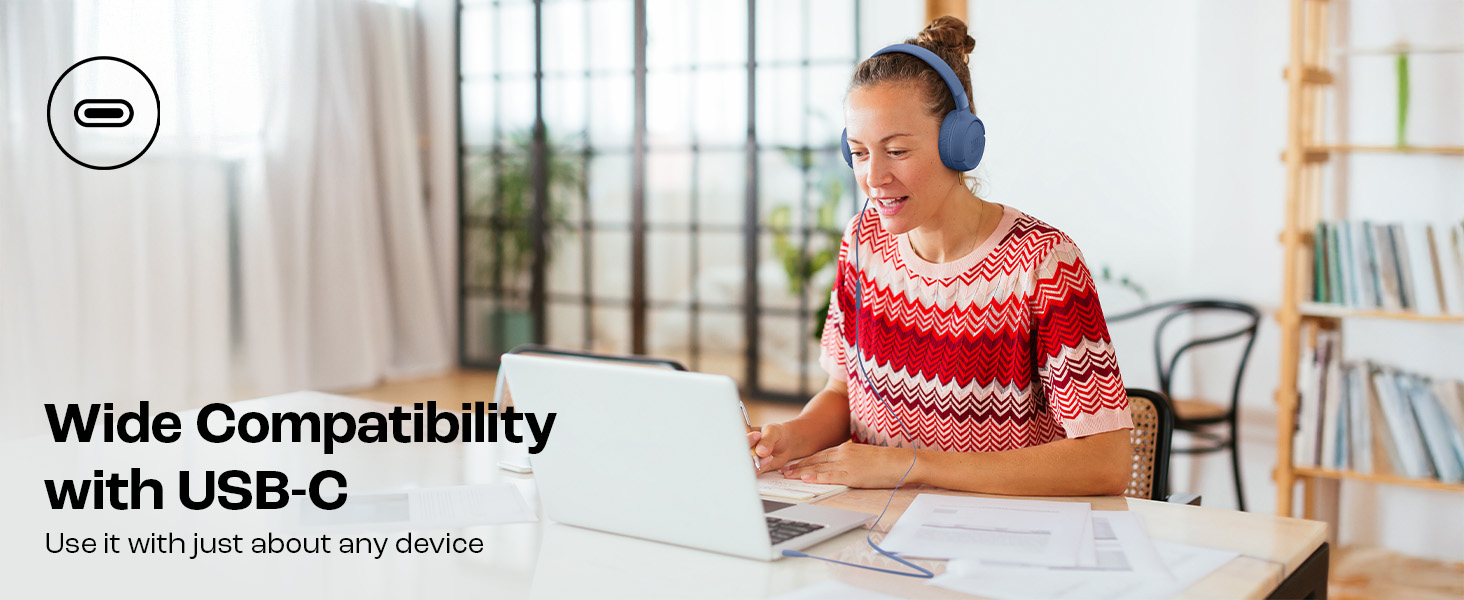
Image: JBL Tune 520C headphones connected to a laptop, demonstrating wide USB-C compatibility.
Regolazione per il comfort
- Gently extend or retract the headband to fit your head comfortably.
- Position the earcups so they rest fully on your ears, creating a seal for optimal sound.
Istruzioni per l'uso
Learn how to use the 3-button remote and microphone for various functions.
Using the 3-Button Remote

Immagine: dettagliata view of the 3-button remote control on the headphone cable.
- Volume su (+): Press the top button to increase volume.
- Volume basso (-): Press the bottom button to decrease volume.
- Play/Pause/Call (Center Button):
- Premere una volta per riprodurre o mettere in pausa la musica.
- Premere una volta per rispondere o terminare una chiamata.
- Premere due volte per passare alla traccia successiva.
- Premere tre volte per passare alla traccia precedente.
Using EQ Presets
The JBL Tune 520C features selectable EQ presets to customize your listening experience.
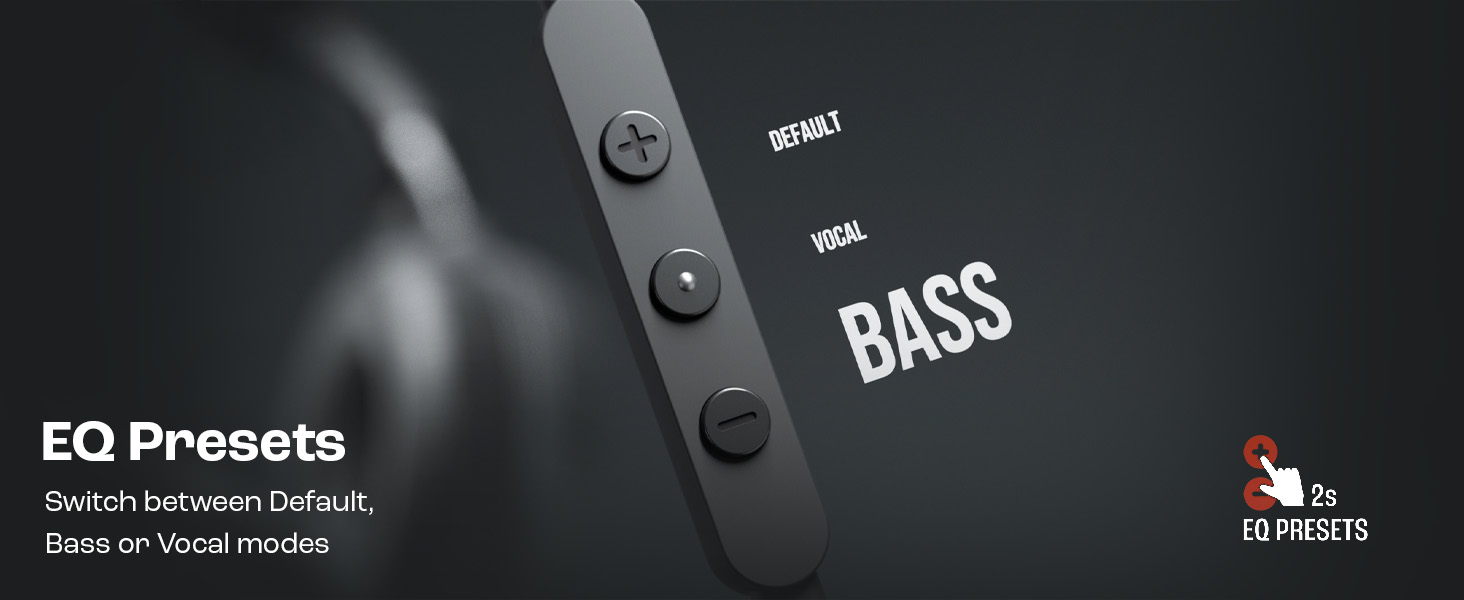
Image: Remote control showing options for Default, Vocal, and Bass EQ presets.
- To switch between EQ presets (Default, Vocal, Bass), press and hold the center button for approximately 2 seconds. The headphones will cycle through the available presets.
Manutenzione
Una cura e una manutenzione adeguate prolungheranno la durata delle tue cuffie.
Pulizia
- Utilizzare un panno morbido e asciutto per pulire i padiglioni auricolari e l'archetto.
- Non utilizzare detergenti liquidi o materiali abrasivi, poiché potrebbero danneggiare la finitura o i componenti interni.
- Keep the USB-C connector clean and free of dust or debris.
Magazzinaggio
The JBL Tune 520C headphones feature a foldable design for convenient storage.
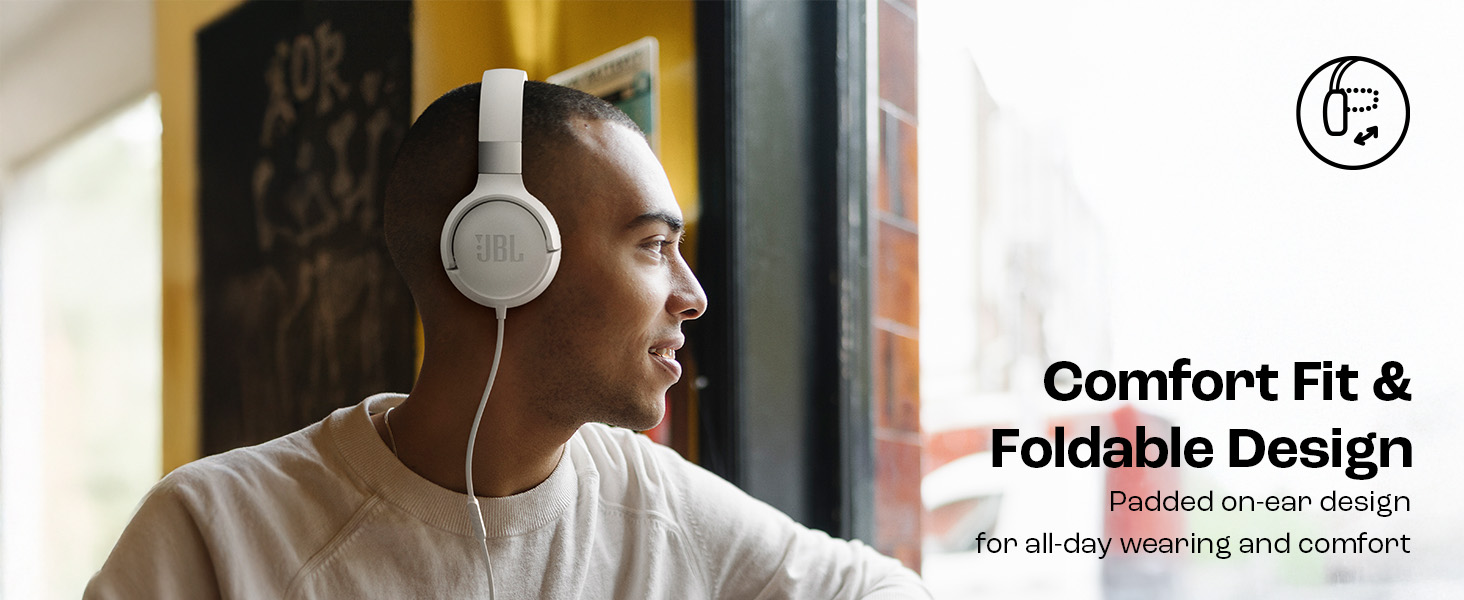
Image: JBL Tune 520C headphones demonstrating comfort fit and foldable design.
- Fold the earcups inward to reduce the headphone's size.
- Conservare le cuffie in un luogo fresco e asciutto, lontano dalla luce solare diretta e da temperature estreme.
- Avoid placing heavy objects on the headphones during storage.
Cura dei cavi
The tangle-free flat cable is designed for durability, but proper handling is still recommended.
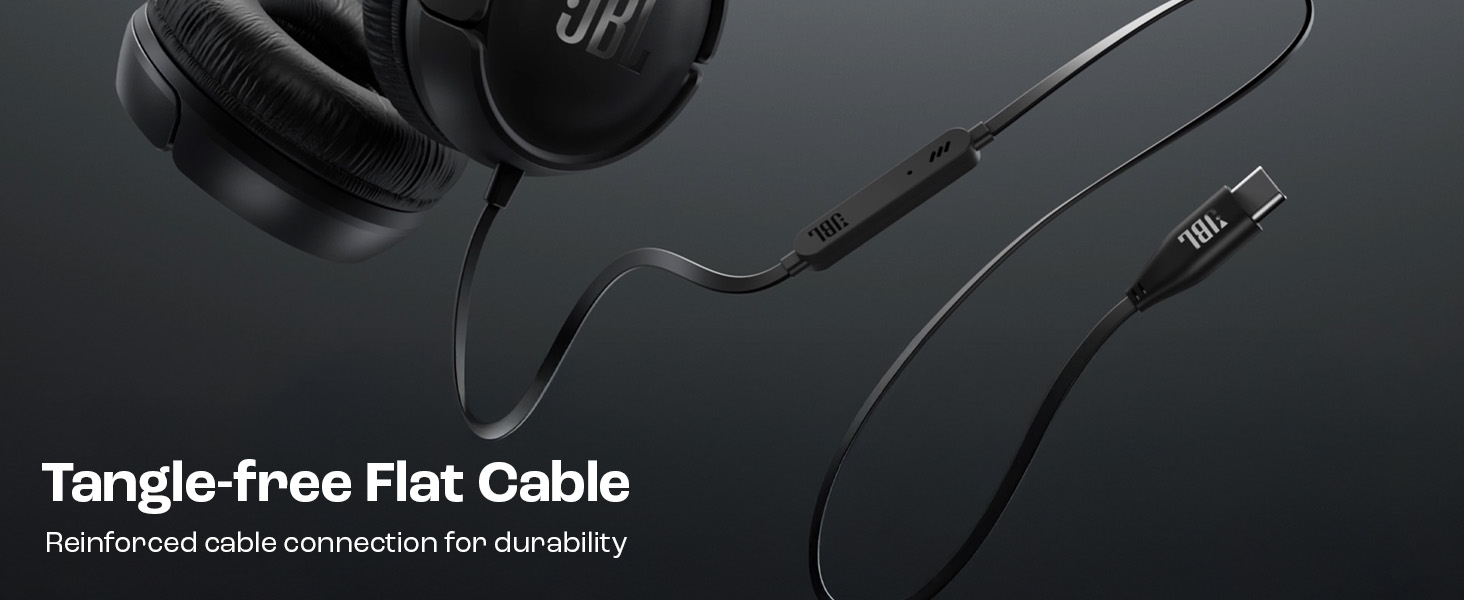
Image: The tangle-free flat USB-C cable of the JBL Tune 520C headphones.
- Evitare curve brusche o trazioni eccessive del cavo.
- When coiling the cable for storage, do so loosely to prevent strain.
Risoluzione dei problemi
Se riscontri problemi con le cuffie, consulta i seguenti problemi comuni e le relative soluzioni.
| Problema | Soluzione |
|---|---|
| Nessun suono dalle cuffie |
|
| Il microfono non funziona |
|
| Scarsa qualità del suono |
|
| I pulsanti del telecomando non rispondono |
|
Specifiche
Detailed technical specifications for the JBL Tune 520C headphones.
| Caratteristica | Dettaglio |
|---|---|
| Marca | Marchio JBL |
| Nome del modello | JBL Tune 520C |
| Numero di modello | JBLT520CBLK |
| Posizionamento dell'orecchio | Sull'orecchio |
| Fattore di forma | Sull'orecchio |
| Impedenza | 32 Ohm |
| Risposta in frequenza | 20 Hz - 20,000 Hz |
| Sensibilità | 103 dB |
| Tipo di driver audio | Driver dinamico |
| Dispositivi compatibili | Tablets, Desktops, Telephones, Gaming Consoles, Cellphones, Laptops |
| Presa per cuffie | Presa USB-C |
| Metodo di controllo | Telecomando (3 pulsanti) |
| Peso dell'articolo | 150 grammi |
| Paese di origine | Cina |
Garanzia e supporto
Informazioni sulla garanzia
The JBL Tune 520C headphones come with a Garanzia di 1 anno forniti dal produttore a partire dalla data di acquisto. Si prega di conservare la prova d'acquisto per eventuali reclami in garanzia.
Assistenza clienti
For technical assistance, warranty claims, or further inquiries, please contact Harman International customer support. Refer to the warranty/warning document included in your product box for specific contact details for your region.
Informazioni di contatto del produttore:
HARMAN Industrie internazionali, Incorporated
8500 Balboa Boulevard, Northridge, CA 91329 Stati Uniti
Importer Contact Information (India):
Harman International (India) Pvt Ltd
Salarpuria Sattva Knowledge Court, Office-1, Wing ‘A’ & ‘B’ 3rd floor, Plot No. 9, Phase I, Doddenakkundi Industrial area Bangalore -560048, Karnataka.