
1. Setup and Initial Placement
The ECOVACS DEEBOT T50 PRO Omni is designed for efficient cleaning, even in tight spaces. Its ultra-slim profile allows it to navigate under furniture where other vacuums cannot reach.
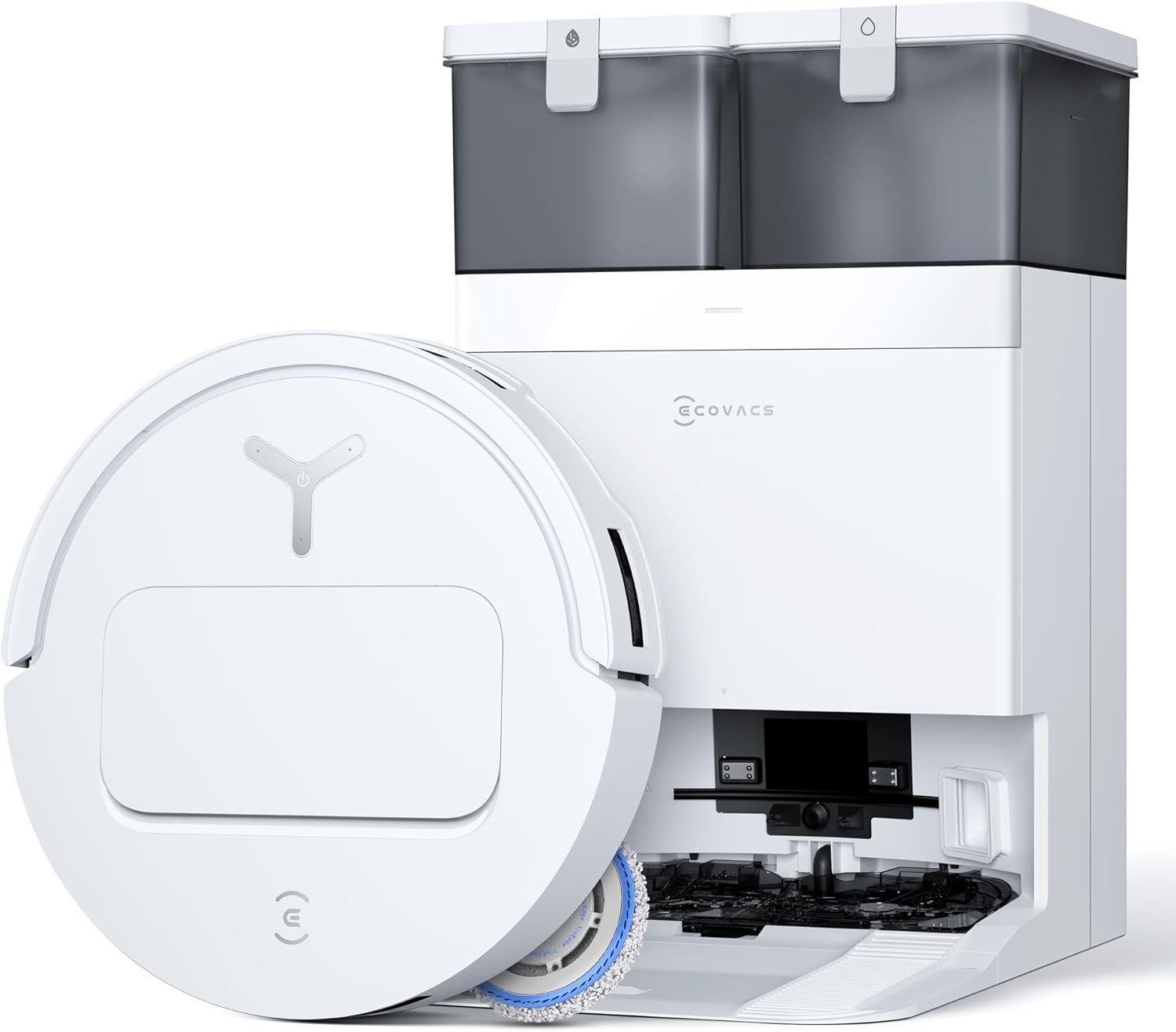
The DEEBOT T50 PRO Omni Robot Vacuum and Mop, shown with its accompanying Omni Station.
1.1 Unboxing and Station Placement
Carefully remove all components from the packaging. Place the Omni Station against a wall in an open area, ensuring there are no obstructions around it for the robot to dock easily. Ensure the station is plugged into a power outlet.

Davanti view of the DEEBOT T50 PRO Omni, ready for operation.
1.2 Initial Charging and Wi-Fi Connection
Place the DEEBOT onto the Omni Station to begin charging. For optimal performance and smart features, connect the robot to your home Wi-Fi network using the ECOVACS HOME app. Please note that the device supports 2.4GHz Wi-Fi only and does not support 5GHz Wi-Fi.

The ultra-slim design of the DEEBOT T50 PRO Omni allows it to clean under low-clearance furniture.
2. Istruzioni per l'uso
The DEEBOT T50 PRO Omni offers intelligent navigation and versatile cleaning modes, controlled primarily through the ECOVACS HOME app or voice commands.
2.1 Navigazione e mappatura intelligenti
Powered by AIVI 3D 3.0, the DEEBOT detects and avoids obstacles with 1mm precision, ensuring smooth navigation around household items. Its TruEdge 2.0 technology extends side brushes and the mop for 100% edge-to-edge coverage.
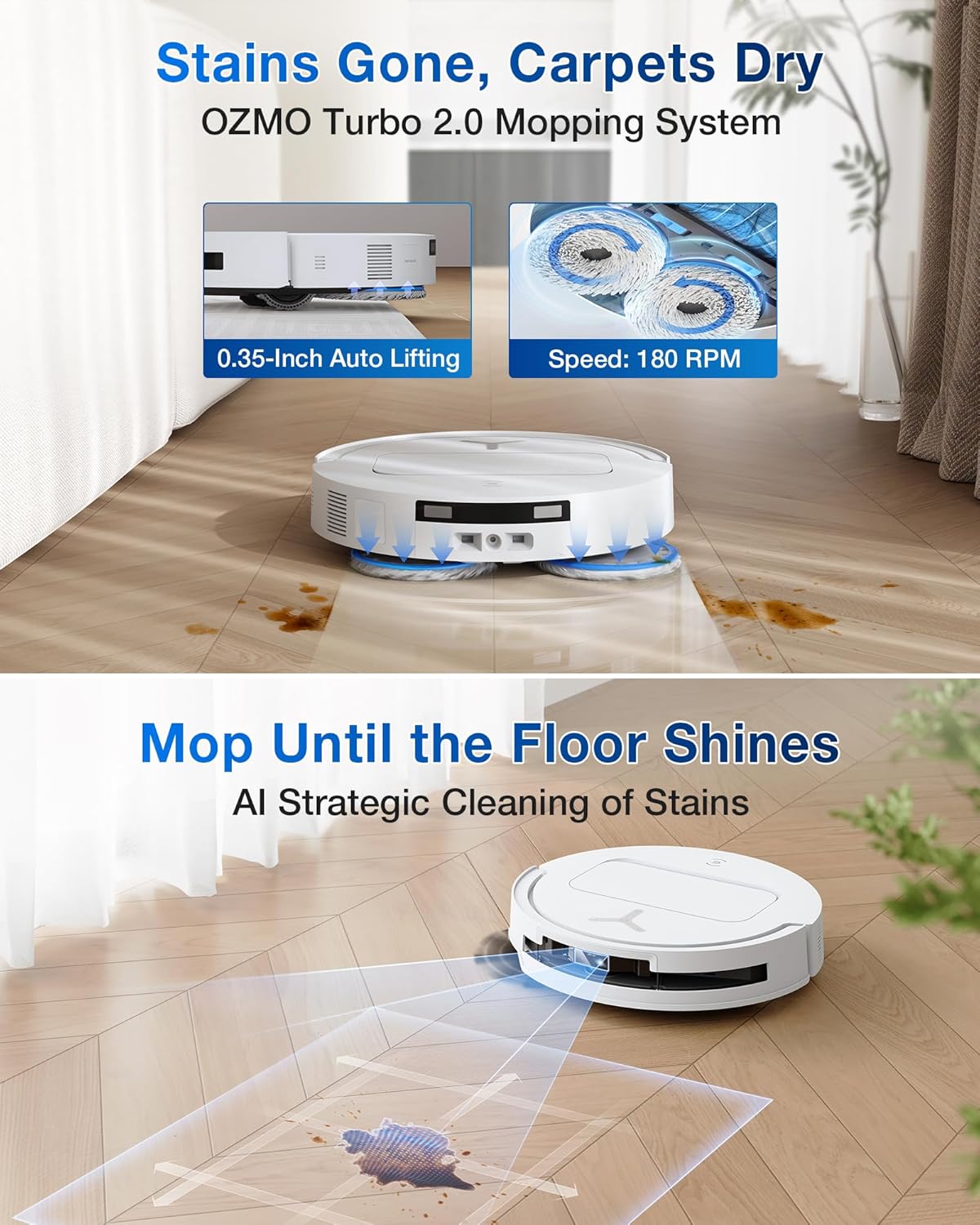
TruEdge 2.0 technology ensures thorough cleaning along walls and in corners.
2.2 Modalità di pulizia e potenza di aspirazione
The DEEBOT T50 PRO offers 15,000Pa suction for powerful vacuuming and ZeroTangle 2.0 to prevent hair from wrapping around the brush. It can perform vacuuming only, mopping only, or combined vacuuming and mopping. The OMNI Station also features intelligent deep mopping mode based on dirt detection.

ZeroTangle 2.0 technology minimizes hair tangles on the main brush, ideal for pet owners.
2.3 Voice Control with YIKO-GPT AI Assistant
Control your DEEBOT with natural voice and text commands using the YIKO-GPT AI Assistant. This allows for effortless cleaning management without needing to manually interact with the robot or app for every task.
Official product video demonstrating the ECOVACS DEEBOT T50 PRO Robot Vacuum's features and operation.
3. Manutenzione
The 10-in-1 OMNI Station provides comprehensive, hands-free maintenance for your DEEBOT T50 PRO.
3.1 Funzioni della stazione OMNI
The station automatically handles 167°F hot water mop washing, 113°F hot air drying, auto dustbin emptying, water refilling, and dirt detection. It also auto-dispenses cleaning solution for a deep clean every time.

The 10-in-1 OMNI Station automates various maintenance tasks for convenience.
3.2 Regular Cleaning and Checks
While the OMNI Station automates much of the maintenance, it is recommended to periodically check the main brush for any debris, especially if you have short-haired pets. Ensure the clean and dirty water tanks in the station are properly filled and emptied as needed. The app will notify you of low water levels or full dirty water bins.