
1. Importanti istruzioni di sicurezza
Leggere attentamente le presenti istruzioni prima di utilizzare l'apparecchio e conservarle per riferimento futuro. Il mancato rispetto di queste istruzioni può causare incidenti o danni.
- Assicurare il volumetage indicato sull'etichetta dei dati nominali dell'apparecchio corrisponde alla tensione di retetage prima di effettuare la connessione.
- Non immergere l'apparecchio, il cavo di alimentazione, né collegare l'acqua o altri liquidi.
- Tenere l'apparecchio fuori dalla portata dei bambini e delle persone con ridotte capacità fisiche, sensoriali o mentali.
- Posizionare sempre l'apparecchio su una superficie stabile, piana e resistente al calore.
- Do not operate the appliance near flammable materials or heat sources.
- The appliance becomes very hot during operation. Avoid touching hot surfaces. Use handles or knobs.
- Lasciare raffreddare completamente l'apparecchio prima di pulirlo o riporlo.
- Unplug the appliance from the mains socket when not in use and before cleaning.
- Non utilizzare accessori non raccomandati dal produttore, poiché potrebbero causare lesioni o danni.
- Ensure adequate ventilation during operation to dissipate heat and smoke.
2. Prodotto finitoview
The Cecotec Roaster Booster is an electric coffee bean roaster designed for home use, offering both automatic and manual roasting options for fresh coffee. It features a powerful heating system and precise controls to achieve desired roast levels.
2.1 Componenti
- Roasting Chamber with transparent lid
- Pannello di controllo con display a LED
- Function Knobs (Time, Roast Level)
- Silver Skin Collector
- Unità di base
2.2 Caratteristiche principali
- Energia: 1400W for rapid and uniform roasting.
- Capacità: 100-150 grams of green coffee beans.
- Roasting Modes: Automatic for convenience, Manual for personalized control.
- Tecnologia avanzata: Hot air circulation and automatic cooling system for consistent results.
- Adjustable Roasting Time: Da 8 a 15 minuti.
- Roast Level Selection: 8 degrees of roast, from light to intense.
- Automatic Silver Skin Separation: Ensures cleaner, purer coffee without unwanted residues.
- Promemoria allarme: Notifies when roasting is complete.
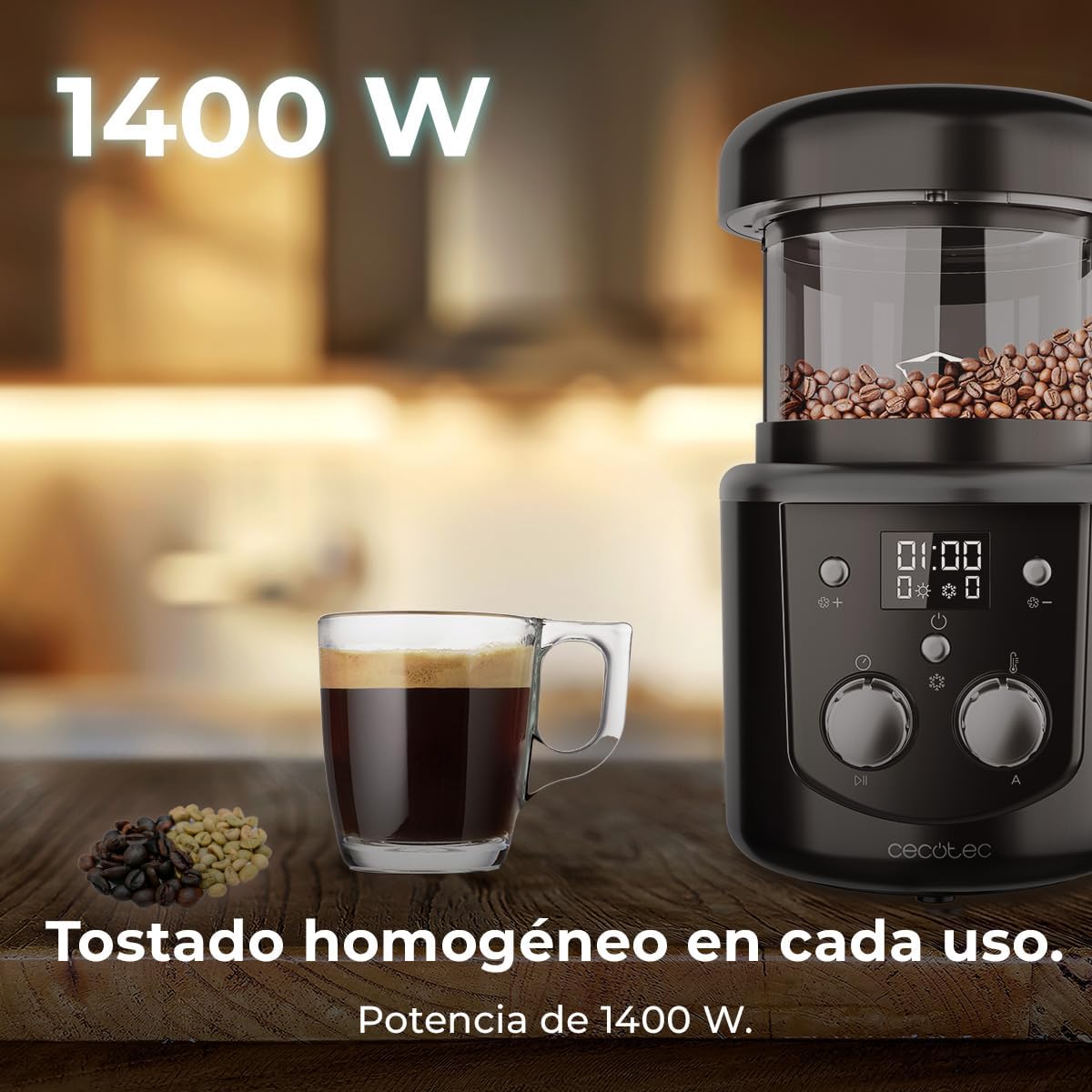
Image 1: The Cecotec Roaster Booster, highlighting its 1400W power and ability to achieve homogeneous roasting. A cup of coffee and green beans are also visible.
3. Impostazione
Prima del primo utilizzo, assicurarsi che tutti i materiali di imballaggio siano stati rimossi e che l'apparecchio sia pulito.
- Place the roaster on a stable, heat-resistant, and well-ventilated surface.
- Ensure the silver skin collector is correctly installed at the base of the roasting chamber.
- Connect the power cord to a suitable 220V AC power outlet.
- L'apparecchio è ora pronto per l'uso.
4. Istruzioni per l'uso
4.1 Caricamento dei chicchi di caffè
- Open the lid of the roasting chamber.
- Add 100-150 grams of green coffee beans into the chamber. Do not overfill.
- Chiudere bene il coperchio.

Image 2: Close-up of the control panel, illustrating the manual and automatic roasting options.
4.2 Selecting Roasting Mode
The appliance offers two roasting modes:
- Automatic Roasting: Press the 'Auto' button (if available, or select a preset program). The appliance will follow a pre-programmed roasting cycle.
- Manual Roasting: Use the control knobs to set your desired roasting time and level.
4.3 Adjusting Time and Roast Level (Manual Mode)
- Use the 'Time' knob to select a roasting duration between 8 and 15 minutes.
- Use the 'Roast Level' knob to choose a desired intensity from 1 (light) to 8 (intense).

Image 3: The roaster displaying an adjustable time setting, emphasizing the 8 to 15 minute range.

Image 4: A visual representation of different roast levels, from light to dark, achievable with the roaster's 8 settings.
4.4 Starting and Monitoring Roasting
- Press the 'Start' button to begin the roasting process.
- The appliance will circulate hot air to roast the beans.
- An automatic cooling system will activate after roasting to cool the beans.
- The reminder alarm will sound once the process is complete.
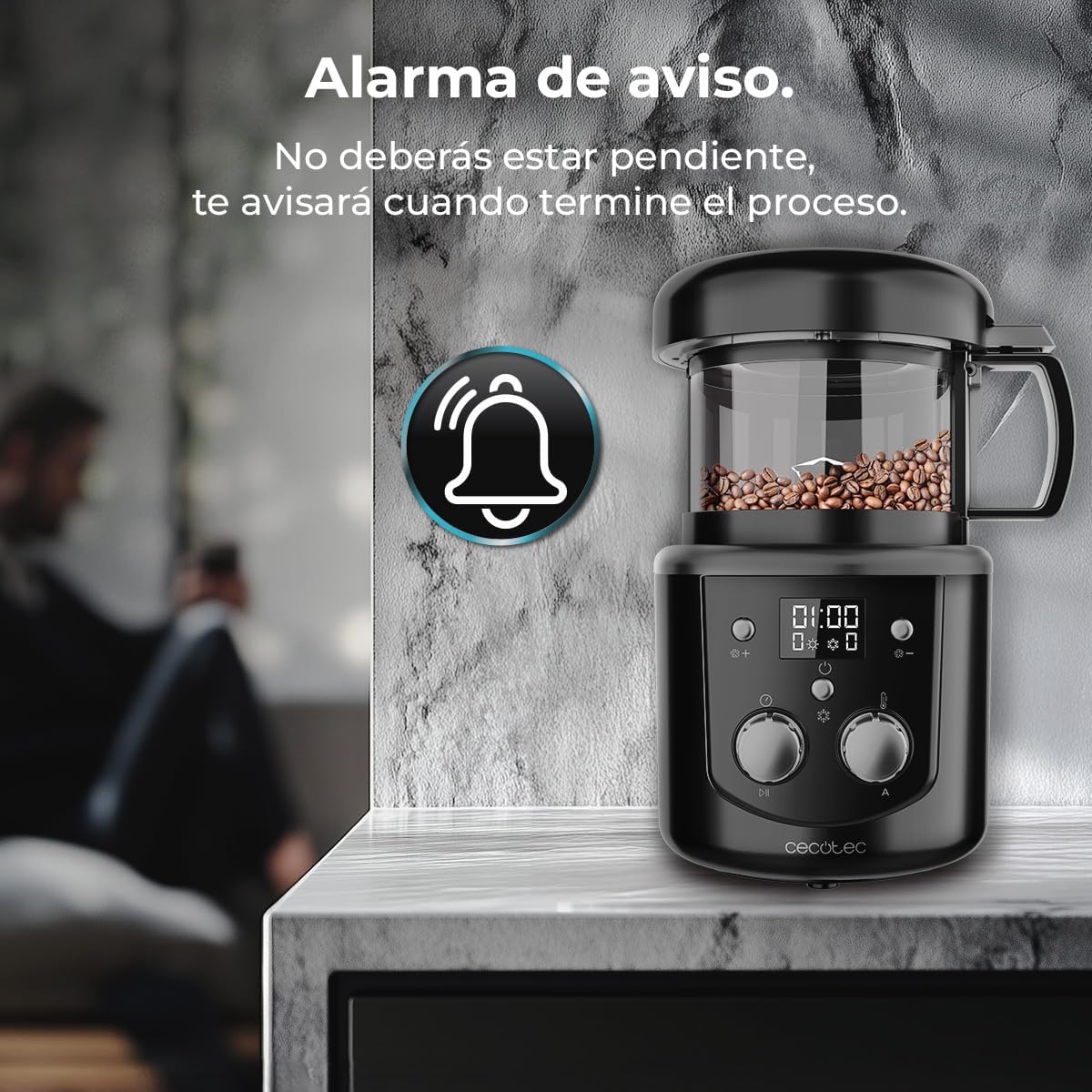
Image 5: The roaster with an alarm icon, signifying the completion reminder feature.
4.5 Dimostrazione video
Video 1: A demonstration of the Cecotec Roaster Booster in use, showing the process of adding green beans, roasting, and preparing coffee.
5. Manutenzione e pulizia
Regular cleaning ensures optimal performance and extends the lifespan of your roaster.
- Scollegare sempre l'apparecchio e lasciarlo raffreddare completamente prima di pulirlo.
- Remove the roasting chamber and silver skin collector.
- Empty the silver skin collector. Clean it with a soft brush or cloth.
- Wash the roasting chamber and lid with warm, soapy water. Rinse thoroughly and dry completely.
- Pulisci l'esterno dell'unità base con un pannoamp panno. Non utilizzare detergenti abrasivi né immergere l'unità base in acqua.
- Assicurarsi che tutte le parti siano asciutte prima di rimontare e riporre l'apparecchio.

Image 6: Roasted coffee beans and ground coffee, demonstrating the clean result after automatic silver skin separation.
6. Risoluzione Dei Problemi
If you encounter issues with your Cecotec Roaster Booster, refer to the following common problems and solutions:
| Problema | Possibile causa | Soluzione |
|---|---|---|
| L'apparecchio non si accende. | Non collegato; alimentazione spentatage; presa difettosa. | Check power connection; test outlet with another appliance; contact customer support. |
| Beans not roasting evenly. | Overfilling the chamber; incorrect roast settings. | Ensure beans are within 100-150g capacity; adjust roast level and time. |
| Fumo eccessivo durante la tostatura. | Poor ventilation; very dark roast setting. | Ensure adequate ventilation in the area; consider a lighter roast setting. |
| L'allarme non suona. | Volume too low; internal fault. | Check if there's a volume setting (if applicable); contact customer support. |
Se il problema persiste dopo aver provato queste soluzioni, contattare l'assistenza clienti Cecotec.
7. Specifiche
| Caratteristica | Specificazione |
|---|---|
| Marca | Cecotec |
| Numero di modello | A01_EU01_100091 |
| Energia | 1400 L |
| Voltage | 220 V (CA) |
| Capacità | 100-150 g coffee beans |
| Adjustable Roasting Time | 8-15 minuti |
| Number of Roast Settings | 8 |
| Materiale | Plastica, Vetro |
| Colore | Nero |
| Dimensioni (P x L x A) | Dimensioni: 20 cm x 17.5 cm x 17 cm |
| Peso | 1.53 kg |
| Caratteristiche speciali | Advanced hot air circulation, automatic cooling, automatic silver skin separation, reminder alarm. |
8. Garanzia e supporto
Questo prodotto è coperto dalla garanzia standard del produttore. Per informazioni dettagliate sulla garanzia, consultare la scheda di garanzia inclusa con l'acquisto o visitare il sito ufficiale Cecotec. websito.
For technical support, spare parts, or any inquiries regarding your Cecotec Roaster Booster, please contact Cecotec customer service:
- Websito: www.cecotec.com
- E-mail: Per i dettagli di contatto specifici, fare riferimento alla documentazione del prodotto.
- Telefono: Per i dettagli di contatto specifici, fare riferimento alla documentazione del prodotto.
Please have your model number (A01_EU01_100091) and purchase date ready when contacting support.