
Amazfit A2323-Grey
Amazfit T-Rex 3 Rugged Military Smart Watch User Manual
Model: A2323-Grey | Brand: Amazfit
Prodotto finitoview
The Amazfit T-Rex 3 is a robust smartwatch designed for outdoor enthusiasts and athletes. It combines durability with advanced features to support a wide range of activities and provide comprehensive health monitoring.

The Amazfit T-Rex 3 Smart Watch in Haze Gray, showcasing its rugged design and digital watch face.
Caratteristiche principali:
- Large, Bright Display: Features a 1.5-inch AMOLED display with up to 2,000 nits peak brightness for clear visibility in various lighting conditions. Includes Night Mode and Glove Mode.
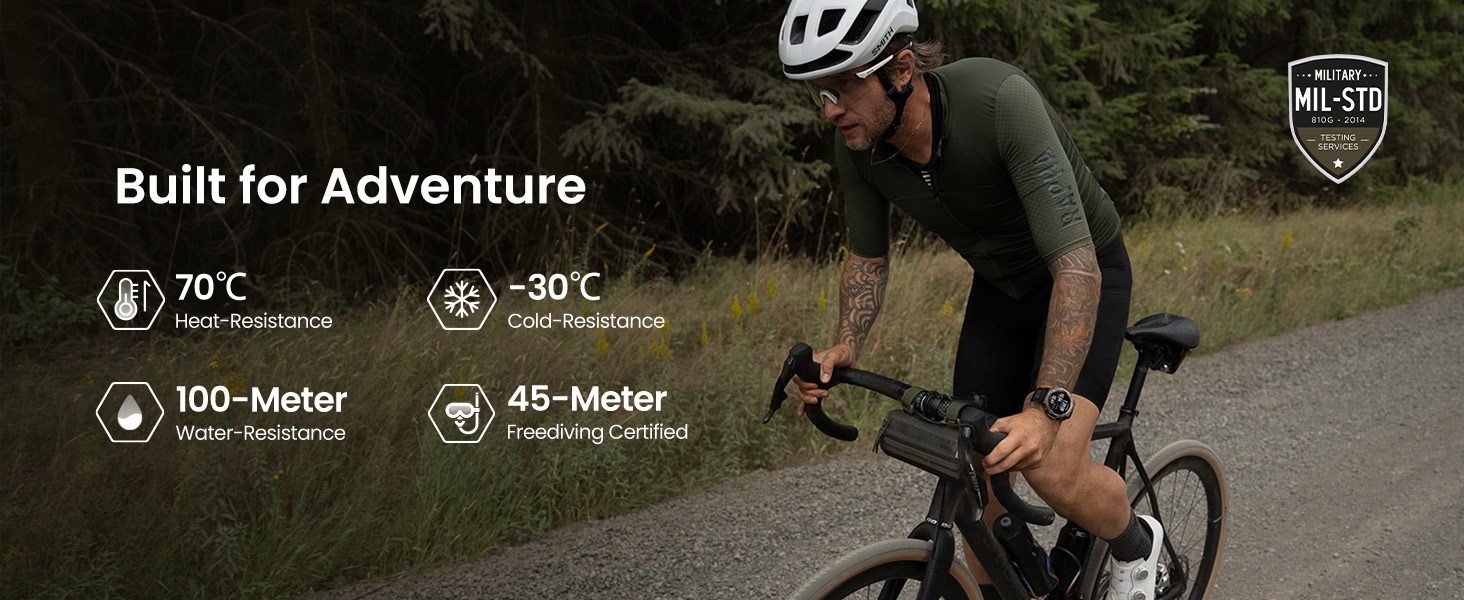
- Built for Adventure: Constructed with a 316L stainless steel bezel and buttons, military-grade resistance to extreme temperatures (-22°F to 158°F), and water resistance up to 100m (328 feet), suitable for surfing and freediving up to 45m.
- Durata prolungata della batteria: Offers up to 27 days of battery life with typical use, 42 hours in GPS Accurate Mode, and up to 180 hours in GPS Long Battery Life Mode.
- Navigazione avanzata: Supports dual-band positioning with 6 satellite systems and provides free global, contour, and snow maps with turn-by-turn directions.
- Comprehensive Workout Modes: Over 170 pre-loaded workout modes, including hiking, strength training, and ultramarathon. Provides AI-generated training plans and real-time performance updates.
- Controllo vocale AI: Utilizes Zepp Flow powered by OpenAI's GPT-4o for voice control of watch settings and speech-to-text message replies on Android apps.
- Privacy migliorata: Offers top-tier data protection with AWS and allows users to enable or disable GPS data storage for privacy control.

The Amazfit T-Rex 3 is designed to withstand extreme conditions, including high heat, low cold, and significant water depth.
Guida all'installazione
1. Disimballaggio e carica iniziale
Upon unboxing your Amazfit T-Rex 3, locate the smart watch, the magnetic charging base, and the user manual. The watch comes with a magnetic charging base. Please note that a USB Type-C cable is not included and must be provided by the user.
- Connect the magnetic charging base to a compatible USB power source (e.g., a computer USB port or a USB wall adapter).
- Place the Amazfit T-Rex 3 onto the magnetic charging base, ensuring the charging pins align correctly. The watch will vibrate and display a charging indicator.
- Lasciare che l'orologio si carichi completamente prima del primo utilizzo. Una ricarica completa richiede in genere circa 2 ore.
2. Downloading and Pairing with the Zepp App
The Amazfit T-Rex 3 requires the Zepp App for full functionality, data synchronization, and settings management. The Zepp App is available for both Android and iPhone devices.
- Download the Zepp App from the Google Play Store (for Android) or the Apple App Store (for iPhone).
- Open the Zepp App and create a new account or log in with an existing one.
- Follow the on-screen instructions within the Zepp App to add your Amazfit T-Rex 3. This typically involves scanning a QR code displayed on the watch screen or manually selecting the device from a list.
- Conferma la richiesta di associazione sia sullo smartphone che sull'orologio.
- Una volta associato, l'orologio sincronizzerà l'ora e altre impostazioni con il telefono.
The Zepp App is essential for managing your watch settings, tracking fitness data, and accessing advanced features.
Istruzioni per l'uso
Navigazione di base
The Amazfit T-Rex 3 features a responsive touchscreen and physical buttons for navigation.
- Schermo tattile: Scorri verso l'alto, verso il basso, verso sinistra o verso destra per navigare tra i menu e le notifiche. Tocca per selezionare gli elementi.
- Pulsanti SU/GIÙ: Scroll through lists and menus.
- Pulsante SEL: Conferma le selezioni o accedi ai sottomenu.
- Tasto indietro: Torna alla schermata precedente o torna al quadrante dell'orologio.
GPS e mappe offline
The watch supports advanced GPS positioning and offline map functionality, ideal for outdoor activities.
- Attivazione GPS: GPS is automatically activated during outdoor workout modes. Ensure a clear view of the sky for optimal signal acquisition.
- Mappe offline: Download global, contour, and snow maps via the Zepp App. Once downloaded, these maps can be used for navigation directly on the watch without a phone connection.
- Navigazione del percorso: Plan routes in the Zepp App and sync them to your watch for turn-by-turn directions during your activities.

Utilize free offline maps and route navigation directly on your watch for outdoor adventures.
Monitoraggio di fitness e salute
The T-Rex 3 offers extensive fitness and health monitoring capabilities.
- Modalità di allenamento: Select from over 170 workout modes. The watch tracks various metrics depending on the activity.
- AI Training Plans: Generate personalized training plans through the Zepp App to optimize your fitness goals.
- Metriche sulla salute: Monitor heart rate, blood oxygen saturation (SpO2), stress levels, and sleep patterns. Data is synced to the Zepp App for detailed analysis.
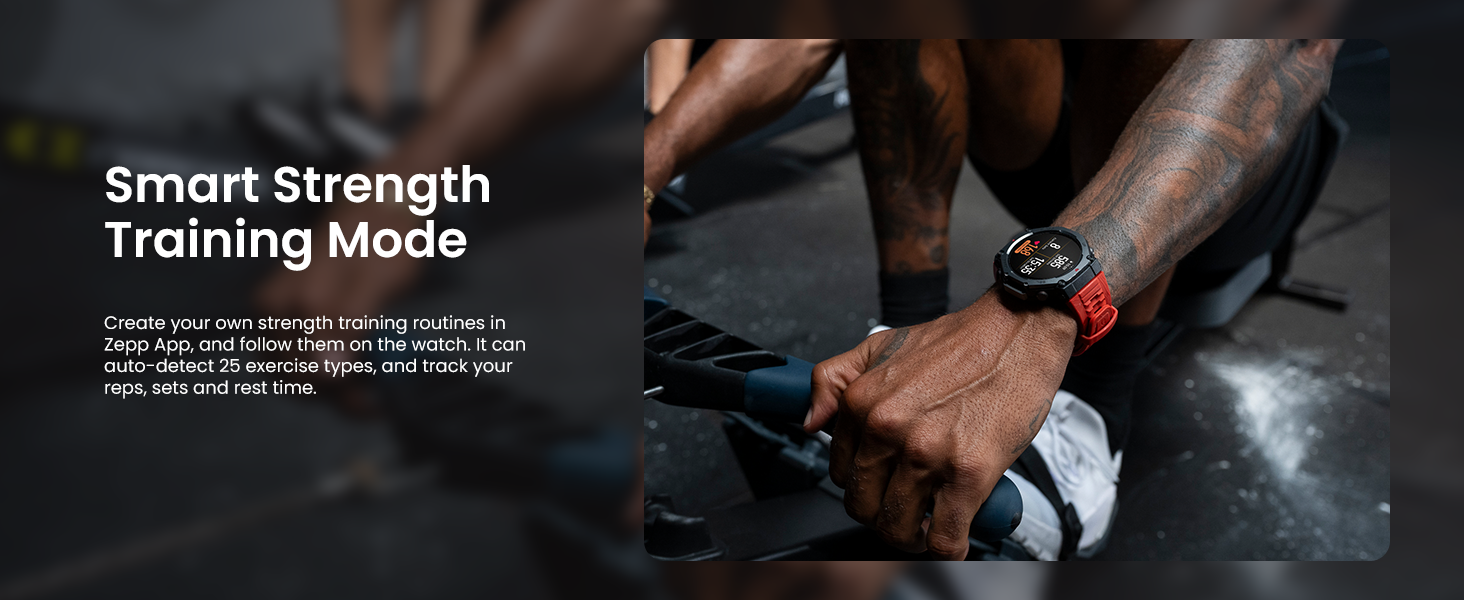
- Smart Strength Training: Create custom strength routines and track reps, sets, and rest times for 25 auto-detected exercise types.
The Smart Strength Training mode helps you track your workouts effectively.
AI Voice Control and Notifications
Interact with your watch using voice commands and manage notifications directly from your wrist.
- Comandi vocali: Use Zepp Flow (powered by OpenAI's GPT-4o) to control watch settings, set alarms, reminders, check weather, and health data.
- Speech-to-Text Replies: Reply to messages from Android apps like WhatsApp using your voice.
- Notifiche: Receive call, message, and app notifications directly on your watch. Manage notification settings via the Zepp App.

AI-powered voice control allows for convenient interaction and speech-to-text message replies.
Manutenzione
Pulizia dell'orologio
Una pulizia regolare aiuta a preservare l'aspetto e la funzionalità dell'orologio.
- Corpo dell'orologio: Pulisci il corpo dell'orologio con un panno morbido eamp, lint-free cloth. For stubborn dirt, a mild soap solution can be used, followed by rinsing with clean water and thorough drying.
- Cinghia: For silicone straps, wash with mild soap and water, then rinse and air dry. Avoid harsh chemicals that may damage the material.
- Contatti di ricarica: Periodically clean the charging contacts on the back of the watch and the charging base with a dry cotton swab to ensure good connection.
Cura della batteria
Per massimizzare la durata della batteria:
- Evitare di scaricare completamente la batteria frequentemente.
- Se non lo si utilizza per lunghi periodi, conservare l'orologio in un luogo fresco e asciutto, con la batteria carica al 50% circa.
- Utilizzare solo la base di ricarica magnetica fornita.
Aggiornamenti software
Keep your watch's software updated to ensure optimal performance, new features, and bug fixes. Updates are managed through the Zepp App.
- Ensure your watch is sufficiently charged (at least 30%) before starting an update.
- Keep your watch connected to your phone via Bluetooth during the update process.
Risoluzione dei problemi
Problemi comuni e soluzioni:
| Problema | Possibile causa/soluzione |
|---|---|
| L'orologio non si accende o non si carica. |
|
| Cannot pair watch with phone. |
|
| Inaccurate heart rate or GPS data. |
|
| Le notifiche non vengono visualizzate sull'orologio. |
|
For more detailed troubleshooting or issues not listed here, please refer to the help section within the Zepp App or visit the official Amazfit support websito.
Specifiche tecniche
| Caratteristica | Dettaglio |
|---|---|
| Numero di modello | A2323-Grigio |
| Display | 1.5 Inches AMOLED, 2,000 nits peak brightness |
| Dimensioni | 4.49 x 4.49 x 2.91 pollici (confezione) |
| Peso dell'articolo | 2.4 once |
| Resistenza all'acqua | 10 ATM (100 meters), Freediving Certified to 45m |
| Temperatura di esercizio | Da -22°C a 158°C (da -30°F a 70°F) |
| Durata della batteria (uso tipico) | Fino a 27 giorni |
| Battery Life (GPS Accurate Mode) | Fino a 42 ore |
| Battery Life (GPS Long Battery Life Mode) | Fino a 180 ore |
| GPS | Built-in GPS, Dual-band positioning, 6 satellite systems |
| Sistema operativo | Sistema operativo Zepp |
| Connettività | Bluetooth, Wi-Fi (802.11bgn) |
| Capacità di archiviazione della memoria | 26 GB |
| Materiali | 316L Stainless Steel Bezel |
| Incluso nella confezione | Smart Watch, Magnetic charging base, User Manual |
Informazioni sulla garanzia
Specific warranty terms and conditions for the Amazfit T-Rex 3 are typically provided with the product packaging or can be found on the official Amazfit websito. Conservare la prova d'acquisto per eventuali reclami in garanzia.
Generally, Amazfit products come with a limited manufacturer's warranty covering defects in materials and workmanship under normal use. The duration and coverage may vary by region. For detailed information, please refer to the warranty card included in your product box or visit the official Amazfit support page.
Assistenza clienti
For further assistance, technical support, or frequently asked questions, please utilize the following resources:
- Applicazione Zepp: The Zepp App contains a comprehensive help section, FAQs, and direct support options.
- Amazfit ufficiale Websito: Visit the official Amazfit support website for product manuals, software downloads, and contact information. You can typically find this by searching "Amazfit Support" online.
- Forum della comunità online: Engage with other users and find solutions in official or unofficial Amazfit community forums.
When contacting support, please have your product model number (A2323-Grey) and purchase information readily available.
Ask a question about this manual
Ask about setup, troubleshooting, compatibility, parts, safety, or missing instructions. Manuals+ will review the question and use this page’s manual context to help answer it.