
1. Introduzione
The First Alert SC5 Battery Smart Smoke and Carbon Monoxide (CO) Alarm is a 2-in-1 device designed to enhance your home's fire and CO safety. This smart alarm provides alerts whether you are home or away, integrating with compatible smart home systems to offer comprehensive protection.
This manual provides essential information for the proper installation, operation, and maintenance of your First Alert SC5 alarm. Please read it thoroughly before installation and keep it for future reference.
2. Informazioni sulla sicurezza
Importante: This device detects both smoke and carbon monoxide. It is not designed to detect natural gas, propane, or other combustible fuels.
- Always follow local building codes and regulations for alarm placement and installation.
- Non verniciare l'allarme. La vernice può ostruire le camere di rilevamento e impedirne il corretto funzionamento.
- Non installare in aree con elevata umidità, temperature estreme o polvere/sporcizia eccessive.
- Testare l'allarme settimanalmente per garantire il corretto funzionamento.
- Sostituire immediatamente le batterie quando suona l'avviso di batteria scarica.
- Non ignorare mai un allarme. Indagare sulla causa e adottare le misure appropriate.
3. Caratteristiche del prodotto
- Connettività intelligente: Compatible with Google's Nest Protect Alarm and sends alerts to your phone via the First Alert app if smoke and CO are detected.
- Sistema interconnesso: When one alarm sounds, all compatible alarms in your home will sound, providing widespread notification.
- Notifiche di batteria scarica: Notifies you when batteries are low, eliminating unexpected late-night chirps.
- Avvisi vocali: Provides a Heads-Up warning with voice alerts that specify the type and location of danger in your home.
- Tecnologia di rilevamento di precisione: Equipped with advanced sensing technology to help reduce nuisance alarms and provide early warning.
4. Configurazione e installazione
4.1 Disimballaggio e ispezione iniziale
Carefully remove the alarm from its packaging. Inspect the device for any signs of damage. Ensure all components are present: alarm unit, mounting bracket, and installation hardware.
4.2 Installazione della batteria
This model is battery-powered and requires 6 C batteries (included). Open the battery compartment on the back of the unit and insert the batteries, ensuring correct polarity. Close the compartment securely.
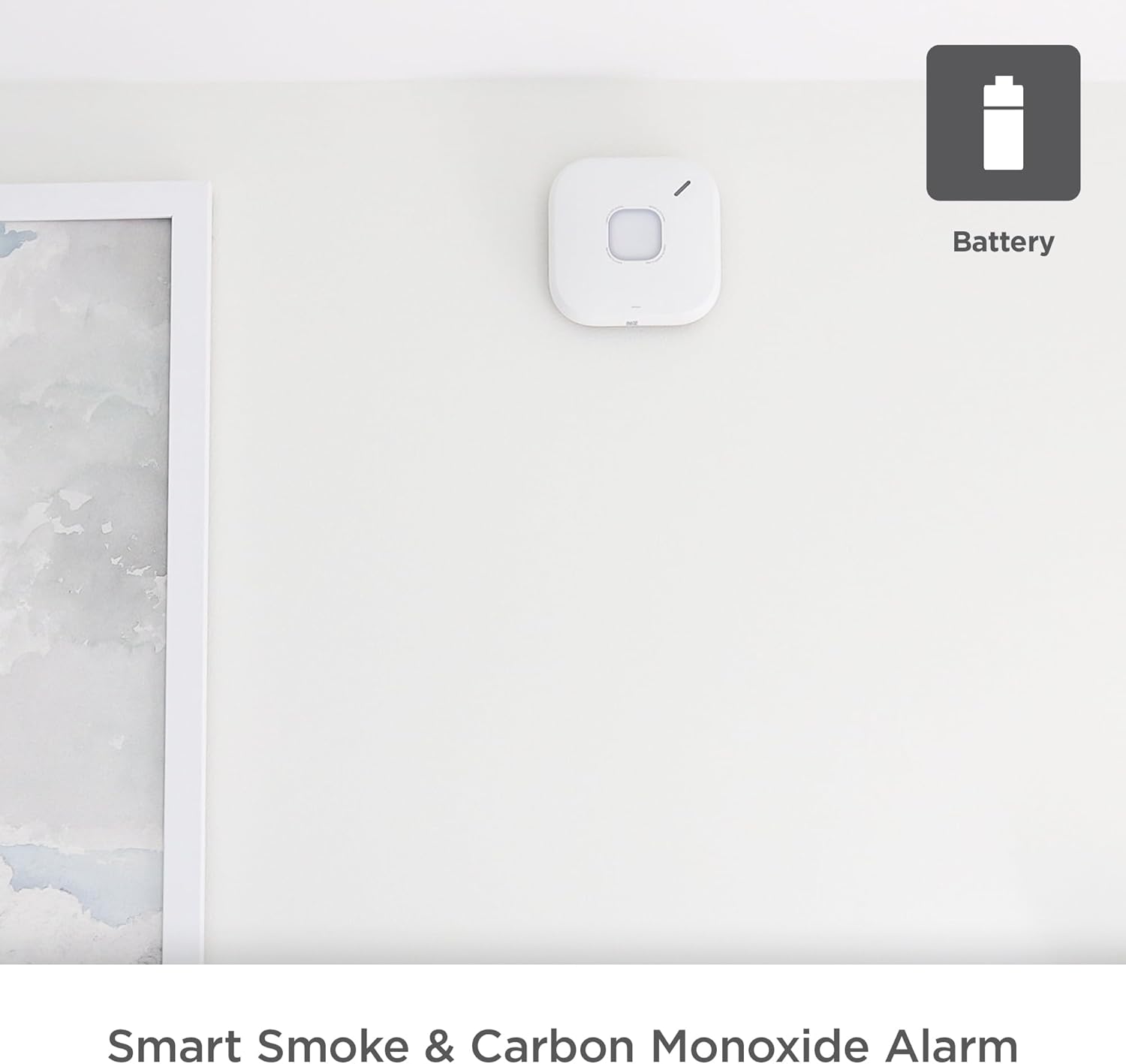
Figure 4.2.1: First Alert SC5 Battery Smart Smoke & Carbon Monoxide Alarm mounted on a wall, indicating its battery-powered nature.
4.3 Posizione di montaggio
For optimal protection, install smoke and CO alarms on every level of your home, including basements, and in every bedroom. Avoid installing near windows, doors, or vents where drafts could interfere with detection. Also, avoid areas prone to high humidity or extreme temperatures.
4.4 Montaggio dell'allarme
- Attach the mounting bracket to the ceiling or wall using the provided screws. Ensure it is securely fastened.
- Allineare l'unità di allarme con la staffa di montaggio e ruotarla in senso orario finché non si blocca in posizione.
- Once mounted, the alarm will perform a self-test.

Figure 4.4.1: Installation of the First Alert SC5 alarm on a ceiling.
4.5 Connecting to the First Alert App
Download the First Alert app from your device's app store. Follow the in-app instructions to connect your SC5 alarm to your home Wi-Fi network and integrate it with your smart home system, including Google Nest Protect if applicable. This enables remote alerts and monitoring.

Figure 4.5.1: The First Alert SC5 alarm, emphasizing its smart features and compatibility.
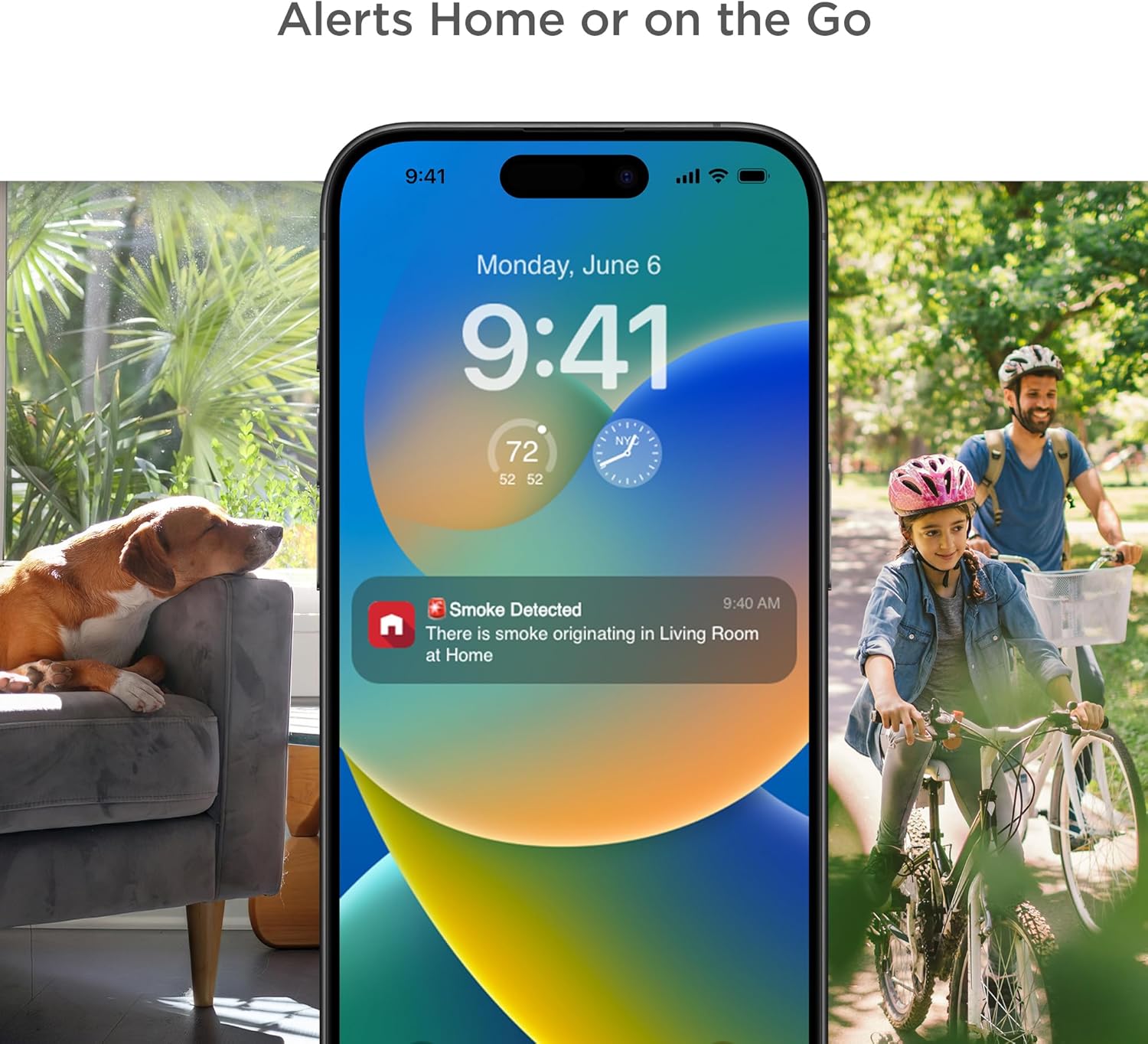
Figure 4.5.2: The First Alert app providing remote alerts to your smartphone.
5. Funzionamento dell'allarme
5.1 Test dell'allarme
Press and hold the test button on the alarm. The alarm will sound a series of loud beeps and voice announcements. This confirms the alarm's electronics, battery, and horn are working. Test weekly.

Figure 5.1.1: The First Alert SC5 alarm with its central test button.
5.2 Understanding Alarm Signals
- Allarme antincendio: Three loud beeps, pause, three loud beeps. Voice alert: "Fire! Fire!"
- Allarme monossido di carbonio: Four loud beeps, pause, four loud beeps. Voice alert: "Carbon Monoxide! Carbon Monoxide!"
- Avviso di batteria scarica: A single chirp every 60 seconds. Voice alert: "Low Battery."
- Avviso di fine vita: Two chirps every 30 seconds. Voice alert: "Replace Alarm."
5.3 Disattivazione dell'allarme
In case of a nuisance alarm (e.g., from cooking smoke), press the test/silence button on the alarm or use the First Alert app to temporarily silence the alarm. The alarm will automatically reset after a few minutes if the smoke/CO clears.
5.4 Funzione di interconnessione
The SC5 alarm is designed to interconnect with other compatible First Alert and BRK alarms, as well as Google Nest Protect alarms. When one interconnected alarm detects smoke or CO, all compatible alarms in the system will sound, providing enhanced safety coverage throughout your home.

Figure 5.4.1: Interconnection of compatible alarms for whole-home safety.
6. Manutenzione
6.1 Pulizia dell'allarme
Clean your alarm at least once a month. Use a soft brush or a vacuum cleaner with a soft brush attachment to remove dust and debris from the alarm's vents. Do not use cleaning solvents or sprays directly on the alarm.
6.2 Sostituzione della batteria
When the alarm indicates a low battery (a chirp every 60 seconds and voice alert), replace all 6 C batteries immediately. Use only recommended replacement batteries. Refer to section 4.2 for battery installation instructions.
6.3 Alarm End of Life
The First Alert SC5 alarm has a 10-year lifespan. After 10 years from the date of manufacture, the alarm will signal its end of life (two chirps every 30 seconds and voice alert). At this point, the entire unit must be replaced to ensure continued protection.
7. Risoluzione Dei Problemi
| Problema | Possibile causa | Soluzione |
|---|---|---|
| L'allarme suona una volta ogni 60 secondi | Batteria scarica | Replace all batteries immediately. |
| L'allarme suona frequentemente senza fumo/CO apparente | Nuisance alarm (cooking, steam, dust) or improper placement | Press silence button. Relocate alarm if nuisance alarms persist due to placement. Clean alarm. |
| L'allarme non suona durante il test | Dead batteries, improper installation, or unit malfunction | Check battery installation. Replace batteries. Ensure unit is properly twisted onto mounting bracket. If problem persists, replace unit. |
| Alarm chirps twice every 30 seconds | Avviso di fine vita | Sostituire l'intera unità di allarme. |
| Problemi di connettività dell'app | Wi-Fi signal issues, app error, or incorrect setup | Ensure strong Wi-Fi signal. Restart app and alarm. Re-attempt setup process. Consult First Alert app support. |
8. Specifiche
| Attributo | Dettaglio |
|---|---|
| Marca | Primo avviso |
| Numero di modello | SMCO600NV |
| Stile | Batteria |
| Fonte di alimentazione | Alimentato a batteria |
| Batterie richieste | Yes, 6 C batteries (included) |
| Colore | Bianco |
| Dimensioni del prodotto | 5.75"P x 1.6"L x 5.75"A |
| Peso dell'articolo | 1 libbra |
| Tipo di allarme | Avvisi acustici e vocali |
| Tipo di sensore | Photoelectric Smoke, Electrochemical CO |
| Durata | 10 anni |
| Connettività | Wi-Fi, Compatible with Google Nest Protect |
| Codice UPC | 194160013724 |
9. Garanzia e supporto
First Alert provides a limited warranty for this product. For detailed warranty information, please refer to the documentation included with your purchase or visit the official First Alert website. For technical support, troubleshooting assistance, or to inquire about replacement parts, please contact First Alert Customer Service.
Supporto online: www.firstalert.com
Nota: le specifiche e le caratteristiche del prodotto sono soggette a modifiche senza preavviso.