
Generic-000751-138
Generic Ultralink Pocket Router User Manual
Model: Generic-000751-138
1. Introduzione
Thank you for choosing the Generic Ultralink Pocket Router. This portable 4G/5G WiFi device provides high-speed, stable internet access wherever you go. Its compact design allows for easy portability, ensuring you stay connected on the move. This manual will guide you through the setup, operation, and maintenance of your device.
Caratteristiche principali:
- 4G/5G Connectivity: Supports both 4G and 5G networks for fast and stable internet.
- Design tascabile: Small and lightweight, perfect for travel and on-the-go use.
- Interfaccia di alimentazione di tipo C: Universal Type-C charging for convenience.
- High-Speed Downloads: Up to 150 Mbps download speed for a smooth online experience.
- Supporto multi-dispositivo: Connect up to 10 devices simultaneously with an effective WiFi range of 10 meters.

Immagine 1.1: anteriore view of the Ultralink Pocket Router, showing its compact design, 4G/5G indicator, and power button.
2. Contenuto della confezione
Si prega di selezionare la casella per i seguenti elementi:
- Ultralink Pocket Router (Model: Generic-000751-138)
- Cavo di ricarica USB di tipo C.
- Manuale d'uso
3. Guida all'installazione
Follow these steps to set up your Ultralink Pocket Router:
- Inserire la carta SIM: Locate the SIM card slot on the device. Carefully insert your activated 4G/5G SIM card into the slot until it clicks into place. Ensure the SIM card is inserted in the correct orientation.
- Accensione: Press and hold the power button (usually located on the front or side of the device) for a few seconds until the indicator lights illuminate. The device will begin to boot up.
- Connetti dispositivi: Once the device is powered on and the WiFi indicator light is stable, search for available WiFi networks on your smartphone, tablet, or laptop. The network name (SSID) and password are typically found on a sticker inside the SIM card compartment or on the back of the device. Select the router's SSID and enter the password to connect.

Image 3.1: The Ultralink Pocket Router providing mobile WiFi connectivity for a user outdoors.
4. Istruzioni per l'uso
Luci di segnalazione:
Il router è dotato di diverse spie luminose che ne indicano lo stato:
- Indicatore di segnale: Displays the strength of the 4G/5G network signal. More bars indicate a stronger signal.
- Indicatore Wi-Fi: Si accende quando il Wi-Fi è attivo e trasmette dati. Lampeggia quando vengono trasmessi dati.
- Indicatore della batteria: Mostra il livello attuale della batteria. Può cambiare colore o lampeggiare per indicare che la batteria è scarica o in carica.
Collegamento di più dispositivi:
Your Ultralink Pocket Router supports up to 10 devices simultaneously. Simply connect each device using the WiFi network name (SSID) and password as described in the setup section. The effective WiFi range is approximately 10 meters.

Image 4.1: The Ultralink Pocket Router enabling internet access for a user in an outdoor setting.
5. Manutenzione e cura
To ensure the longevity and optimal performance of your Ultralink Pocket Router, please follow these guidelines:
- Mantenere asciutto: Evitare di esporre il dispositivo all'acqua, all'umidità o a un'elevata umidità.
- Temperatura: Utilizzare e conservare il dispositivo entro gli intervalli di temperatura raccomandati. Evitare temperature estreme, sia calde che fredde.
- Pulizia: Per pulire il dispositivo, utilizzare un panno morbido e asciutto. Non utilizzare detergenti liquidi o spray.
- Ricarica: Use the provided USB Type-C cable and a compatible power adapter (not included) for charging. Avoid using damaged cables or chargers.
- Magazzinaggio: If storing for an extended period, ensure the device is partially charged (around 50%) and stored in a cool, dry place.
6. Risoluzione Dei Problemi
If you encounter issues with your Ultralink Pocket Router, refer to the following common problems and solutions:
| Problema | Possibile causa | Soluzione |
|---|---|---|
| Nessuna connessione internet | SIM card not inserted correctly or not activated; No network coverage; Data plan exhausted. | Ensure SIM card is properly inserted. Check for network coverage in your area. Verify your data plan status with your service provider. |
| Impossibile connettersi al WiFi | Incorrect WiFi password; Device too far from router; Too many devices connected. | Verify the WiFi password. Move closer to the router. Disconnect some devices if more than 10 are connected. |
| Bassa velocità di Internet | Weak signal; Network congestion; Data throttling. | Move to an area with better signal strength. Try connecting during off-peak hours. Contact your service provider if you suspect data throttling. |
| Il dispositivo non si accende | Batteria scarica; cavo/adattatore di ricarica difettoso. | Charge the device using the provided Type-C cable. Try a different compatible charging adapter. |
7. Specifiche
Technical details of the Ultralink Pocket Router:
- Marca: Generico
- Modello: Generic-000751-138
- Colore: Bianco
- Supporto di rete: 4G/5G (FDD: 1,3,5,7,8,20; TDD: 38,40,41; WCDMA: 1,5,8)
- Velocità di download: Fino a 150 Mbps
- Interfaccia di ricarica: USB di tipo C
- Connettività multi-dispositivo: Fino a 10 dispositivi contemporaneamente
- Portata WiFi: Circa 10 metri
- Approximate Dimensions (Device): Dimensioni: 10 cm x 9 cm x 6 cm
- Approximate Weight (Device): 200 grammi
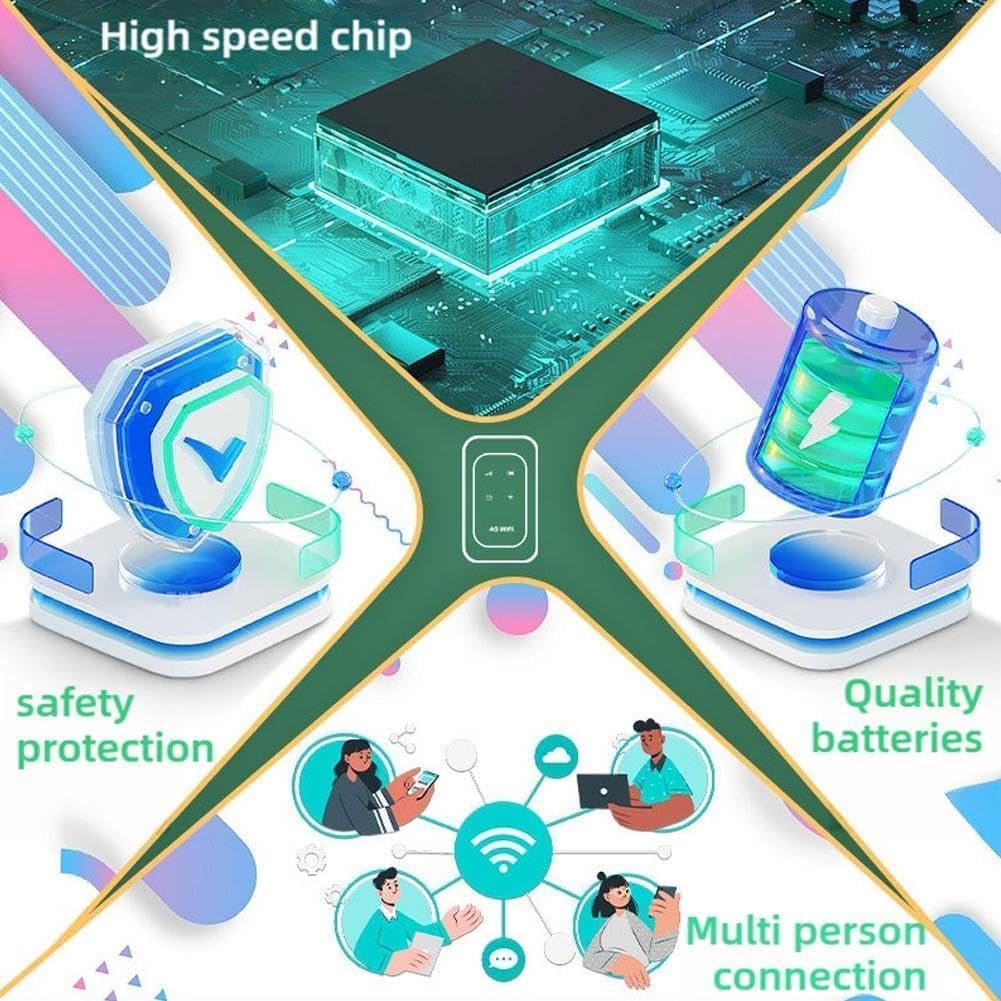
Image 7.1: Key internal features and benefits of the Ultralink Pocket Router.
8. Garanzia e supporto
Per informazioni sulla garanzia e sull'assistenza clienti, consultare la documentazione fornita al momento dell'acquisto o contattare il rivenditore. Conservare la prova d'acquisto per eventuali reclami in garanzia.
Ask a question about this manual
Ask about setup, troubleshooting, compatibility, parts, safety, or missing instructions. Manuals+ will review the question and use this page’s manual context to help answer it.