
Introduzione
This manual provides essential information for the proper setup, operation, and maintenance of your OUKITEL BT20 Smartwatch. Please read this guide thoroughly before using the device to ensure optimal performance and longevity. The OUKITEL BT20 is a military-grade rugged smartwatch designed for durability and comprehensive health and fitness tracking.

The OUKITEL BT20 Smartwatch, built for rugged environments.
Contenuto della confezione
Upon unboxing your OUKITEL BT20 Smartwatch, please verify that all items listed below are present:
- Orologio intelligente OUKITEL BT20
- Cavo di ricarica
- Manuale dell'utente (questo documento)
Unboxing and initial setup of a similar smartwatch, demonstrating typical package contents and first steps.
Prodotto finitoview
The OUKITEL BT20 features a robust design with a 1.96-inch AMOLED display. It includes physical buttons for power and navigation, along with sensors on the rear for health monitoring.
Caratteristiche fisiche
- Display: 1.96-inch AMOLED screen with 410x502 resolution.
- Pulsanti: Dedicated buttons for power, sport mode, and menu navigation.
- Sensori: Optical sensors for heart rate, blood oxygen, and blood pressure monitoring.
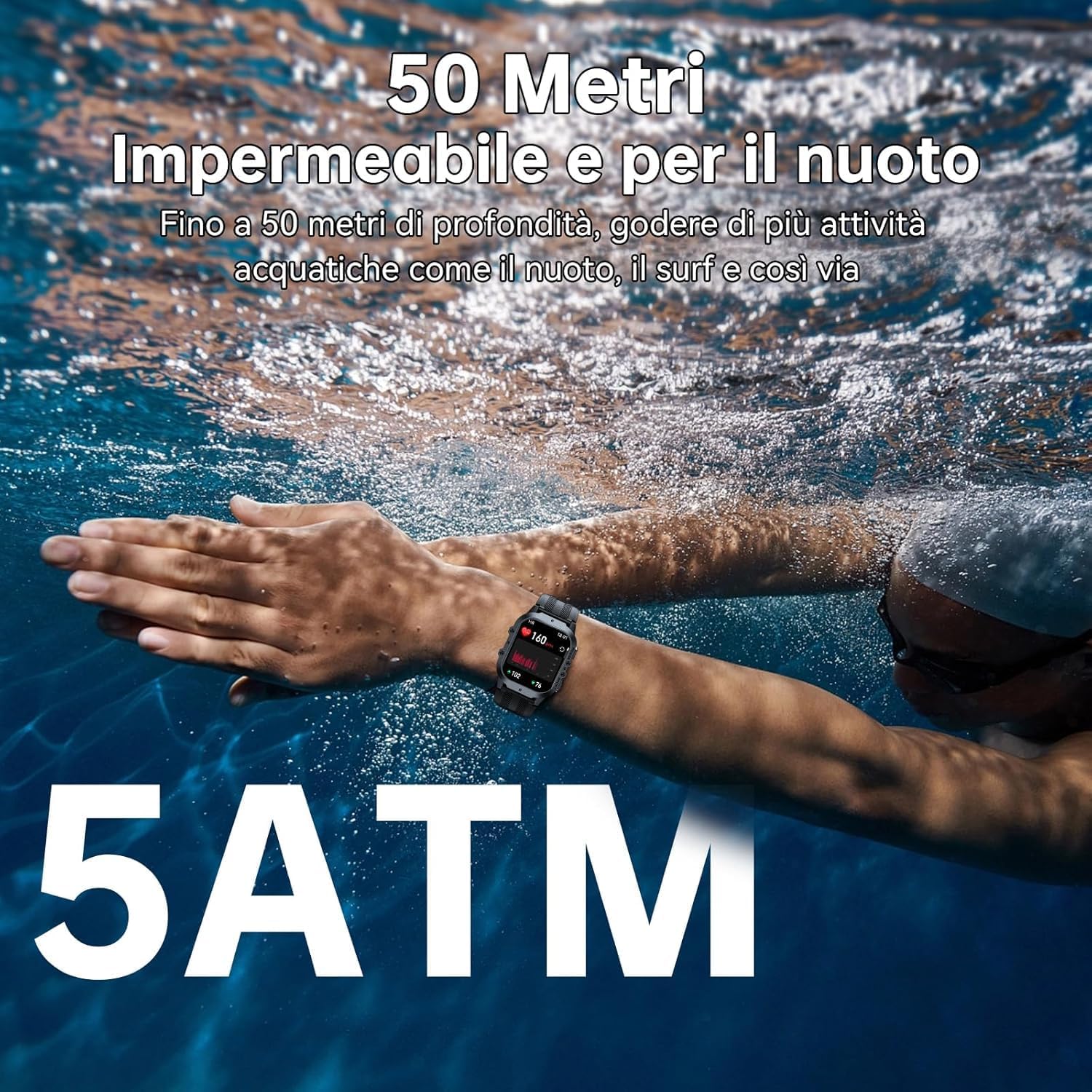
- Durata: Military-grade construction, 5ATM waterproof rating, dustproof, and drop-resistant.

The 1.96-inch AMOLED display of the OUKITEL BT20 Smartwatch.
Impostare
1. Ricarica dello smartwatch
Before initial use, fully charge your smartwatch. Connect the magnetic charging cable to the charging points on the back of the watch and plug the USB end into a power adapter (not included).
- Tempo di ricarica: Circa 2.5 ore per una ricarica completa.
- Durata della batteria: Up to 15 days in standby, 10 days with daily use, and 7 days with heavy use.
The OUKITEL BT20 Smartwatch displaying its battery capacity and usage estimates.
2. Installazione e associazione dell'app
To unlock the full potential of your OUKITEL BT20 Smartwatch, you need to install the companion app on your smartphone.
- Scarica l'App: Scan the QR code displayed on the smartwatch screen or in the manual to download the 'FitCloudPro' app from your smartphone's app store (iOS/Android). You can also visit http://fitcloud.hetangsmart.com/qrcode/.
- Abilita Bluetooth: Assicurati che il Bluetooth sia abilitato sul tuo smartphone.
- Abbinamento: Open the 'FitCloudPro' app, navigate to the device section, and search for 'BT20' to pair. Follow the on-screen prompts to complete the connection.

Steps for installing the companion app and pairing your smartwatch.
Istruzioni per l'uso
Navigazione di base
- Scorri verso l'alto/il basso: Scroll through notifications and quick settings.
- Scorri verso sinistra/destra: Access different widgets and main functions (e.g., activity, heart rate, weather).
- Premere il pulsante di accensione: Schermata di riattivazione/sospensione, ritorno alla schermata iniziale.
- Premi il pulsante Sport: Quickly access sport modes.
Chiamata Bluetooth
The OUKITEL BT20 supports Bluetooth 5.2 for stable call functionality.
- Effettuare le chiamate: Use the dial pad on the watch or access synced contacts to make calls directly from your wrist.
- Ricevere chiamate: Answer or reject incoming calls directly on the smartwatch.
- Notifiche: Receive instant messages from various apps (SMS, WhatsApp, Facebook, Instagram, ecc.).

Bluetooth calling feature on the OUKITEL BT20 Smartwatch.
Monitoraggio della salute
The smartwatch continuously monitors key health metrics.
- Frequenza cardiaca: Monitoraggio continuo della frequenza cardiaca 24 ore su 24.
- Ossigeno nel sangue (SpO2): Monitora i livelli di ossigeno nel sangue.
- Pressione sanguigna: Tieni traccia della tua pressione sanguigna.
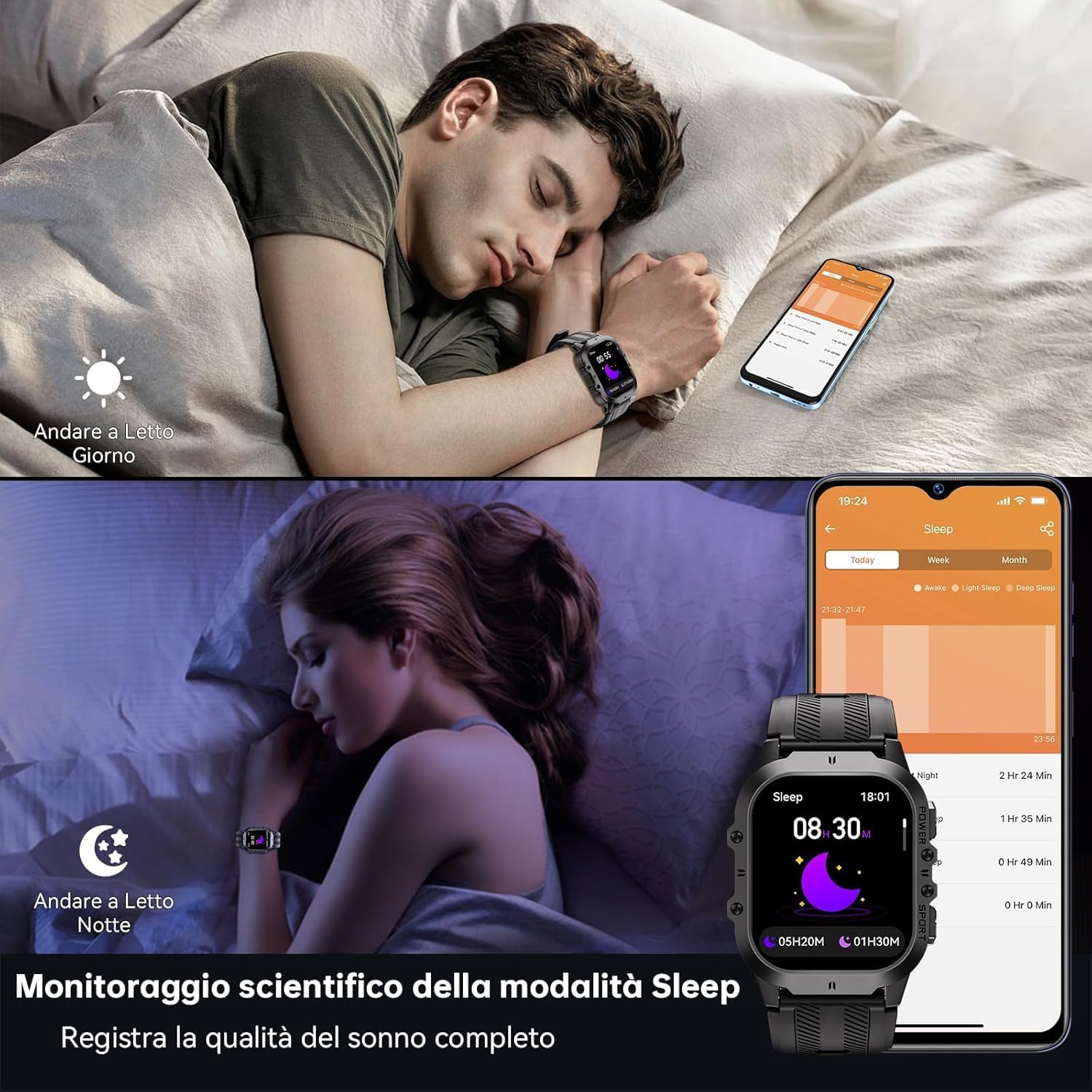
- Monitoraggio del sonno: Records sleep status and quality during the night.
Health monitoring features including heart rate, blood pressure, and blood oxygen.
Modalità Sportive
With over 120 sports modes, the BT20 is suitable for a wide range of activities.
- Monitoraggio delle attività: Automatically records daily activity data including steps, calories, and distance.
- Tracciamento GPS: Utilizes your mobile phone's GPS for specific movement tracks, viewabilitato nell'app.
- Modalità supportate: Includes mountaineering, skiing, running, hiking, cycling, and more.
The OUKITEL BT20 Smartwatch tracking a cycling activity.
Altre funzioni
The smartwatch offers several convenient features:
- Telecamera remota: Controlla la fotocamera del tuo smartphone da remoto.
- Aggiornamenti meteorologici: Ottieni informazioni meteo in tempo reale.
- Funzione di allarme: Imposta le sveglie direttamente dal tuo polso.
- Promemoria sull'idratazione: Ricevi promemoria per bere acqua.
- Promemoria sedentario: Ricevi avvisi quando sei rimasto inattivo per troppo tempo.
- Torcia elettrica: Una torcia integrata per maggiore praticità.
Demonstration of various smartwatch features including flashlight, battery life, sports modes, and Bluetooth calling.
Manutenzione e cura
To ensure the longevity and optimal performance of your OUKITEL BT20 Smartwatch, follow these care guidelines:
- Pulizia: Pulire regolarmente l'orologio e il cinturino con un panno morbido e asciutto. Per lo sporco ostinato, utilizzare un panno leggermenteamp panno e asciugarlo accuratamente.
- Resistenza all'acqua: The watch is 5ATM waterproof, suitable for swimming and shallow water activities. Do not use for deep diving or hot baths.
- Temperatura: Avoid exposing the watch to extreme temperatures (below -40°C or very high heat) for prolonged periods.
- Impatto: While rugged, avoid unnecessary drops or impacts to prevent damage.
- Ricarica: Utilizzare solo il cavo di ricarica fornito. Assicurarsi che i contatti di ricarica siano puliti e asciutti prima di procedere alla ricarica.

The OUKITEL BT20 Smartwatch is 5ATM waterproof, suitable for swimming.
Risoluzione dei problemi
Se riscontri problemi con il tuo smartwatch, fai riferimento alle seguenti soluzioni comuni:
| Problema | Possibile soluzione |
|---|---|
| L'orologio non si accende | Assicurati che l'orologio sia completamente carico. Tieni premuto il pulsante di accensione per alcuni secondi. |
| Impossibile associare il telefono | Ensure Bluetooth is enabled on your phone. Restart both the watch and phone. Make sure the 'FitCloudPro' app is updated. |
| Dati sanitari imprecisi | Assicurati che l'orologio sia indossato comodamente al polso. Pulisci il sensore sul retro dell'orologio. Evita movimenti eccessivi durante le misurazioni. |
| Notifiche non ricevute | Controlla le impostazioni dell'app per assicurarti che le notifiche siano abilitate per le app desiderate. Verifica che la connessione Bluetooth sia stabile. |
| Durata breve della batteria | Reduce screen brightness, disable continuous heart rate monitoring, or limit frequent notifications. |
Specifiche
| Caratteristica | Dettaglio |
|---|---|
| Modello | Modello BT20 |
| Display | AMOLED da 1.96 pollici, risoluzione 410 x 502 |
| Capacità della batteria | 350 mAh Lithium Metal |
| Tempo di ricarica | Circa 2.5 ore |
| Durata della batteria (tipica) | Fino a 10 giorni |
| Connettività | Bluetooth 5.2 |
| Resistenza all'acqua | 5 ATM |
| Memoria | 128 MB |
| Sistema operativo | Android Wear 2.9 (compatible with iOS/Android) |
| Peso | 140 grammi |
Garanzia e supporto
OUKITEL products are designed for durability and performance. For warranty information and customer support, please refer to the official OUKITEL websito o contattare il rivenditore. Conservare la ricevuta d'acquisto come prova d'acquisto per eventuali reclami in garanzia.
- Garanzia: Typically includes a manufacturer's warranty against defects.
- Supporto: Online resources, FAQs, and customer service contact information are usually available on the brand's official channels.