
1. Introduzione
Thank you for choosing the Ailgely 2.4GHz WiFi Wall Touch Light Switch. This smart device integrates a light switch with a Type-C USB outlet, a standard USB outlet, and a US plug outlet, offering versatile control and charging capabilities. It supports 2-way light control, APP, and voice remote control, enhancing your smart home experience. This manual provides essential information for safe installation, operation, and maintenance.
2. Informazioni sulla sicurezza
WARNING: Risk of Electric Shock. Improper installation can lead to serious injury or death.
- Sempre cut off power at the circuit breaker before installing or servicing the switch.
- L'installazione deve essere eseguita da un elettricista qualificato o da una persona con una conoscenza approfondita del cablaggio elettrico.
- Ensure that the neutral wire is present and correctly installed. A neutral wire is required for this device.
- Verify that live and neutral wires are connected to their correct terminals.
- Serrare saldamente tutti i terminali a vite per evitare collegamenti allentati.
- This device only supports 2.4 GHz Wi-Fi networks. It is not compatible with 5 GHz networks.
3. Contenuto della confezione
All'apertura del pacco, verificare che tutti gli articoli siano presenti e integri:
- 1 x Ailgely Smart Wall Touch Light Switch (2-Way Black US Plug)
- 1 x set di viti di montaggio
- 1 x Manuale utente

Image: Package contents including the smart switch, mounting screws, and the user manual.
4. Caratteristiche del prodotto
- Progettazione integrata: Combines a smart light switch with a Type-C outlet, a USB outlet, and a standard US plug outlet for multiple functionalities.
- 2-Way Light Control: Designed to control two separate lights from a single location.
- Telecomando: Easy pairing via 2.4GHz Wi-Fi for APP and voice remote control.
- Funzioni intelligenti: Supports timing, scheduling, and shared control with family members through the smart APP.
- Estetica moderna: Features an anti-scratch tempered glass panel for sensitive touch control and a sleek design that complements various home styles.
5. Specifiche
| Specificazione | Valore |
|---|---|
| Colore | Black US Plug |
| Tipo | 2 vie |
| Materiale principale | ABS + vetro |
| Ingresso volumetage | 95-250V / AC 50-60Hz |
| Carico massimo (presa) | 16A |
| Uscita USB | 5V 2.1A |
| Connettività wireless | 802.11 b/g/n 2.4G Wi-Fi (Not 5 GHz) |
| Dimensioni (L x L x P) | 120 mm x 76 mm x 34 mm (4.72 pollici x 2.99 pollici x 1.33 pollici) |
| Peso dell'articolo | 8.5 once |
| Cosatage | 4000 watt |

Image: Detailed dimensions of the smart wall switch for installation planning.
6. Configurazione e installazione
Prima di iniziare: Ensure the power is OFF at the circuit breaker. A neutral wire is required for installation.
- Disconnessione dell'alimentazione: Locate the circuit breaker that controls the power to the switch you are replacing or the new installation location. Turn off the power completely. Verify power is off using a voltagetester.
- Rimuovere il vecchio interruttore (se applicabile): Carefully remove the existing wall plate and switch from the wall box. Disconnect the wires, noting their connections.
- Identificare i fili: Identify the Live (Hot), Neutral, and Load wires in your wall box. This smart switch requires a neutral wire. If you are unsure, consult a qualified electrician.
- Collegamento dei cavi: Connect the wires from your wall box to the corresponding terminals on the Ailgely Smart Switch. Refer to the wiring diagram provided with the product for precise connections. Ensure all wires are securely tightened in their terminals.
- Montare l'interruttore: Gently push the wired switch into the wall box. Use the provided mounting screws to secure the switch to the wall box.
- Installa la piastra a muro: Attach the tempered glass wall plate to the switch.
- Ripristina alimentazione: Riattivare l'alimentazione tramite l'interruttore automatico.
- Accoppiamento Wi-Fi: Follow the instructions in the included manual to pair the switch with your smart home APP. Ensure your Wi-Fi network is 2.4 GHz.
7. Istruzioni per l'uso
7.1 Controllo touch manuale
The tempered glass panel features touch-sensitive icons for controlling the lights. Simply touch the light bulb icons to toggle the connected lights ON or OFF. The power outlet icon controls the integrated US plug outlet.

Image: The tempered glass panel offers sensitive and durable touch control.
7.2 Controllo APP intelligente
After successfully pairing the switch with your smart home APP (e.g., Tuya Smart, Smart Life), you can control the lights and outlets remotely from your smartphone or tablet.
- ON/OFF remoto: Turn lights and outlets on or off from anywhere.
- Tempi e programma: Set schedules for lights to turn on/off automatically at specific times.
- Creazione della scena: Crea scene personalizzate per controllare più dispositivi con un unico comando.
- Controllo delle azioni: Share device control with family members through the APP.

Image: Demonstrates remote control of the smart switch using a mobile application.
7.3 Controllo vocale
The smart switch is compatible with popular voice assistants (e.g., Amazon Alexa, Google Assistant). Once integrated, you can use voice commands to control your lights and outlets.
- Example Comandi:
- "Alexa, accendi la luce del soggiorno."
- "Ehi Google, spegni la luce della cucina."
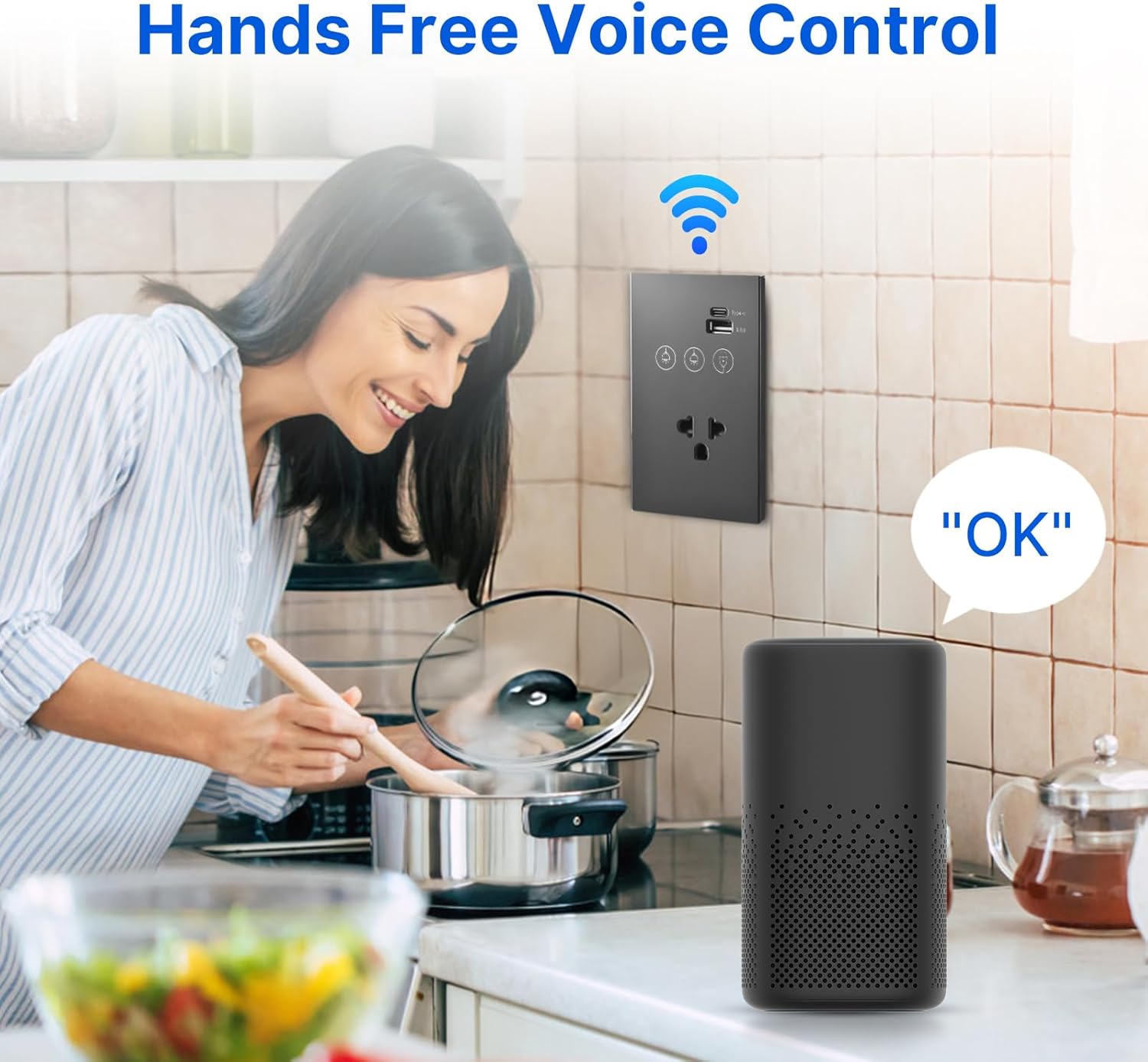
Image: Illustrates hands-free voice control of the smart switch.
8. Manutenzione
- Pulizia: The tempered glass panel is anti-scratch and easy to clean. Use a soft, damp cloth to wipe the surface. Avoid abrasive cleaners or solvents that may damage the finish.
- Aggiornamenti del firmware: Periodically check the smart home APP for available firmware updates for your device to ensure optimal performance and security.
- Verifica della connessione: If experiencing connectivity issues, ensure your Wi-Fi router is functioning correctly and the switch is within range of the 2.4 GHz network.
9. Risoluzione Dei Problemi
- L'interruttore non risponde:
- Controllare se l'interruttore automatico è acceso.
- Ensure all wiring connections are secure and correct (Live, Neutral, Load).
- If recently installed, double-check that the neutral wire is properly connected.
- Errore di connessione Wi-Fi:
- Confirm your Wi-Fi network is 2.4 GHz. This device does not support 5 GHz Wi-Fi.
- Assicurati che lo switch si trovi nel raggio d'azione del tuo router Wi-Fi.
- Riavvia il router Wi-Fi e prova nuovamente ad associarlo.
- Make sure you are entering the correct Wi-Fi password.
- APP Control Issues:
- Verifica che il tuo smartphone abbia una connessione Internet attiva.
- Ensure the smart home APP is updated to the latest version.
- Try unpairing and re-pairing the device in the APP.
- Controllo vocale non funzionante:
- Confirm the smart switch is successfully linked to your voice assistant account (e.g., Alexa, Google Home).
- Controlla se il tuo dispositivo assistente vocale è online e funziona correttamente.
- Use the exact device names configured in your smart home APP.
10. Garanzia e supporto
This product comes with a standard manufacturer's warranty. For specific warranty terms and conditions, please refer to the documentation provided at the time of purchase or contact the retailer. For technical support, troubleshooting assistance, or inquiries regarding your Ailgely Smart Wall Touch Light Switch, please contact Ailgely customer service through the contact information provided on the product packaging or the official Ailgely websito.