
1. Introduzione
Thank you for choosing the Philips Neopix 550 Home Cinema Video Projector. This manual provides essential information for setting up, operating, and maintaining your projector to ensure optimal performance and longevity. Please read this manual thoroughly before using the device.

The Philips Neopix 550 Home Cinema Video Projector in white, showcasinil suo design elegante e le sue lenti.
2. Istruzioni di sicurezza
Per prevenire incendi o scosse elettriche, non esporre questo apparecchio alla pioggia o all'umidità. Non aprire la confezione.asing. Affidare la manutenzione solo a personale qualificato.
- Non ostruire le aperture di ventilazione.
- Utilizzare solo gli accessori specificati dal produttore.
- Scollegare l'apparecchio durante i temporali o quando non viene utilizzato per lunghi periodi.
- Keep the projector away from direct sunlight, heat sources, and excessive dust.
3. Contenuto della confezione
Verifica che tutti gli articoli siano presenti nel tuo pacco:
- Philips Neopix 550 Projector
- Telecomando
- Manuale d'uso
- Adattatore di alimentazione
4. Prodotto finitoview
4.1. Caratteristiche principali
- Full HD 1080p Resolution for immersive viewing.
- Advanced LED Light Source with 500 ANSI lumens for brilliant colors and long-lasting performance (over 30,000 hours).
- Wi-Fi Mirror Mode for wireless content sharing.
- Built-in Stereo Speakers for enhanced audio.
- Advanced Image Correction: Auto Vertical Keystone and 4-Corner Correction.
- LuminOS with integrated smart applications.
- Connettività Bluetooth 4.2.
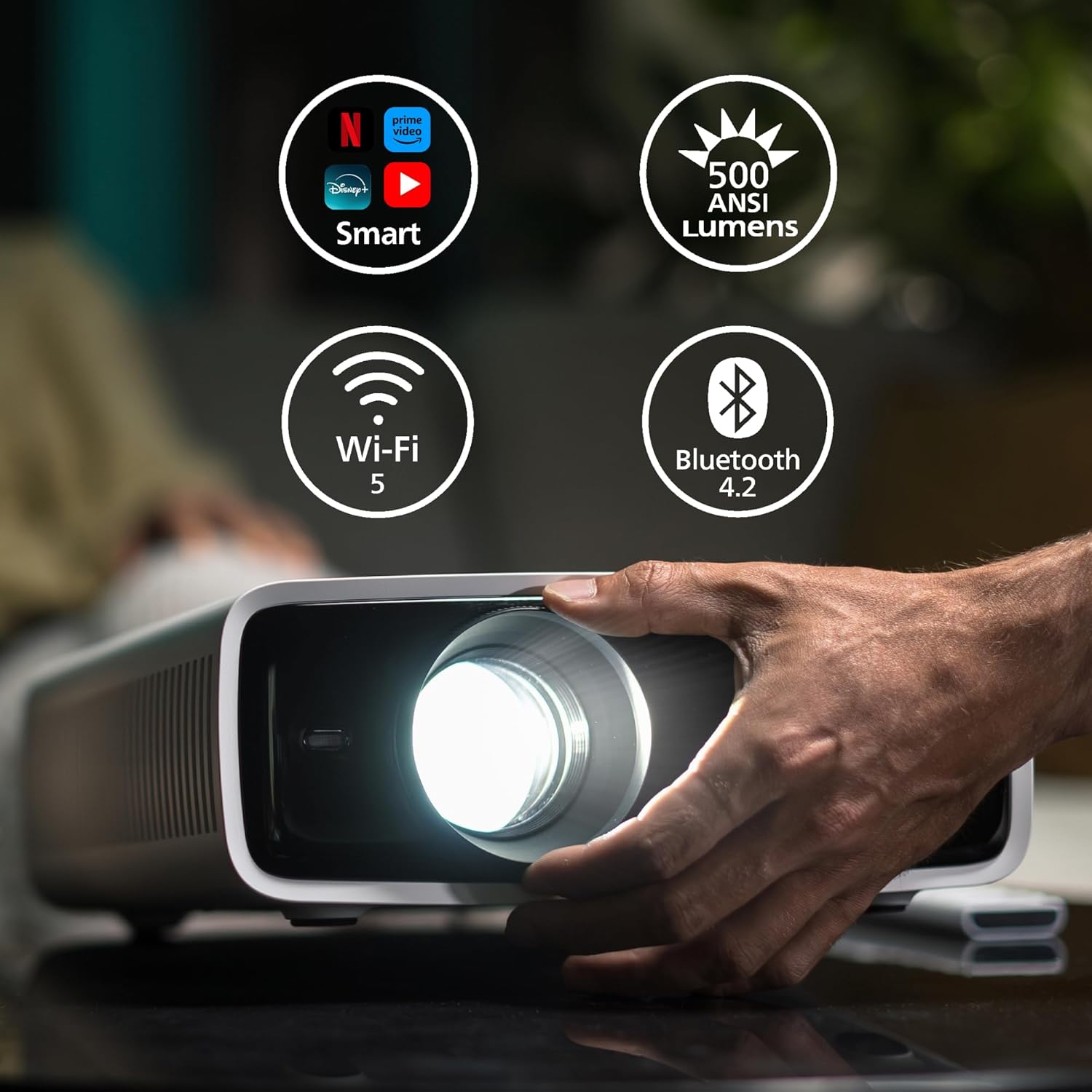
The projector highlighting its smart capabilities, 500 ANSI lumens brightness, Wi-Fi 5, and Bluetooth 4.2 connectivity.
4.2. Porte e controlli
Familiarize yourself with the input/output ports and control buttons on your projector.

Posteriore view of the Philips Neopix 550 showing its connectivity options: Power button, IR receiver, USB (5V/1.5A), HDMI, Audio Out (3.5mm), and USB-C ports.
The top panel features navigation buttons and an OK button for menu control, along with a power button and focus ring for manual adjustments.

A hand demonstrating the manual focus adjustment on the projector lens.
5. Impostazione
5.1. Posizionamento
Place the projector on a stable, flat surface. Ensure there is adequate ventilation around the device. The optimal projection distance varies based on desired screen size.

A diagram illustrating recommended projection distances for various screen sizes, showing how to achieve a large image up to 100 inches.
5.2. Collegamento elettrico
Connect the provided power adapter to the DC IN port on the projector, then plug the adapter into a power outlet.
5.3. Regolazione della messa a fuoco e della distorsione trapezoidale
After powering on, adjust the focus ring on the lens until the image is clear. The projector features automatic vertical keystone correction. For further image alignment, use the 4-corner correction feature via the on-screen menu.

An image demonstrating the projector's auto keystone and 4-corner correction capabilities, ensuring a perfectly rectangular image even when projected at an angle.
6. Funzionamento del proiettore
6.1. Collegamento dei dispositivi
The Neopix 550 offers various connectivity options:
- HDMI: Connect Blu-ray players, game consoles, or laptops.
- USB: Riproduci contenuti multimediali files direttamente da un'unità USB.
- USB-C: Connect compatible devices for video and audio output.
- Mirroring Wi-Fi: Wirelessly mirror content from your smartphone, tablet, or laptop. Navigate to the Wi-Fi Mirroring option in the projector's menu and follow the on-screen instructions.
- Bluetooth: Collega altoparlanti Bluetooth esterni o cuffie per un audio migliore.

An illustration of the projector's versatile connectivity, including HDMI, USB, AUX, Wi-Fi, and Bluetooth.
6.2. Smart Features and LuminOS
The projector runs on LuminOS, providing access to various smart applications for streaming content directly. Use the remote control to navigate the interface.

The LuminOS interface displayed on a projected screen, showing various streaming applications like Netflix, Disney+, and YouTube.
6.3. Utilizzo del telecomando
The included remote control allows for easy navigation of menus, volume adjustment, input selection, and power control.

A hand holding the white Philips remote control, ready to operate the projector.
7. Manutenzione
7.1. Pulizia
- Lente: Utilizzare un panno morbido e privo di lanugine, specificamente progettato per lenti ottiche. Non utilizzare detergenti abrasivi.
- Casing: Pulisci il proiettore casincon un panno morbido e asciutto. Per i segni ostinati, utilizzare un panno leggermenteamp panno e un detergente delicato, quindi asciugare.
- Ventilazione: Regularly check and clean the ventilation openings to ensure proper airflow and prevent overheating.
7.2. Conservazione
Quando non viene utilizzato per lunghi periodi, conservare il proiettore in un luogo fresco e asciutto, lontano dalla luce solare diretta e da temperature estreme. Utilizzare l'imballaggio originale o una custodia protettiva per evitare l'accumulo di polvere e danni.
8. Risoluzione Dei Problemi
Se riscontri problemi con il proiettore, fai riferimento ai seguenti problemi comuni e alle relative soluzioni:
| Problema | Possibile causa | Soluzione |
|---|---|---|
| Nessuna immagine visualizzata | Cavo di alimentazione allentato; Sorgente di ingresso errata; Dispositivo non collegato | Check power connection; Select correct input (HDMI, USB, etc.); Ensure device is properly connected and powered on |
| Immagine sfocata | Messa a fuoco non regolata; proiettore troppo vicino/lontano | Adjust focus ring; Refer to placement guidelines for optimal distance |
| Nessun suono | Volume too low; External audio device not connected; Incorrect audio output selected | Increase volume; Connect external speakers via 3.5mm or Bluetooth; Check audio settings on projector and source device |
| Problemi di mirroring Wi-Fi | Network issues; Device incompatibility | Ensure both devices are on the same Wi-Fi network; Restart projector and source device; Check device compatibility for mirroring |
9. Specifiche
Detailed technical specifications for the Philips Neopix 550 Projector:
- Marca: PHILIPS
- Modello: Neopix 550 (NPX550/INT)
- Risoluzione dello schermo: 1920 x 1080 (Full HD 1080p)
- Sorgente luminosa: LED avanzato
- Luminosità: 500 ANSI Lumen
- Durata della sorgente luminosa: Oltre 30,000 ore
- Tecnologia di connettività: Wi-Fi (Wi-Fi 5), Bluetooth (Bluetooth 4.2), HDMI, USB, USB-C, 3.5mm Audio Out
- Caratteristiche speciali: Advanced Image Correction (Auto Keystone, 4-Corner Correction), Stereo Sound, Wi-Fi Mirror Mode, LuminOS Smart System
- Utilizzi consigliati: Cinema in casa
- Peso dell'articolo: Circa 6.6 libbre (3.0 kg)
- Colore: Bianco
- Dimensioni: Circa 10.79 x 11.57 x 4.21 pollici (274 x 294 x 107 mm)
10. Garanzia e supporto
For warranty information and technical support, please refer to the warranty card included with your product or visit the official Philips Projection websito. Conservare la ricevuta d'acquisto come prova d'acquisto per eventuali reclami in garanzia.
Supporto online: www.philips.com/support