
1. Introduzione
The cooidea Toslink Automatic Digital Optical Switcher (Model T01) is designed to expand the optical audio input capabilities of your audio system. This device allows you to connect up to three digital optical audio sources to a single optical input on your amplifier, soundbar, or other audio receiving device. It features both automatic and manual switching modes, ensuring seamless audio integration.
2. Caratteristiche del prodotto
- 3-in-1 Out Automatic Switching: Automatically detects active audio signals from up to three sources and switches to the active channel.
- Controllo remoto senza fili: Provides convenient manual switching between input sources from a distance.
- High-Quality Audio Support: Supporta sampling rates up to 192kHz/24Bit and is compatible with LPCM2.0, DTS, and Dolby-AC3 5.1 Channel audio formats.
- Design compatto e durevole: Features an open design with a delicate appearance, measuring 6.3cm x 4.2cm x 1.8cm, making it space-efficient.
- Ampia compatibilità: Connects to any digital audio device with a TOSLINK/OPTICAL port, including Sound Bars, STBs, Xbox, PlayStation, Blu-ray players, HDTVs, Amplificatori e relatori.
3. Contenuto della confezione
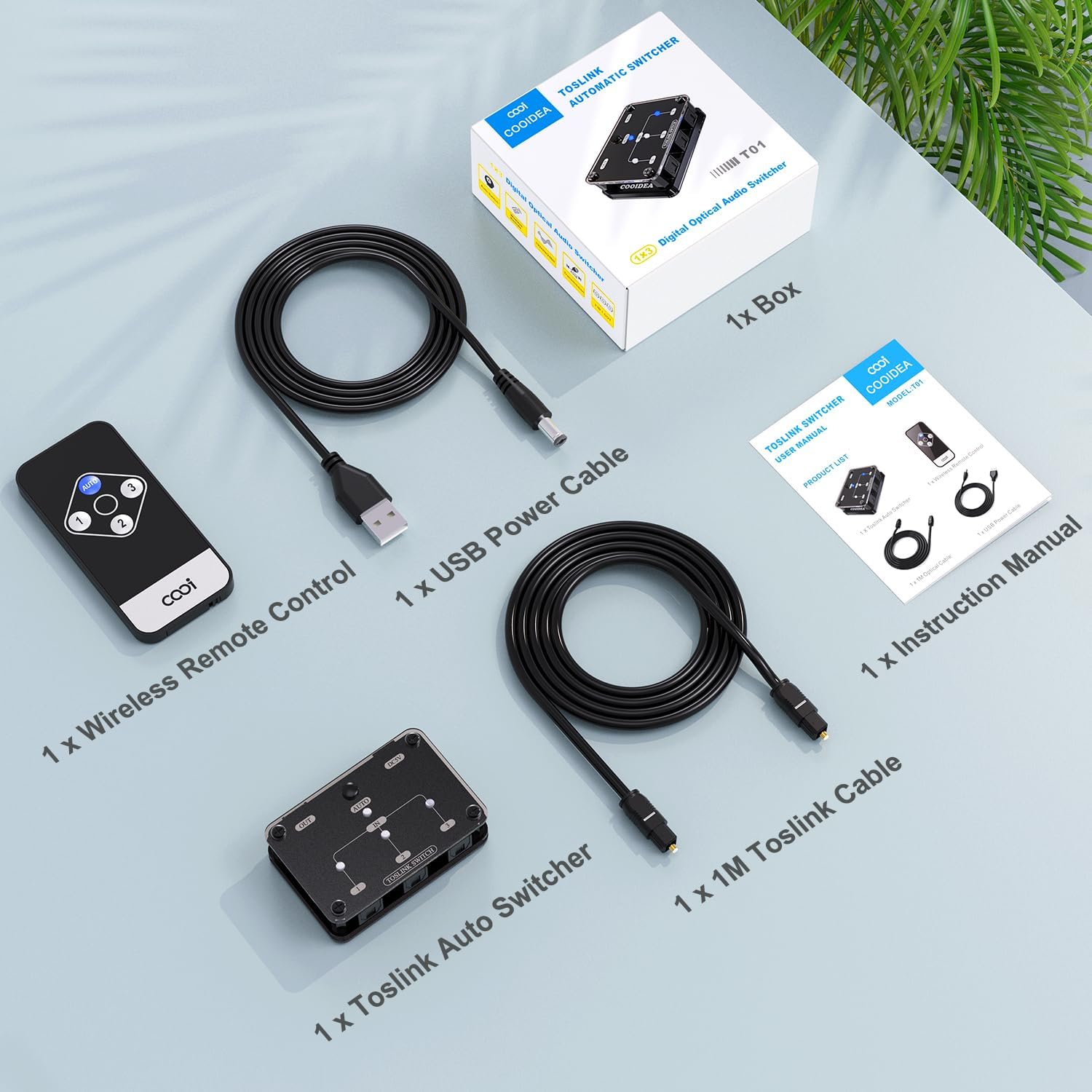
Image: Package contents of the cooidea Toslink Automatic Digital Optical Switcher.
- 1 x cooidea Toslink Automatic Switcher (Model T01)
- 1 x telecomando senza fili
- 1 x cavo di alimentazione USB
- 1 x 1-meter Toslink Optical Cable
- 1 x Manuale di istruzioni
4. Prodotto finitoview
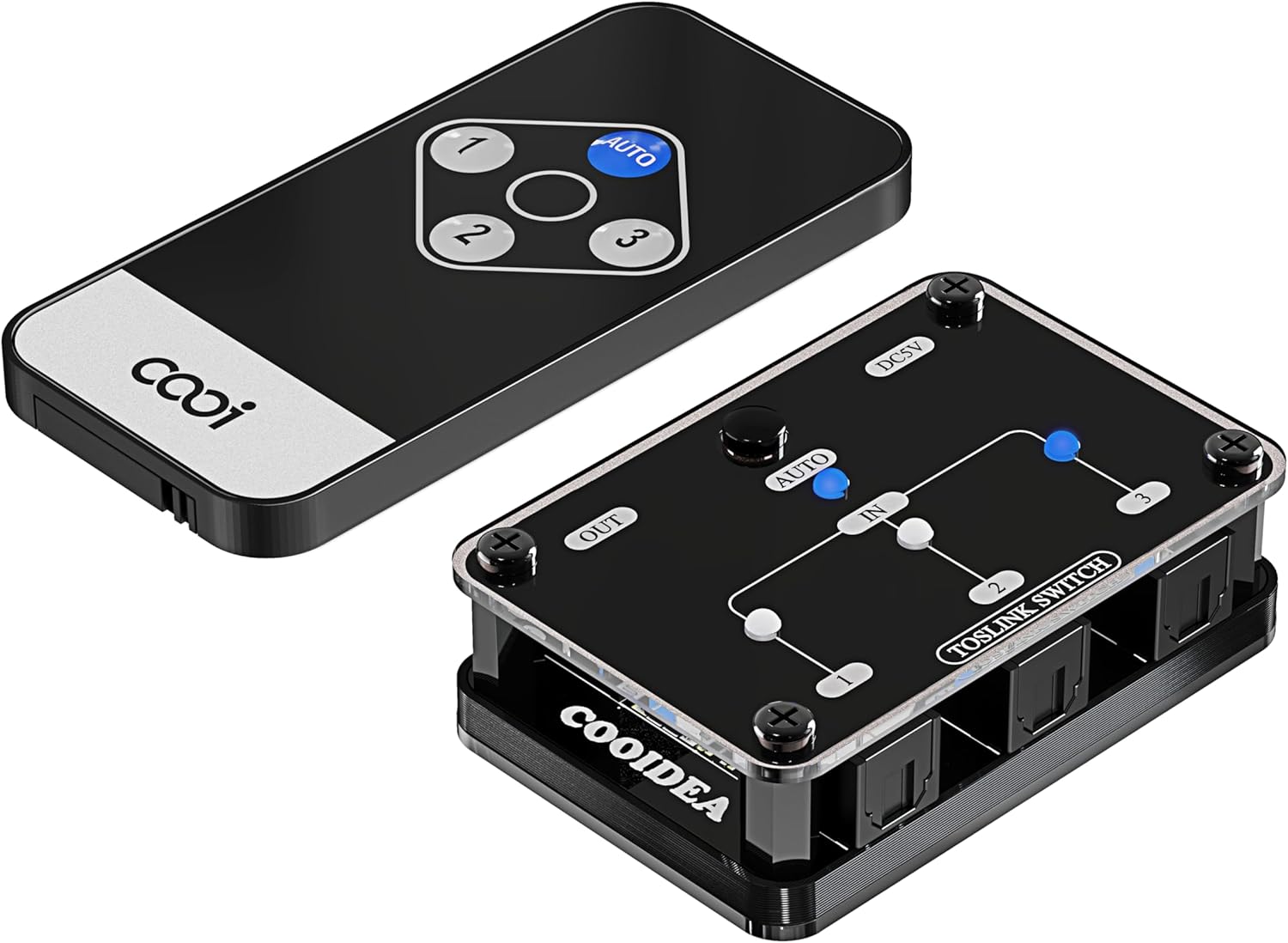
Image: Switcher unit and remote control.

Image: Dimensions and automatic switching feature.

Image: Wireless Remote Control for input selection.

Image: Supported SPDIF Digital Audio Formats.
5. Istruzioni per l'installazione
Follow these steps to set up your cooidea Toslink Automatic Digital Optical Switcher:
- Collegare i dispositivi di input: Use Toslink optical cables to connect your audio source devices (e.g., HDTV, Xbox, PlayStation, Blu-ray player) to the IN1, IN2, and IN3 ports on the switcher.
- Connetti dispositivo di output: Connect your audio receiving device (e.g., soundbar, amplifier, speakers) to the OUT port on the switcher using a Toslink optical cable.
- Connetti alimentazione: Plug the provided USB power cable into the DC5V port on the switcher and connect the other end to a USB power source (e.g., TV USB port, USB wall adapter). The power indicator LED will illuminate.
- Accendi i dispositivi: Ensure all connected audio source and receiving devices are powered on.

Image: Typical connection diagram for the switcher.
Video dimostrativo di installazione
Video: Demonstration of connecting and setting up a Digital Audio Switcher. This video illustrates the general connection process for optical audio switchers.
6. Istruzioni per l'uso
Modalità di commutazione automatica
The switcher is designed to automatically detect active audio signals. When an audio device connected to one of the input channels becomes active (e.g., starts playing audio), the switcher will automatically switch to that channel. If the current active channel becomes inactive (e.g., muted or powered off), the switcher will scan for other active channels and switch accordingly.
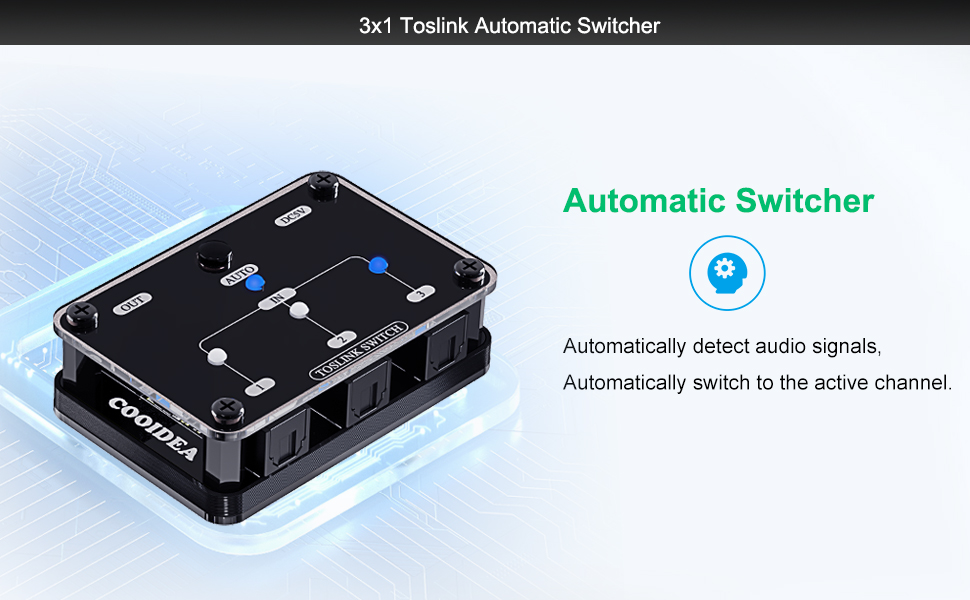
Image: Automatic switching functionality.
Manual Switching Mode
You can manually select an input channel using either the button on the switcher unit or the provided wireless remote control.
- Using the Switcher Button: Press the 'AUTO' button on the switcher unit to cycle through the input channels (IN1, IN2, IN3) or to activate/deactivate automatic mode.
- Utilizzo del telecomando: Use the 'AUTO' button for automatic mode, or directly select input channels using buttons '1', '2', or '3' on the remote. The remote control allows operation from up to 30 meters in a straight line, even if the switcher is out of sight.

Image: Remote control usage for manual switching.
Audio Format Compatibility
The switcher supports various digital audio formats, including LPCM2.0, DTS, and Dolby-AC3 5.1 Channels. Ensure your source device is configured to output one of these supported formats for optimal performance.
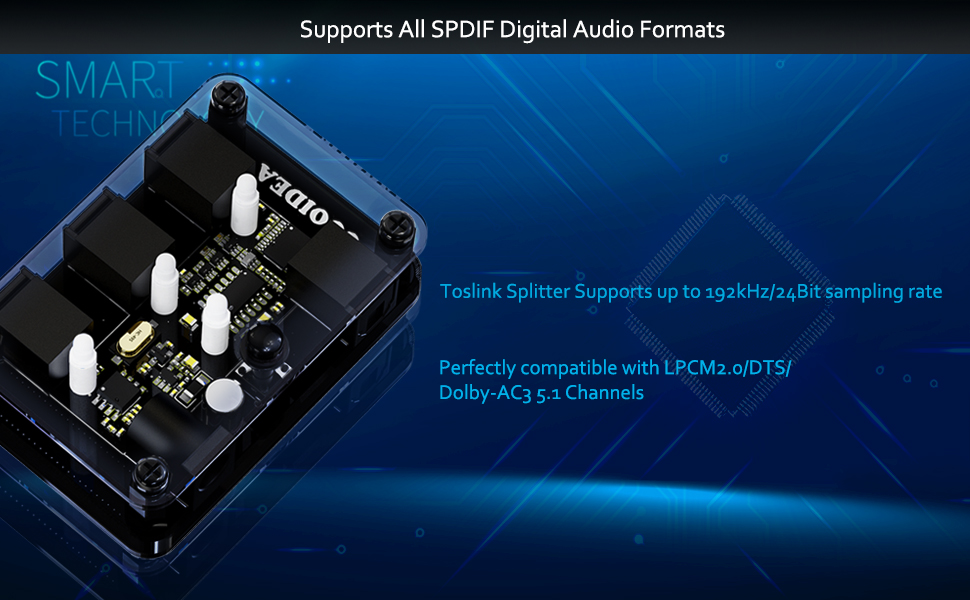
Image: Supported audio formats.
Video dimostrativo operativo
Video: Demonstration of a 3x1 Toslink Optical Switch, showing manual and remote control switching between devices.
7. Manutenzione
To ensure the longevity and optimal performance of your cooidea Toslink Automatic Digital Optical Switcher, follow these maintenance guidelines:
- Pulizia: Use a soft, dry cloth to clean the exterior of the device. Avoid using liquid cleaners or abrasive materials, as they may damage the finish or internal components.
- Cura del porto: Keep the optical ports clean and free of dust. When not in use, ensure the protective caps are placed over the optical cable ends and ports to prevent dust accumulation.
- Magazzinaggio: Store the switcher in a cool, dry place away from direct sunlight, high temperatures, and humidity.
- Gestione: Handle the device and optical cables with care. Avoid bending or twisting optical cables sharply, as this can damage the fiber optic core.
8. Risoluzione Dei Problemi
If you encounter issues with your cooidea Toslink Automatic Digital Optical Switcher, refer to the following common troubleshooting steps:
| Problema | Possibile causa | Soluzione |
|---|---|---|
| Nessuna uscita audio |
|
|
| La commutazione automatica non funziona |
|
|
| Il telecomando non risponde |
|
|
9. Specifiche
- Dimensioni del prodotto: 2.48 x 1.65 x 0.71 pollici (6.3 x 4.2 x 1.8 cm)
- Peso dell'articolo: 3.87 once (110 g)
- Supporto per i formati audio: LPCM2.0 / DTS / Dolby-AC3
- Sampfrequenza di ling: Fino a 192 KHz
- Distanza del cavo di uscita: ≤40m (using optical fiber cable with loss less than 0.2Db/m)
- Alimentazione elettrica: USB 5V
- Ingressi: 3 ottica Toslink
- Risultati: 1 ottica Toslink
- Controllare: Manual button, Wireless Remote Control

Immagine: Dimensioni del prodotto.
10. Garanzia e supporto
For warranty information and technical support, please refer to the official cooidea website or contact their customer service directly. The operation manual included in the package also contains detailed contact information and warranty terms.