
ninetom 10.25 inch Touchscreen Wireless CarPlay Android Auto Multimedia Car Radio Receiver
NINETOM 10.25 inch Touchscreen Wireless CarPlay Android Auto Multimedia Car Radio Receiver User Manual
Compatible with BMW 3/4 Series NBT System (F30/F31/F32/F33/F34/F35/F36, 2013-2016)
1. Introduzione
This manual provides comprehensive instructions for the installation, operation, and maintenance of your NINETOM 10.25 inch Touchscreen Wireless CarPlay Android Auto Multimedia Car Radio Receiver. This device is designed to upgrade your vehicle's infotainment system, offering enhanced connectivity and multimedia capabilities while retaining original car functions.
Compatibilità: This touchscreen is specifically designed for BMW vehicles equipped with the NBT system. It is compatible with the following models and years:
- BMW Serie 3: F30, F31, F34 (2013-2016)
- BMW Serie 4: F32, F33, F36 (2013-2016)
Important: This unit is not compatible with CCC, CIC, or EVO systems. Please verify your car's system and dashboard configuration matches the NBT system shown in this manual before proceeding with installation.


2. Informazioni sulla sicurezza
Leggere attentamente tutte le istruzioni di sicurezza prima dell'installazione e dell'uso. Il mancato rispetto di queste istruzioni può causare danni al prodotto, al veicolo o lesioni personali.
- Prima di iniziare l'installazione, assicurarsi che l'accensione del veicolo sia spenta e che la batteria sia scollegata.
- Se non sei sicuro di una qualsiasi fase del processo di installazione, consulta un professionista.
- Non ostacolare la guida del conducente view o interferire con i comandi del veicolo.
- Utilizzare il dispositivo in modo responsabile ed evitare distrazioni durante la guida.
3. Contenuto della confezione
Verifica che tutti gli articoli elencati di seguito siano inclusi nel tuo pacchetto:
- 10.25 inch Touchscreen Display
- Cablaggio del cavo di alimentazione
- Cavo USB
- Cavo AUX
- Installation Tools (if provided)

4. Guida all'installazione
The NINETOM touchscreen is designed for plug-and-play installation, minimizing the need for cutting or breaking original car cables. However, professional installation is recommended.
4.1 Controlli pre-installazione
- Verifica compatibilità: Confirm your vehicle is a BMW 3/4 Series (F30/F31/F32/F33/F34/F35/F36) from 2013-2016 with the NBT system. Refer to Figure 1.2 and Figure 4.2.
- Scollegare la batteria: Prima di iniziare qualsiasi lavoro elettrico, scollegare sempre la batteria del veicolo.
- Raccogli strumenti: Ensure you have the necessary tools for trim removal and component installation.
4.2 Fasi di installazione (generali)view)
- Rimuovi schermo originale: Carefully remove the existing car display and surrounding trim pieces.
- Collegare il cablaggio: Connect the provided power cable harness to the original car wiring. This is a plug-and-play connection.
- Collegamento del cavo LVDS: Ensure the LVDS cable is properly connected. A loose connection can cause the screen to malfunction or not display applications.
- Optical Fiber Cable: If your original system uses optical fiber cables, ensure they are correctly transferred and connected to the new harness. Incorrect connection can lead to no sound.
- Cavo AUX: Connect the provided AUX cable. This is crucial for audio output from the new system.
- Installa nuova schermata: Mount the NINETOM 10.25 inch touchscreen in place of the original screen.
- Ricollegare la batteria: Una volta che tutti i collegamenti sono sicuri, ricollegare la batteria del veicolo.
- Test iniziale: Turn on the ignition and test the screen's functionality, including display, touch response, and audio.
Note: If you experience screen flickering after installation, access the settings menu and adjust the iDrive resolution. This is a common user-configurable setting.

5. Istruzioni per l'uso
5.1 CarPlay wireless e Android Auto
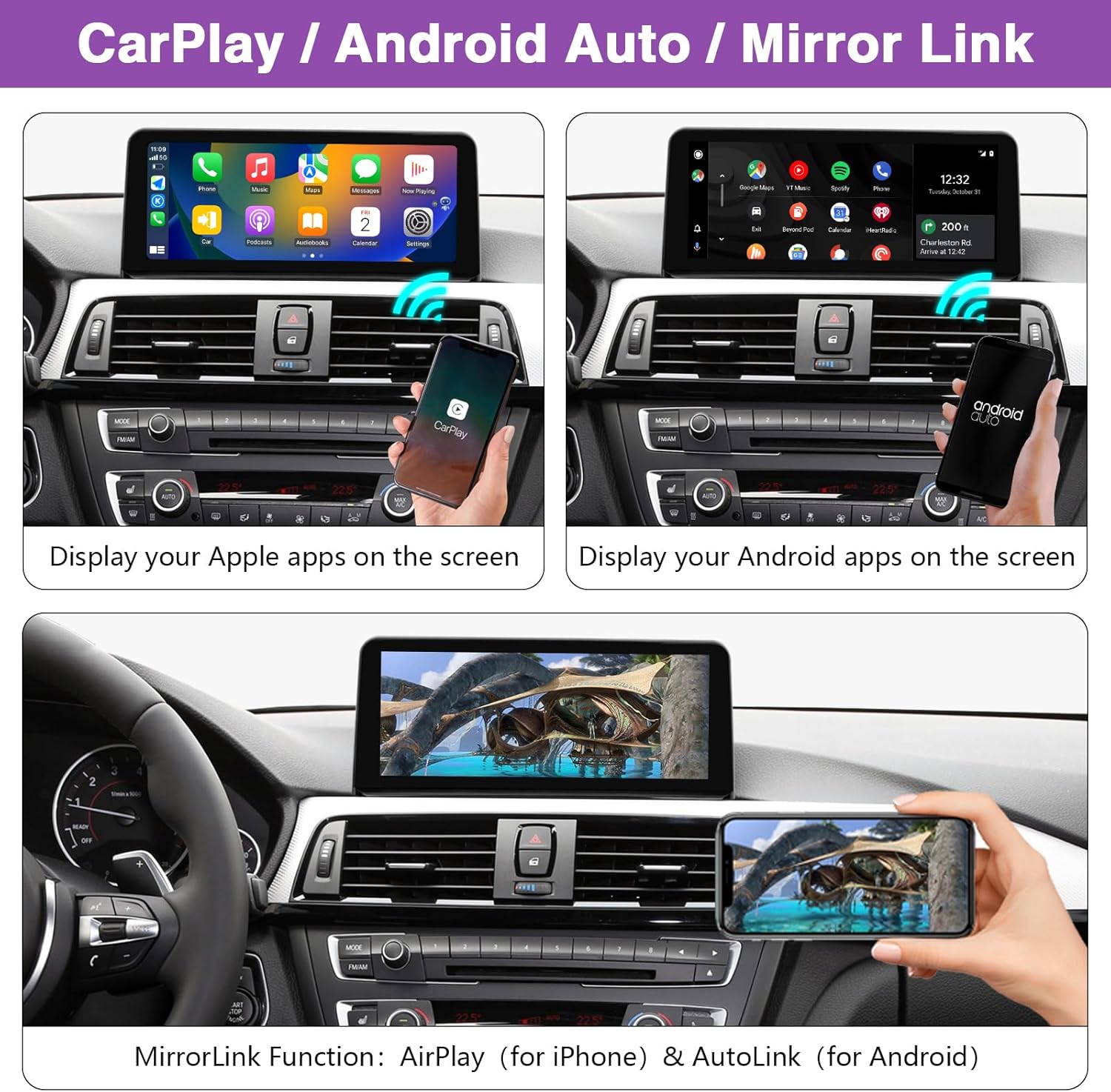
The NINETOM touchscreen features built-in wired and wireless CarPlay and Android Auto, allowing seamless integration with your smartphone. You can access navigation, make calls, send messages, and enjoy music directly from the screen.
- Connessione: Connect your iPhone or Android phone via Bluetooth for wireless connection, or use the USB cable for a wired connection.
- Controllo vocale: Utilizza Siri o Google Assistant per il funzionamento a mani libere.
- Collegamento specchio: The unit supports Mirror Link functionality (AirPlay for iPhone, AutoLink for Android) to display your phone's screen content.

5.2 Commutazione del sistema
The NINETOM touchscreen allows you to seamlessly switch between the upgraded system (CarPlay/Android Auto) and your original BMW NBT system.
- Metodo di commutazione: Long-press the 'MENU' button on your vehicle's iDrive controller to toggle between the two systems.

5.3 Funzioni originali mantenute
The upgraded touchscreen retains all original vehicle functions, ensuring no loss of existing features.
- Autoradio originale e ampfunzioni lifier.
- Factory joystick (iDrive) control.
- Original reversing camera support, and compatibility with aftermarket rearview telecamere.
- Comandi al volante originali.
- Original CD player functionality.

5.4 Funzionalità di visualizzazione
- Alta risoluzione: The screen features a 1920 x 720 HD resolution for clear visuals.
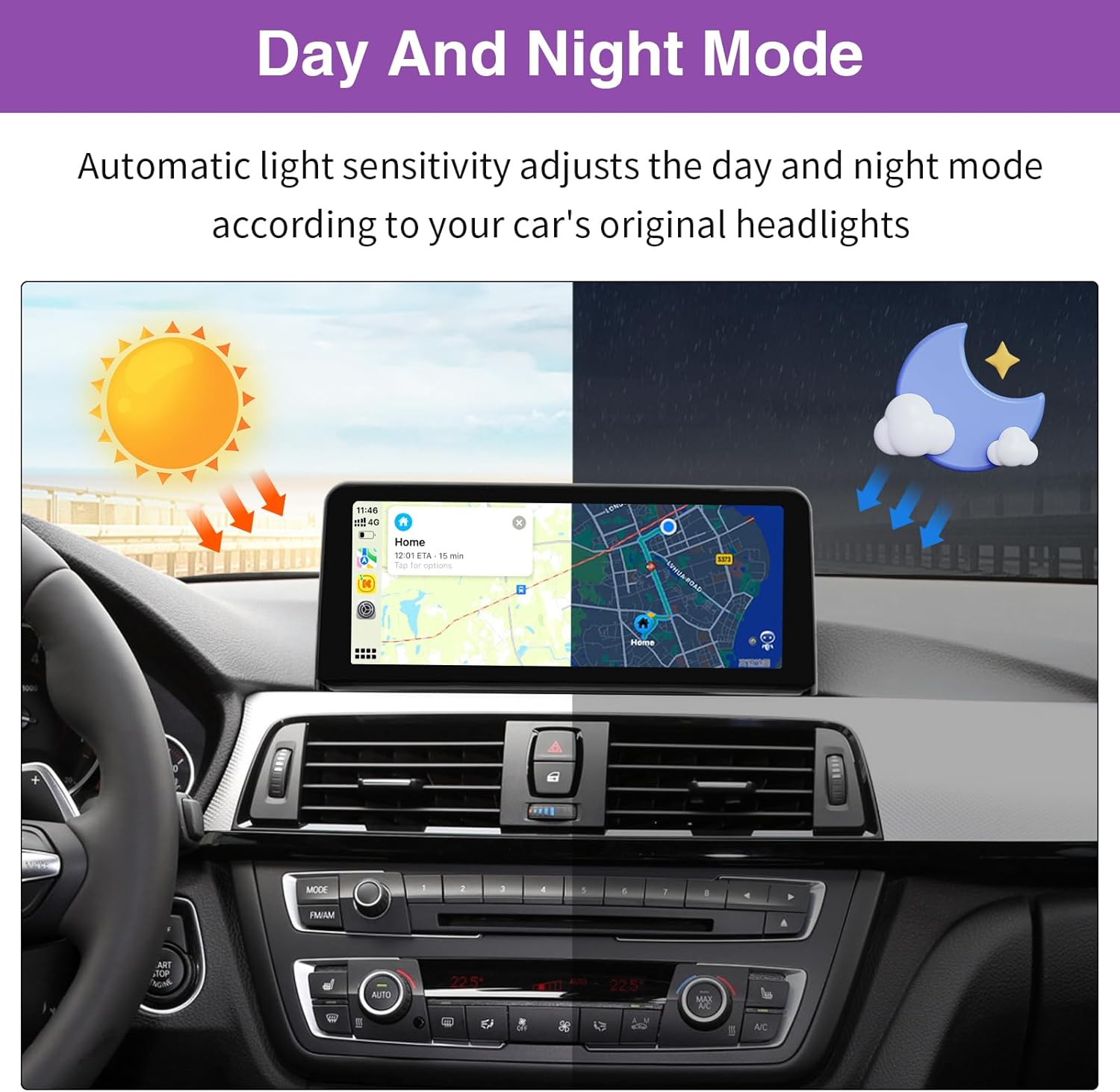
- Modalità automatica giorno/notte: Automatic light sensitivity adjusts the display brightness between day and night modes based on your car's original headlights, enhancing driving comfort.


6. Manutenzione
Per garantire la longevità e le prestazioni ottimali del tuo touchscreen NINETOM, segui queste linee guida per la manutenzione:
- Pulizia: Utilizzare un panno morbido e privo di lanugine per pulire delicatamente lo schermo. Per macchie ostinate, leggermente dampPulisci il panno con acqua o un detergente per schermi. Evita prodotti chimici aggressivi o materiali abrasivi.
- Evitare temperature estreme: Non esporre l'unità a temperature estreme, calde o fredde, per periodi prolungati.
- Proteggere dall'impatto: Avoid dropping or subjecting the screen to strong impacts.
7. Risoluzione Dei Problemi
If you encounter issues with your NINETOM touchscreen, refer to the following common problems and solutions:
- Problem: Screen malfunctioning or not displaying applications.
Soluzione: Ensure the LVDS cable is properly and securely connected. A loose connection is a common cause for this issue. - Problem: No sound from the unit.
Soluzione:- Check if the optical fiber cable (if applicable to your original system) is connected correctly to the new harness.
- Verify that the AUX cable is properly connected and that the vehicle's AUX setting is configured correctly. The audio typically routes through the AUX input.
- When using CarPlay/Android Auto, you may need to switch the audio output from CarPlay/Android Auto to the BMW system via the original car's audio settings.
- Problem: Screen flickering.
Soluzione: Access the unit's settings menu and adjust the iDrive resolution. Incorrect resolution settings can cause flickering. - Problem: Inconsistent operation, random shutdowns, or CarPlay/Android Auto not working reliably.
Soluzione: Try performing a factory reset of the unit. If the issue persists, contact customer support for further assistance.
8. Specifiche
| Caratteristica | Specificazione |
|---|---|
| Peso dell'articolo | 3.77 libbre |
| Dimensioni del pacco | 12.76 x 6.93 x 5.43 pollici |
| Dimensioni dello schermo | 10.25 pollici |
| Comando vocale | Schermo tattile |
| Tecnologia di connettività | USB |
| Tipo di controllore | Schermo tattile |
| Caratteristica speciale | Touchscreen, CarPlay wireless, Android Auto |
| Dispositivi compatibili | Unità principale |
| Tipo di connettore | USB |
| Modalità di uscita audio | Stereo, Surround |
| Configurazione del canale audio surround | 5.1 |
| Codifica video | H.264, MPEG-4 |
| Produttore | nove tom |
9. Garanzia e supporto
Questo prodotto è coperto dalla garanzia standard del produttore. Per dettagli specifici sulla garanzia, consultare la documentazione inclusa con l'acquisto o contattare direttamente il venditore.
If you require technical assistance, have installation questions, or encounter any issues not covered in this manual, please reach out to the NINETOM customer support team for prompt assistance.