
Introduzione
Thank you for choosing SOUNDPEATS RunFree Wireless Open-Ear Headphones. This manual provides detailed instructions on how to set up, operate, and maintain your headphones. Please read this manual thoroughly before use to ensure optimal performance and longevity of your device.
The SOUNDPEATS RunFree headphones are designed for comfort and awareness, allowing you to enjoy audio while remaining aware of your surroundings. They feature Bluetooth 5.3 for stable connectivity, multipoint connection for seamless device switching, and 16.2mm drivers for clear sound.
Contenuto della confezione
- SOUNDPEATS RunFree Wireless Open-Ear Headphones
- Cavo di ricarica USB-C
- Manuale d'uso
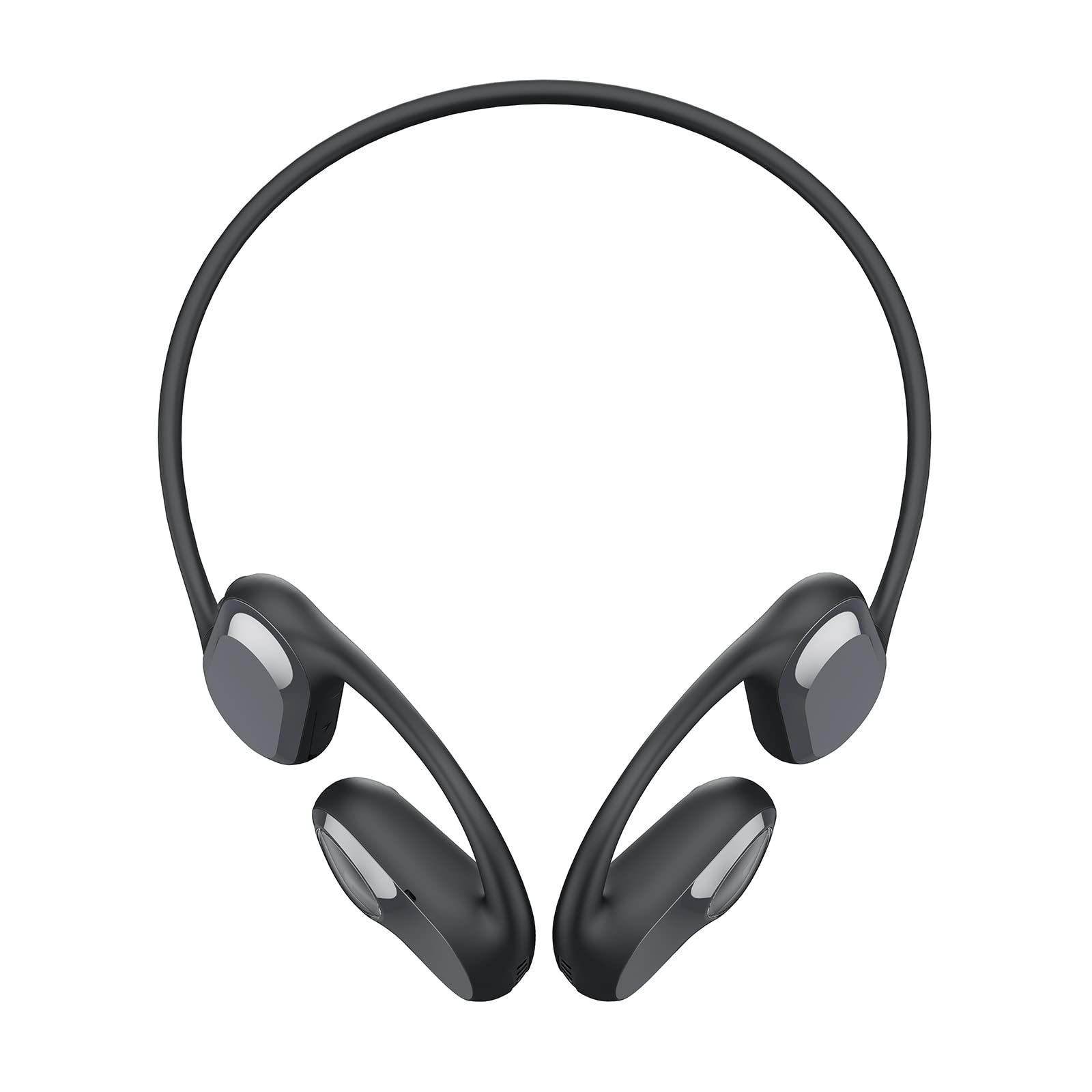
Image: The SOUNDPEATS RunFree headphones, shown with the included USB-C charging cable. The headphones feature an open-ear design with ear hooks.
Diagramma del prodotto
Familiarize yourself with the components of your SOUNDPEATS RunFree headphones.

Image: A diagram illustrating the key components of the RunFree headphones, including the ear hook, speaker unit, multi-function button, volume buttons, and charging port.
- Unità altoparlante: Fornisce audio.
- Gancio per l'orecchio: Secures the headphones over the ear.
- Pulsante multifunzione (MFB): Controlla l'alimentazione, la riproduzione, le chiamate e l'assistente vocale.
- Pulsante di aumento del volume (+): Increases volume, skips track forward.
- Pulsante volume giù (-): Decreases volume, skips track backward.
- Porta di ricarica USB-C: Per caricare le cuffie.
- Indicatore LED: Mostra lo stato di alimentazione e di associazione.
- Microfono: Per chiamate e comandi vocali.
Impostare
1. Ricarica
Before first use, fully charge the headphones. The headphones have a built-in rechargeable battery.
- Connect the USB-C charging cable to the charging port on the headphones and to a USB power adapter (not included) or a computer's USB port.
- L'indicatore LED diventerà rosso durante la ricarica e blu quando la carica sarà completa.
- Una carica completa richiede in genere circa 1.5 ore.

Image: The RunFree headphones with a USB-C cable inserted into the charging port, indicating the charging process.
2. Abbinamento
Abbinamento iniziale:
- Assicurati che le cuffie siano cariche.
- Press and hold the Multi-function Button (MFB) for 3 seconds to power on the headphones. The LED indicator will flash red and blue alternately, indicating pairing mode.
- Activate Bluetooth on your device (smartphone, tablet, etc.) and search for "SOUNDPEATS RunFree" in the list of available devices.
- Select "SOUNDPEATS RunFree" to connect. Once connected, the LED indicator will turn blue.
Connessione multipunto:
The RunFree headphones support connecting to two devices simultaneously.
- Associare le cuffie al primo dispositivo come descritto sopra.
- After successful connection, disable Bluetooth on the first device. The headphones will re-enter pairing mode (LED flashes red and blue).
- Associa le cuffie al secondo dispositivo.
- Riattiva il Bluetooth sul primo dispositivo. Le cuffie dovrebbero connettersi automaticamente a entrambi i dispositivi.
- To switch between devices, pause audio on the currently playing device and start playback on the other.
Istruzioni per l'uso
| Funzione | Operazione |
|---|---|
| Accendere | Tenere premuto MFB per 3 secondi. |
| Spegnimento | Press and hold MFB for 3 seconds (when powered on). |
| Riproduci/Pausa | Premere una sola volta il tasto MFB. |
| Alza il volume | Single press Volume Up (+) button. |
| Abbassa il volume | Single press Volume Down (-) button. |
| Traccia successiva | Press and hold Volume Up (+) button for 1.5 seconds. |
| Traccia precedente | Press and hold Volume Down (-) button for 1.5 seconds. |
| Rispondi/Termina chiamata | Premere una sola volta il tasto MFB. |
| Rifiuta chiamata | Tenere premuto MFB per 1.5 secondi. |
| Attiva l'Assistente Vocale | Premi tripla MFB. |
| Modalità gioco attivata/disattivata | Premere due volte MFB. |

Image: An illustration highlighting the location of the Multi-function Button (MFB), Volume Up (+), and Volume Down (-) buttons on the RunFree headphones.
Manutenzione
Una corretta manutenzione garantisce la longevità e le prestazioni ottimali delle cuffie.
- Pulizia: Regularly wipe the headphones with a soft, dry, lint-free cloth. Do not use harsh chemicals or abrasive materials.
- Anti-sudore: The headphones are sweatproof, making them suitable for workouts. After intense exercise, wipe off any sweat before charging or storing.
- Magazzinaggio: Conservare le cuffie in un luogo fresco e asciutto, lontano dalla luce solare diretta e da temperature estreme.
- Porta di ricarica: Mantenere la porta di ricarica USB-C pulita e libera da detriti.
Risoluzione dei problemi
Se riscontri problemi con le cuffie, consulta i seguenti problemi comuni e le relative soluzioni.
| Problema | Soluzione |
|---|---|
| Le cuffie non si accendono. | Assicurarsi che le cuffie siano completamente cariche. |
| Impossibile associare il dispositivo. |
|
| Nessun suono o suono intermittente. |
|
| Il microfono non funziona. |
|
Specifiche
| Caratteristica | Dettaglio |
|---|---|
| Marca | SoundPEATS |
| Modello | Corri libero |
| Tipo di cuffia | Orecchio aperto |
| Connettività | Senza fili (Bluetooth 5.3) |
| Dimensioni del conducente | 16.2mm |
| Tempo di riproduzione | Fino a 14 ore |
| Caratteristiche speciali | Sweatproof, Multipoint Connection, Game Mode |
Garanzia e supporto
SOUNDPEATS products are covered by a warranty. For detailed warranty information, please refer to the warranty card included with your purchase or visit the official SOUNDPEATS websito.
If you require further assistance or have questions not covered in this manual, please contact SOUNDPEATS customer support through their official websito o il rivenditore presso cui hai acquistato il prodotto.
Ufficiale Websito: www.soundpeats.com