
1. Introduzione
Grazie per l'acquistoasing the HATUSOKU Digital Thermometer Hygrometer. This device is designed to provide accurate indoor temperature and humidity readings, along with a comfort level indicator, to help you maintain an optimal environment. Please read this manual thoroughly before use and keep it for future reference.
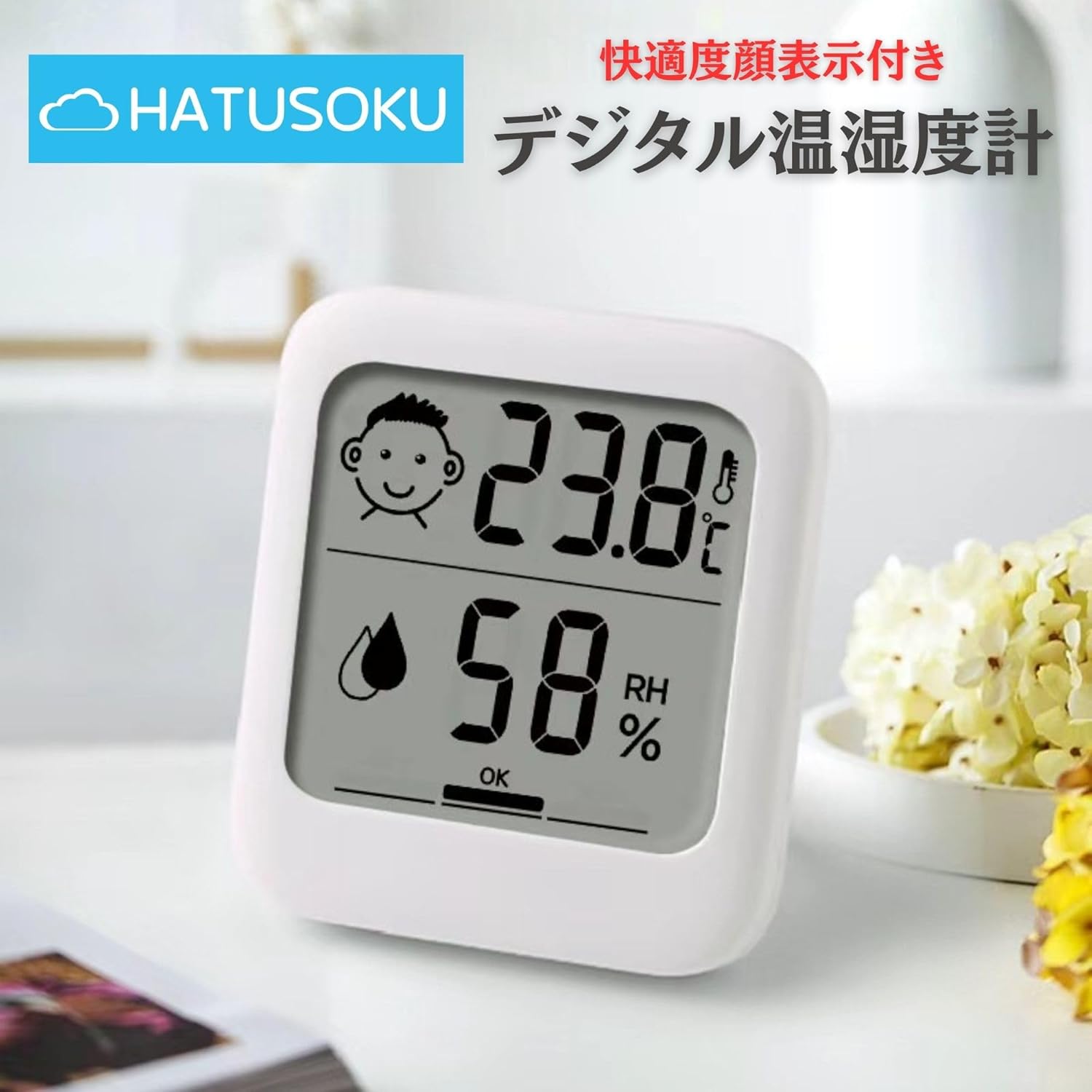
Immagine: Frontale view of the HATUSOKU Digital Thermometer Hygrometer showing temperature and humidity readings with a comfort level icon.
Video: Questo video fornisce una panoramica generaleview of the HATUSOKU Indoor Thermometer Hygrometer, showcasing il suo design e le sue funzioni primarie.
2. Caratteristiche del prodotto
- Clear and Simple Display: Compact design with an easy-to-read layout for temperature and humidity. The white color blends with any interior.
- Indicatore del livello di comfort: Features a convenient comfort level display that changes facial expressions based on temperature, alerting users to potentially uncomfortable conditions. Humidity levels are also indicated.
- Easy-to-Find AAA Battery Operation: Operates on a single AAA battery, which is more readily available than button cell batteries, simplifying battery replacement.
- Versatile 3-Way Placement: Offers three installation methods: magnetic attachment, tabletop stand, and hanging via a hook hole, allowing flexible placement in various locations.
- Dimensioni compatte: Measures approximately 68mm x 77mm x 15mm and weighs 53 grams, making it palm-sized and suitable for small spaces.

Image: The HATUSOKU Digital Thermometer Hygrometer held in a hand, illustrating its compact and palm-sized dimensions (6.8 x 7.7 cm).
3. Contenuto della confezione
Il pacchetto include i seguenti articoli:
- HATUSOKU Digital Thermometer Hygrometer (Model: HSK-2212-01)
- Manuale di istruzioni (questo documento)
- 1 x AAA Battery (for initial operation check)
4. Impostazione
4.1. Installazione della batteria
To power on your device, install the included AAA battery:
- Individuare il coperchio del vano batterie sul retro dell'unità.
- Per aprire il vano, far scorrere il coperchio verso il basso.
- Insert one AAA battery, ensuring the correct polarity (+ and - terminals).
- Chiudere il coperchio del vano batteria facendolo scorrere verso l'alto finché non scatta in posizione.

Immagine: Posteriore view of the device, highlighting the battery compartment, foldable stand, magnetic strips, and hanging hook hole.
Video: This video demonstrates the correct method for installing the battery into the digital thermometer hygrometer.
After battery installation, the device will power on automatically and display the current temperature and humidity. Allow 2-3 hours for the readings to stabilize and adapt to the environment where the device is placed.
5. Istruzioni per l'uso
5.1. Visualizzazione finitaview
L'ampio schermo LCD visualizza le seguenti informazioni:
- Temperatura: Shown in Celsius (°C) or Fahrenheit (°F).
- Umidità: Indicato come percentualetage (UR%).
- Indicatore del livello di comfort: A facial icon that changes based on the temperature and humidity conditions.
Image: Front display showing temperature, humidity, and the comfort level icon.
5.2. Indicatore del livello di comfort
The device features a comfort level indicator to quickly assess the indoor environment:
- Happy Face (OK): Indicates comfortable conditions.
- Neutral Face (DRY): Indicates dry conditions.
- Sad Face (WET): Indicates wet/humid conditions.

Image: A visual guide explaining how the facial icon changes based on temperature and humidity levels, indicating dry, comfortable, or wet conditions.
5.3. Interruttore unità di temperatura (°C/°F)
To switch between Celsius (°C) and Fahrenheit (°F), locate the °C/°F switch on the back of the unit and slide it to your desired unit.
5.4. Maximum/Minimum Record
The device records the maximum and minimum temperature and humidity values over a period. To view these records, press the "MAX/MIN" button on the back of the unit. Pressing it repeatedly will cycle through MAX temperature, MIN temperature, MAX humidity, and MIN humidity.
6. Opzioni di posizionamento
The HATUSOKU Digital Thermometer Hygrometer offers three versatile placement options:
- Supporto da tavolo: Extend the integrated stand on the back of the unit to place it upright on any flat surface, such as a desk, shelf, or bedside table.
- Attacco magnetico: The unit features built-in magnets on the back, allowing it to be securely attached to metallic surfaces like refrigerators or magnetic boards.
- Hanging Hook Hole: Utilize the hook hole at the top of the back panel to hang the device on a nail or hook on a wall.

Image: Illustration of the three placement methods: using the stand, magnetic attachment, and hanging from a hook.

Image: The compact device positioned on a desk, demonstrating its suitability for tabletop use.
The device is suitable for various environments, including baby rooms, living rooms, wine cellars, and greenhouses, helping to monitor conditions for optimal comfort and preservation.
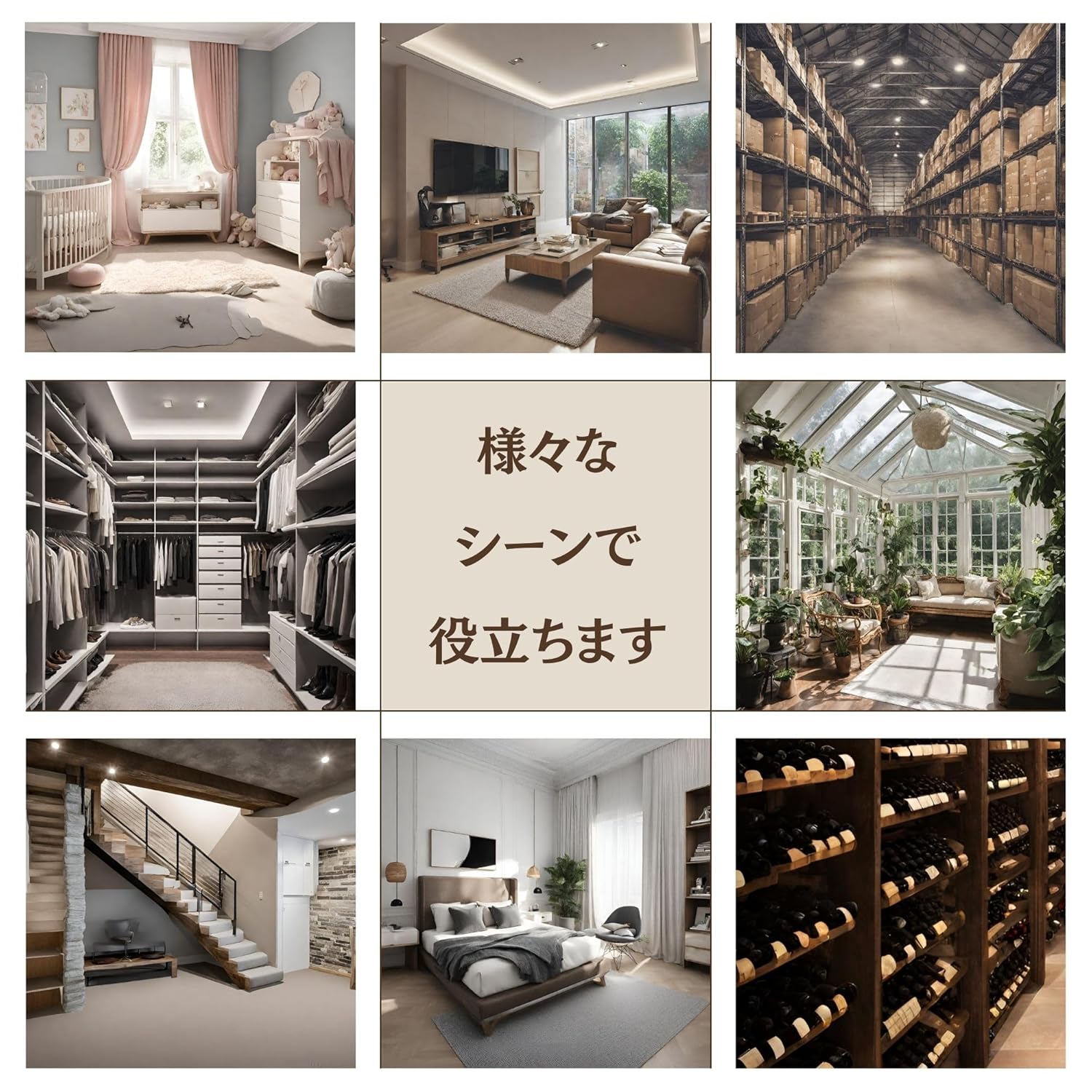
Image: A collage showing the thermometer hygrometer in different settings like a baby room, living room, and wine cellar, illustrating its wide range of applications.
7. Manutenzione
- Pulizia: Pulire il dispositivo con un panno morbido e asciutto. Non utilizzare detergenti abrasivi né immergere il dispositivo in acqua.
- Sostituzione della batteria: When the display becomes dim or the device stops functioning, replace the AAA battery as described in the "Battery Installation" section.
- Magazzinaggio: If storing the device for an extended period, remove the battery to prevent leakage. Store in a cool, dry place.
8. Risoluzione Dei Problemi
- Nessun display o display scuro:
- Controllare che la batteria sia installata correttamente, rispettando la polarità corretta.
- Sostituisci la batteria con una nuova batteria AAA.
- Letture imprecise:
- Assicurarsi che il dispositivo sia posizionato lontano dalla luce solare diretta, da fonti di calore o da prese d'aria che potrebbero influenzare le letture.
- Allow 2-3 hours for the device to stabilize in a new environment.
- Evitare di posizionare il dispositivo vicino a fonti di elevata umidità (ad esempio umidificatori, specchi d'acqua).
- Comfort Level Icon Not Changing:
- Verify that temperature and humidity readings are within the specified ranges for icon changes (refer to the Comfort Level Indicator section).
9. Specifiche
| Caratteristica | Dettaglio |
|---|---|
| Marca | HATUSOKU |
| Numero di modello | HSK-2212-01 |
| Dimensioni del prodotto | 6.8 x 6.8 x 7.7 cm (2.68 x 2.68 x 3.03 pollici) |
| Peso dell'articolo | 53 g (1.87 once) |
| Colore | Bianco |
| Stile | Simple, No Clock |
| Materiale | Plastica |
| Voltage | 4.5 Volt |
| Intervallo di temperatura | -20°C a 70°C (-4°F a 158°F) |
| Precisione della temperatura | ±1.0°C (10°C to 40°C), ±2.0°C (other temperature ranges) |
| Umidità ambiente | 25% al 85% di umidità relativa |
| Precisione dell'umidità | ±5% (35% to 75% RH), ±10% (other humidity ranges) |
| Intervallo di misurazione | 10 secondi |
| Stile di visualizzazione | Digitale |
| Fonte di alimentazione | 1 x AAA Battery (included for operation check) |
10. Garanzia e supporto
This HATUSOKU product comes with a Garanzia del produttore di 1 anni from the date of purchase. If you encounter any issues or have questions regarding your device, please contact HATUSOKU customer support through the retailer where you purchased the product. Please retain your proof of purchase for warranty claims.