
1. Introduzione
This manual provides instructions for the safe and proper installation and use of the WirelessFinest 300-10186 replacement battery for ADT Command Smart Security Panels and Honeywell ADT 2X16 AIO Home Security System Keypads. Please read all instructions carefully before proceeding with installation.

Image 1.1: WirelessFinest 300-10186 replacement battery, compatible with ADT security panels, shown with an included screwdriver for installation.
2. Compatibilità
It is crucial to verify your system's compatibility before installing this replacement battery. This battery is designed specifically for certain ADT Command Smart Security Panels and Honeywell ADT 2X16 AIO Home Security System Keypads. It is a main system backup battery replacement, not a sensor battery.
- Compatible ADT Security Panel Models:
- ADT Command 5" Touchscreen Panels: ADT5AIO-1, ADT5AIO-2, ADT5AIO-3
- ADT Command 7" Touchscreen Panel: ADT7AIO-1
- Honeywell ADT 2X16 AIO Panels: ADT2X16AIO-1, ADT2X16AIO-2
- Original Battery Part Number: This replacement battery is compatible with original battery part number 300-10186.
- Tipo di connettore: Ensure your original battery has a 3-pin connector.
- Funzione della batteria: This battery replaces the main system backup battery. If your system alert indicates "SYSTEM LO BAT" or shows no zone number, this is the correct replacement. If the alert includes a zone number, it indicates a specific wireless sensor battery, which this product is not designed to replace.

Image 2.1: Visual guide for checking system and battery compatibility, highlighting specific ADT and Honeywell models.

Image 2.2: Verification of the 3-pin connector and original battery model number 300-10186.
3. Informazioni sulla sicurezza
This battery is designed with multiple circuit protections to ensure stability and safety during operation. However, proper handling and installation are essential.
- Certificazioni: The product is CE, FCC, PSE, and RoHS safety certified.
- Protezioni integrate: Includes over-charge, over-discharge, over-voltage protezione da sovracorrente e surriscaldamento.
- Attenzione: Rischio di esplosione se la batteria viene sostituita con un tipo non corretto.
- Disposizione: Dispose of used batteries according to local regulations and instructions.
- Avvertimento: Non smontare, cortocircuitare o smaltire la batteria nel fuoco.

Immagine 3.1: Passoview of the battery's reliable and safe performance features.
4. Guida all'installazione
This replacement battery features a built-in connector for a straightforward, do-it-yourself installation. No soldering is required.
- Step 1: Remove the Phillips Head Screw
Locate and remove the Phillips head screw at the bottom center of your ADT security panel. - Step 2: Slide Up the Face Panel
Gently slide the outside face panel of the security system upwards to remove it. - Step 3: Secure the Front Panel
Use the built-in strap on the panel to hold the front panel in place by inserting it into the available hook. This prevents the panel from falling during battery replacement. - Step 4: Replace the Battery
Remove any screws securing the battery cover. Unplug the old battery's connector, carefully remove the old battery, and then insert the new WirelessFinest battery. Connect the new battery using its built-in connector. Ensure the connection is secure.

Image 4.1: Step-by-step installation guide for the replacement battery.
5. Istruzioni per l'uso
After installing the new battery, it is essential to allow sufficient time for it to charge fully.
- Carica iniziale: Once installed, allow the battery to charge within the security system keypad for a minimum of 24 hours. For optimal performance and to clear any low battery alerts, a charging period of up to 48 hours may be necessary.
- Funzionamento normale: The security panel will automatically manage the battery's charging and discharging cycles.
6. Manutenzione
The WirelessFinest 300-10186 battery is designed for long-lasting performance and requires minimal maintenance.
- Controlli regolari: Periodically check your security panel for any low battery alerts. The lifespan of a battery can vary based on usage and environmental factors.
- Pulizia: Keep the battery compartment clean and free of dust or debris.
- Magazzinaggio: If storing the battery for an extended period, ensure it is partially charged (around 50%) and stored in a cool, dry place away from direct sunlight and extreme temperatures.
7. Risoluzione Dei Problemi
If you encounter issues after installing the replacement battery, consider the following:
- Battery Not Charging / Low Battery Alert Persists:
- Ensure the battery connector is fully and correctly seated in the security panel's port.
- Verify that the battery has been allowed sufficient time (24-48 hours) to charge after installation.
- Confirm that the security panel itself is receiving power.
- Battery Does Not Fit:
- Double-check the compatibility section (Section 2) to ensure your security panel model and original battery part number match the specifications.
- Ensure the original battery had a 3-pin connector.
- System Malfunction After Installation:
- Re-verify all connections.
- If issues persist, contact customer support or a qualified technician.
8. Specifiche
| Caratteristica | Specificazione |
|---|---|
| Marca | WirelessFinest |
| Numero di modello | 300-10186 |
| Tipo di batteria | Ioni di litio |
| Volume Nominaletage | 3.6 Volt |
| Volume di caricatage | 4.2 Volt |
| Energy / Capacity | 28 Watt-hours / 7800 mAh |
| Dimensioni (L x P x A) | 3 x 2 x 0.5 pollici |
| Peso dell'articolo | 5.6 once |
| Tipo di connettore | Built-in 3-pin connector |
| Certificazioni | CE, FCC, PSE, RoHS |
| Codice UPC | 850049440158 |
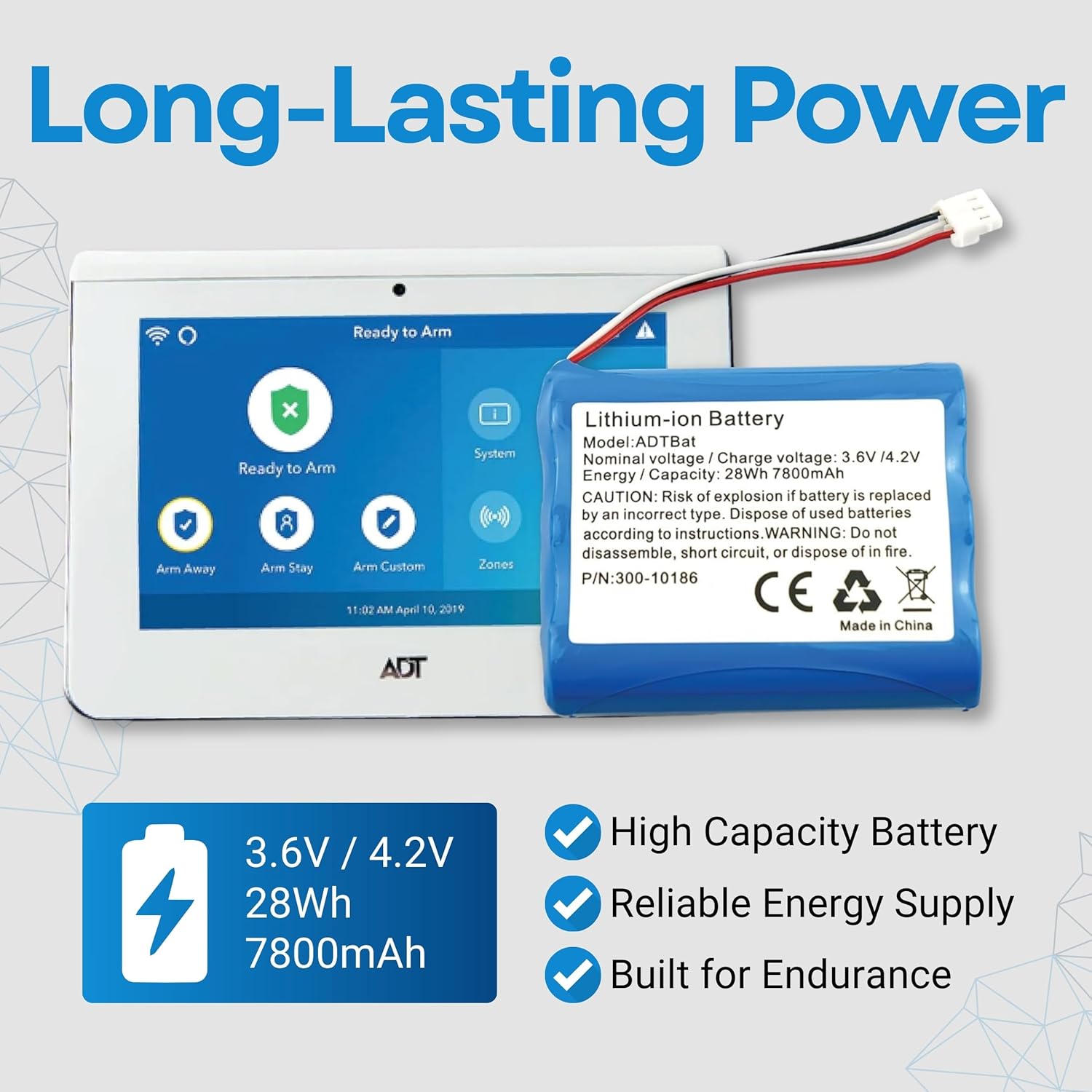
Image 8.1: Key specifications and features of the WirelessFinest 300-10186 battery.
9. Garanzia e supporto
WirelessFinest stands behind the quality of its products.
- Garanzia: This product comes with a 120-day money-back guarantee or a 12-month free replacement warranty.
- Assistenza clienti: For any questions, concerns, or warranty claims, please refer to the contact information provided with your purchase or visit the WirelessFinest store on Amazon.