
1. Prodotto finitoview
The Yomile 2-in-1 Cordless Air Duster with Mini Car Vacuum is a versatile cleaning tool designed for both blowing and suction tasks. It is ideal for removing dust, debris, and small particles from hard-to-reach areas in various environments, including offices, homes, and vehicles. Its compact and portable design ensures convenience and efficiency in your cleaning routine.

Figure 1: Yomile 2-in-1 Cordless Air Duster and Mini Car Vacuum with included accessories.
This device features a powerful motor capable of reaching up to 150,000 RPM for blowing and providing up to 15,000 PA of suction. It is powered by a built-in 9000mAh battery, offering extended operating time and quick recharging via USB-C.
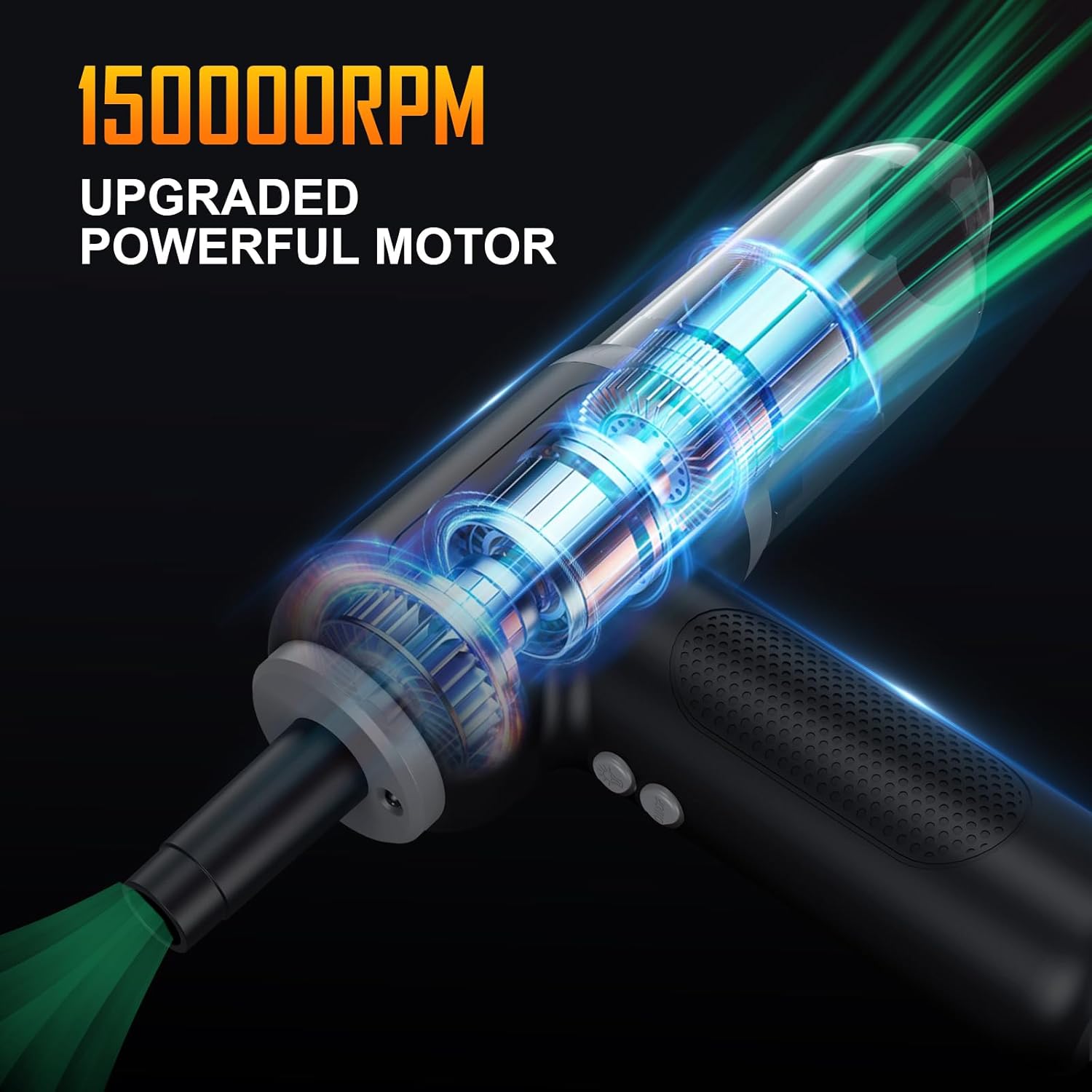
Figure 2: Illustration of the powerful 150,000 RPM motor.
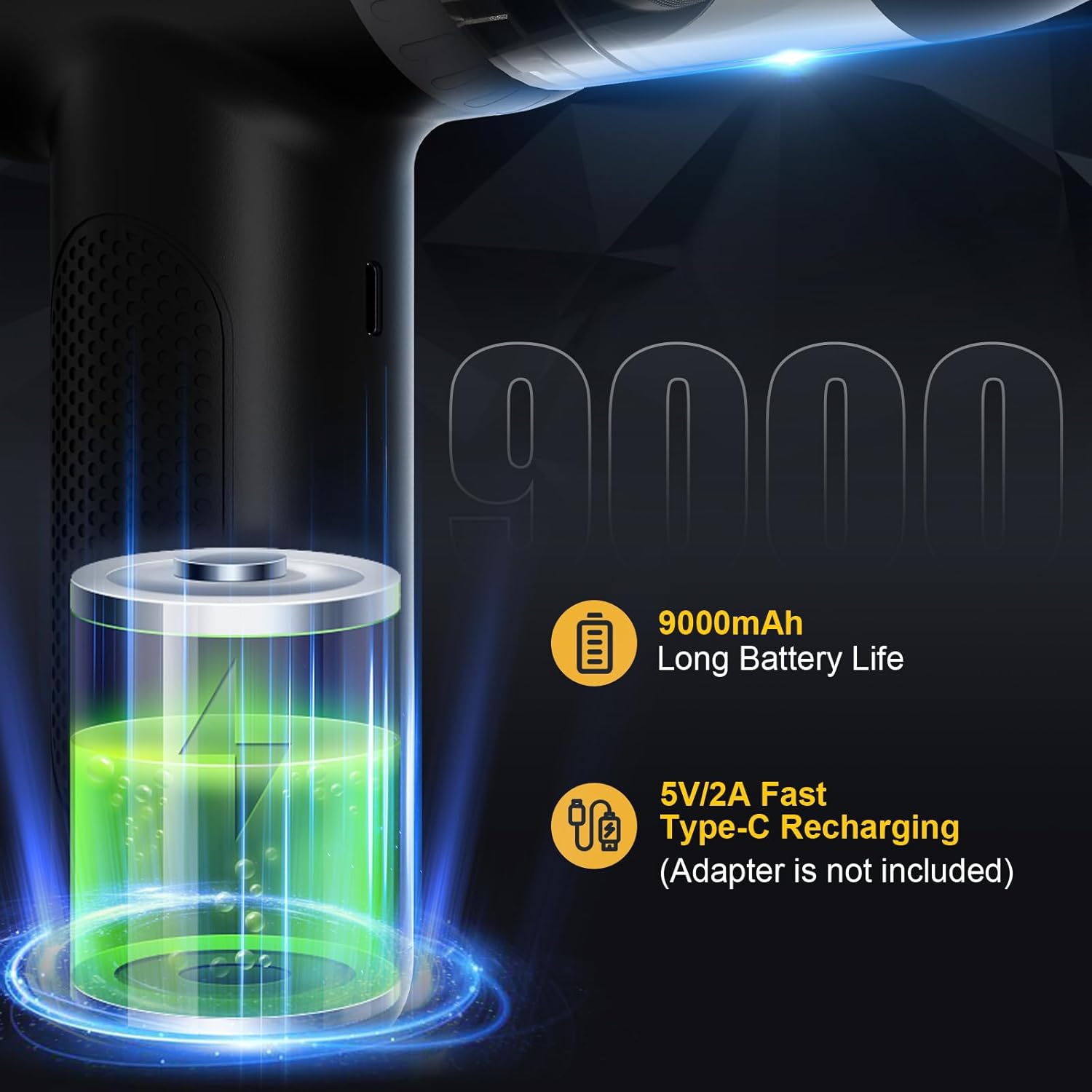
Figura 3: Specifiche della batteria e dettagli di ricarica.
2. Componenti del prodotto
The Yomile 2-in-1 Air Duster and Mini Car Vacuum comes with several components to enhance its versatility:
- Unità principale: The core device housing the motor, battery, and controls.
- Various Nozzles: Includes a vacuum nozzle, air duster nozzles (e.g., long flat nozzle, pointed nozzle), and brush attachments for different cleaning needs.
- Contenitore per la raccolta della polvere: A transparent bin for collecting debris during vacuuming, with a removable filter.
- Cavo di ricarica USB-C: Per ricaricare la batteria interna del dispositivo.
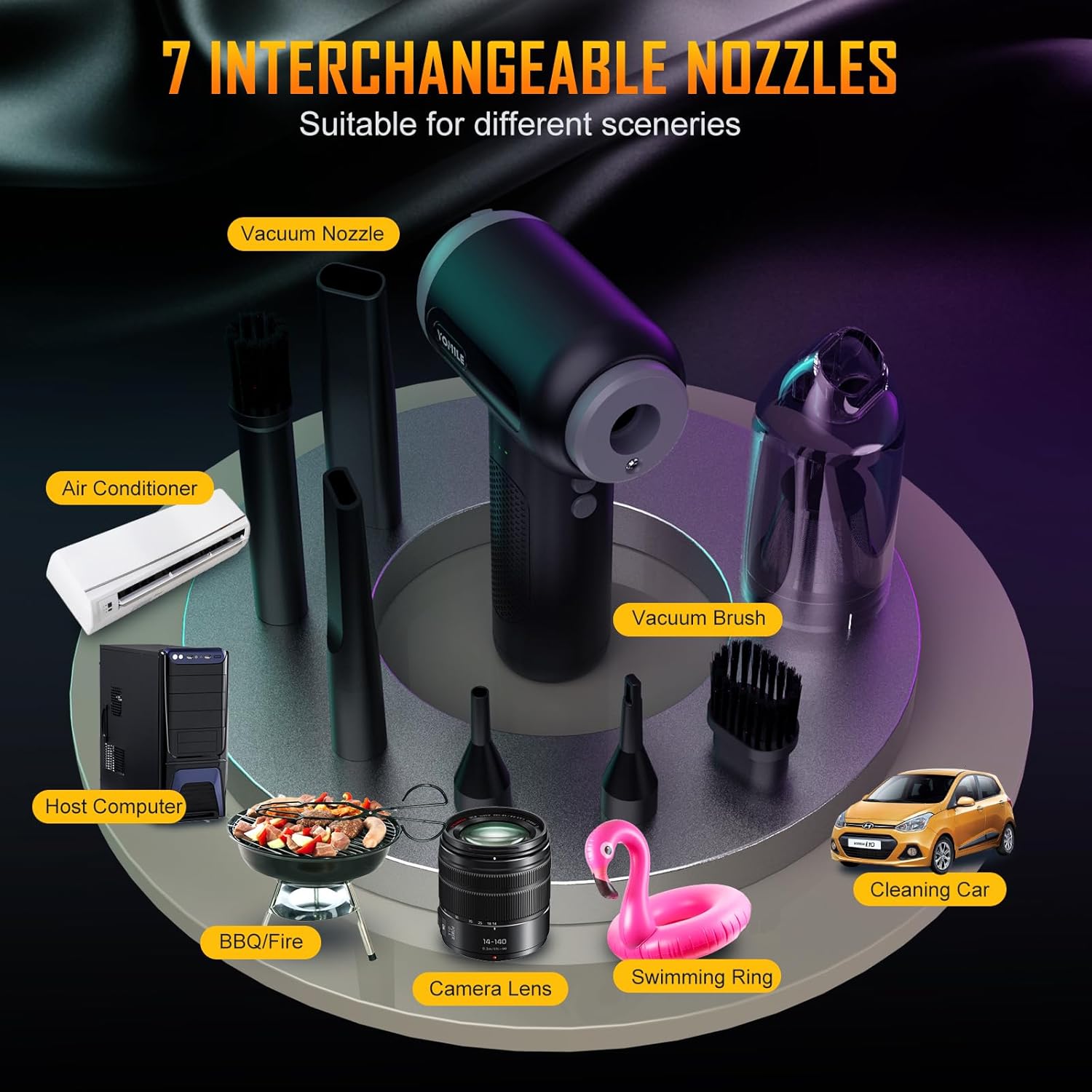
Figura 4: Oltreview of the 7 interchangeable nozzles.
3. Istruzioni per l'installazione
- Ricarica: Before first use, fully charge the device using the provided USB-C cable. The battery indicator lights will show charging progress.
- Collegamento degli ugelli: Select the appropriate nozzle for your cleaning task. For blowing, firmly attach the desired air duster nozzle to the front outlet. For vacuuming, attach the dust collection bin to the rear inlet, then attach the vacuum nozzle to the bin.
4. Istruzioni per l'uso
- Accensione/spegnimento: Press and hold the power button (usually labeled ON/OFF) for a few seconds to turn the device on or off.
- Adjusting Air Speed (Blowing Mode): The device features 3 adjustable wind speeds. Short press the power button to cycle through the speed settings (1st Gear: 90,000 RPM, 2nd Gear: 120,000 RPM, 3rd Gear: 150,000 RPM).
- Modalità di commutazione: The device automatically switches between blowing and vacuuming based on the attached accessory and the direction of airflow. Ensure the correct attachment is in place for the desired function.
- Utilizzando la luce LED: Some models include an integrated LED light for illuminating dark areas. Activate it by pressing the light button (usually labeled with a light bulb icon).

Figure 5: Air speed settings.

Figura 6: Esample of using the air duster for deep cleaning a computer.

Figure 7: Diverse applications of the Yomile 2-in-1 device.

Figure 8: Using the 15Kpa mini vacuum cleaner for car interiors.
5. Manutenzione
- Svuotamento del contenitore della polvere: Regularly empty the dust collection bin when it appears full or suction power decreases. Twist to detach the bin, discard collected debris, and reattach.
- Filtro di pulizia: The filter inside the dust bin should be cleaned periodically. Remove the filter, tap out dust, and if necessary, rinse with water. Ensure the filter is completely dry before reinserting.
- Pulizia degli ugelli: Wipe down nozzles and attachments with a damp panno secondo necessità.
- Magazzinaggio: Store the device and its accessories in a cool, dry place away from direct sunlight and extreme temperatures.
6. Risoluzione Dei Problemi
- Dispositivo non si accende: Assicurati che il dispositivo sia completamente carico. Se la batteria è scarica, collegalo a una fonte di alimentazione tramite il cavo USB-C.
- Low Airflow/Suction: Check if the dust collection bin is full and needs emptying. Inspect the filter for clogs and clean it if necessary. Ensure all nozzles and attachments are securely connected.
- Rumore insolito: Discontinue use immediately. Check for any foreign objects lodged in the fan or nozzle. If the issue persists, contact customer support.
7. Specifiche
| Caratteristica | Specificazione |
|---|---|
| Marca | Yomile |
| Numero di modello | AD001 (2 IN 1) |
| Max Rotating Speed (Blowing) | 150,000 giri al minuto |
| Suction Power (Vacuum) | Fino a 15,000 PA |
| Capacità della batteria | 9000mAh agli ioni di litio |
| Tempo di ricarica | 3-4 ore (tramite USB-C) |
| Tempo di esecuzione continuo | Fino a 40 minuti |
| Dimensioni del prodotto | 3.9 x 3.9 x 6.3 pollici |
| Peso dell'articolo | 1.1 libbre |
| Colore | Nero |
8. Garanzia e supporto
Yomile is committed to providing high-quality products and excellent customer service. Your Yomile 2-in-1 Cordless Air Duster & Mini Car Vacuum comes with:
- 24 Months After-Sale Service: Enjoy peace of mind with our extended after-sales support.
- 7x24 Customer Support: Our dedicated customer support team is available around the clock to assist you with any inquiries or issues.

Figure 9: Yomile customer support information.
For any questions, technical assistance, or warranty claims, please contact our customer support team via the contact information provided on the product packaging or our official websito.