
1. Introduzione
This manual provides detailed instructions for the Apera Instruments GroStar Series GS3 EC/ppm Pen Tester Kit (AI103G). This lab-grade conductivity meter is designed for accurate measurement of EC (Electrical Conductivity), 500ppm, and 700ppm, along with temperature, making it suitable for hydroponics and general water quality testing. The device features a replaceable titanium conductivity sensor and a user-friendly interface.
2. Prodotto finitoview
The GroStar Series GS3 EC/ppm Pen Tester is engineered for reliability and ease of use. Key features include:
- Measures conductivity (EC), 500ppm, 700ppm, and temperature.
- Replaceable titanium sensor for high accuracy in the 0 to 10 EC range.
- Backlit HD screen for clear readings.
- Grower-friendly calibration workflow with a calibration reminder function.

Figure 1: Apera Instruments GroStar Series GS3 EC/ppm Pen Tester.
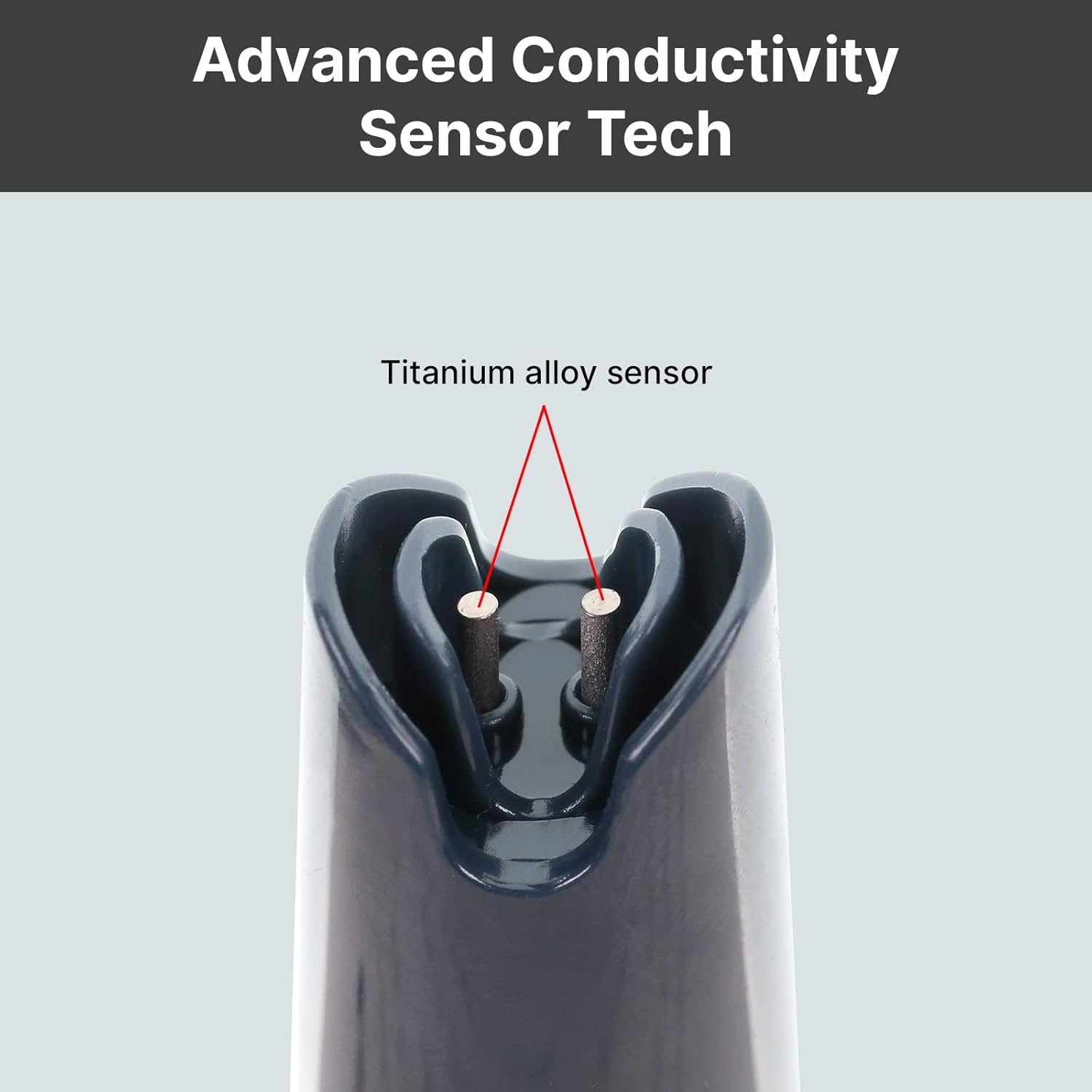
Figura 2: primo piano view of the durable titanium alloy sensor for conductivity measurements.
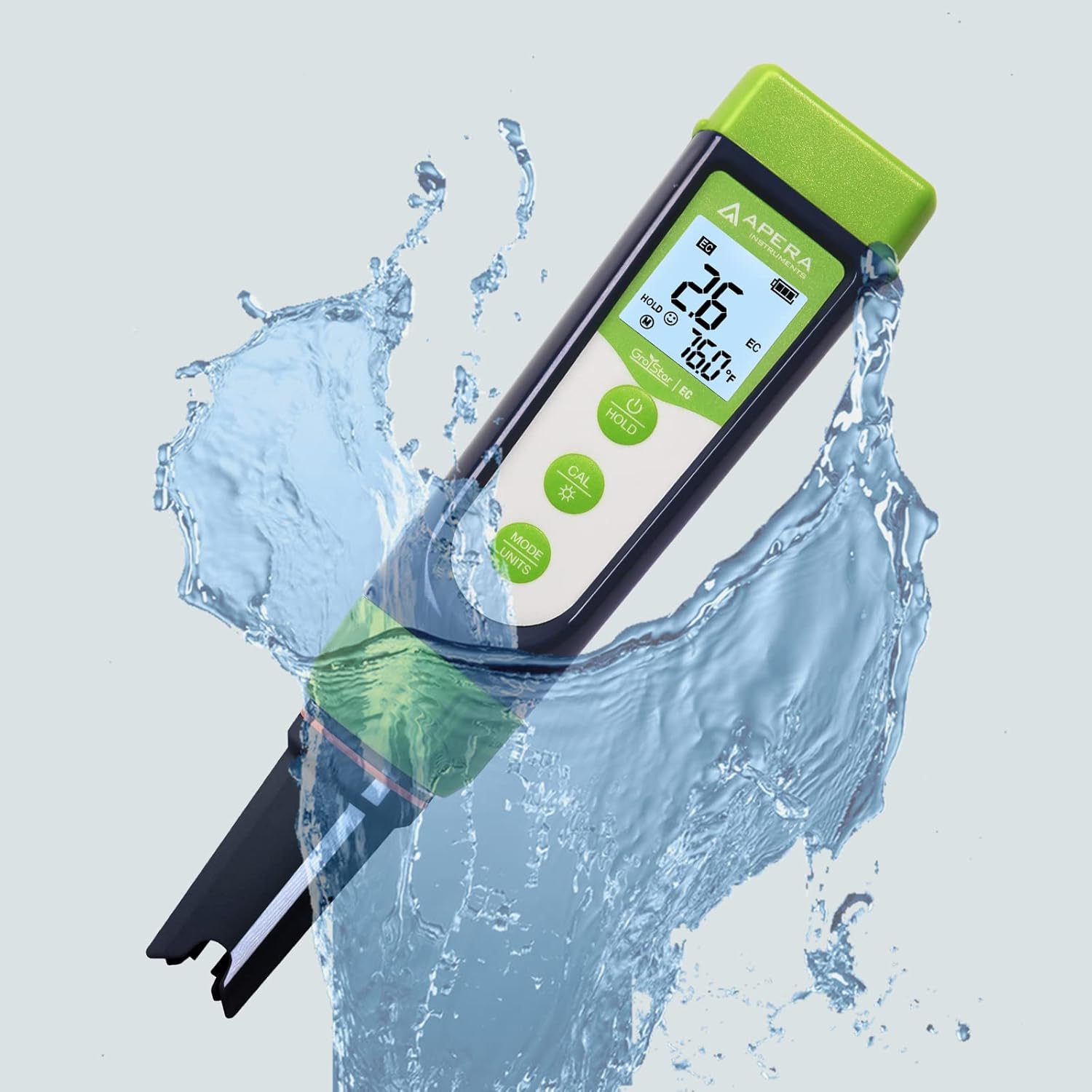
Figure 3: The GroStar GS3 Pen Tester demonstrating its water resistance during use.
3. Impostazione
Before first use, ensure all components are present and the device is ready for operation.
3.1 Cosa c'è nella scatola
- Apera Instruments GroStar Series GS3 EC/ppm Pen Tester (Gen II)
- 2.77 EC Calibration Solution
- cordino
- 4 batterie AAA (preinstallate o incluse separatamente)

Figure 4: The complete kit contents, including the tester, calibration solution, and lanyard.
3.2 Installazione della batteria
The device requires 4 AAA batteries. If not pre-installed, open the battery compartment located at the top of the tester, insert the batteries according to the polarity indicators, and securely close the compartment.
3.3 Preparazione iniziale
- Rimuovere il cappuccio protettivo dal sensore.
- Rinse the sensor with distilled or deionized water.
- Gently shake off excess water.
4. Istruzioni per l'uso
4.1 Accensione/spegnimento
Premere il tasto ENERGIA pulsante per accendere o spegnere il tester.
4.2 Esecuzione di una misurazione
- Ensure the tester is clean and calibrated.
- Immergere il sensore nella sampla soluzione, assicurandosi che il sensore sia completamente immerso.
- Stir gently and wait for the reading to stabilize on the display.
- The display will show EC/ppm and temperature readings.
4.3 Switching Measurement Modes (EC/ppm)
Premere il tasto MODE/UNITS button to cycle through EC, 500ppm, and 700ppm measurement modes.

Figure 5: The tester's display cycling through different measurement units.
4.4 Funzione di attesa
Premere il tasto PRESA pulsante per congelare la lettura corrente sul display. Premere di nuovo per rilasciare.
4.5 TruRead Display
The TruRead display provides MAX, AVG, and MIN readings, offering a comprehensive view delle tue misurazioni.

Figure 6: The TruRead display feature, showing maximum, average, and minimum recorded values.
5. Calibrazione
Regular calibration ensures accurate measurements. The GS3 features a grower-friendly calibration workflow and a reminder function.
5.1 Processo di calibrazione
- Accendi il tester.
- Premere il tasto CAL pulsante per accedere alla modalità di calibrazione.
- Immerse the sensor into the 2.77 EC calibration solution.
- The tester will automatically recognize the solution and calibrate. Wait for the stable reading and confirmation.
- Rinse the sensor with distilled water after calibration.

Figure 7: Visual representation of the tester's display in measurement, calibration, and error states.
5.2 Calibration Reminder
The tester will automatically remind you when recalibration is due, ensuring consistent accuracy.
6. Manutenzione
6.1 Pulizia del sensore
After each use, rinse the sensor thoroughly with distilled or deionized water to prevent residue buildup. Do not scrub the sensor vigorously.
6.2 Conservazione
Always replace the protective cap after use. For long-term storage, ensure the sensor is kept moist. Refer to the product packaging or Apera Instruments website for specific storage solution recommendations if applicable.
6.3 Sostituzione del sensore
The titanium EC sensor is replaceable. If the sensor performance degrades significantly or it becomes damaged, a new sensor can be purchased and easily installed by twisting off the old one and attaching the new one.
7. Risoluzione Dei Problemi
| Problema | Possibile causa | Soluzione |
|---|---|---|
| Letture imprecise | Sensor is dirty or dry; Calibration is outdated or incorrect; Damaged sensor. | Clean the sensor; Recalibrate the tester; Replace the sensor if damaged. |
| Tester does not power on | Batterie scariche; installazione errata delle batterie. | Sostituire le batterie; controllare la polarità delle batterie. |
| "CAL Er" error during calibration | Incorrect calibration solution; Contaminated solution; Sensor issue. | Ensure correct 2.77 EC solution is used; Use fresh calibration solution; Clean or replace sensor. |
8. Specifiche
- Numero modello: AI103G
- Dimensioni del prodotto: 7 x 1.5 x 1.3 pollici
- Peso: 4.69 once
- Fonte di energia: 4 batterie AAA (incluse)
- Tipo di sensore: Replaceable Titanium EC Probe
- Parametri di misurazione: EC, 500ppm, 700ppm, Temperature
- Prima data disponibile: 28 settembre 2022
9. Garanzia e supporto
Apera Instruments products are backed by a manufacturer's warranty. For detailed warranty information, technical support, or to purchase replacement parts, please visit the official Apera Instruments websito o contattare direttamente il servizio clienti. Conservare la ricevuta d'acquisto per eventuali reclami in garanzia.
Produttore: Strumenti dell'Apera


