
Introduzione
This manual provides comprehensive instructions for the Baseus Amblight 30000mAh 65W Power Bank, model PPLG000101. It covers essential information regarding product features, setup, operation, maintenance, and troubleshooting to ensure optimal performance and longevity of your device.
Prodotto finitoview
The Baseus Amblight Power Bank is a high-capacity portable charger designed to power multiple devices simultaneously. Featuring a 30000mAh battery, 65W fast charging capability, and multiple output ports including USB-A and USB-C, it is suitable for charging smartphones, tablets, and even laptops.

Figure 1: The Baseus Amblight Power Bank, showcasing both black and white versions with included USB-C cables.
The power bank is equipped with a digital display that provides real-time information on battery percentage, voltage, and current, allowing for precise monitoring of charging status.

Figura 2: dettagliata view of the large LED screen, displaying charging information such as current battery percentage.
It features multiple input and output ports for versatile charging options.

Figure 3: Illustration of the power bank's multiple ports, indicating 5 output and 3 input capabilities for various devices.
Impostare
Ricarica iniziale del Power Bank
- Before first use, fully charge the power bank. Connect a compatible USB-C charging cable to the power bank's input port and to a wall adapter (not included).
- The LED display will show the charging progress. A full charge is indicated when the display shows 100%.
Collegamento dei dispositivi
- Use appropriate charging cables for your devices. The power bank supports USB-A and USB-C outputs.
- Connect one end of your device's charging cable to an available output port on the power bank and the other end to your device.
- The power bank will automatically begin charging your device. The LED display will show the output status.
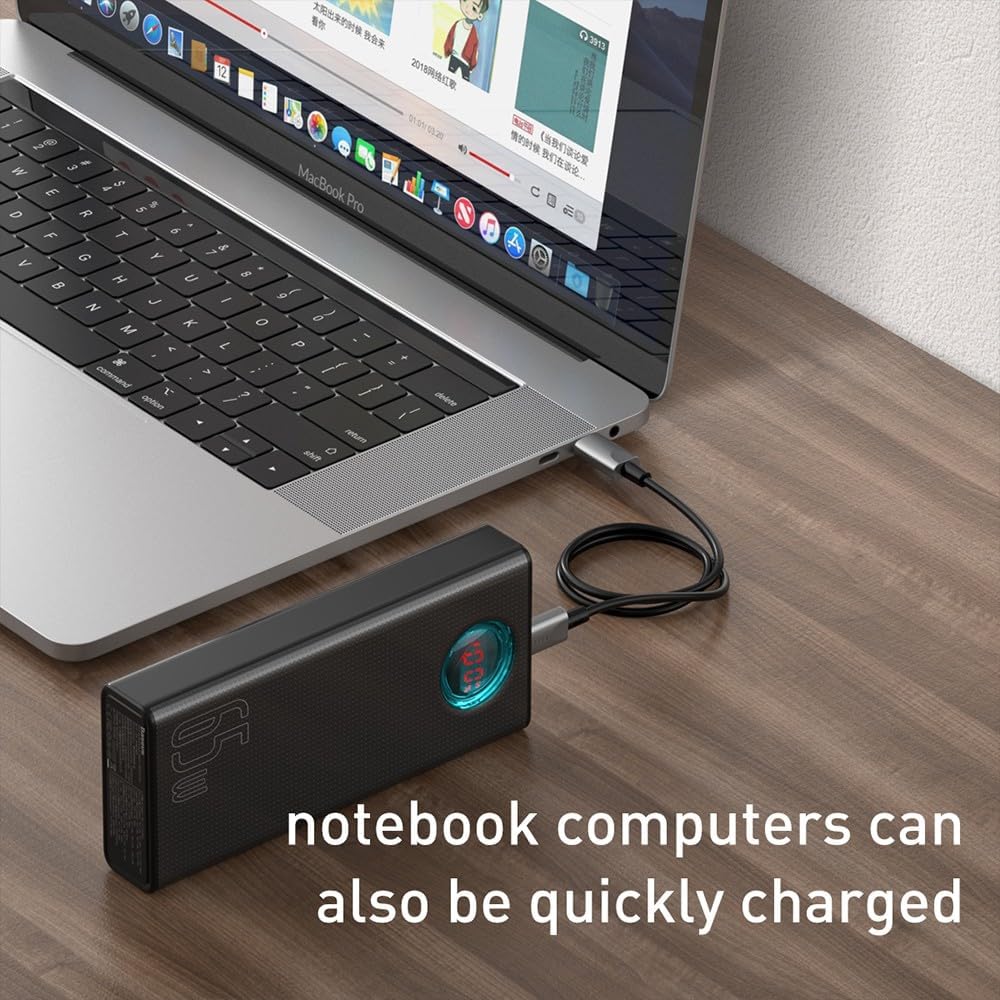
Figure 4: A smartphone being charged by the Baseus Power Bank, demonstrating its ability to quickly charge mobile devices.
Operazione
High Capacity and Multi-Device Charging
The power bank's 30000mAh capacity allows for multiple charges of various devices. For example, it can charge a typical smartphone up to 12 times. The Baseus Amblight Power Bank can also charge multiple devices simultaneously using its various output ports.
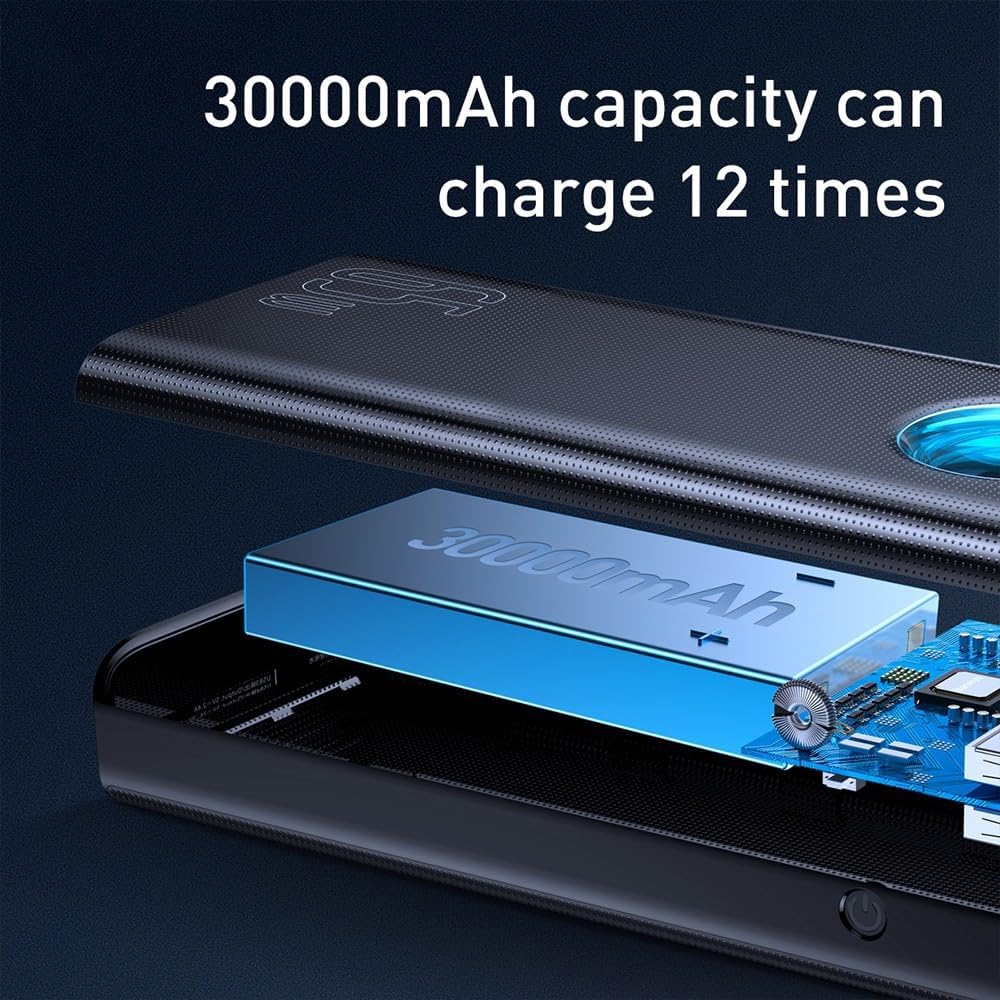
Figure 5: Visual representation of the 30000mAh capacity, illustrating its capability to provide multiple charges for devices.
Elevata potenza in uscita (65 W)
The 65W output capability allows for fast charging of compatible devices, including laptops that support USB-C Power Delivery (PD). Ensure your device and cable support 65W PD for optimal charging speeds.
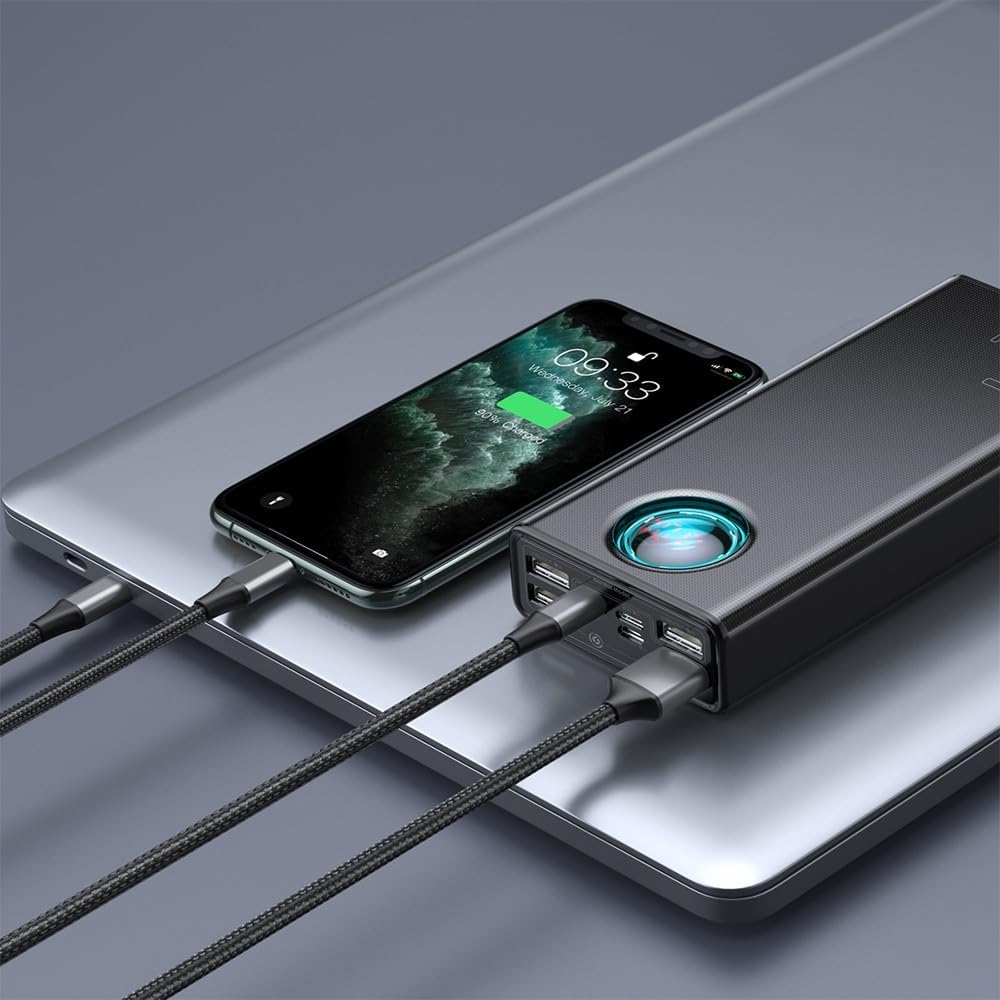
Figure 6: A laptop being charged by the Baseus Power Bank, demonstrating its high-power output suitable for notebooks.

Figure 7: The power bank highlighting its 65W high power output, suitable for demanding devices.
Manutenzione
Cura della batteria
- Per prolungare la durata della batteria, evitare di scaricare completamente il power bank frequentemente. Ricaricarlo quando il livello della batteria è basso.
- Conservare il power bank in un luogo fresco e asciutto, lontano dalla luce solare diretta e da temperature estreme.
- If storing for an extended period, charge the power bank to approximately 50-70% every three months.
Pulizia
- Wipe the exterior of the power bank with a soft, dry cloth.
- Non utilizzare prodotti chimici aggressivi o detergenti abrasivi.
- Assicurarsi che non entri umidità nelle porte.
Risoluzione dei problemi
- Power Bank non in carica:
- Ensure the charging cable and wall adapter are functioning correctly.
- Verify the cable is securely connected to both the power bank's input port and the power source.
- Try a different cable or adapter.
- Dispositivo non in carica tramite power bank:
- Controlla se il power bank ha una carica sufficiente.
- Assicurarsi che il cavo di ricarica che collega il dispositivo al power bank non sia danneggiato e sia collegato saldamente.
- Verifica che il tuo dispositivo sia compatibile con le specifiche di uscita del power bank.
- Prova una porta di uscita diversa sul power bank.
- Ricarica lenta:
- Assicurati che sia il power bank sia il tuo dispositivo supportino i protocolli di ricarica rapida.
- Use a high-quality, compatible charging cable.
- La ricarica simultanea di più dispositivi può ridurre la velocità di ricarica individuale.
- Display LED non funzionante:
- Premere brevemente il pulsante di accensione per attivare il display.
- Se il problema persiste, potrebbe essere necessario riparare il power bank.
Se riscontri problemi non trattati qui, consulta la sezione garanzia e supporto per ulteriore assistenza.
Specifiche
| Caratteristica | Dettaglio |
|---|---|
| Marca | Baseo |
| Numero di modello | PPLG000101 |
| Capacità | 30000mAh |
| Porte di uscita | 4x USB-A, 1x USB-C |
| Porte di ingresso | USB-C (PD), Micro USB, Lightning |
| Potenza massima in uscita | 65W |
| Colore | Nero |
Garanzia e supporto
For warranty information, please refer to the documentation included with your product packaging or visit the official Baseus websito. I termini e le condizioni della garanzia possono variare in base alla regione.
If you require technical support or have questions regarding your Baseus Amblight Power Bank, please contact Baseus customer service through their official channels. Contact details are typically available on the manufacturer's websito.