
Google GE2AE
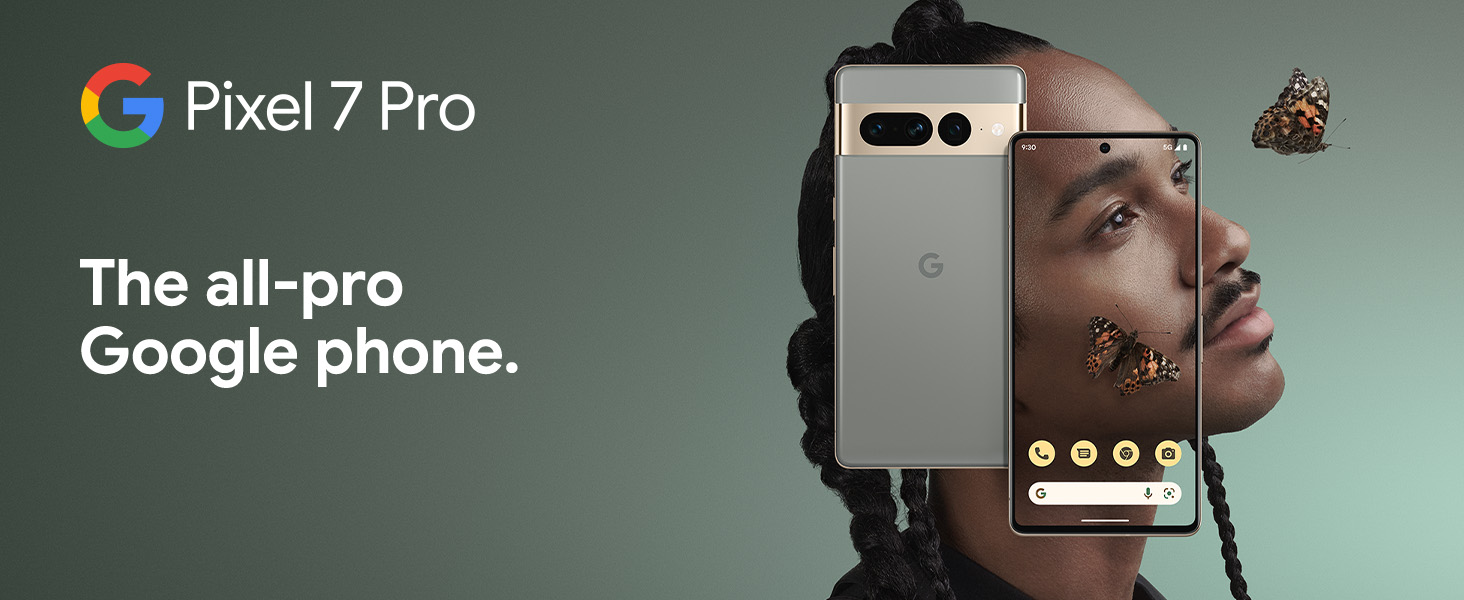
Google Pixel 7 Pro
Manuale d'uso
Model: GE2AE | Brand: Google
Introduzione
The Google Pixel 7 Pro is a powerful 5G Android smartphone designed for an exceptional user experience. Powered by the Google Tensor G2, it offers fast and secure performance, an immersive display, and extended battery life. This manual provides essential information for setting up, operating, maintaining, and troubleshooting your device.
Cosa c'è nella scatola
Upon unboxing your Google Pixel 7 Pro, you should find the following items:
- Cell Phone (Google Pixel 7 Pro)
- Cavo USB (per la ricarica e il trasferimento dati)
- SIM Tray Ejector (for accessing the SIM card slot)
- Quick Switch Adapter (for easy data transfer from your old phone)
- Quick Start Guide (a brief setup guide)

Impostare
Follow these steps to set up your new Google Pixel 7 Pro:
- Inserire la carta SIM: Utilizzare l'apposito strumento per l'estrazione della SIM in dotazione per aprire lo slot della scheda SIM sul lato del telefono. Inserire la scheda nano-SIM nel vassoio e reinserirla nel telefono.
- Accensione: Tieni premuto il pulsante di accensione sul lato del dispositivo finché non appare il logo Google.
- Configurazione iniziale: Follow the on-screen prompts to select your language, connect to Wi-Fi, and sign in with your Google account.
- Trasferimento dati: If you are transferring data from an old device, use the Quick Switch Adapter and follow the instructions. Note that some third-party apps and data may not transfer automatically. For more information, visit g.co/pixel/copydatahelp.
- Sblocco delle impronte digitali: Set up the on-screen fingerprint sensor for secure and convenient unlocking.

Utilizzo del dispositivo
Caratteristiche principali
- Processore Google Tensor G2: Experience fast and efficient performance with improved AI capabilities for smarter features.
- Connettività 5G: Enjoy high-speed internet access on major carrier networks (requires a 5G data plan, sold separately).
- Batteria adattiva: Designed to last over 24 hours with typical usage, extending up to 72 hours with Extreme Battery Saver mode.
- Smooth 120Hz Display: The 6.7-inch display intelligently adjusts its refresh rate for smooth scrolling and responsive interactions.
- Chip di sicurezza Titan M2: Multiple layers of hardware security protect your personal information and data.
- Google Assistant and Find My Device: Utilize hands-free voice commands and easily locate your device if lost.
- Durable and Water Resistant Design: Built to withstand daily use, with an IP68 rating for dust and water resistance.
Caratteristiche della fotocamera
The Pixel 7 Pro features an advanced triple camera system, enabling you to capture stunning photos and videos in various conditions:
- Sensore principale da 50 MP: Per immagini dettagliate e ad alta risoluzione.
- Obiettivo ultragrandangolare da 12 MP: Capture broader scenes with a wider field of view.
- Teleobiettivo da 48 MP: Offers 4x optical zoom for clear, detailed shots from a distance.
Advanced features include Macro Focus for extreme close-ups, Cinematic Blur for professional-looking videos, and improved low-light photography.

Resistenza all'acqua e alla polvere (IP68)
Your Pixel 7 Pro is designed to be water and dust resistant, with an IP68 rating under IEC standard 60529. This means it can withstand submersion in up to 1.5 meters of fresh water for up to 30 minutes. While durable, water and dust resistance are not permanent conditions and may diminish over time with normal wear and tear. Avoid intentional submersion or exposure to harsh chemicals.

Manutenzione
To ensure the longevity and optimal performance of your Google Pixel 7 Pro, follow these maintenance guidelines:
- Pulizia: Utilizzare un panno morbido e privo di lanugine per pulire lo schermo e il corpo del telefono. Per le macchie ostinate, leggermente dampen the cloth with water. Avoid abrasive materials or harsh cleaning agents.
- Protezione: Consider using a protective case and screen protector to guard against scratches and accidental drops.
- Temperatura: Evitare di esporre il telefono a temperature estreme (molto calde o molto fredde), poiché ciò potrebbe compromettere la durata della batteria e i componenti interni.
- Ricarica: Use only Google-approved chargers and cables to prevent damage to the battery and charging port.
- Aggiornamenti software: Keep your device's software updated to the latest version to benefit from security patches, bug fixes, and new features.
Risoluzione dei problemi
If you encounter issues with your Pixel 7 Pro, try the following common troubleshooting steps:
- Riavvia dispositivo: A simple restart can often resolve minor software glitches. Press and hold the power button, then tap "Restart."
- Controlla gli aggiornamenti: Ensure your Android operating system is up to date. Go to Settings > System > System update.
- Cancella cache app: Se un'app specifica causa problemi, prova a svuotarne la cache. Vai su Impostazioni > App > Visualizza tutte le app, seleziona l'app, quindi Archiviazione e cache > Svuota cache.
- Modalità provvisoria: Booting into Safe Mode can help identify if a third-party app is causing problems. Press and hold the power button, then touch and hold "Power off." Tap "OK" when prompted to restart in Safe Mode.
- Ripristino di fabbrica: Come ultima risorsa, puoi eseguire un ripristino delle impostazioni di fabbrica. Attenzione: questa operazione cancellerà tutti i dati presenti sul telefono. Esegui il backup dei dati importanti prima di procedere. Vai su Impostazioni > Sistema > Opzioni di ripristino > Cancella tutti i dati (ripristino dati di fabbrica).
- Contatta l'assistenza: If the issue persists, contact Google Support for further assistance.
Specifiche
Detailed technical specifications for the Google Pixel 7 Pro (Obsidian, 256GB model):
| Caratteristica | Specificazione |
|---|---|
| Dimensioni del prodotto | 6.42 x 3.02 x 0.34 pollici |
| Peso dell'articolo | 7.4 once |
| ASIN | B0BCQVFQHD |
| Numero modello articolo | GE2AE |
| Batterie | 1 batterie agli ioni di litio richieste. (incluse) |
| Sistema operativo | Androide 13.0 |
| Memoria RAM | 12 GB |
| Capacità di archiviazione della memoria | 256 GB |
| Tecnologie di comunicazione wireless | Bluetooth |
| Tecnologie di connettività | Bluetooth, NFC, Wi-Fi |
| GPS | VERO |
| Input dell'interfaccia umana | Schermo tattile |
| Risoluzione scanner | 2560x1440 |
| Altre caratteristiche della fotocamera | Anteriore posteriore |
| Presa audio | Nessun jack per le cuffie |
| Fattore di forma | Sbarra |
| Colore | Ossidiana |
| Potenza nominale della batteria | 4926 mAh |
| Tempo di conversazione telefonica | 24 ore |
| Produttore | |
| Data prima disponibilità | 6 ottobre 2022 |
| Dimensioni di visualizzazione dello schermo in piedi | 6.7 pollici |
| Velocità della CPU | 2.85 GHz |
| Frequenza di aggiornamento | Frequenza 120 Hz |
| Nome del modello | Pixel 7 Pro |
| Operatore di telefonia mobile | Sbloccato per tutti i vettori |
Garanzia e supporto
Your Google Pixel 7 Pro comes with a Garanzia del produttore di 1 anno, providing comprehensive coverage for peace of mind.
For additional support, frequently asked questions, or to contact customer service, please visit the official Google Support website or the Google Store:
Ask a question about this manual
Ask about setup, troubleshooting, compatibility, parts, safety, or missing instructions. Manuals+ will review the question and use this page’s manual context to help answer it.