
Oral-B P_1651
Oral-B Pro 100 CrossAction Battery Powered Toothbrush User Manual
Modello: P_1651
Introduzione
The Oral-B Pro 100 CrossAction Battery Powered Toothbrush is designed to provide a superior clean compared to a regular manual toothbrush. Its perfectly angled bristles reach deep between teeth for effective plaque removal and healthier gums. This manual provides essential information for the setup, operation, maintenance, and specifications of your Oral-B Pro 100 toothbrush.
Informazioni sulla sicurezza
- Do not use this product as a toy or without adult supervision.
- Le parti piccole possono rappresentare un pericolo di soffocamento.
- Do not chew or bite on the brush head.
- NON UTILIZZARE SU BAMBINI INFERIORI A 3 ANNI.
- Prior to use, ensure the brush head fits well.
- If the product is dropped, the brush head should be replaced before the next use, even if no damage is visible.
- Dispose of or recycle batteries in accordance with local regulations.
Contenuto della confezione
Your Oral-B Pro 100 CrossAction Battery Powered Toothbrush package includes:
- 1 Oral-B Pro 100 Toothbrush Handle (Black)
- 1 CrossAction Brush Head
- 2 batterie AA
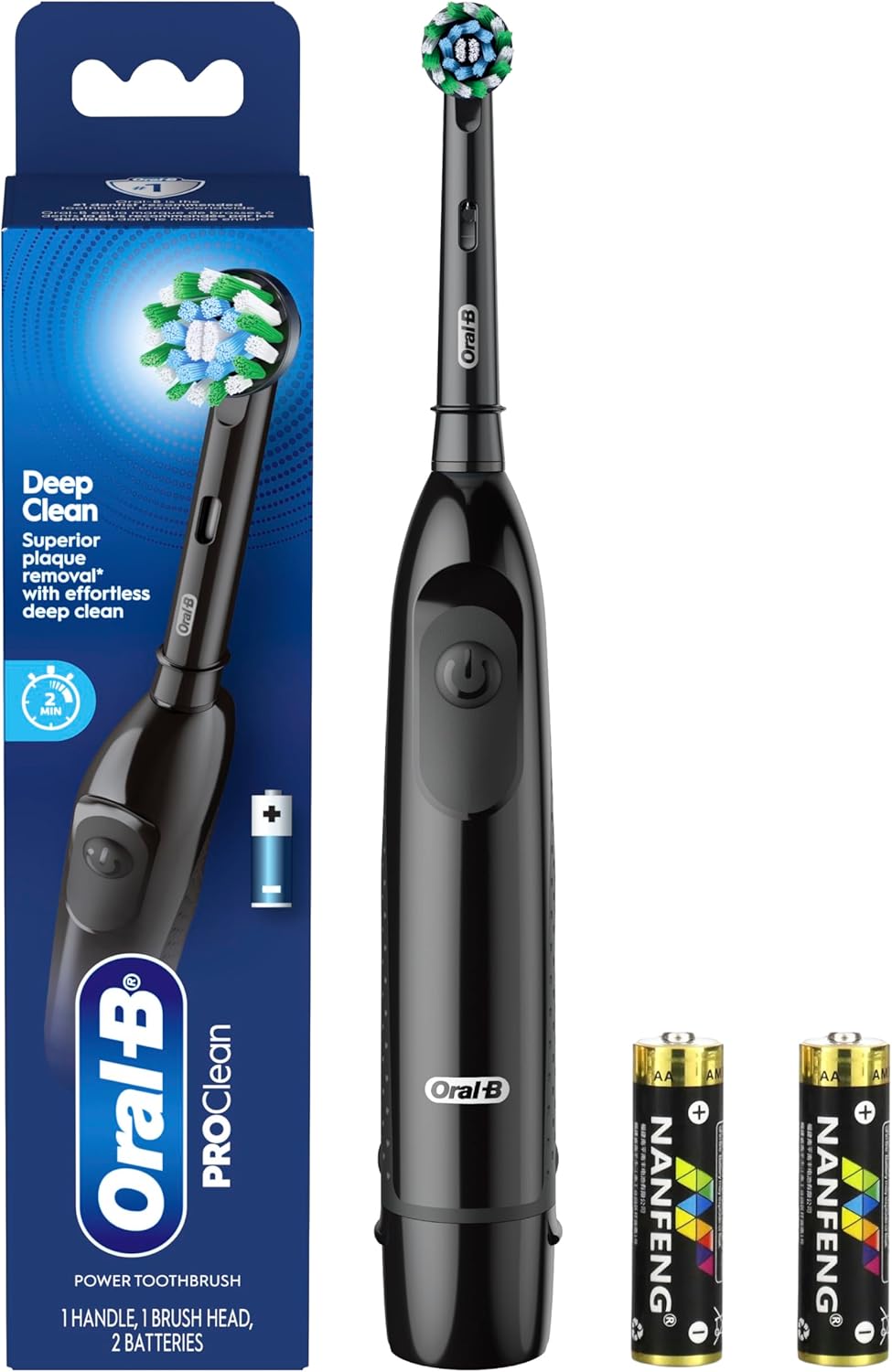
Figure 1: Oral-B Pro 100 Power Toothbrush package contents.
Impostare
1. Inserimento delle batterie
- Remove the battery cover from the bottom of the toothbrush handle by pressing the two small bumps on each side and pulling down.
- Inserire le due batterie AA, assicurandosi della corretta polarità (+/-).
- Replace the battery cover, pushing it firmly until it clicks into place.

Figure 2: Inserting AA batteries into the toothbrush handle.
2. Fissaggio della testina della spazzola
- Allineare la testina con l'asta metallica sul manico dello spazzolino.
- Push the brush head down firmly until it snaps into place. Ensure the small plastic grommet is in place to secure the head.
Istruzioni per l'uso
1. Accensione/spegnimento
- Press the power button (marked with a universal power symbol) to turn the toothbrush on.
- Premere nuovamente il pulsante di accensione per spegnere lo spazzolino.

Figure 3: Oral-B Pro 100 Toothbrush with power button.
2. Tecnica di spazzolatura
- Applicare una piccola quantità di dentifricio sulla testina dello spazzolino.
- Place the brush head against your teeth, ensuring it covers one tooth at a time.
- Move the brush head slowly from tooth to tooth, allowing the rotating action to clean each surface. The round brush head is designed for a tooth-by-tooth clean.
- The toothbrush features a 2-minute coaching timer, which helps ensure you brush for the dentist-recommended duration.

Figure 4: The round brush head provides superior cleaning.

Figure 5: Daily cleaning with the Oral-B Pro 100.
Manutenzione
1. Pulizia
- After each use, switch off the handle and remove the brush head.
- Rinse both parts separately with water.
- Wipe them dry before reassembling.
2. Sostituzione della testina dello spazzolino
- Replace the brush head every 3 months, or sooner if the brush head becomes worn or no longer fits properly.
- The Oral-B Pro 100 is compatible with various Oral-B brush heads, including CrossAction, Sensitive Gum Care, FlossAction, and 3D White. Ensure you use genuine Oral-B replacement brush heads.
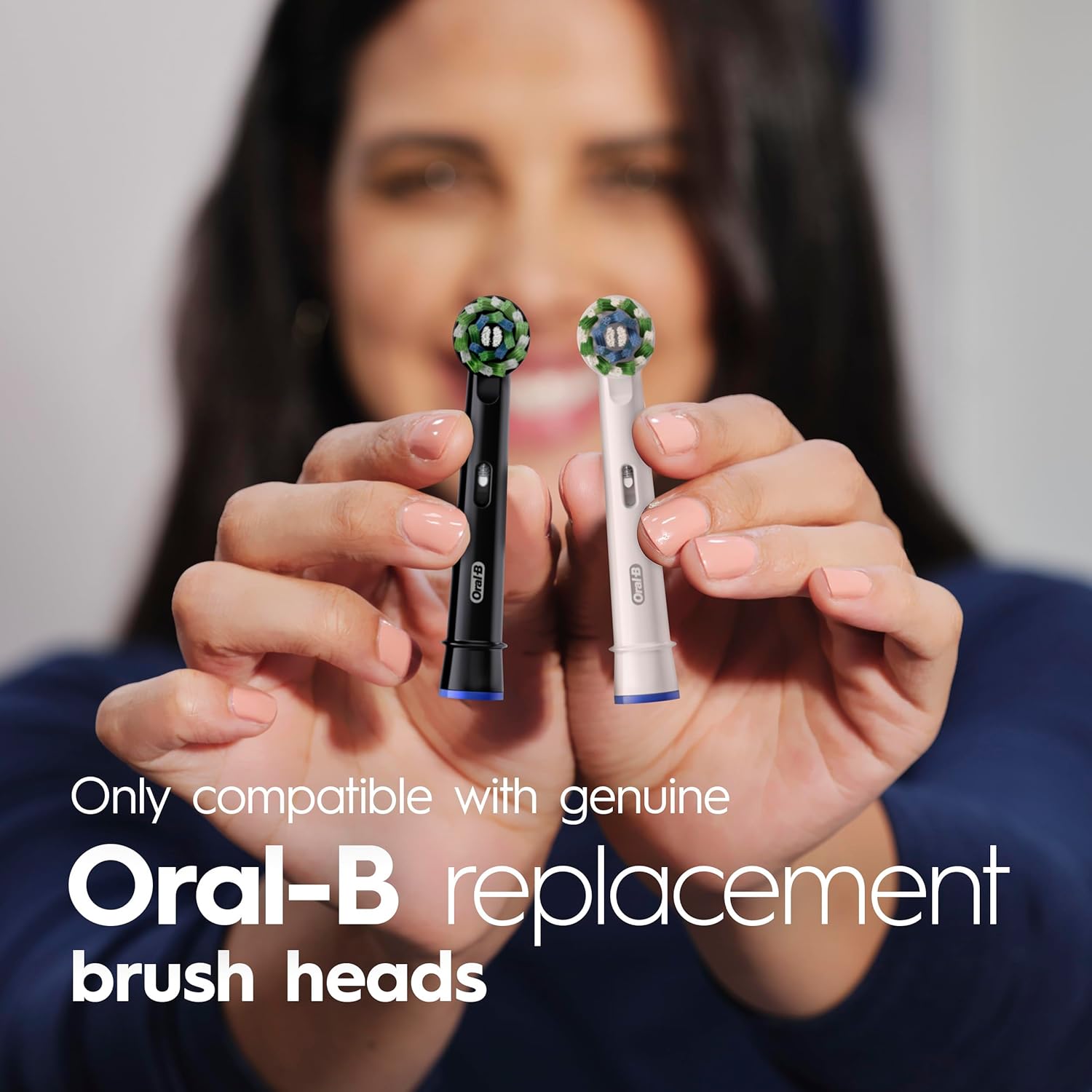
Figure 6: Replace brush head every 3 months.

Figure 7: Compatible with genuine Oral-B replacement brush heads.
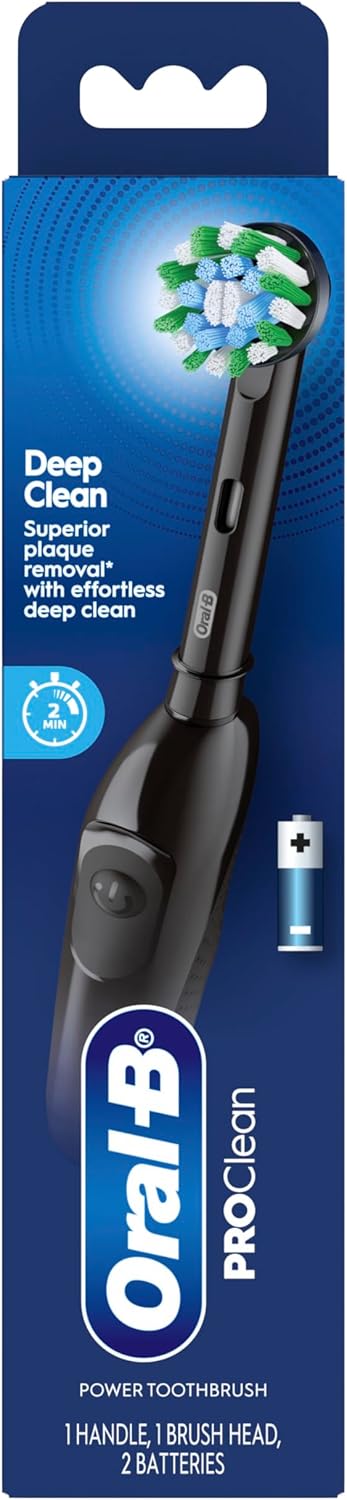
Figure 8: Choose your perfect clean from various Oral-B brush heads.
Specifiche
| Caratteristica | Dettaglio |
|---|---|
| Marca | Orale B |
| Numero di modello | P_1651 |
| Fonte di alimentazione | Alimentato a batteria (2 batterie AA incluse) |
| Modalità di funzionamento | Automatico |
| Numero di impostazioni | 1 |
| Forma della testina dello spazzolino da denti | Round (CrossAction) |
| Giri al minuto | 9,000 (for superior plaque removal) |
| Timer | 2-minute coaching timer |
| Componenti inclusi | Toothbrush handle, 1 brush head, 2 AA batteries |
| Dimensioni del prodotto | 2.08 x 1.77 x 9.37 pollici |
| Peso dell'articolo | 0.18 chilogrammi (6.35 once) |
| Colore | Nero |
| Materiale della maniglia | Plastica |
| Materiale della setola | Nylon |
Risoluzione dei problemi
1. Toothbrush not turning on or weak performance:
- Controllare che le batterie siano inserite correttamente con la polarità corretta.
- Replace the two AA batteries with new ones. The included batteries are designed for consistent performance, but will eventually need replacement.
2. Brush head feels loose or ineffective:
- Ensure the brush head is firmly snapped onto the handle.
- If the brush head is worn (typically after 3 months of use), replace it with a new genuine Oral-B brush head.
- If the toothbrush was dropped, replace the brush head immediately, even if no visible damage is present.
Risorse aggiuntive
For visual guidance on using and maintaining your Oral-B Pro 100 toothbrush, please refer to the following videos:
Oral-B Battery Operated Toothbrush Review - Watch First
Description: A detailed review of the Oral-B Battery Operated Toothbrush, covering its features and performance.
Unboxing the EASY to Assemble OralB Pro100
Description: This video demonstrates the unboxing and easy assembly process of the Oral-B Pro 100 toothbrush.
Why I bought the Oral-B Pro 100 Battery Powered Electric Toothbrush
Description: A user shares their reasons for choosing the Oral-B Pro 100 Battery Powered Electric Toothbrush.
Oral-B Pro 100 3D White, Battery Toothbrush Review
Description: A review focusing on the Oral-B Pro 100 with a 3D White brush head.
Watch for honest review
Description: An honest review of the Oral-B Pro 100 Battery Powered Toothbrush.
What you need to know about this Tooth Brush...
Descrizione: Un oltreview of key information regarding the Oral-B Pro 100 Toothbrush.
Is it good quality?
Description: A video assessing the quality of the Oral-B Pro 100 Battery Powered Toothbrush.
I like this tooth brush
Description: A user's positive feedback and demonstration of the Oral-B Pro 100 toothbrush.
Watch Before Buy Oral-B Oral B Pro 100 3D Battery Toothbrush
Description: A quick overview of the Oral-B Pro 100 3D Battery Toothbrush for potential buyers.
Garanzia e supporto
For warranty information or customer support, please refer to the official Oral-B website or contact their customer service directly. Details can typically be found on the product packaging or through the manufacturer's official channels.
Ask a question about this manual
Ask about setup, troubleshooting, compatibility, parts, safety, or missing instructions. Manuals+ will review the question and use this page’s manual context to help answer it.