
Introduzione
The CLIKBUTM Rechargeable Presentation Clicker (Model: WP76-R) is a versatile wireless presenter designed to enhance your presentations. It features a red light laser pointer, intuitive controls for navigating slides, and broad compatibility with various operating systems and presentation software. Its compact, metal design ensures durability and portability, making it an essential tool for professionals and educators.
Prodotto finitoview
The CLIKBUTM Presentation Clicker is engineered for ease of use and reliability. Below are the key components and their functions:
- Cliccatore di presentazione: The main unit with control buttons and a laser pointer.
- 2-in-1 USB-C & USB-A Dongle: A versatile receiver that supports both USB-A and Type-C ports.
- Batteria ricaricabile: Integrated Lithium Ion battery for long-lasting performance.

Image: The CLIKBUTM Presentation Clicker showing its main control buttons and sleek design.

Image: The innovative 2-in-1 USB-C and USB-A dongle, highlighting its dual compatibility.

Image: The magnetic storage compartment for the USB dongle, ensuring it is securely stored when not in use.
Impostare
1. Carica del dispositivo
The CLIKBUTM Presentation Clicker comes with a built-in rechargeable Lithium Ion battery. Before first use, or when the low power indicator lights up, charge the device using the provided cable.
- Locate the charging port on the side of the clicker.
- Connect the charging cable to the clicker and a compatible USB power source (e.g., computer USB port, wall adapter).
- A full charge takes approximately 55 minutes. The device offers over two months of worktime or 200 days of standby time on a single charge.

Image: The presentation clicker being charged, illustrating its fast charging capability and extended battery life.
2. Collegamento del ricevitore
The 2-in-1 USB-C & USB-A dongle allows for broad compatibility with various laptops and computers.
- Retrieve the 2-in-1 dongle from its magnetic storage compartment within the clicker.
- Insert the dongle into an available USB-A or USB-C port on your computer. The system will automatically recognize the device (plug-and-play, no software installation required).
- Ensure the clicker's power switch (located on the side) is in the "ON" position.

Image: The presentation clicker and its USB dongle, ready for connection to a laptop.
Istruzioni per l'uso
Once connected, the CLIKBUTM Presentation Clicker provides seamless control over your presentations.
Funzioni dei pulsanti:
| Pulsante | Funzione |
|---|---|
| Laser Pointer Button | Activates the red light laser pointer (range up to 328FT/100M). |
| Page Up / Full Screen Button | Moves to the previous slide. Long press for Full Screen mode. |
| Page Down / Black Screen Button | Moves to the next slide. Long press for Black Screen mode. |
| Pulsante di aumento del volume | Aumenta il volume del sistema. |
| Pulsante di riduzione del volume | Riduce il volume del sistema. |
| Switch Windows Button | Switches between open windows (functionality may vary by OS). |
| Power Switch (Side) | Turns the device ON or OFF to conserve battery. |
The wireless control distance for slide navigation is up to 100FT.
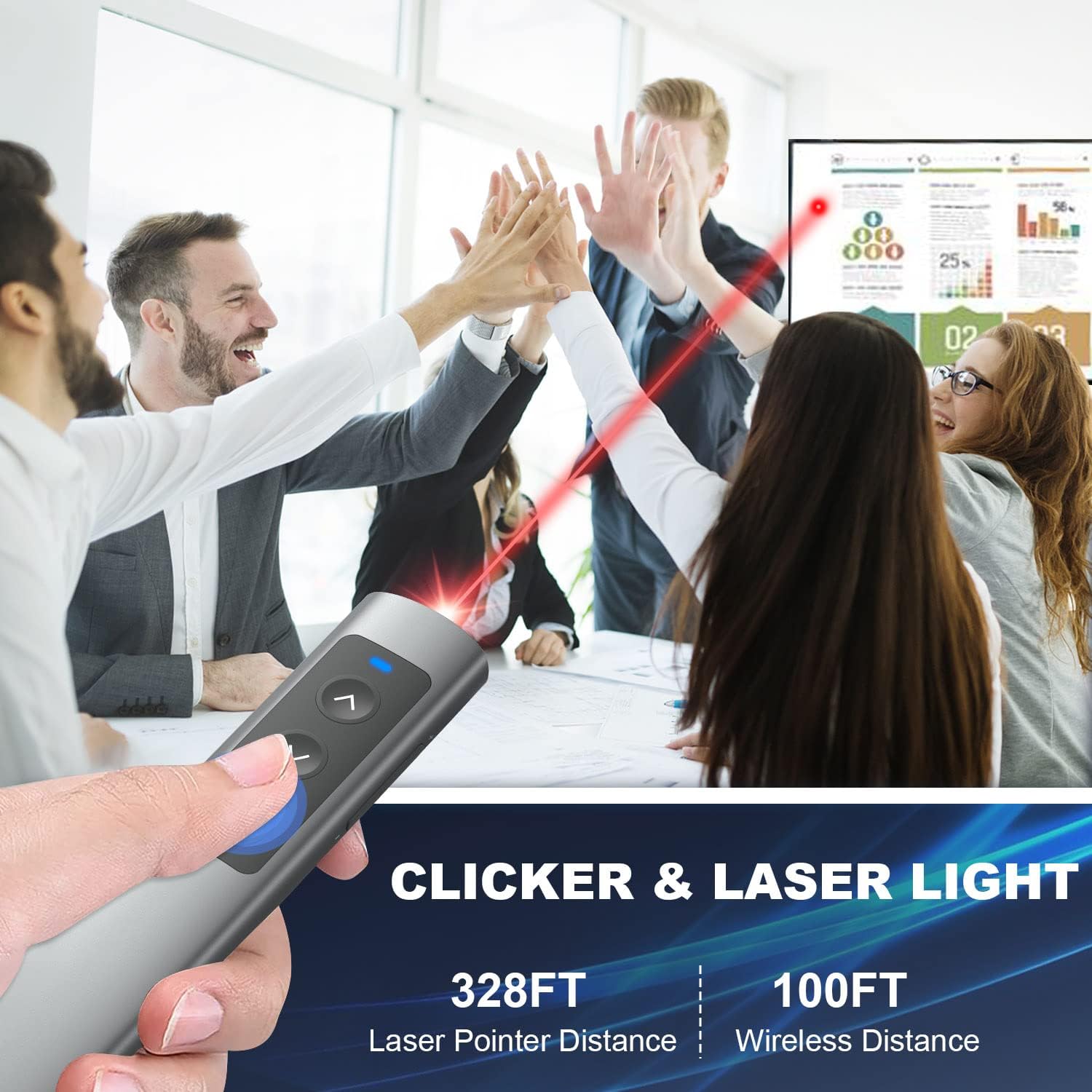
Image: A user demonstrating the clicker's functionality during a presentation, highlighting its effective range.
Compatibilità:
The CLIKBUTM Presentation Clicker offers wide compatibility with various operating systems and presentation software:
- Sistemi operativi: Windows 2003/XP/Vista/7/8/10, Mac OS, Linux.
- Software: PowerPoint, Keynote, Prezi, Word, Excel, ACD See, iWork, and more.
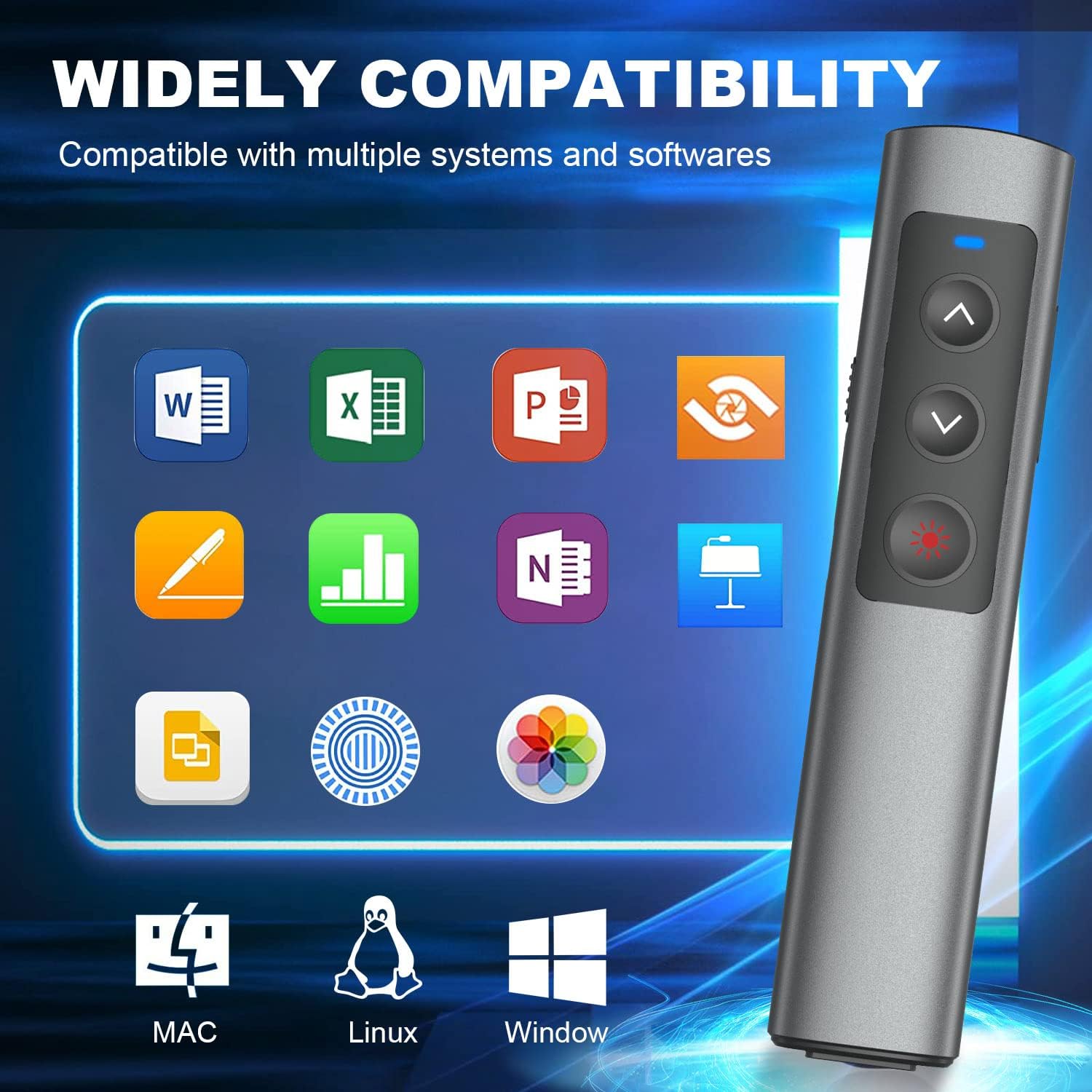
Image: Visual representation of the clicker's broad compatibility with different operating systems and office software.
Manutenzione
To ensure the longevity and optimal performance of your CLIKBUTM Presentation Clicker, follow these maintenance guidelines:
- Pulizia: Use a soft, dry cloth to clean the surface of the clicker. Avoid using harsh chemicals or abrasive materials.
- Magazzinaggio: When not in use, store the clicker in a cool, dry place. Ensure the USB dongle is securely placed in its magnetic compartment to prevent loss.
- Cura della batteria: Recharge the device regularly, even if not frequently used, to maintain battery health. Avoid fully depleting the battery for extended periods.
- Evitare condizioni estreme: Non esporre il dispositivo a temperature estreme, alla luce solare diretta o a elevata umidità.
Risoluzione dei problemi
If you encounter any issues with your CLIKBUTM Presentation Clicker, please refer to the following common troubleshooting steps:
- Il dispositivo non risponde:
- Ensure the clicker's power switch is in the "ON" position.
- Verify the USB dongle is securely inserted into a working USB port on your computer.
- Check the battery level. If low, recharge the clicker.
- Prova a inserire il dongle in una porta USB diversa.
- Puntatore laser non funzionante:
- Ensure the clicker is powered on.
- Premere con decisione il pulsante laser.
- Controllare il livello della batteria e ricaricarla se necessario.
- Slide Navigation Issues:
- Confirm the clicker is within the 100FT wireless control range of the dongle.
- Ensure your presentation software is active and in focus on your computer.
- Verificare la presenza di eventuali software o driver in conflitto.
Se il problema persiste dopo aver provato questi passaggi, contattare l'assistenza clienti per ulteriore assistenza.
Specifiche
| Caratteristica | Dettaglio |
|---|---|
| Marca | CLIKBUTM |
| Numero di modello | WP76-R |
| Dimensioni del prodotto | 5.57 x 1.18 x 0.52 pollici |
| Peso dell'articolo | 2.39 once |
| Colore | Nero |
| Tipo di batteria | 1 batteria agli ioni di litio (inclusa) |
| Tempo di ricarica | Circa 55 minuti |
| Worktime / Standby Time | 2+ months worktime / 200 days standby |
| Distanza di controllo wireless | Fino a 100 piedi |
| Gamma laser | Up to 328FT / 100M (Red Light) |
| Connettività | 2-in-1 USB-A & USB-C Dongle |
| Dispositivi compatibili | Computer portatile |
| Compatibilità del sistema operativo | Windows 2003/XP/Vista/7/8/10, Mac OS, Linux |
| Compatibilità software | PowerPoint, Keynote, Prezi, Word, Excel, ACD See, iWork, etc. |
| Produttore | Dongguan Baiyejia Electronic Co.,Ltd. |
Garanzia e supporto
CLIKBUTM products are manufactured with high-quality standards. For information regarding warranty coverage, technical support, or any product-related inquiries, please refer to the contact information provided on the product packaging or visit the official CLIKBUTM websito.
Conservare la prova d'acquisto per eventuali richieste di garanzia.