
1. Introduzione
This manual provides instructions for the Jabra Elite 4 Active in-ear Bluetooth earbuds. These earbuds are designed for an active lifestyle, offering a secure fit, advanced audio features, and durability.

Image: Two black Jabra Elite 4 Active earbuds, showcasinil loro design elegante.
2. Configurazione e associazione
2.1 Configurazione iniziale
- Carica gli auricolari: Place both earbuds into the charging case and connect the case to a power source using the provided USB-C to USB-A cable. Ensure the earbuds and case are fully charged before first use.
- Download the Jabra Sound+ App: For full functionality and customization, download the Jabra Sound+ app from your device's app store.
2.2 Associazione Bluetooth
- Apri la custodia di ricarica e rimuovi gli auricolari.
- Sul tuo smartphone o dispositivo, vai alle impostazioni Bluetooth.
- Select "Jabra Elite 4 Active" from the list of available devices to pair.
- Seguire le istruzioni visualizzate sullo schermo per completare il processo di associazione.
3. Istruzioni per l'uso
3.1 Active Noise Cancellation (ANC) and HearThrough
The earbuds feature Active Noise Cancellation (ANC) to reduce ambient noise and HearThrough technology to allow you to hear your surroundings. These modes can be toggled via the physical buttons on the earbuds or through the Jabra Sound+ app.

Image: A woman engaged in boxing, wearing the Jabra Elite 4 Active earbuds, highlighting the noise control features.
3.2 Personalizzazione del suono
Utilize the Jabra Sound+ app to personalize your audio experience. The app offers a customizable equalizer with bass boost options and various music presets to tailor the sound to your preferences.
3.3 Funzionalità di chiamata
The earbuds are equipped with four built-in microphones, protected against wind noise, to ensure clear conversations during calls, even in noisy environments.
3.4 Modalità mono
For added convenience, the earbuds support Mono Mode, allowing you to use either earbud independently while the other charges in the case.
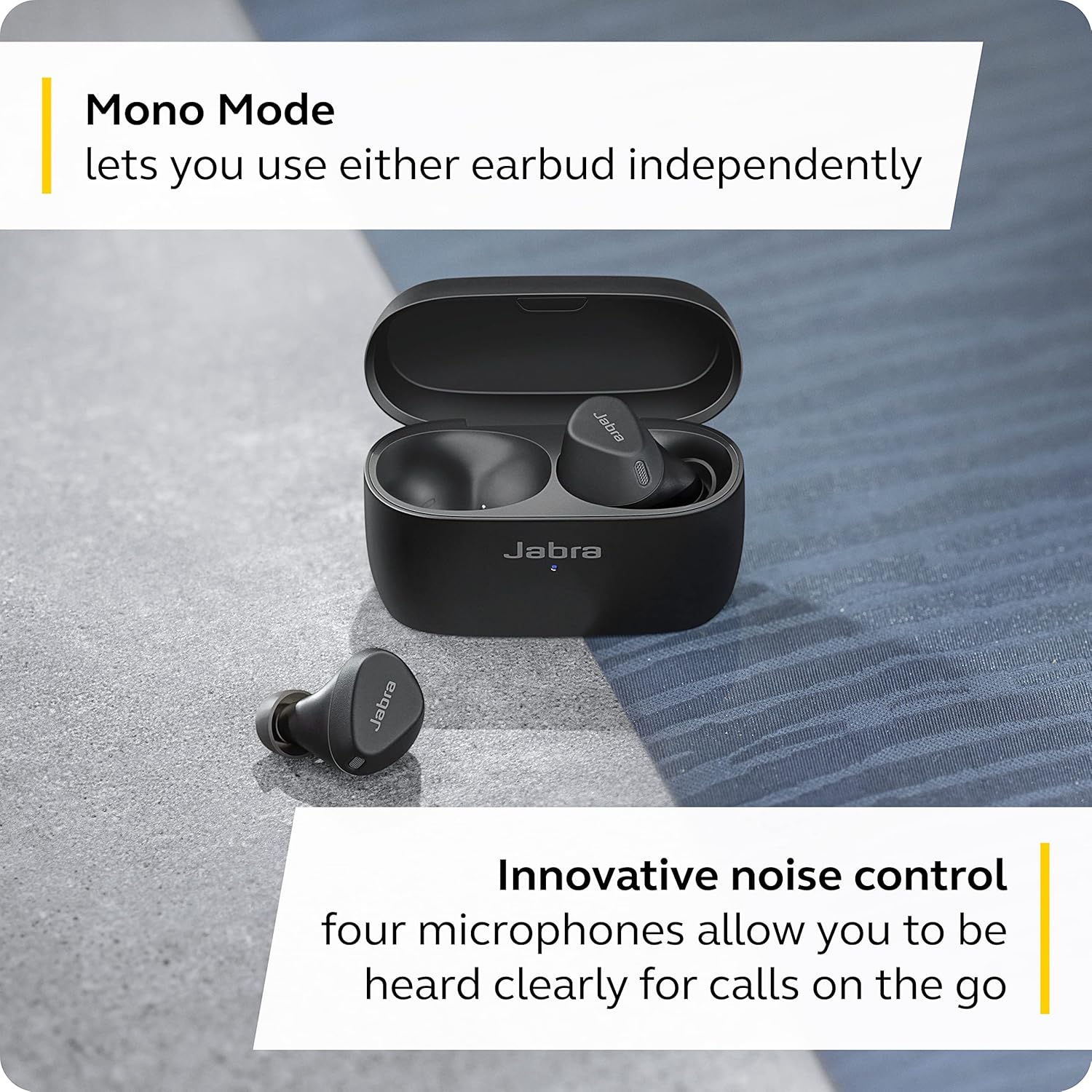
Image: The Jabra Elite 4 Active charging case with one earbud inside and one removed, illustrating the Mono Mode capability.
3.5 Integrazione dell'assistente vocale
Seamlessly connect to your music or access information by activating Siri, Android-compatible Spotify Tap playback, or Alexa Built-in with a voice command or tap, without needing to reach for your phone. Google Fast Pair is also supported for quick pairing with Android devices.
4. Batteria e ricarica
The Jabra Elite 4 Active earbuds offer up to 7 hours of battery life per earbud. The charging case provides an additional 28 hours of battery life, totaling 35 hours. The case features a USB-C port for charging and a magnetic docking system to secure the earbuds.
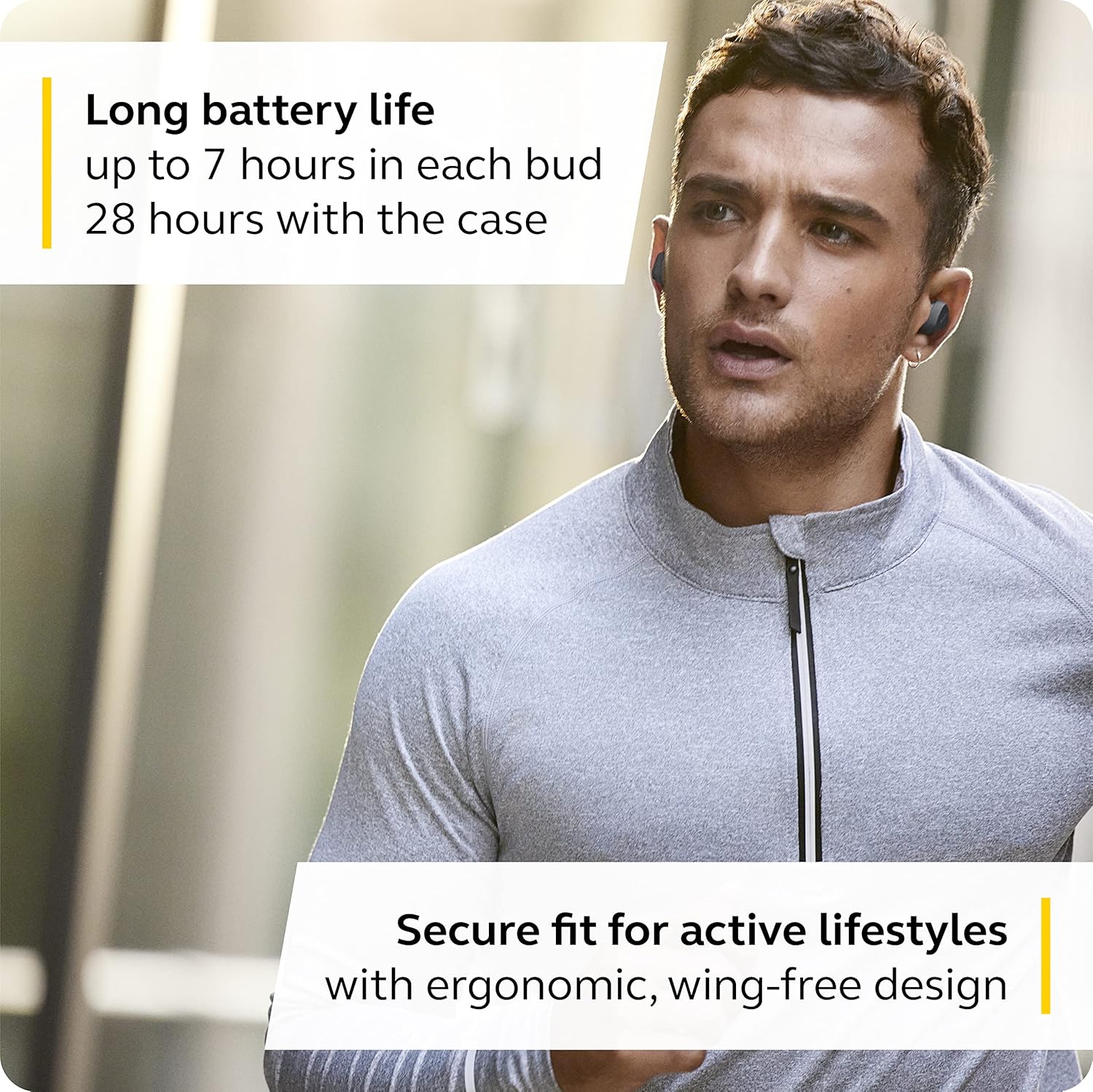
Image: A man running outdoors with Jabra Elite 4 Active earbuds, emphasizing their suitability for active use and extended battery life.
5. Manutenzione
The earbuds are IP57 water- and sweatproof, making them suitable for various activities. After intense workouts or exposure to moisture, ensure the earbuds and charging case are clean and dry before storing or charging to maintain optimal performance and longevity.
6. Risoluzione Dei Problemi
6.1 Problemi di connessione
If you experience difficulty connecting, try the following:
- Assicurati che il Bluetooth sia abilitato sul tuo dispositivo.
- Riposizionare gli auricolari nella custodia di ricarica, chiudere il coperchio, attendere qualche secondo, quindi riaprire il coperchio e riprovare ad associarli.
- Riavvia il dispositivo.
- If issues persist, consult the Jabra Sound+ app for specific troubleshooting steps or perform a factory reset as instructed in the app.
6.2 Qualità del suono
If sound quality is not optimal, ensure the ear tips are correctly sized and seated in your ears for a proper seal. Adjust the equalizer settings in the Jabra Sound+ app to fine-tune the audio output.
7. Specifiche
| Caratteristica | Dettaglio |
|---|---|
| Nome del modello | Elite 4 Attivo |
| Tecnologia di connettività | Senza fili (Bluetooth 5.2) |
| Presa per cuffie | USB-C (per la custodia di ricarica) |
| Durata della batteria (auricolari) | Fino a 7 ore |
| Durata totale della batteria (con custodia) | Fino a 28 ore |
| Livello di resistenza all'acqua | IP57 (Water and Sweatproof) |
| Controllo del rumore | Cancellazione attiva del rumore |
| Caratteristiche speciali | Fast Charging, Lightweight, Multipoint Pairing, HearThrough |
| Microfoni | 4 microfoni incorporati |
| Metodo di controllo | Pulsanti fisici |
| Peso degli auricolari | 5 grammi |
| Peso della custodia di ricarica | 50 grammi |
8. Cosa c'è nella scatola
The Jabra Elite 4 Active package includes:
- 1x Jabra Elite 4 Active In-Ear Bluetooth Earbuds
- 1x Custodia di ricarica
- EarGels in 3 sizes (S, M, L)
- 1x Cavo USB-C a USB-A
- Warning/Warranty Leaflet and Setup Card
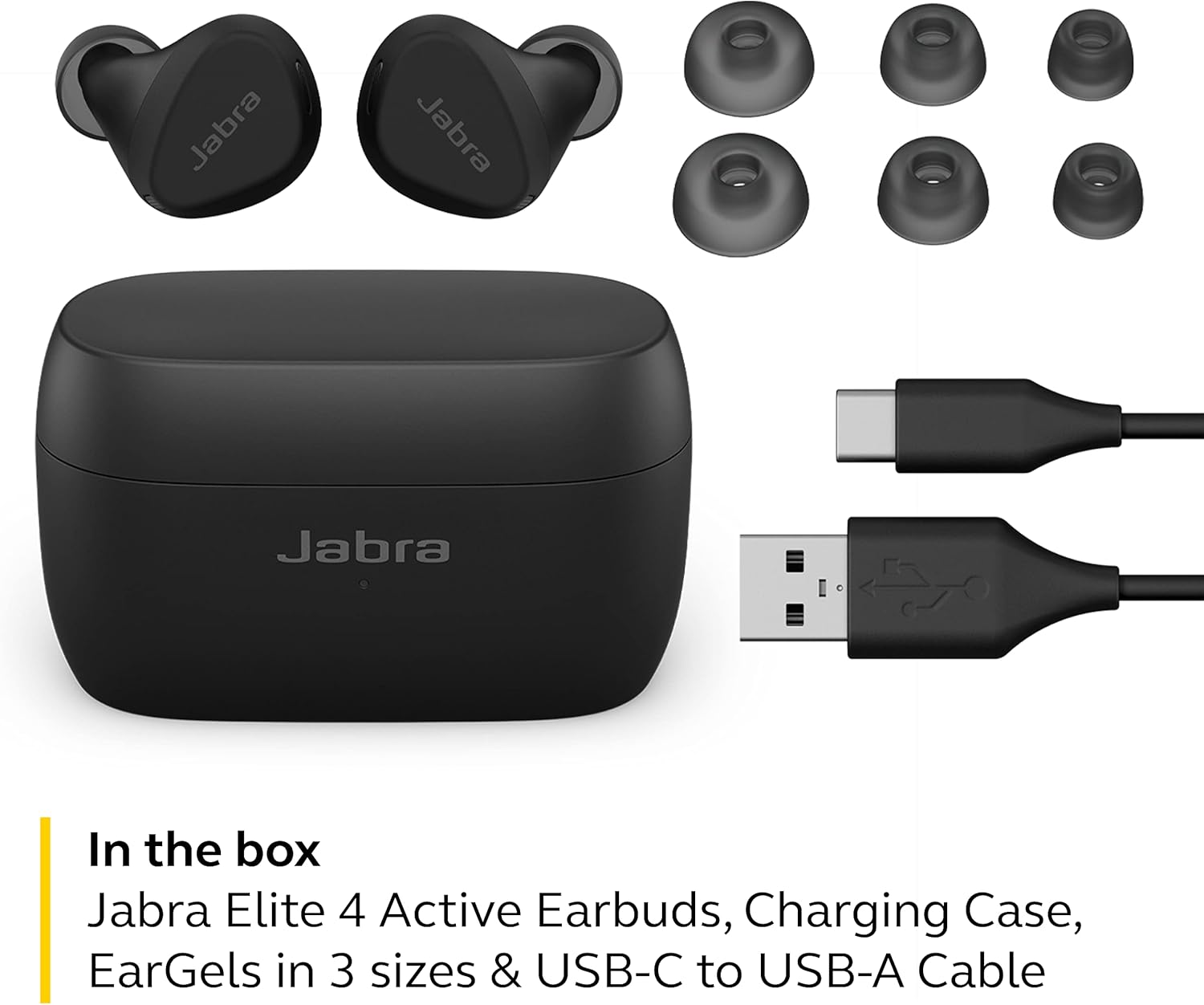
Image: All components included in the Jabra Elite 4 Active product box.
9. Garanzia e supporto
The Jabra Elite 4 Active earbuds come with a 2-year warranty (registration required). For further assistance, troubleshooting, or warranty claims, please visit the official Jabra support websito o contattare il loro servizio clienti.