
1. Prodotto finitoview
The Enventor 20V 4.0Ah Lithium-Ion Battery (Model 91212) is designed to provide reliable power for your compatible Enventor 20V cordless power tools. This battery features a 4000mAh capacity for extended performance and an integrated LED power indicator to monitor charge status. It incorporates advanced safety features to ensure durability and user protection.

2. Informazioni sulla sicurezza
Always read and understand all safety warnings and instructions before using the battery or any compatible power tool. Failure to follow these instructions may result in electric shock, fire, and/or serious injury.
- Ricarica: Utilizzare solo il caricabatterie specificato dal produttore. Un caricabatterie adatto a un tipo di batteria può comportare il rischio di incendio se utilizzato con un altro tipo di batteria.
- Compatibilità della batteria: This battery is designed ONLY for Enventor 20Volt Cordless Power Tools, including models 95613, 95311, 97805, 97713, 98606, and 97637. Do not use with non-compatible tools or chargers.
- Magazzinaggio: Store the battery pack away from metal objects like paper clips, coins, keys, nails, screws, or other small metal objects that can make a connection from one terminal to another. Shorting the battery terminals together may cause burns or a fire.
- Evitare danni: Do not open, crush, heat above 100°C (212°F), or incinerate the battery pack. Do not expose to water or rain.
- Disposizione: Smaltire le batterie usate in conformità alle normative locali. Non smaltirle tra i rifiuti domestici.
- Temperatura: Do not charge the battery pack in temperatures below 0°C (32°F) or above 45°C (113°F).

3. Configurazione e ricarica
Before first use, fully charge the battery pack. Ensure the battery is securely connected to the charger and the charger is plugged into a suitable power outlet.
- Collegare il caricabatterie: Collegare il caricabatterie a una presa elettrica standard.
- Inserire la batteria: Slide the Enventor 20V 4.0Ah Lithium-Ion Battery onto the charger until it clicks into place.
- Ricarica del monitor: The LED indicator on the battery will show the charging status. Refer to your charger's manual for specific light patterns indicating charging and full charge.
- Rimuovere la batteria: Once fully charged, press the release button on the battery and slide it off the charger.
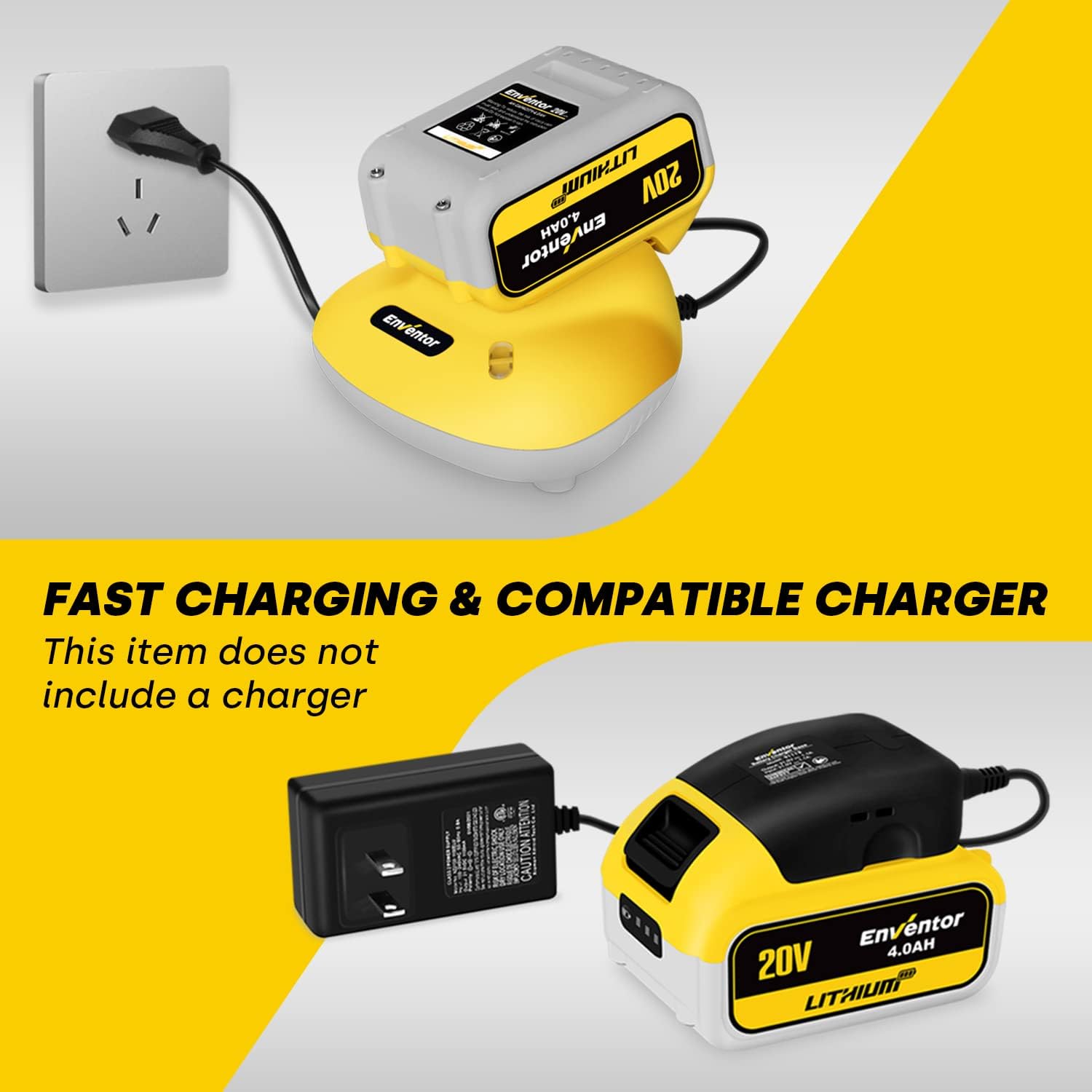
Video 1: This video demonstrates the process of charging an Enventor battery using a compatible charger. It shows how to slide the battery onto the charger and the indicator lights.
4. Operating the Battery with Tools
The Enventor 20V 4.0Ah Lithium-Ion Battery is designed for seamless integration with your Enventor 20V cordless power tools.
- Inserire la batteria: Align the battery with the battery port on your Enventor 20V power tool. Slide the battery into the tool until it clicks securely into place.
- Verifica addebito: Before operating, press the LED power indicator button on the battery to check the remaining charge.
- Rimuovere la batteria: To remove the battery, press the release button (typically located on the sides of the battery) and slide the battery out of the tool.


5. Manutenzione e cura
Proper maintenance ensures the longevity and optimal performance of your Enventor 20V 4.0Ah Lithium-Ion Battery.
- Ricarica regolare: Charge the battery regularly, even if not in use, to maintain its health. Avoid completely draining the battery before recharging.
- Magazzinaggio: Store the battery in a cool, dry place, away from direct sunlight and extreme temperatures. For long-term storage, it is recommended to store the battery with a partial charge (around 50%).
- Pulizia: Keep battery terminals clean and free from dirt or debris. Use a clean, dry cloth to wipe the battery if necessary.
- Evitare l'impatto: Protect the battery from physical impact or drops, as this can damage internal components.

6. Risoluzione Dei Problemi
If you encounter issues with your Enventor 20V 4.0Ah Lithium-Ion Battery, consider the following common solutions:
| Problema | Possibile causa | Soluzione |
|---|---|---|
| Batteria non in carica | Charger not plugged in, faulty charger, damaged battery, extreme temperature. | Ensure charger is properly connected. Check charger for damage. Allow battery to reach room temperature before charging. If issues persist, contact customer support. |
| Strumento non funzionante | Battery not fully charged, battery not properly inserted, incompatible tool. | Ensure battery is fully charged and securely inserted into the tool. Verify the tool is an Enventor 20V cordless power tool. |
| Tempo di esecuzione ridotto | Battery not fully charged, battery nearing end of life, operating in extreme conditions. | Fully charge the battery. Ensure proper storage and usage conditions. Consider replacing the battery if it's old and performance has significantly degraded. |
7. Specifiche
| Caratteristica | Dettaglio |
|---|---|
| Marca | eventor |
| Numero di modello | 91212 |
| Voltage | 20V |
| Capacità della batteria | 4.0 Ah (4000 mAh) |
| Composizione delle celle della batteria | Ioni di litio |
| Peso dell'articolo | 1.57 libbre |
| Dimensioni del pacco | 4.96 x 3.43 x 3.35 pollici |
| Usi consigliati | Strumento di potere |
| Caratteristiche | LED Power Indicator, No Memory Effect, Overcharge Protection, Overheating Protection, Short-circuit Protection |

8. Garanzia e supporto
Enventor provides a worry-free warranty for this product. For any usage or maintenance questions, please contact customer support. We offer 7*24 hours of professional online service. Please refer to your order ID when contacting support for efficient assistance.
Per ulteriore assistenza, visitare il Negozio Enventor.